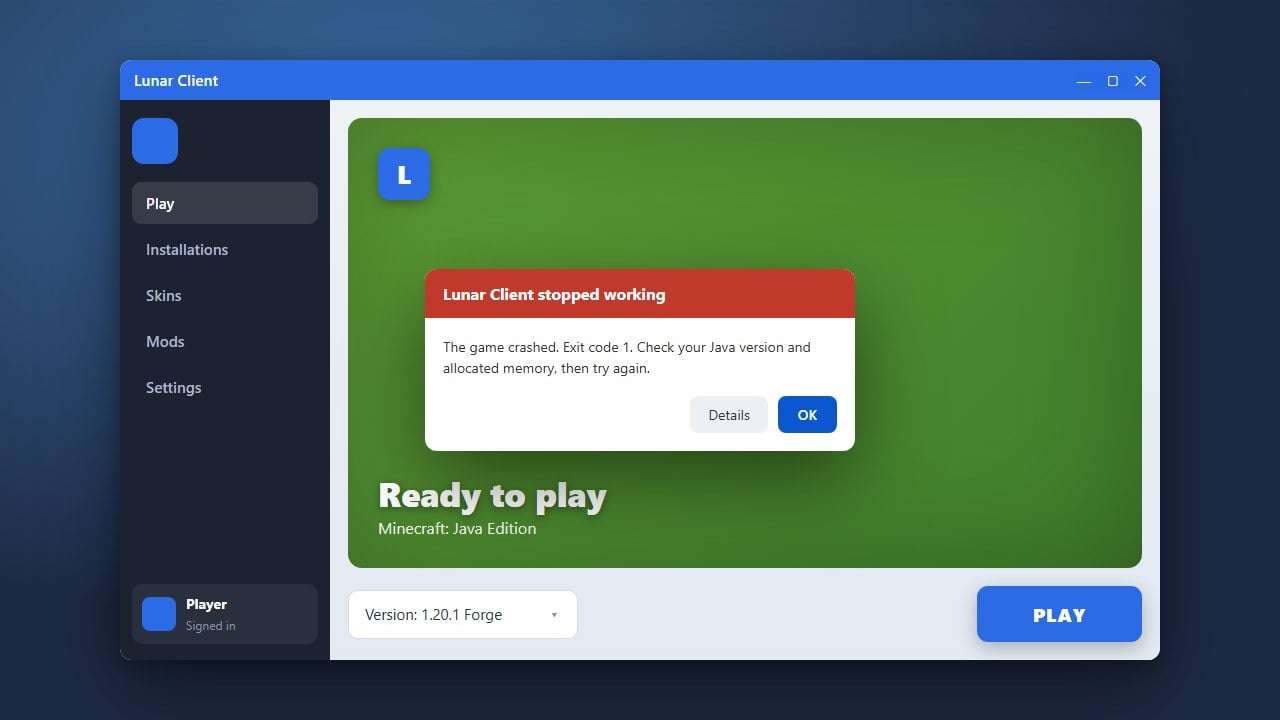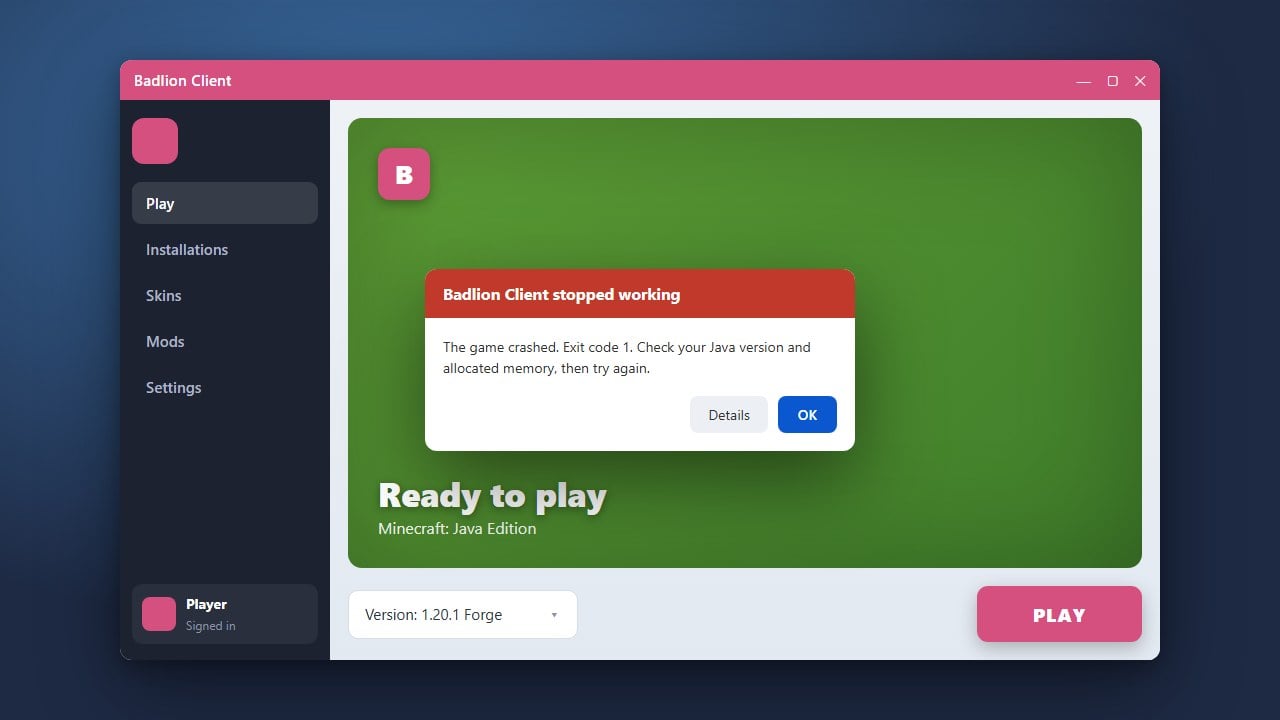
If the Badlion Client is failing to launch, freezing, or crashing on Minecraft Java Edition, don't worry. This guide will walk you through the most effective troubleshooting steps to get your favorite PvP and optimization client running smoothly again. Always make sure you own a legitimate copy of the game and download clients exclusively from official sources to protect your account security.
1. Completely Close Background Processes
Sometimes Badlion Client fails to open because a previous instance is already running silently in the background of your operating system. Open your Task Manager (Ctrl + Shift + Esc on Windows) or Activity Monitor on macOS.
Look for any lingering processes named Badlion Client or Minecraft, right-click them, and select End Task. Once all instances are closed, try launching the client again.
2. Clear the Badlion Client Cache
Corrupted temporary files and outdated game caches are the most common reasons why clients stop working. Clearing your cache forces the application to download fresh, uncorrupted files.
Open your file explorer, navigate to the Badlion settings or application data folder, and delete the cache directory. You can also review our guide on How to Download and Install Badlion Client if you need help setting it up fresh.
3. Update or Reinstall Java
Minecraft Java Edition requires a compatible Java runtime environment to function properly. If your system Java version is outdated or conflicting with the client, Badlion may crash instantly upon startup.
Ensure you have the correct version of Java installed for your current Minecraft version (Java 21 for modern 1.21+ releases). Uninstall any old, conflicting versions of Java from your computer and restart your system.
4. Perform a Clean Reinstallation
If troubleshooting steps do not resolve the issue, a clean reinstallation is usually necessary. Completely uninstall the Badlion Client from your computer, making sure to remove all remaining configuration files.
Download the official installer once more from the verified website. If you are exploring alternative setups, you might also be interested in learning How to Add Mods to Badlion Client after your game is working.
Frequently Asked Questions
Why does Badlion Client crash immediately on startup?
Immediate crashes are usually caused by outdated graphics drivers, conflicting background software, or corrupted game files. Try updating your GPU drivers and clearing your cache.
Do I need a paid Minecraft account to use Badlion Client?
Yes. Badlion Client requires you to log in with a legitimate, paid Microsoft or Mojang account that owns Minecraft Java Edition in order to authenticate and play on servers.