Badlion Client is a popular all-in-one Minecraft Java Edition launcher packed with built-in mods, performance boosters, and anti-cheat features. Please remember that you must own a legal, paid copy of Minecraft and purchase the game from minecraft.net to log in and play.
Always download game clients directly from their official domains. Avoid third-party mirror sites that may bundle adware, malware, or risk compromising your account details.
Visit the Official Badlion Website
Open your web browser and navigate to the official Badlion Client website. Make sure you are downloading the software from the legitimate source to keep your computer and Microsoft account safe from malicious copycats.
Download the Installer for Your Operating System
Click the prominent download button on the homepage. Select the correct installer version for your operating system, whether you are running Windows, macOS, or Linux.
Run the Setup Wizard
Once the installer file finishes downloading, locate it in your downloads folder and double-click to run it. Follow the on-screen prompts provided by the setup wizard to complete the installation process on your computer.
Launch Badlion Client and Log In
Open the newly installed Badlion Client application from your desktop or applications menu. Log in securely using your official Microsoft account credentials linked to your purchased copy of Minecraft Java Edition.
Select Your Version and Play
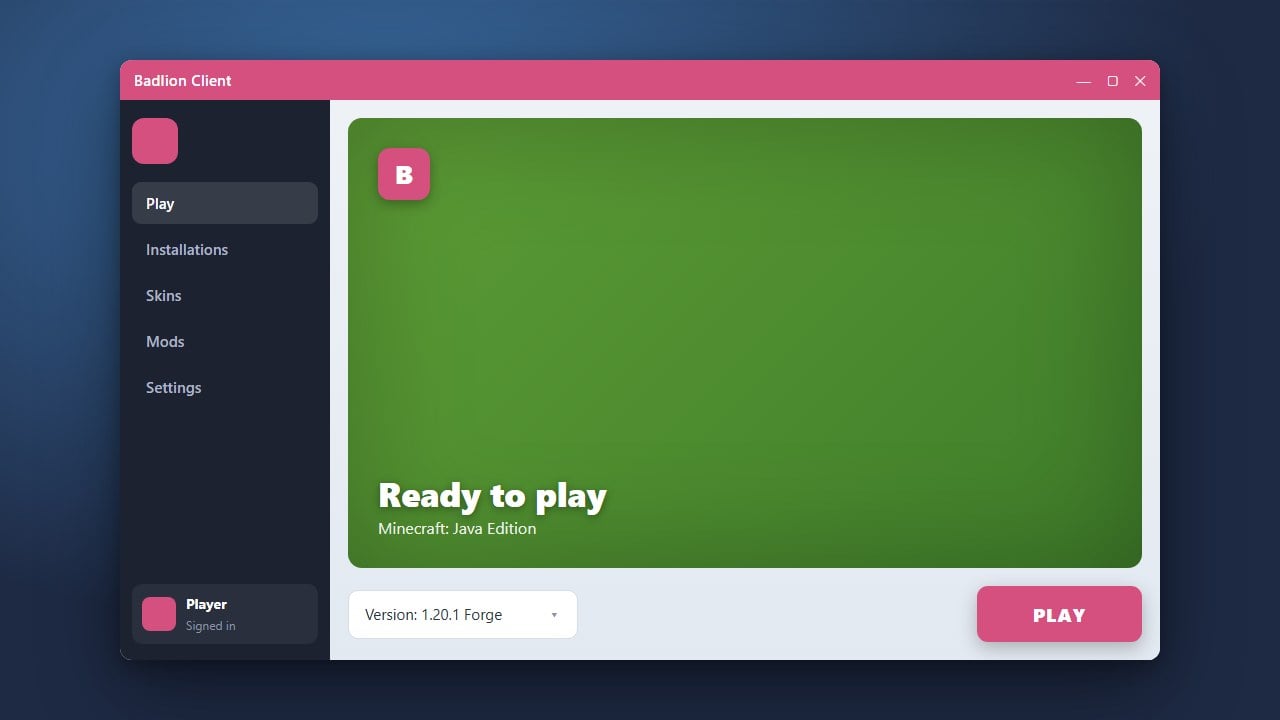
Choose your preferred Minecraft version from the dropdown menu inside the launcher, then click the green launch button. Once your game starts, you can explore optimization settings or learn How to Add Mods to Badlion Client to further customize your experience.
Frequently Asked Questions
Is Badlion Client free to use?
Yes, downloading and using the Badlion Client is completely free. However, you must own a legitimate, paid Minecraft Java Edition account to log in and play on servers.
Can I use custom mods with Badlion Client?
Badlion comes with a massive library of pre-integrated mods, but you can also add supported modifications by following our guide on How to Add Mods to Badlion Client.