Badlion Client is a popular all-in-one launcher and performance booster for Minecraft Java Edition. While it comes packed with hundreds of built-in mods and features, you can also add your own custom .jar mods to personalize your gameplay even further.
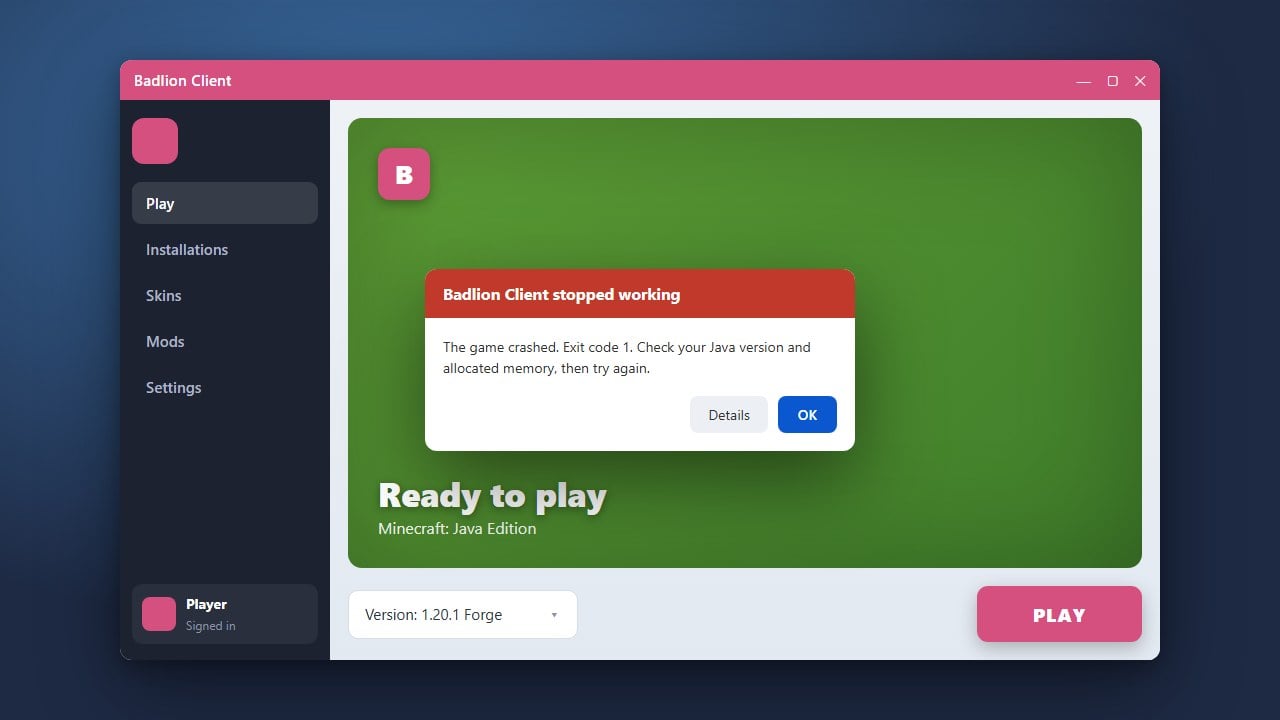
Not all Forge or Fabric mods are compatible with Badlion Client. If a custom mod causes the game to crash, remove it from the folder immediately.
If you enjoy exploring different optimized launchers, you might also want to check out How to Add Mods to Lunar Client or How to Add Mods to Feather Client.
Open the Badlion Client Launcher
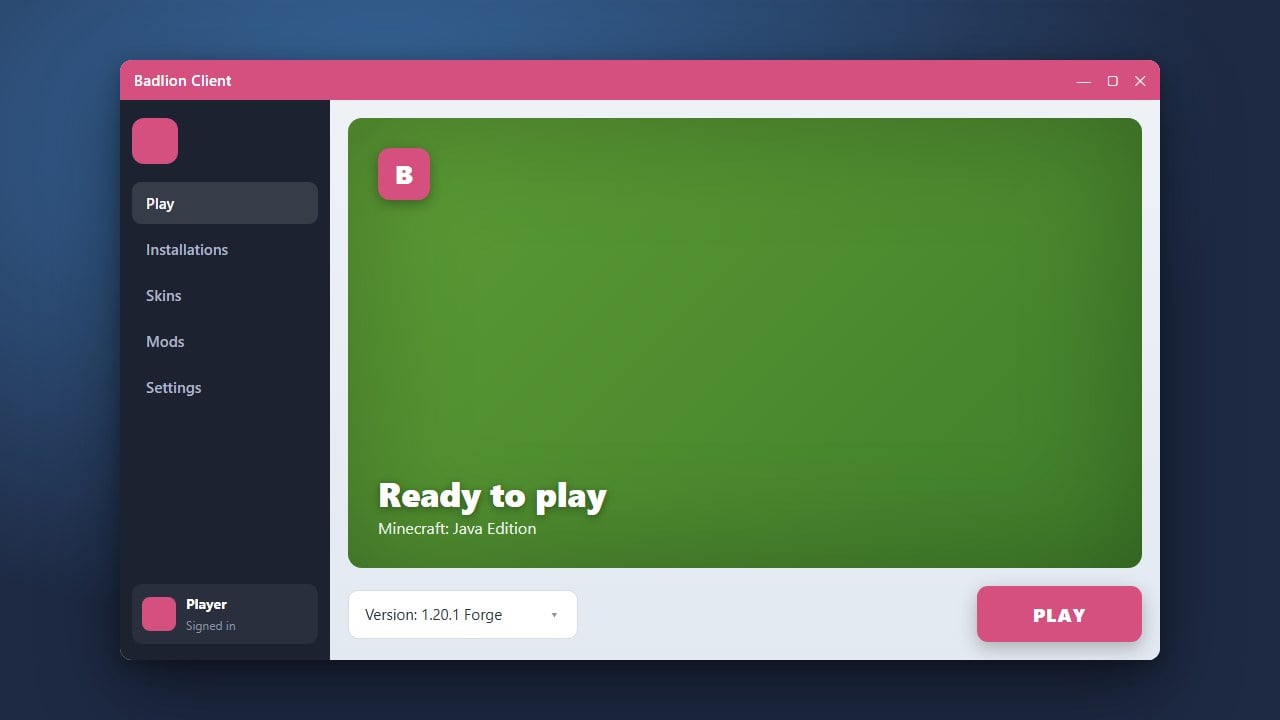
Start by launching the Badlion Client application on your computer. Make sure you are signed into your Minecraft account and have successfully set up the client.
Navigate to the Mods Tab
On the main dashboard of the Badlion Client launcher, look for the Mods or Client Settings section on the left-hand sidebar. This area manages all the modifications loaded into your game.
Locate the Custom Mods Folder
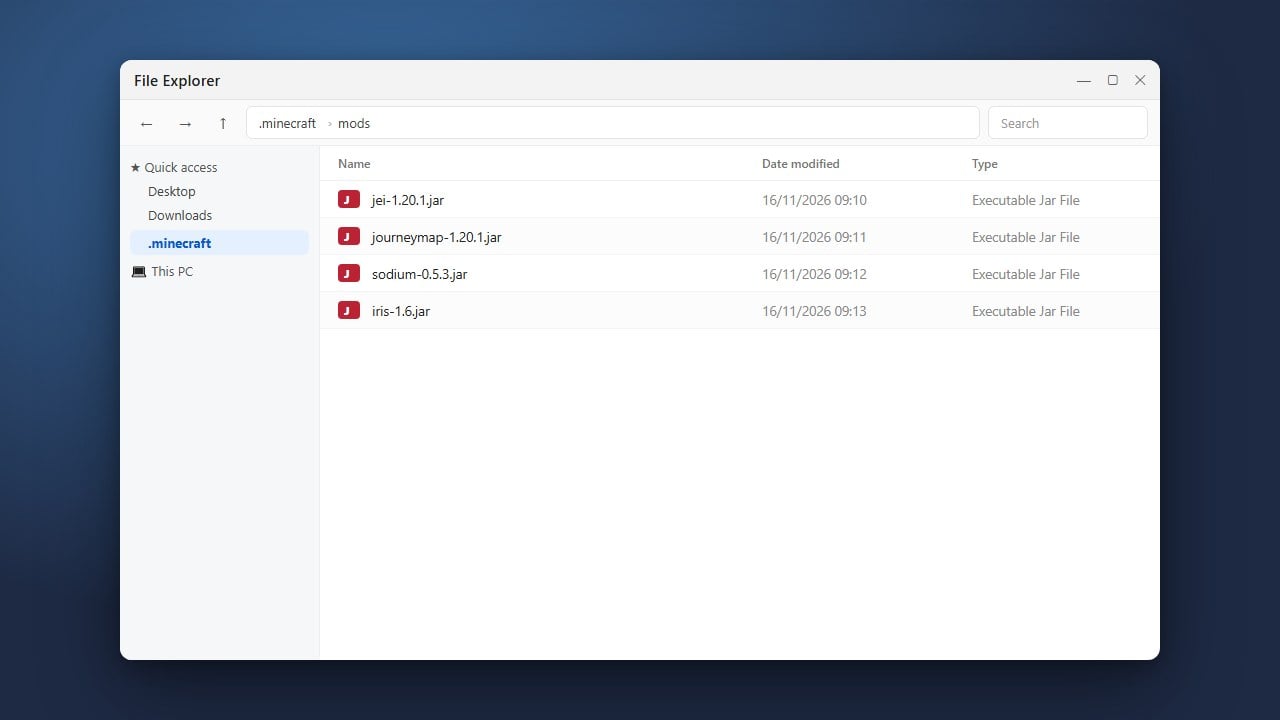
Find and click on the option labeled Custom Mods or Open Folder. This will open the specific directory on your computer where Badlion stores external modifications for your chosen Minecraft version.
Drop Your Compatible Mod Files
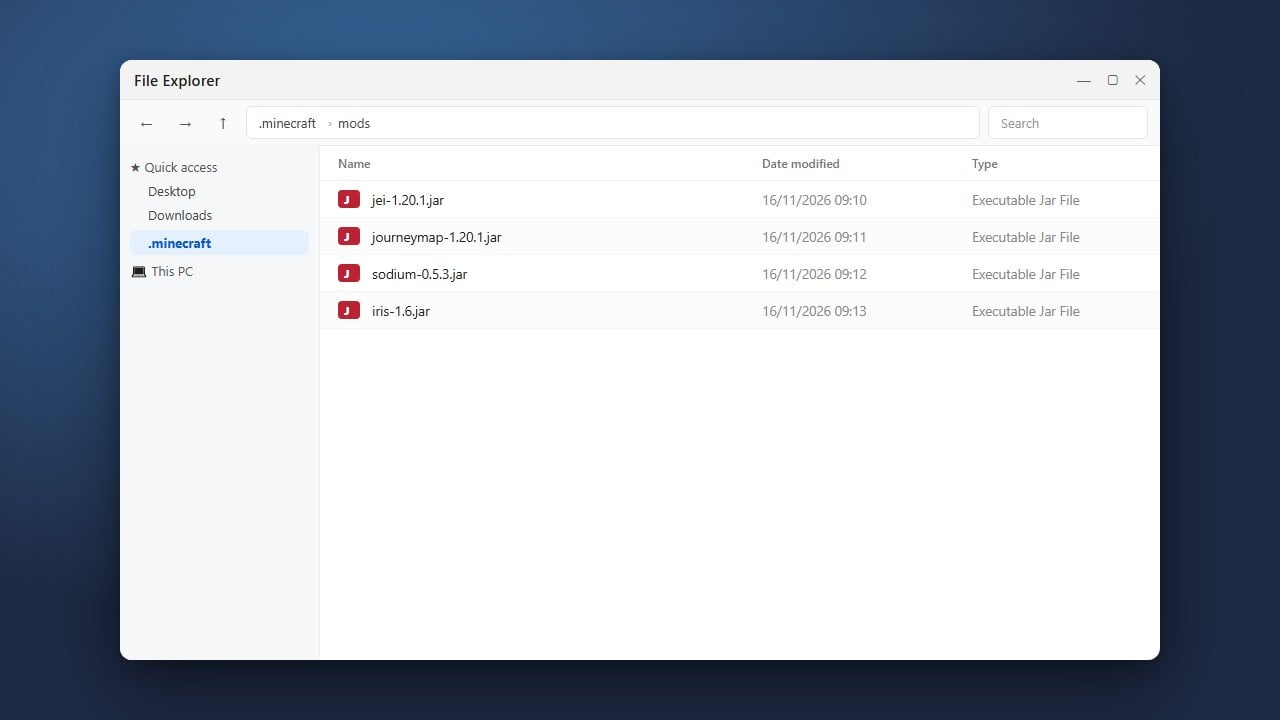
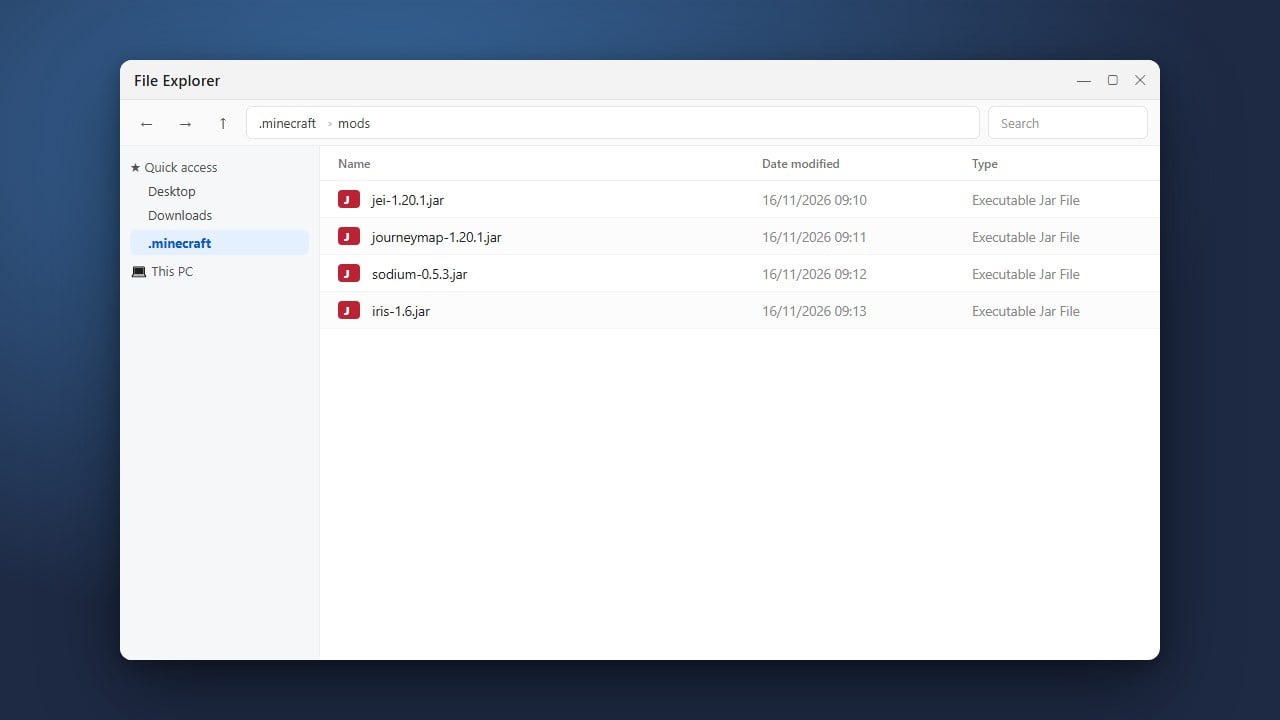
Drag and drop your downloaded Minecraft Java Edition mod files (in .jar format) directly into the opened folder. Ensure the mods match your exact Minecraft version and are compatible with the client.
Launch the Game and Test
Return to the Badlion Client launcher, select your desired Minecraft version, and click Launch. Once the game loads, open your mod menu to confirm your new additions are running properly.
Frequently Asked Questions
Can I add any Forge mod to Badlion Client?
Most standard client-side and server-side mods work, but complex mods that heavily alter core game mechanics may conflict with Badlion's built-in optimization features.
Where are Badlion custom mods stored?
You can easily access the folder through the Badlion launcher's custom mod settings menu, eliminating the need to search through your system directories manually.