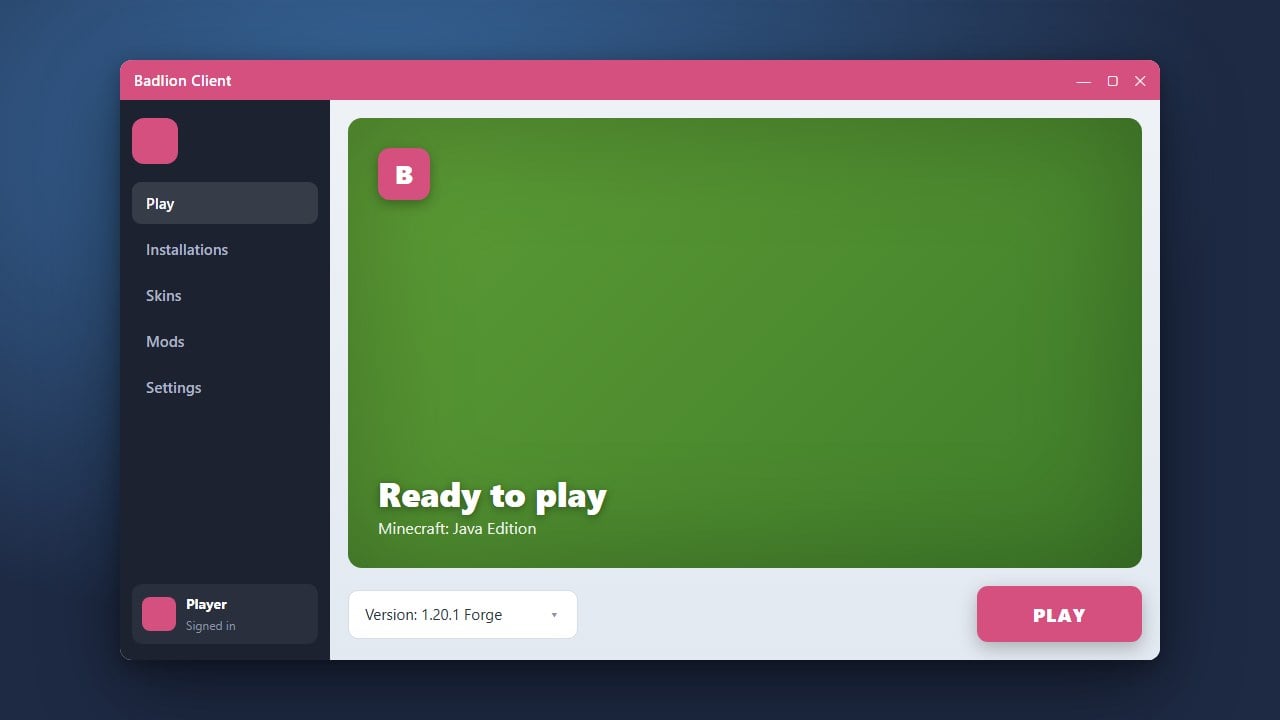
Badlion Client is a popular all-in-one modded launcher and utility client designed for Minecraft Java Edition. It comes packed with performance boosters, custom UI elements, and a wide array of built-in PvP and utility mods. Please note that you must own a legitimate copy of Minecraft purchased from official sources like minecraft.net to log in and play using this client.
Badlion Client is a custom launcher utility. Always ensure your login details are entered directly into official prompt windows to safeguard your Microsoft account from phishing risks.
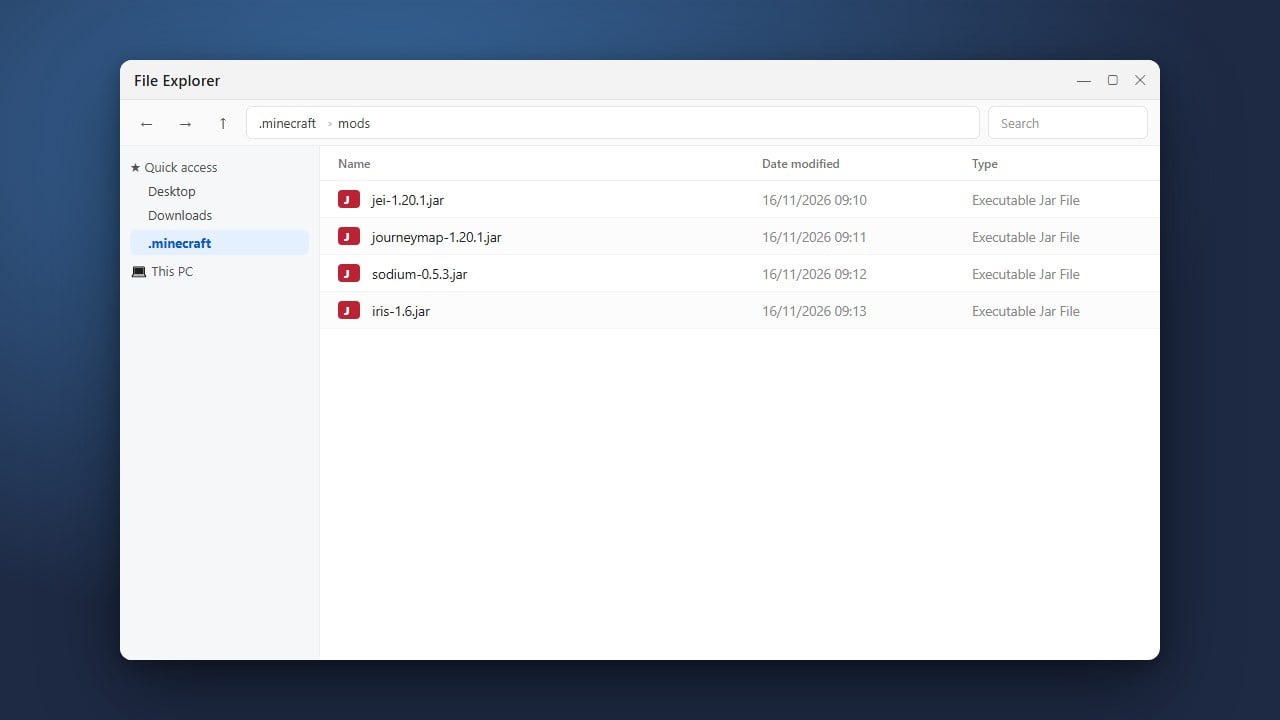
If you want to learn more about customizing your setup, check out our guide on How to Add Mods to Badlion Client.
Download the Official Installer
Go to the official Badlion website to download the installer for your operating system (Windows, macOS, or Linux). Always make sure you download software from official sources to protect your computer from malware and unauthorized data collection.
Install and Open Badlion Client
Run the downloaded installer file and follow the on-screen instructions to complete the setup. Once installed, launch the Badlion Client application from your desktop or application menu to open the dashboard.
Log Into Your Minecraft Account
Before you can play, click on the account login area within the Badlion launcher. Log in securely using your official Microsoft account credentials that own Minecraft Java Edition. The launcher requires a valid, purchased account to authenticate with official servers.
Select Your Game Version
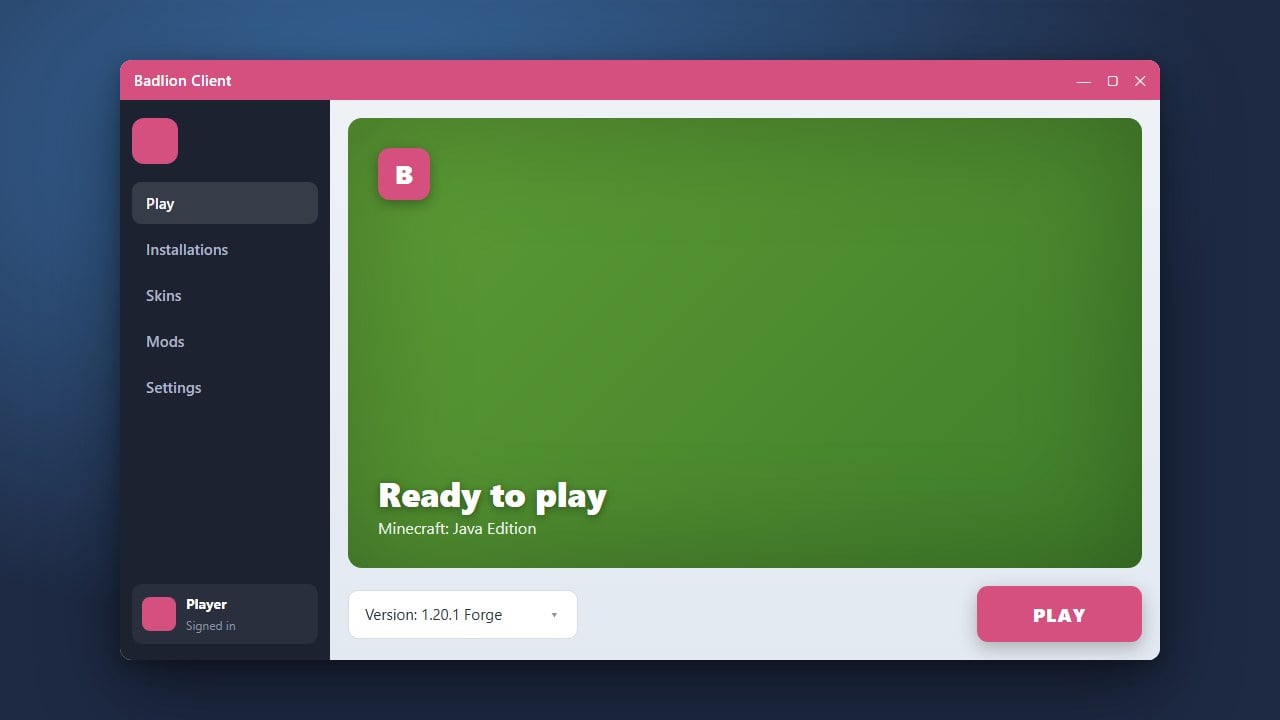
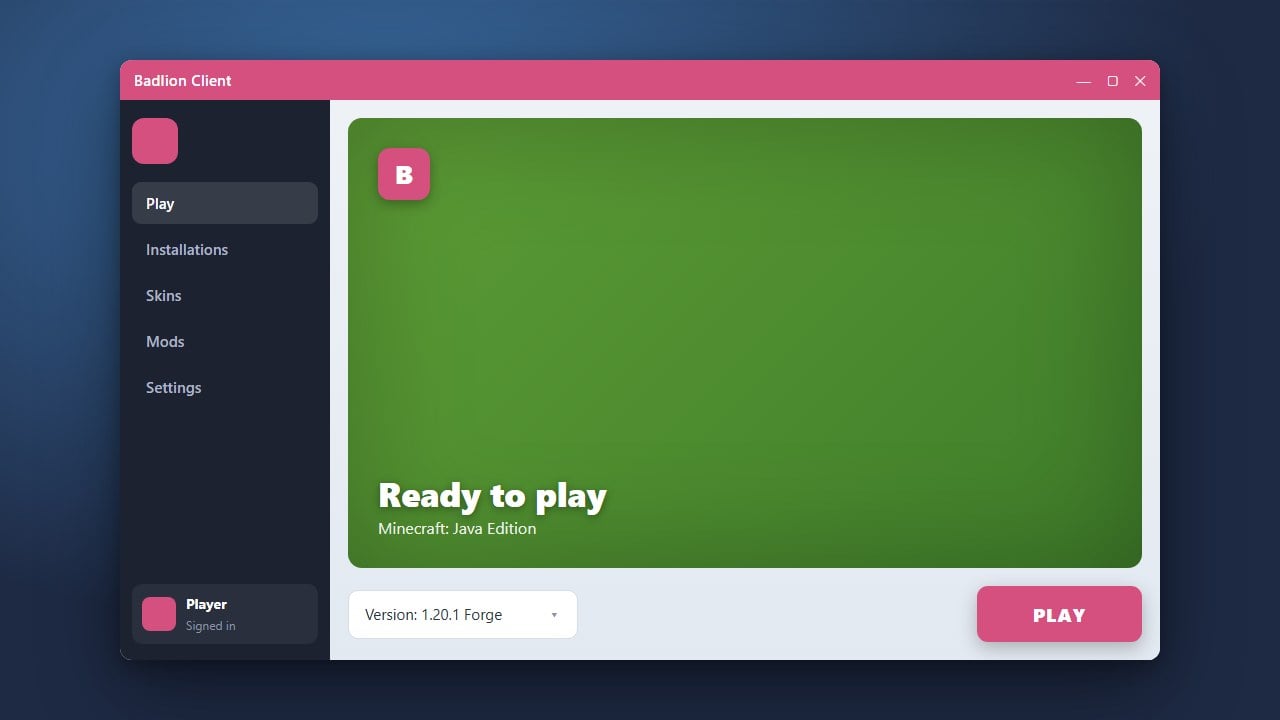
Inside the launcher dashboard, use the version dropdown menu to select the specific Minecraft release you want to play, such as the latest version. Badlion supports multiple versions while pre-loading optimized performance settings.
Launch the Game and Customize Mods
Click the green Launch button to start Minecraft. Once you are in-game, press the right Shift key (default hotkey) to open the Badlion Mod Menu, where you can enable, disable, and configure your favorite mods on the fly.
Frequently Asked Questions
Is Badlion Client free to use?
Yes, downloading and using the Badlion Client launcher is completely free. However, you must already own a legal copy of Minecraft Java Edition to play.
Can I get banned for using Badlion Client?
No, Badlion Client includes an anti-cheat compatibility layer and is widely allowed on most popular Minecraft multiplayer servers. Always check individual server rules first, though.