Choosing how to launch and play Minecraft Java Edition can be confusing with so many custom clients available. This guide explores whether Lunar Client is safe to use, how it compares to Vanilla Minecraft, and what you should know about account safety and performance.
What Is Vanilla Minecraft?
Vanilla Minecraft refers to the official, unmodified version of the game as released by Mojang Studios. When you log in through the default official Minecraft launcher, you get the pure, baseline experience intended by the developers without any pre-installed mods, performance patches, or custom user interfaces.
While Vanilla receives all official updates first and guarantees maximum compatibility, it can sometimes lack built-in performance optimization or quality-of-life features that competitive or advanced players desire.
What Is Lunar Client?
Lunar Client is a free, custom Java Edition client built specifically to boost frame rates (FPS) and provide built-in mods like keystrokes, coordinate displays, and full-bright. Instead of manually downloading and configuring dozens of individual mods through Forge or Fabric, Lunar bundles them together into a convenient, all-in-one launcher.
If you want to dive right in, you can learn How to Download and Install Lunar Client to see how quickly it sets up.
Is Lunar Client Safe to Use?
Yes, Lunar Client is generally considered safe and is widely used by millions of players, including many popular content creators and competitive minigame players. It requires you to log in with your legitimate Microsoft/Minecraft account and connects securely to official Mojang authentication servers.
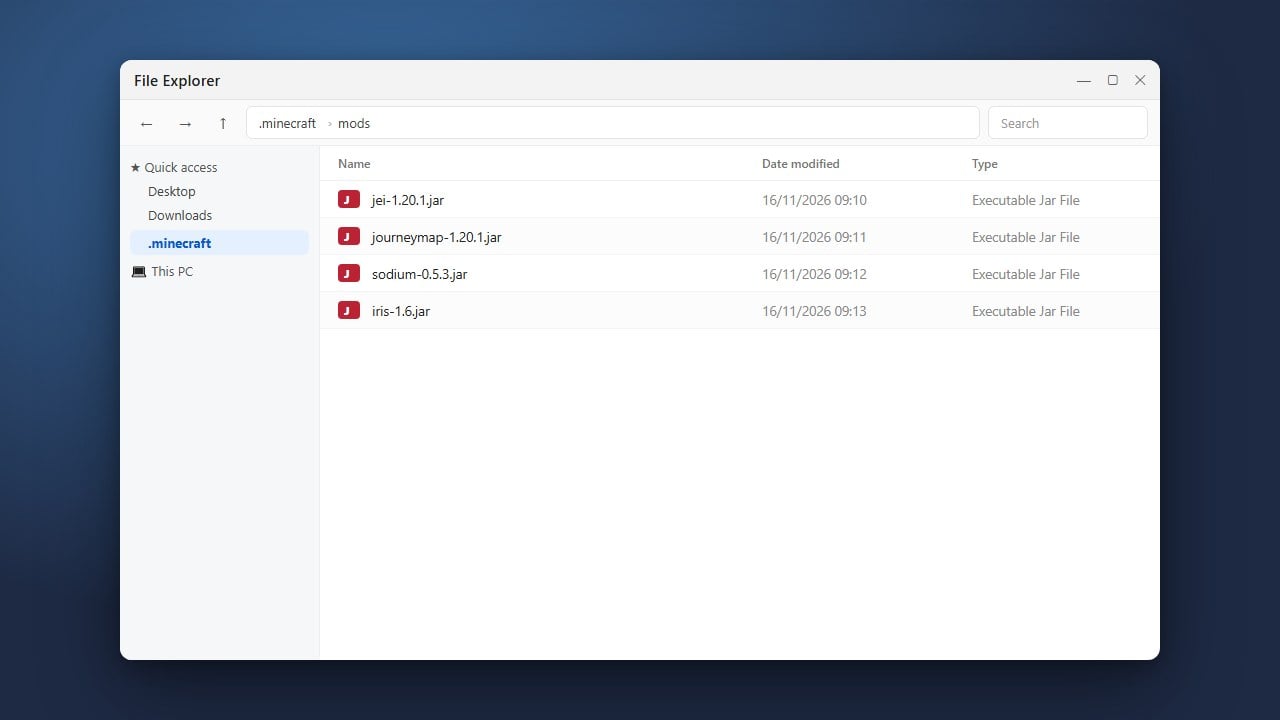
However, like any third-party software, you should always download it exclusively from the official website to avoid malicious lookalike installers. For more help getting started with modifications once installed, check out How to Add Mods to Lunar Client.
Lunar Client vs. Vanilla Minecraft: Performance and Features
The biggest difference between Lunar Client and Vanilla Minecraft lies in performance and features out of the box. Vanilla Minecraft relies on the standard game engine, whereas Lunar integrates optimization mods like Sodium or OptiFine alternatives directly into its framework.
If your computer struggles with lag or low frame rates, you can also explore How to Boost FPS with Lunar Client to get the smoothest possible gameplay experience compared to Vanilla.
Important Note on Game Ownership and Safety
Lunar Client is strictly a custom launcher and mod platform; it does not provide the game for free. You must legally own Minecraft Java Edition on your Microsoft account to play through Lunar. Always purchase the official game from minecraft.net and avoid sketchy third-party sites offering cracked versions or free game downloads.
Be cautious of unauthorized clones or unofficial launchers that claim to offer free accounts, as these are common vectors for account theft and malware.
Frequently Asked Questions
Can I get banned on multiplayer servers for using Lunar Client?
No, Lunar Client is whitelisted on the vast majority of popular Minecraft multiplayer servers. It includes a built-in anti-cheat system that prevents disallowed modifications, making it safe for servers like Hypixel.
Do I need to buy Minecraft again to use Lunar Client?
No. Lunar Client requires you to log in with an existing, paid Microsoft account that owns Minecraft Java Edition. It is not a substitute for purchasing the game.