Lunar Client is one of the most popular performance-boosting modpacks and custom launchers for Minecraft Java Edition. Follow this step-by-step guide to download, install, and launch Lunar Client safely on your computer.
Lunar Client requires a legitimate copy of Minecraft Java Edition. You must purchase the official game from minecraft.net before you can log in and play. Be cautious of unofficial sites claiming to offer free game accounts through third-party launchers.
Visit the Official Lunar Client Website
Open your preferred web browser and navigate to the official Lunar Client website at lunarclient.com. Always ensure you are downloading files from the legitimate domain to protect your personal information and account security.
Download the Installer for Your Operating System
Click the prominent download button on the homepage. Select the correct installer file matching your operating system, whether you are using Windows, macOS, or Linux.
Run the Lunar Client Installer
Locate the downloaded installation file in your computer's downloads folder and double-click to run it. Follow the on-screen prompts to complete the quick installation process on your hard drive.
Launch Lunar Client and Log In
Open the newly installed Lunar Client application from your desktop or applications menu. Log in using your official Microsoft account credentials linked to your legal Minecraft Java Edition copy.
Select Your Version and Play
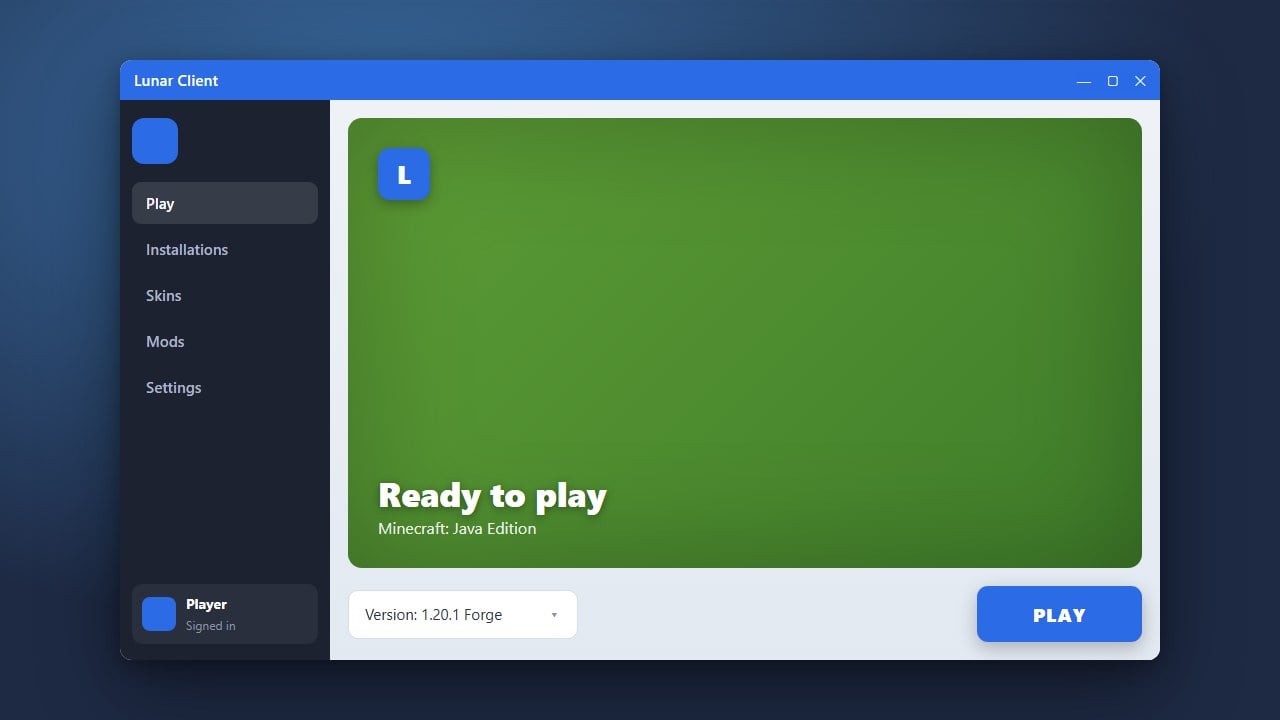
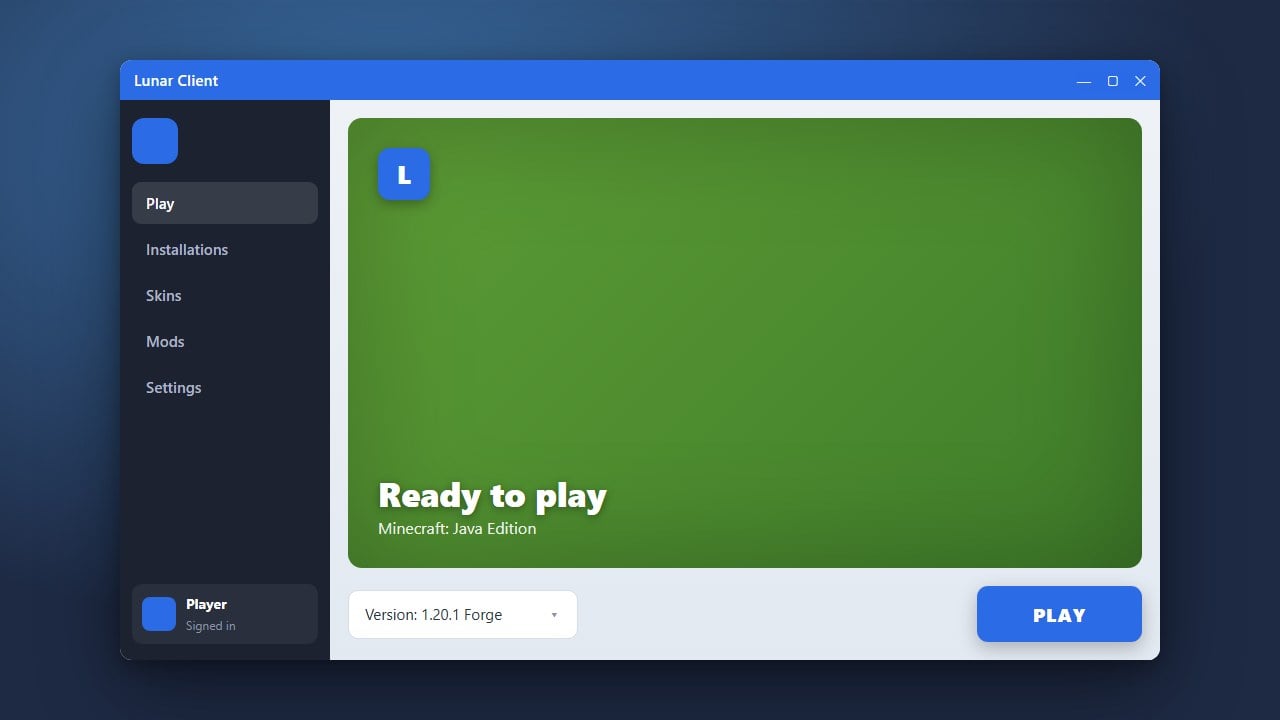
Choose your desired Minecraft version from the dropdown menu inside the client and click the launch button. Lunar Client will automatically download the required files and optimization mods so you can jump straight into the game.
Frequently Asked Questions
Is Lunar Client free to use?
Yes, Lunar Client is completely free to download and use. However, you still need to own a genuine, paid Minecraft Java Edition account to log in and play online.
Can I add my own mods to Lunar Client?
Yes, Lunar Client features a built-in mod menu and supports custom modifications. You can check out How to Add Mods to Lunar Client for detailed instructions.