If you want to clear space or switch to a different experience like How to Download and Install Badlion Client, fully removing Lunar Client involves deleting both the application and its leftover configuration files. This guide will walk you through completely cleaning it from your Java Edition system.
Lunar Client requires a legitimate, purchased Java Edition account to play; always purchase the official game directly from minecraft.net rather than trusting unauthorized third-party mirrors.
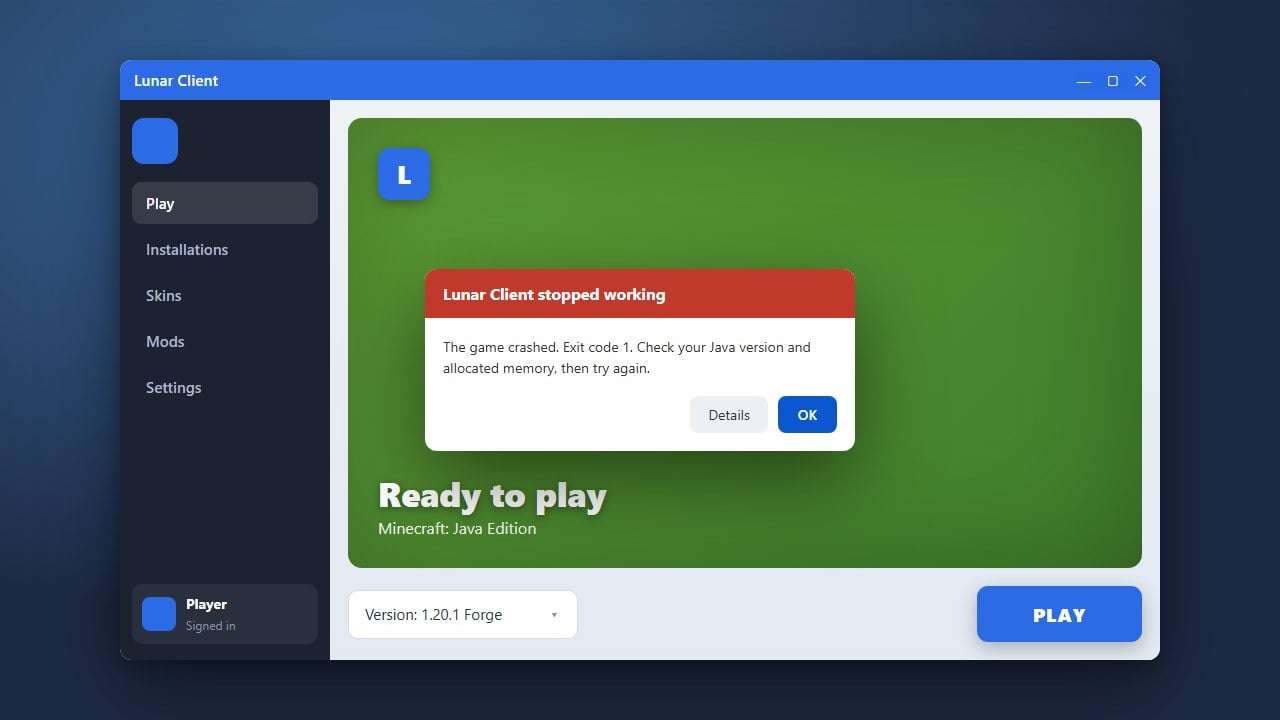
If you are troubleshooting client errors rather than permanently leaving, you might want to read How to Fix Lunar Client Not Working before deciding to completely wipe it.
1. Close Lunar Client and Background Processes
Before uninstalling, make sure Lunar Client is completely shut down. Check your system tray (bottom-right corner on Windows or menu bar on Mac) to ensure the client isn't still running in the background.
2. Uninstall the Application via System Settings
On Windows, open your Settings app, navigate to Apps > Installed apps, search for Lunar Client, click the three dots, and select Uninstall. On macOS, simply drag the Lunar Client app from your Applications folder to the Trash.
3. Delete Leftover Configuration Files
Lunar Client leaves behind cache and settings folders that aren't removed by the standard uninstaller. Press Windows Key + R, type %userprofile%, and press Enter. Locate and delete the .lunarclient folder to clear out all remaining configurations.
4. Verify Your Minecraft Installation
Open the official Minecraft launcher to ensure your vanilla game files are intact and working properly. If you ever want to reinstall the client later, you can review How to Download and Install Lunar Client to get set back up safely.
Frequently Asked Questions
Does uninstalling Lunar Client delete my worlds?
No, your single-player worlds are stored in the standard Minecraft directory and will not be affected by removing Lunar Client.
How do I completely remove all Lunar Client data?
In addition to using the system uninstaller, you must manually delete the .lunarclient folder found in your user directory to wipe all cached data and settings.