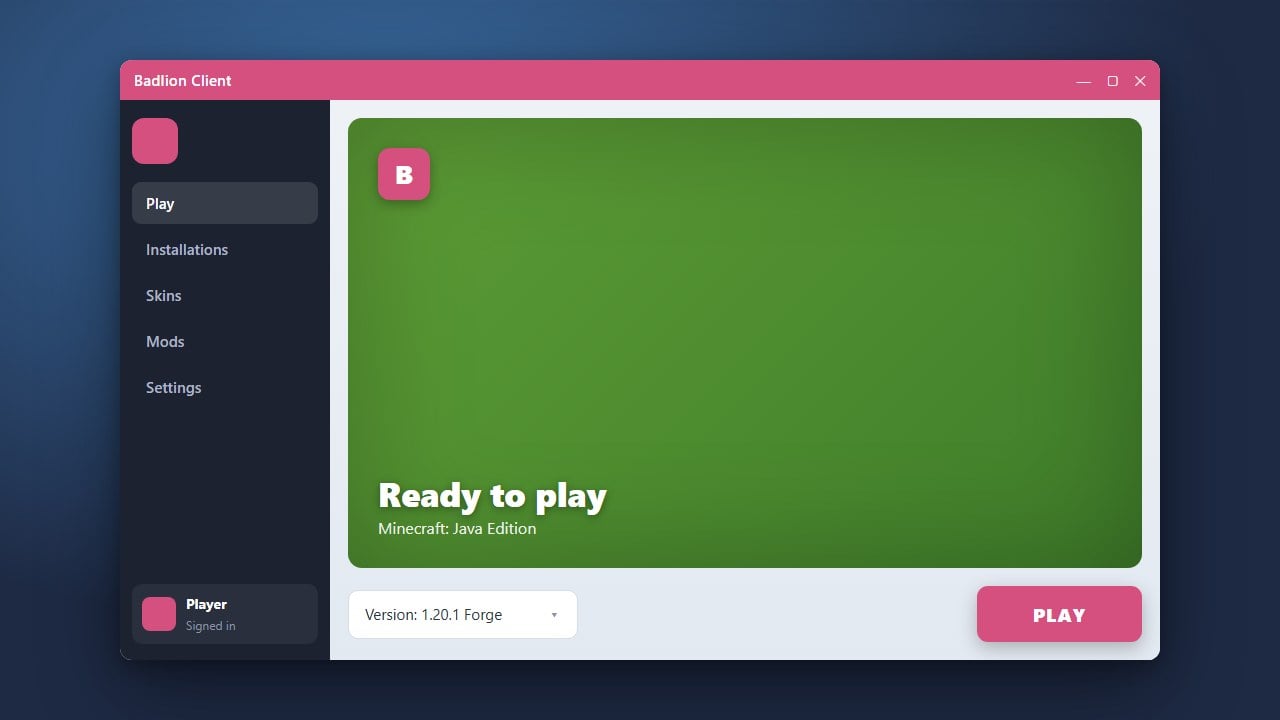
If you no longer want to use the Badlion Client for Minecraft Java Edition, you can safely remove it from your computer by following a few simple steps. Please note that Badlion Client requires a legitimate Minecraft account purchased from minecraft.net, and always make sure to download official software to protect your system and personal data.
Always download client launchers from official sources. Third-party mirrors can sometimes bundle adware or compromise your account privacy.
1. Close Badlion Client and Background Processes
Before starting the uninstallation process, make sure that the Badlion Client and its helper services are completely closed. Check your Windows system tray or macOS menu bar to ensure the application isn't running in the background.
2. Open System Apps and Features
On Windows Java Edition, open the Start Menu and navigate to Settings, then click on Apps followed by Installed apps (or Apps & features). Scroll down through the list until you locate the Badlion Client.
3. Uninstall the Client Application
Click on the three dots next to the Badlion Client entry and select Uninstall. Follow the on-screen prompts provided by the uninstaller wizard to remove the core application files from your computer system.
4. Delete Remaining Application Data Folders
To completely clean up your system, press Windows Key + R, type %appdata%, and hit Enter. Locate and delete any remaining Badlion-related folders to ensure no leftover configuration files or caches take up unnecessary storage space.
Frequently Asked Questions
Does uninstalling Badlion delete my worlds?
Standard singleplayer worlds are usually stored in the main Minecraft directory and remain untouched, but it is always wise to back up your saves folder before removing any launchers.
Can I reinstall Badlion later if I change my mind?
Yes, you can easily reinstall the client at any time by visiting the official website and following guides like How to Download and Install Badlion Client.