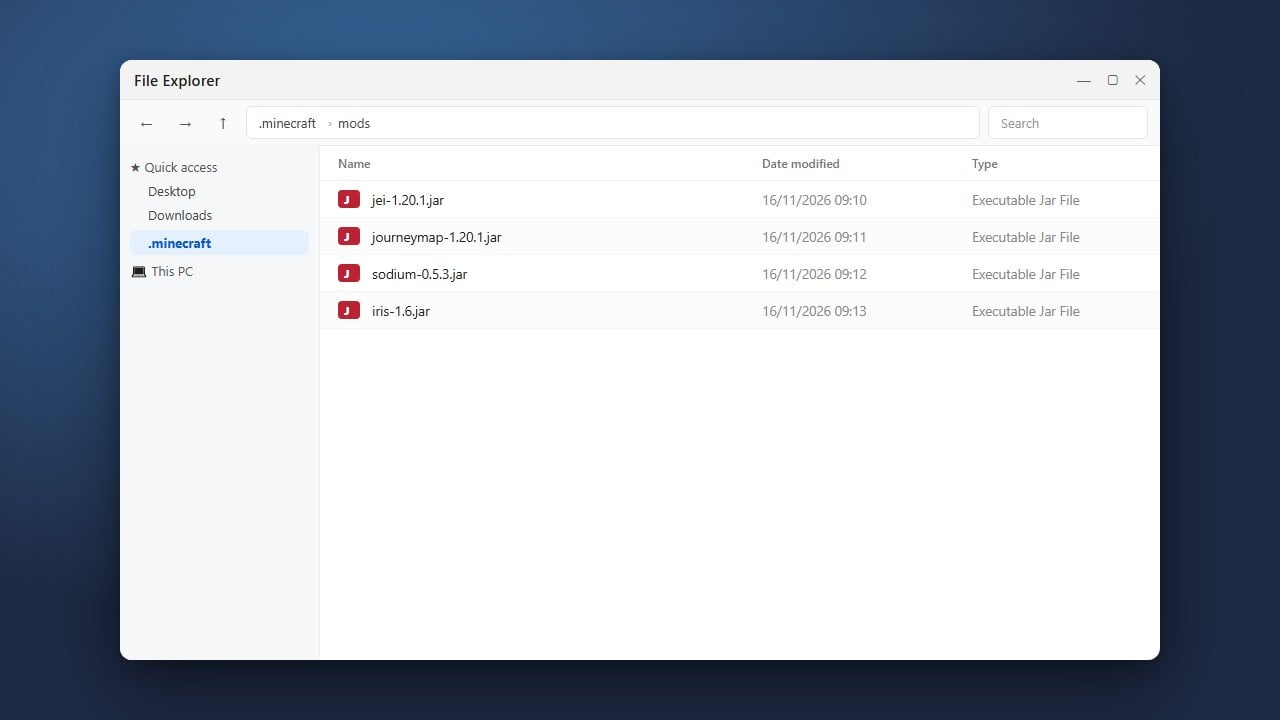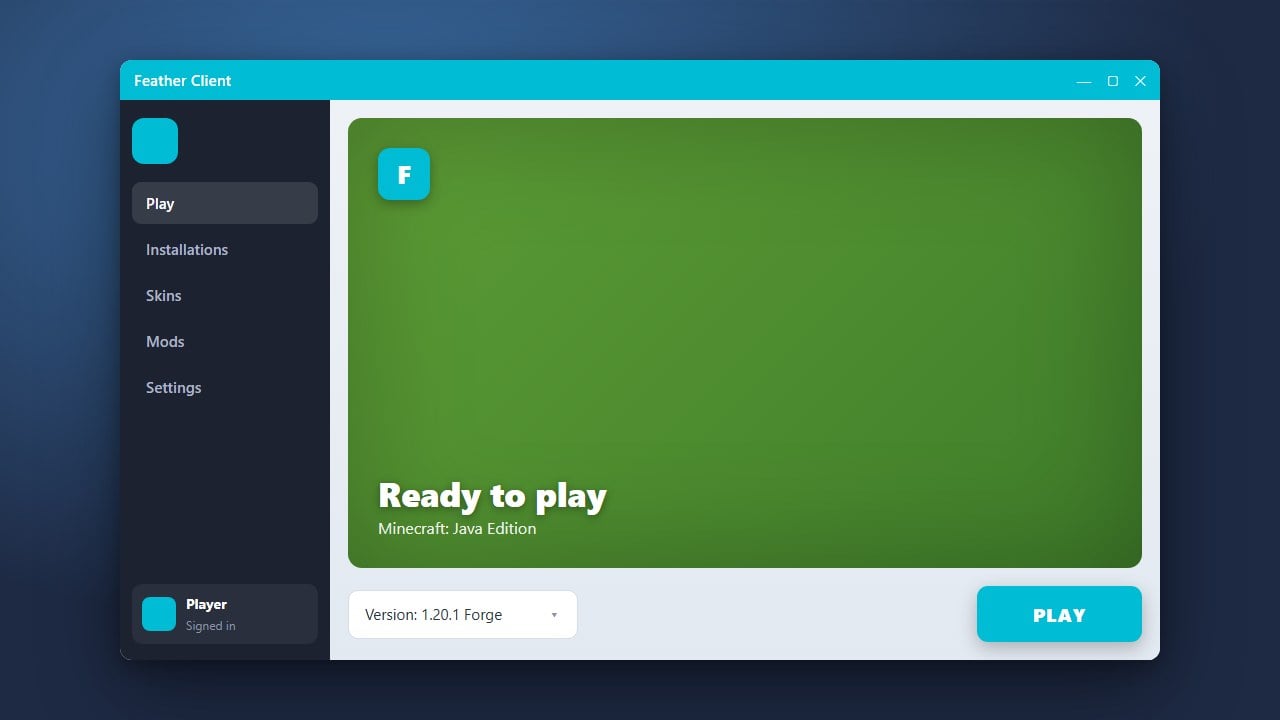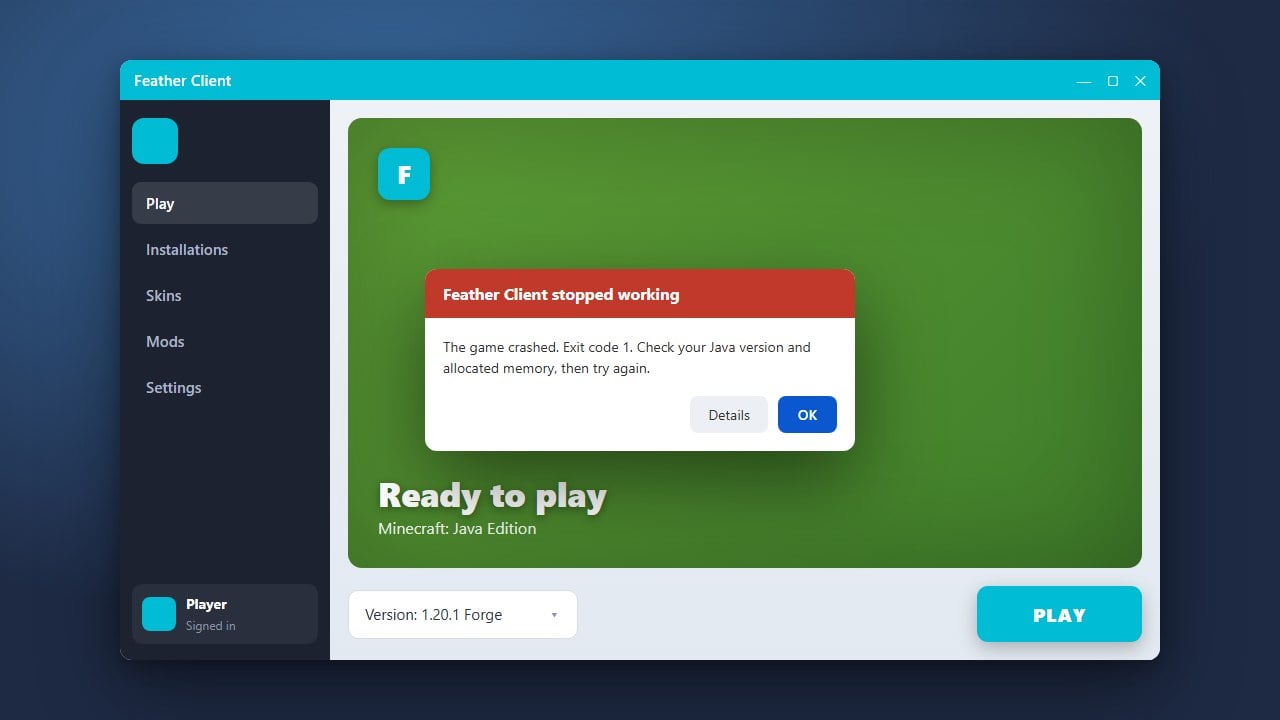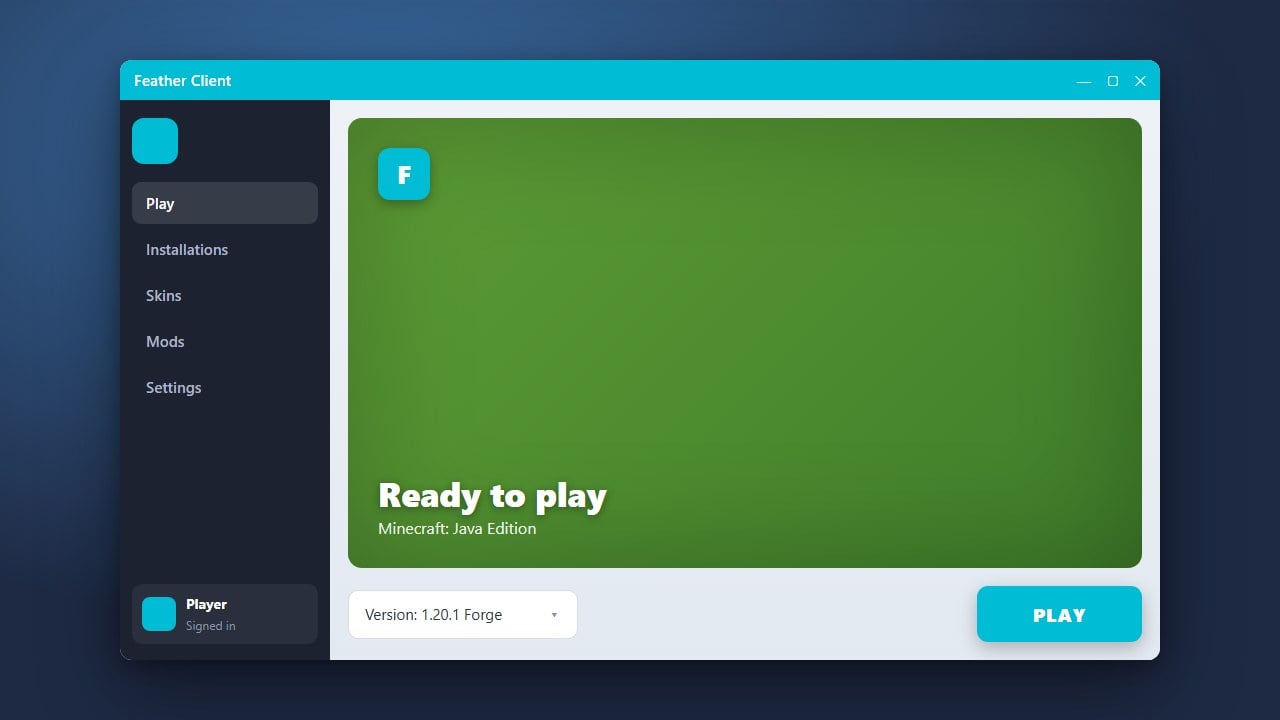
Feather Client is a popular all-in-one modded launcher for Minecraft Java Edition that combines performance optimization mods and utility mods into a single clean interface. This guide will walk you through downloading, installing, and setting up Feather Client safely.
Always download Feather Client strictly from its official website. Avoid unofficial third-party download mirrors to prevent potential account security risks and malware.
If you want to customize your gameplay experience further, check out our guide on How to Add Mods to Feather Client.
Visit the Official Website
Open your web browser and navigate to the official Feather Client website. Always ensure you are downloading from the legitimate domain to protect your personal information and computer from malicious software.
Download the Installer
Locate the download button on the homepage and select the correct installer for your operating system, whether you are using Windows, macOS, or Linux. The download should only take a few moments as the installer file is quite small.
Run the Setup Wizard
Once the download is complete, double-click the installer executable file to launch the setup wizard. Follow the on-screen instructions provided by the installer to place the application files in your preferred directory.
Log In with Your Minecraft Account
Open Feather Client after installation finishes. You will need to sign in using your official Microsoft or Minecraft account credentials to verify ownership of the game. Make sure you purchase a legal copy of the game from minecraft.net if you have not already done so, as third-party launchers require a legitimate account to play online.
Launch Minecraft with Feather
Select your desired Minecraft version from the launcher profile menu and click the play button. Feather will automatically initialize its built-in optimization mods, allowing you to enjoy improved frame rates and easily manage additional modifications.
Frequently Asked Questions
Is Feather Client free to use?
Yes, Feather Client is free to download and use, but you must own a legitimate, paid copy of Minecraft Java Edition to log in and play.
Can I use Feather Client on Minecraft Bedrock Edition?
No, Feather Client is exclusively designed and available for Minecraft Java Edition on PC platforms.