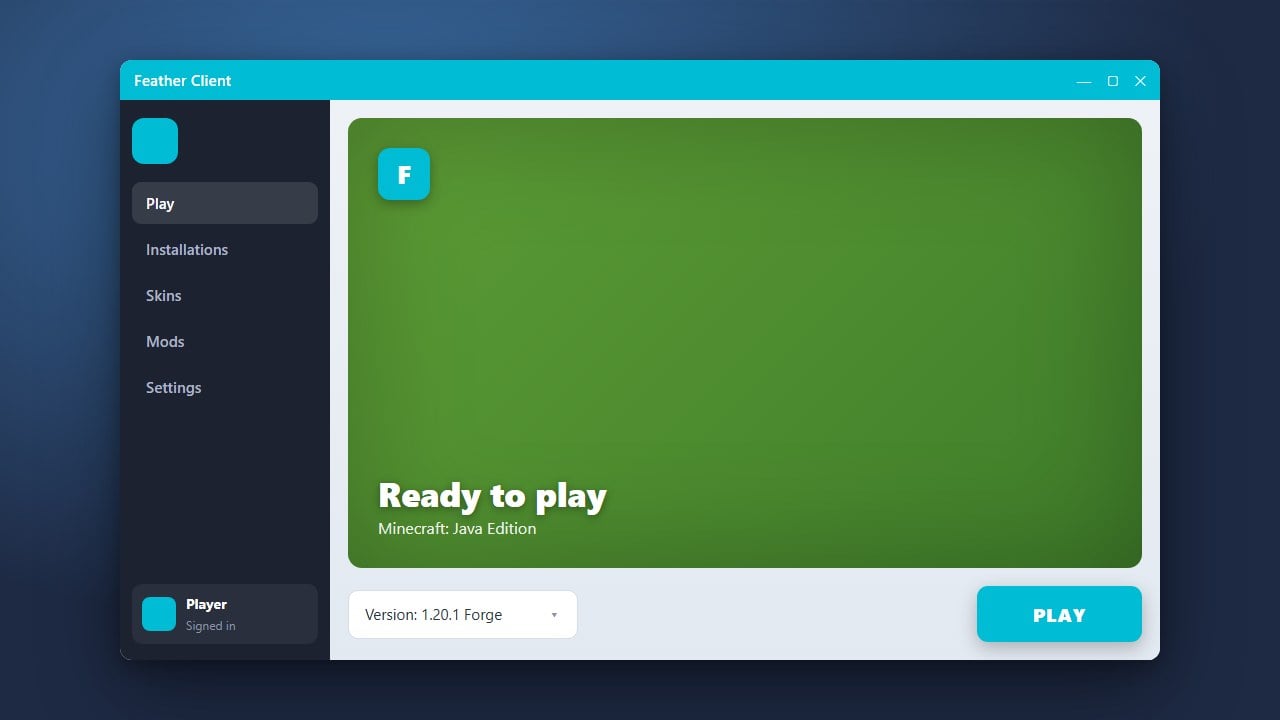
Feather Client is a popular all-in-one launcher and modpack manager for Minecraft Java Edition that helps improve performance and bundles helpful utility mods. Please note that Feather Client requires a legitimate Minecraft Java Edition account; you must purchase the official game from minecraft.net to play. As with any third-party launcher, always download files directly from the official website to ensure account safety and avoid security risks.
Always use official login prompts provided directly by Microsoft through the launcher. Never enter your credentials into unofficial third-party applications to protect your account from theft.
Download and Install Feather Client
Go to the official Feather Client website and download the installer compatible with your operating system (Windows, macOS, or Linux). Run the downloaded setup file and follow the on-screen instructions to finish the installation on your computer.
Log in with Your Minecraft Account
Open the Feather Client application from your desktop or application menu. Click on the account login section to sign in securely using your official Microsoft account that owns Minecraft Java Edition.
Select Your Version and Profile
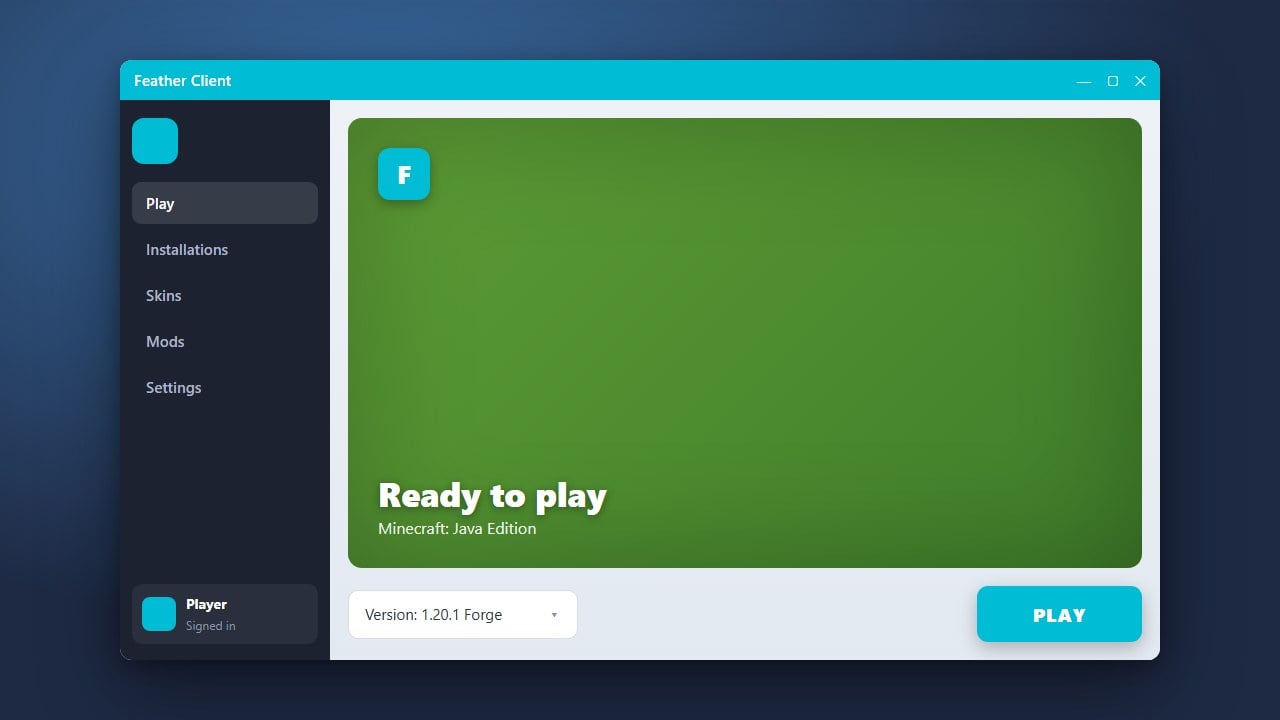
Once logged in, navigate to the game configuration menu at the bottom of the launcher. Choose your preferred Minecraft version, such as the latest Java Edition release, and select or create a profile to customize your gameplay setup.
Configure Mods and Performance Settings
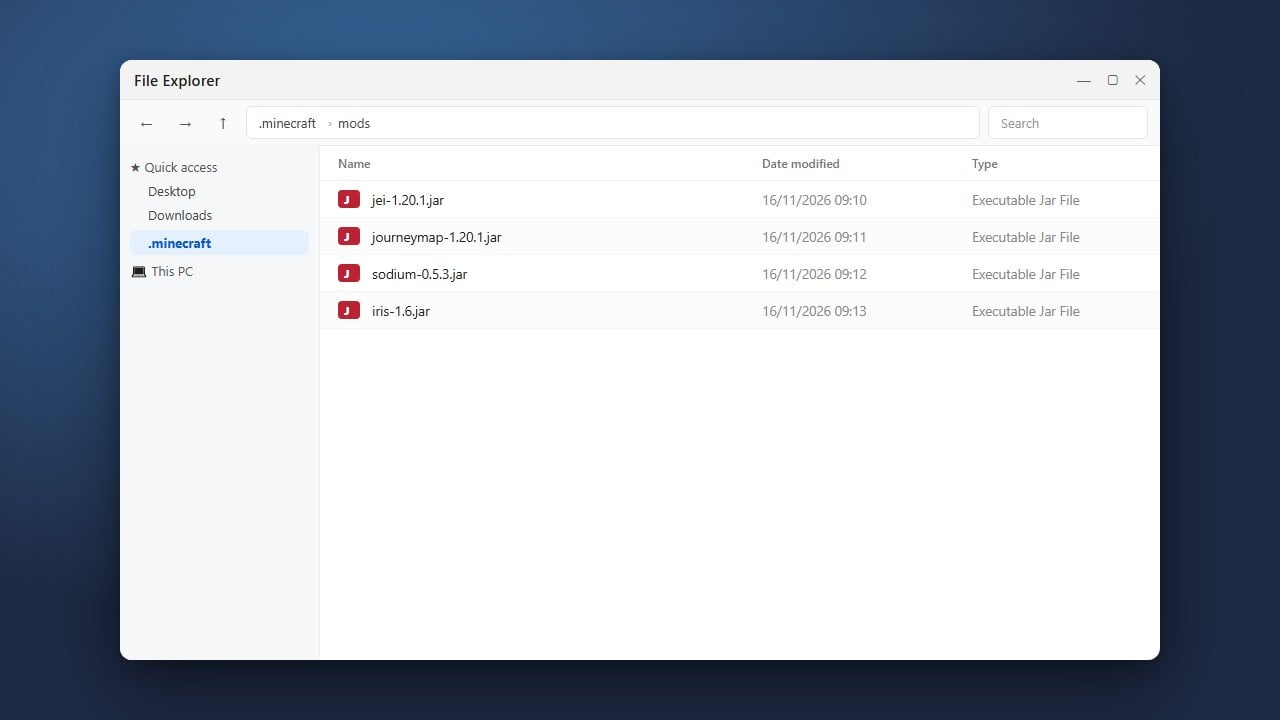
Open the in-game mod menu or launcher settings to enable performance-boosting features, tweak your HUD elements, or add more mods. If you want to customize your setup further, you can learn How to Add Mods to Feather Client.
Launch and Enjoy the Game
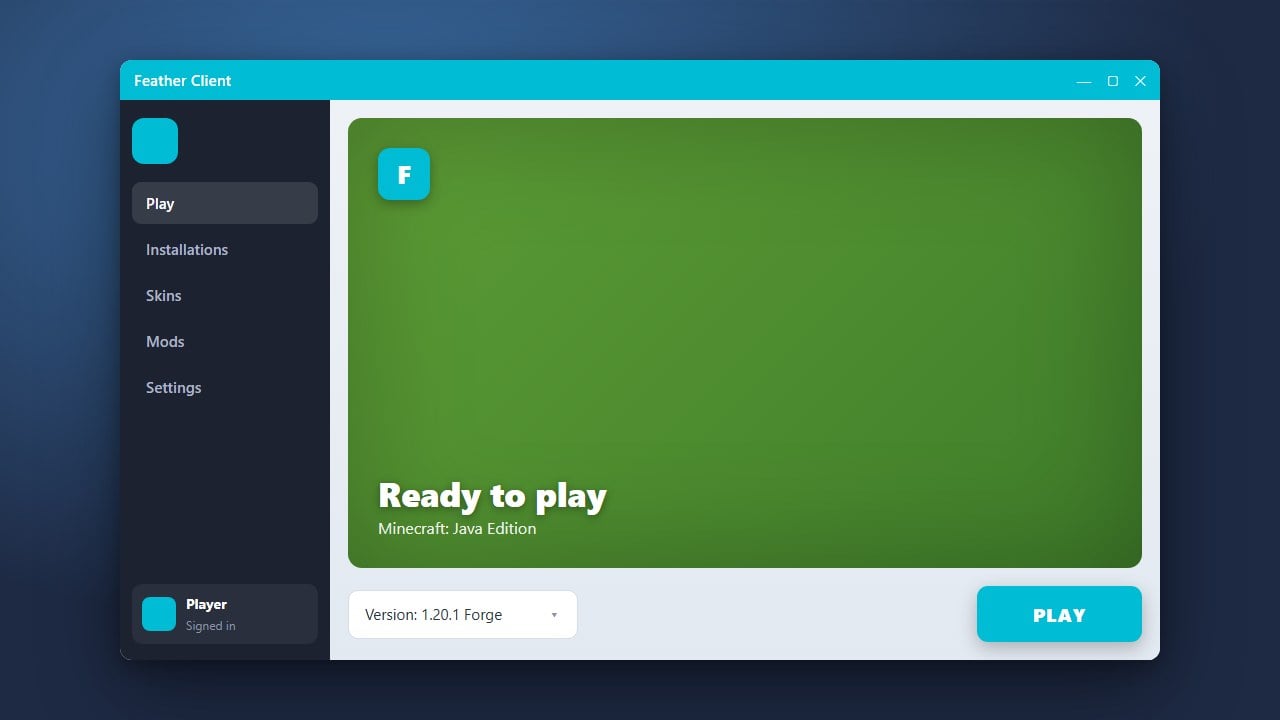
Click the green Play button in the launcher to start Minecraft with Feather Client enabled. You can press the designated menu key (usually Right Shift) while in-game to adjust your client mods and HUD layout on the fly.
Frequently Asked Questions
Is Feather Client free to use?
Yes, Feather Client is free to download and use, but you still need to own a legal copy of Minecraft Java Edition purchased from minecraft.net to log in and play online.
Can I use custom resource packs with Feather Client?
Yes, Feather Client fully supports standard Minecraft resource packs and shaders, which you can load directly through the in-game video settings or the client's resource pack menu.