Struggling with low frame rates and lag in Minecraft Java Edition? Feather Client comes packed with built-in performance mods that can dramatically improve your gameplay experience. If you haven't set it up yet, make sure to check out our guide on How to Download and Install Feather Client before continuing.
If you want to customize your client further with additional utility or visual tweaks, read our guide on How to Add Mods to Feather Client.
Open Feather Client and Launch Minecraft
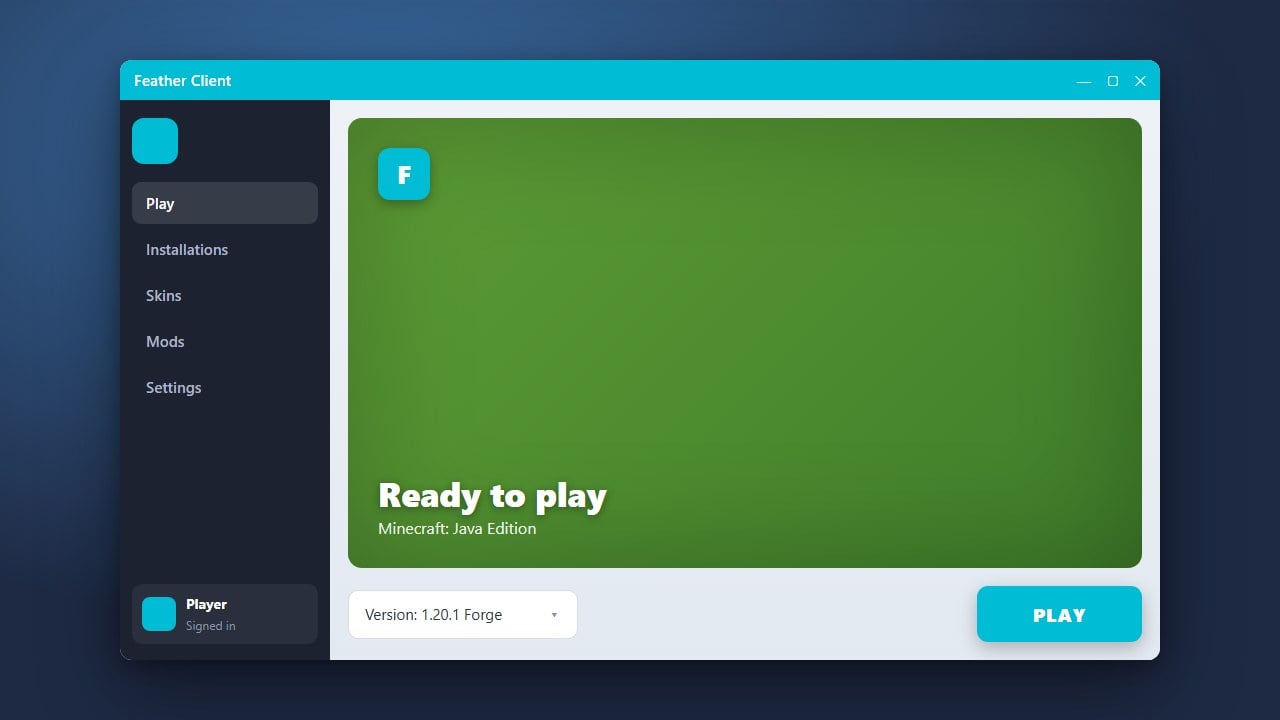
Start by opening the Feather Client application on your computer and logging into your Microsoft account. Select your desired Minecraft version from the dropdown menu, then click the Launch button to start the game.
Enable Performance Mods
Once the game is open, press the designated Feather menu key (usually Right Shift by default) to open the HUD and mod menu. Navigate to the Mods section and ensure that core performance-boosting mods like Sodium, Lithium, and FerriteCore are turned on. These mods replace heavy vanilla rendering systems with much faster, highly optimized code.
Allocate More RAM
To prevent stuttering and frame drops, ensure Minecraft has enough memory to run smoothly. Go to the settings area within the Feather Client launcher before starting the game, find the memory allocation slider, and assign a reasonable amount of RAM (typically 4GB to 6GB is ideal for most setups).
Adjust In-Game Video Settings
Press Esc in-game, go to Options, and then select Video Settings. Lower demanding graphical options such as render distance, particle details, and smooth lighting. Turning off clouds and setting graphics to Fast will also give your frame rate a noticeable lift.
Frequently Asked Questions
Does Feather Client work on Bedrock Edition?
No, Feather Client is exclusively designed for Minecraft Java Edition on PC.
Will Feather Client get me banned from servers?
Feather Client is generally safe to use on most multiplayer servers, but you should always check a specific server's rules regarding allowed mods before joining.