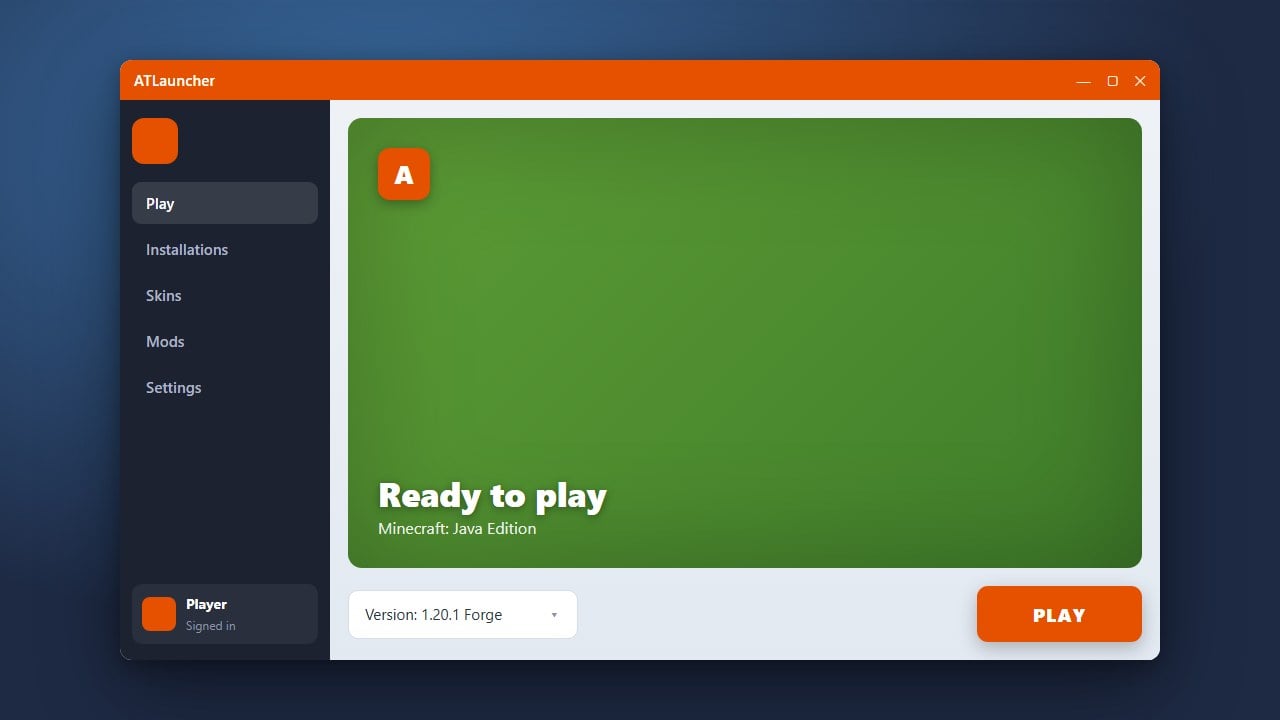
Wondering if ATLauncher is safe and legitimate to use for Minecraft Java Edition? In this guide, we break down how the launcher works, its safety record, and what you need to know about logging in with your official Microsoft account.
Understand What ATLauncher Is
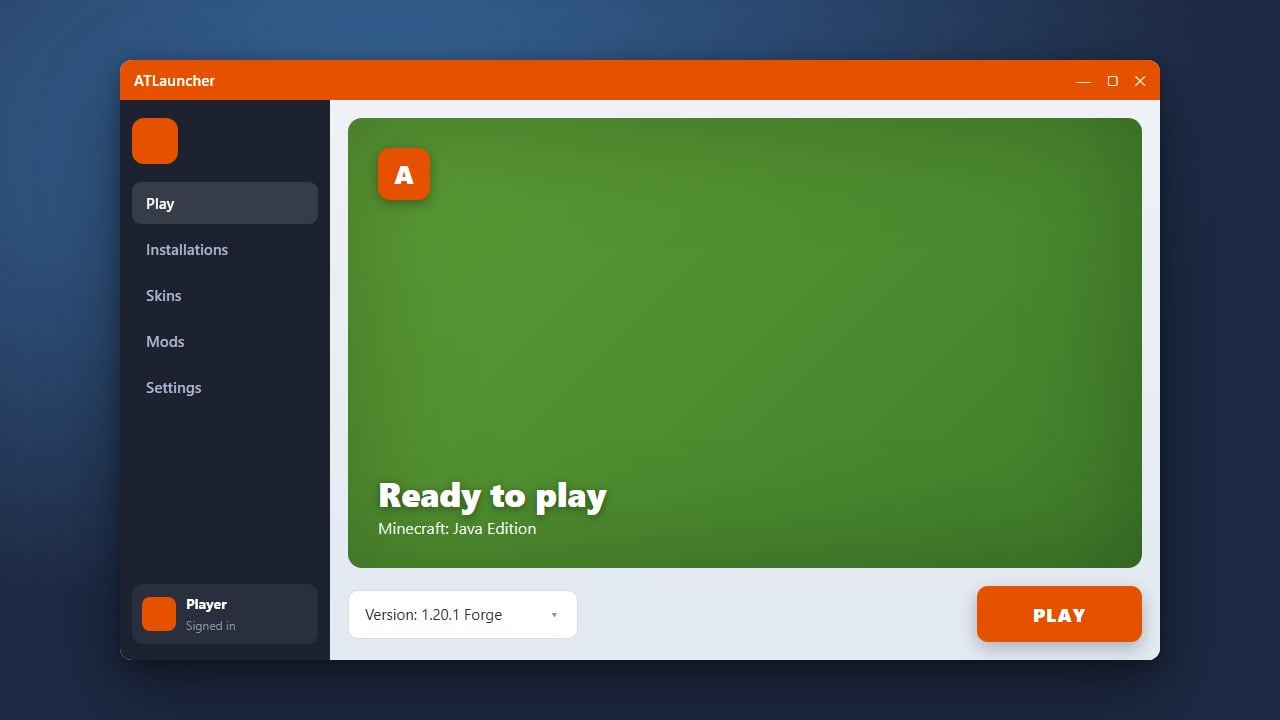
ATLauncher is a popular, open-source custom launcher for Minecraft Java Edition designed primarily to help players easily download, manage, and play modpacks and various mod loaders like Forge and Fabric. It acts as an alternative interface to organize your game instances without altering core vanilla files directly.
Verify Its Safety and Legitimacy
Yes, ATLauncher is completely safe and legit. Because the project's source code is publicly available for anyone to inspect, the community trusts it. It does not contain malware, spyware, or adware when downloaded from its official website.
Check Account and Piracy Policies
ATLauncher is 100% compliant with Mojang and Microsoft policies. It requires you to log in using your genuine Microsoft account to verify game ownership. It does not provide free copies of Minecraft, and you must always buy the official game from minecraft.net to play.
Get Started Safely
If you want to use the launcher for your modded setups, make sure you follow our guide on How to Download and Install ATLauncher from its official domain to avoid unofficial, potentially modified third-party re-uploads.
Frequently Asked Questions
Is ATLauncher allowed by Mojang?
Yes, ATLauncher is fully allowed because it respects account ownership and authenticates securely through official Microsoft login protocols.
Can ATLauncher get my Microsoft account banned?
No, as long as you do not use modified clients to cheat on servers that forbid them, using ATLauncher itself will not result in an account ban.