Welcome to our comprehensive guide on how to use the Modrinth App for Minecraft Java Edition! This open-source launcher makes discovering, installing, and managing mods, modpacks, resource packs, and shaders an absolute breeze. Before getting started, remember that third-party launchers require a legitimate Java Edition account, so please purchase the official game from minecraft.net to support the developers and ensure account safety.
The Modrinth App is fully open-source and respects user privacy, making it one of the safest and fastest ways to manage community content for Minecraft Java Edition.
Download and Install the App
Head over to the official Modrinth website to download the installer tailored for your operating system (Windows, macOS, or Linux). Run the installer and follow the simple on-screen instructions to finish setting up the application on your computer.
Log Into Your Minecraft Account
Open the Modrinth App and link your official Microsoft/Minecraft account by following the authentication prompts. This confirms ownership of the game and allows the launcher to securely start Minecraft Java Edition 1.21+ and earlier versions.
Create a New Profile or Instance
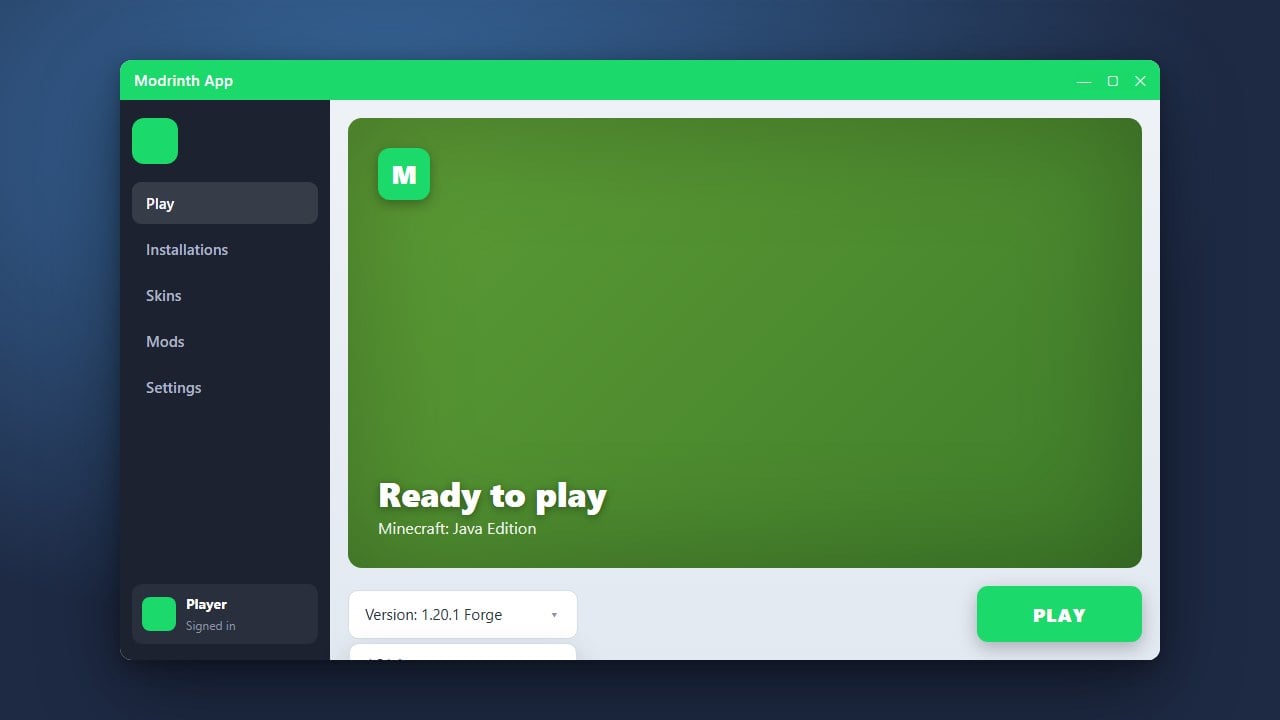
Click the Create Instance or plus button within the app to set up a fresh modded profile. You can pick your desired Minecraft version, choose a mod loader like Fabric or Forge, and optionally check out our guide on How to Change the Minecraft Version in Modrinth App if you need to switch versions later.
Add Mods and Content
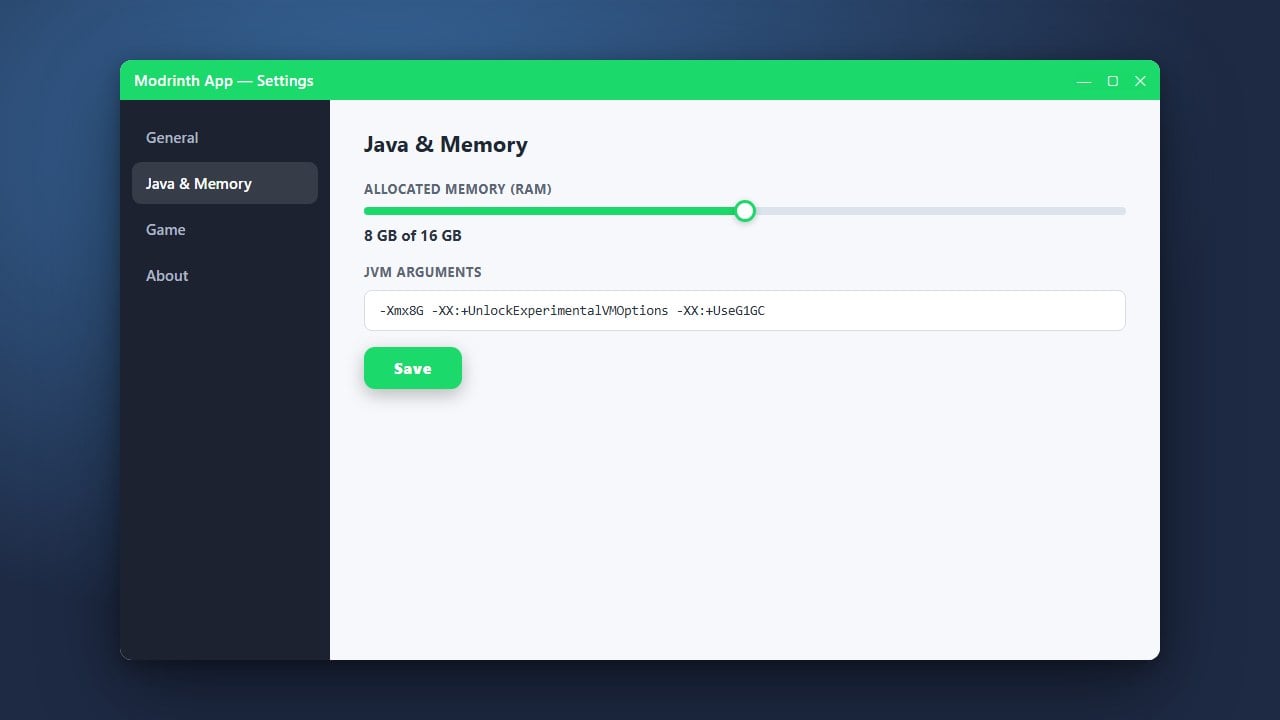
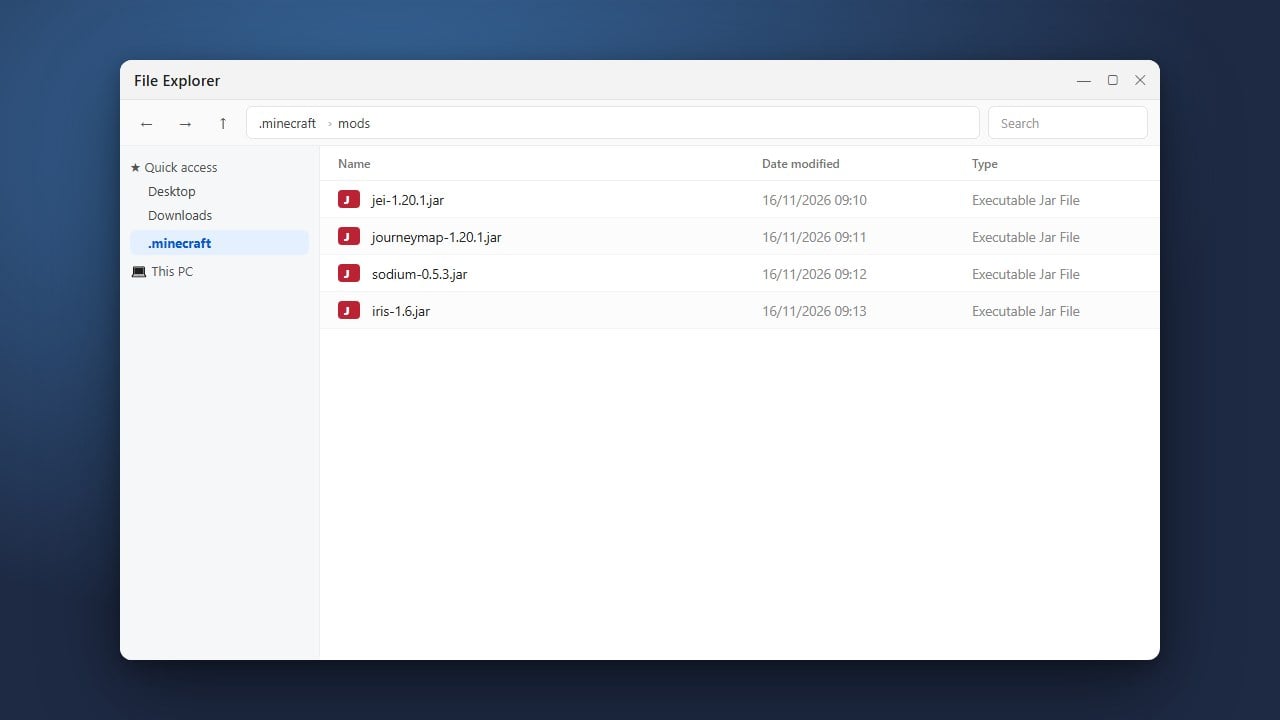
Browse the integrated Modrinth library directly inside your instance settings to add mods, plugins, resource packs, and shaders with just a single click. If you want to fine-tune your performance or give your game more breathing room, you can also check out our tutorial on How to Allocate More RAM in Modrinth App.
Launch and Play
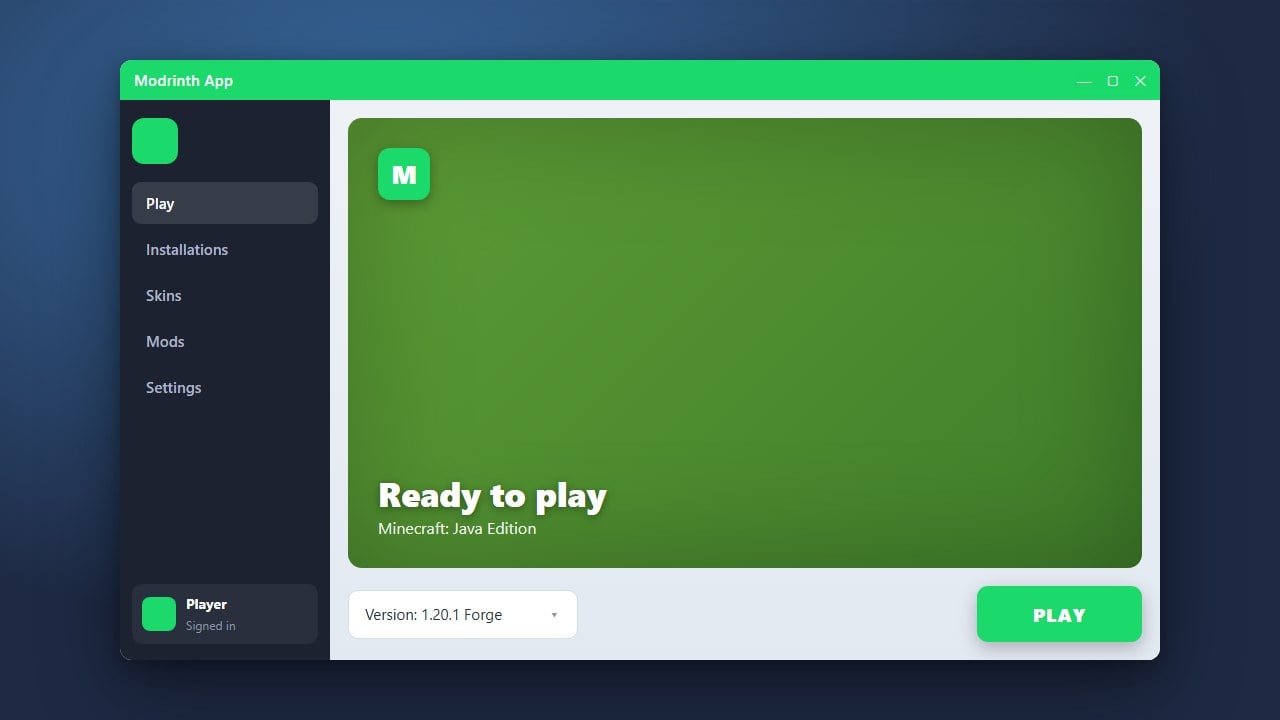
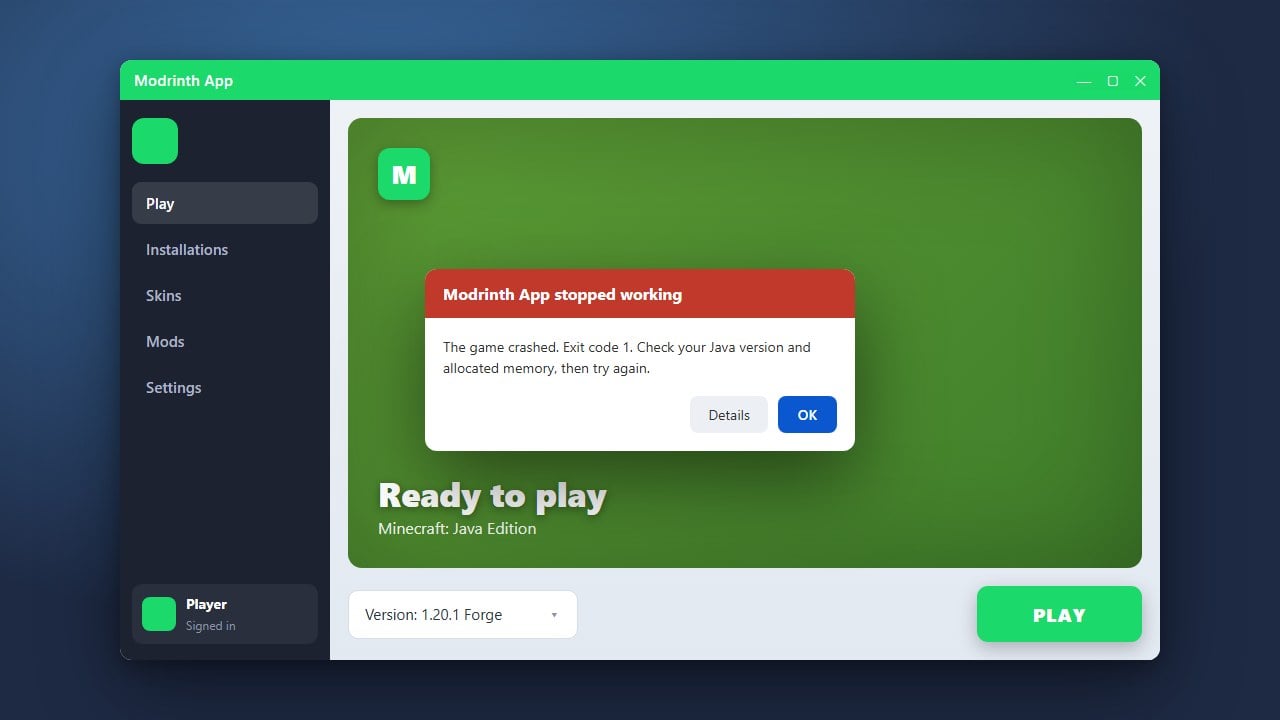
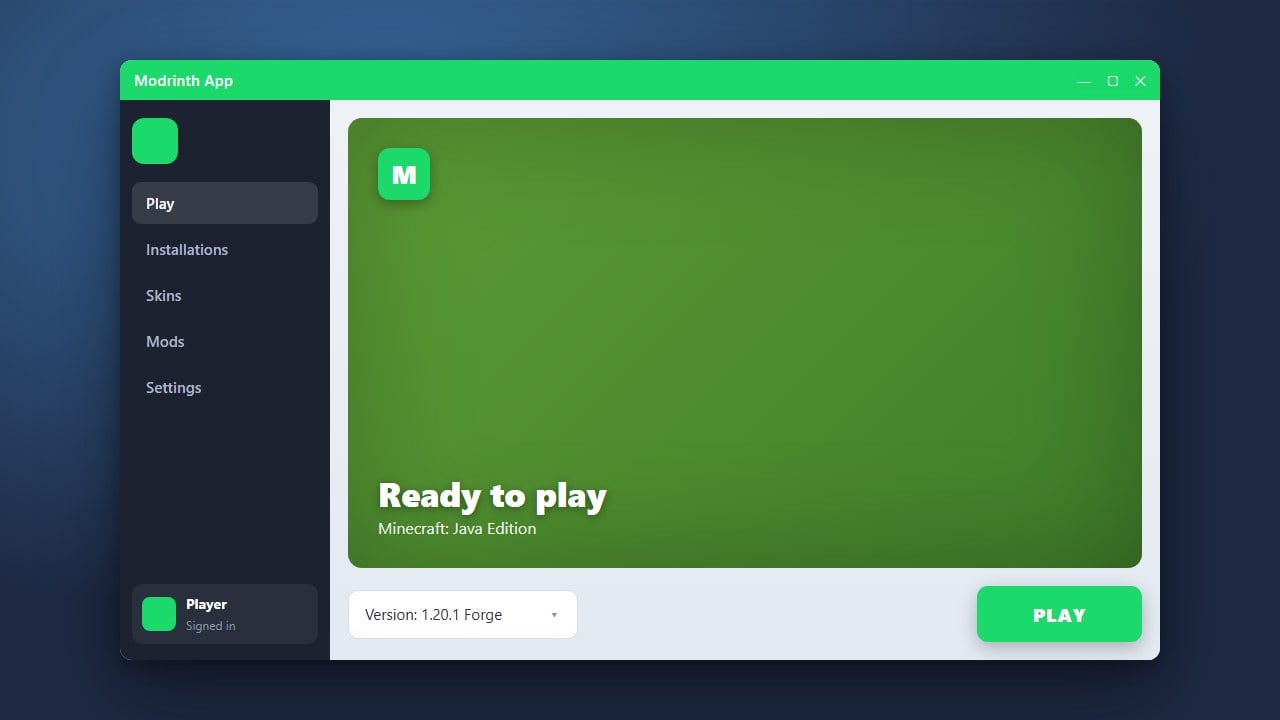
Once you have customized your profile with all your favorite content, click the Play button at the bottom of your instance page. The Modrinth App will automatically assemble your selected files, download necessary dependencies, and boot up your modified Minecraft experience safely.
Frequently Asked Questions
Is the Modrinth App free to use?
Yes, the Modrinth App is completely free and open-source software. However, you still need to own a legal, paid copy of Minecraft Java Edition to play the game through the launcher.
Can I install CurseForge modpacks on the Modrinth App?
Yes, the Modrinth App supports importing external modpacks, including those originating from CurseForge, provided they comply with export guidelines.