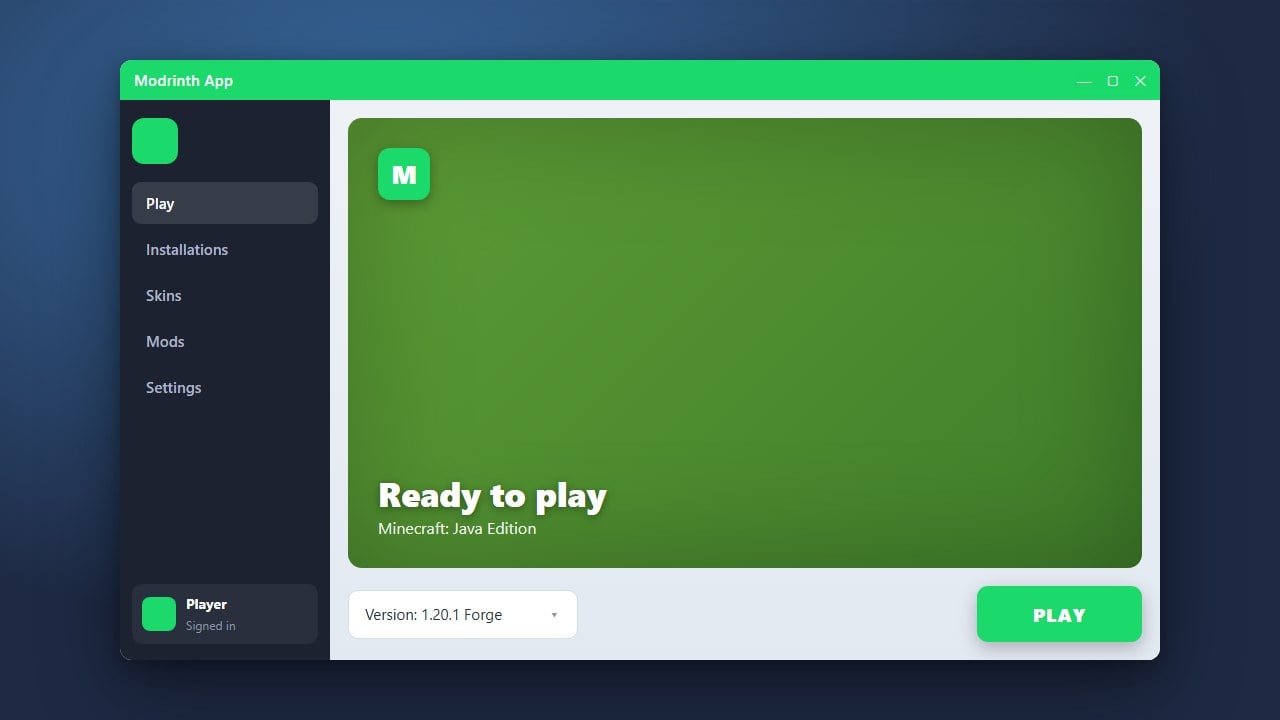
If you play Minecraft Java Edition and want to use community mods, the Modrinth App provides a clean, open-source way to manage both Forge and Fabric profiles. Make sure you have purchased the official game from minecraft.net before logging into any third-party launcher.
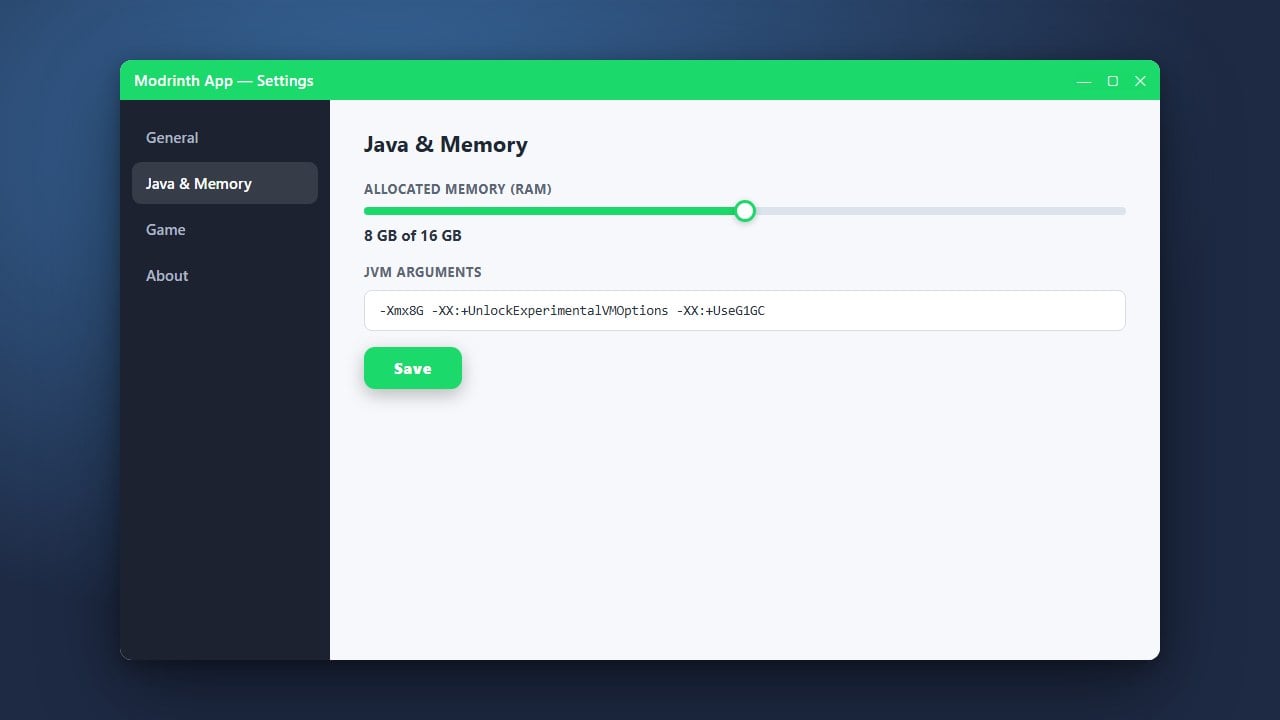
You can easily switch between different versions or manage your allocated memory by visiting How to Allocate More RAM in Modrinth App if your mods require extra performance.
Always download the Modrinth App from its official source to ensure your account details and login credentials remain completely safe and secure.
Open the Modrinth App and Log In
Launch the Modrinth App on your computer. If you have not installed it yet, check out our guide on How to Download and Install Modrinth App to get started.
Sign in using your official Microsoft and Minecraft account credentials to link your game ownership securely.
Create a New Profile
Navigate to the library or home tab within the app and click the button to create a new profile or instance. This will open the profile creation menu where you can configure your game version and mod loader.
Select Your Desired Mod Loader
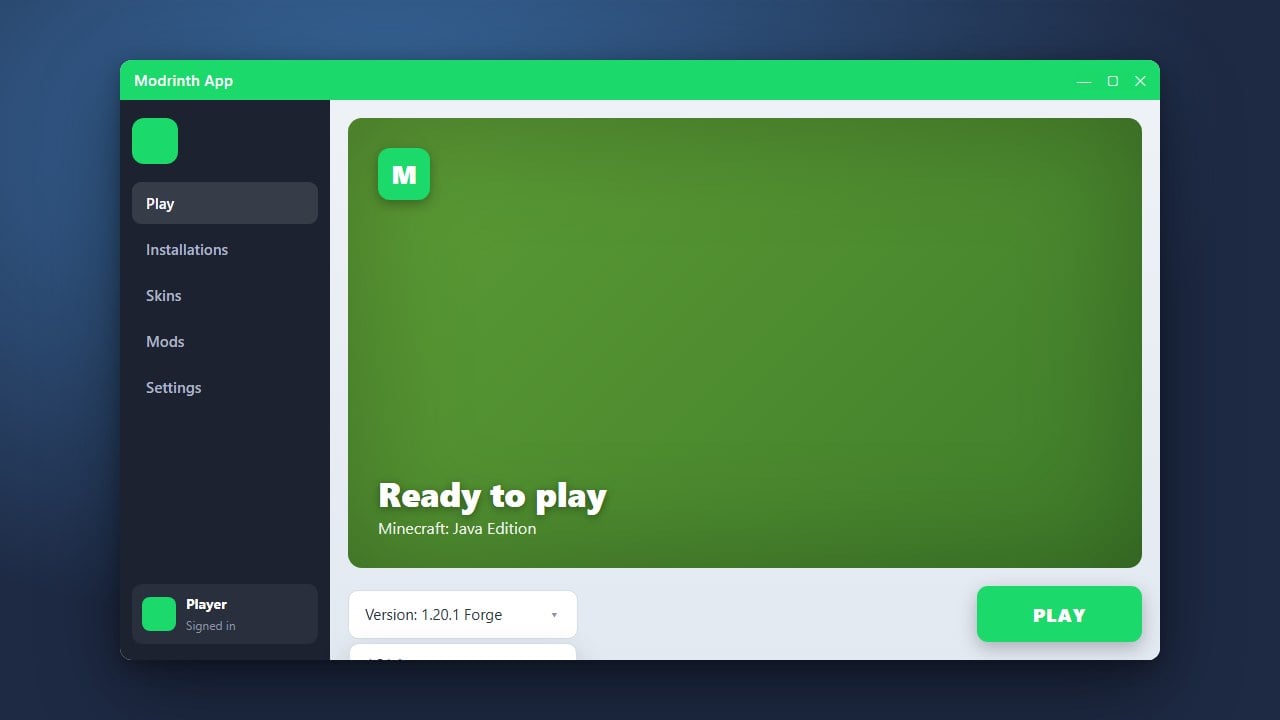
In the profile creation window, choose your preferred Minecraft version. You will see dropdown menus or selection options for mod loaders such as Forge and Fabric. Select the loader you wish to use for your specific modpack or gameplay style.
Name and Initialize Your Profile
Give your new profile a recognizable name so you can easily distinguish between your Forge and Fabric worlds. Click the create button to let the Modrinth App automatically download and install all necessary game files and libraries.
Launch and Play
Once the installation finishes, select your newly created profile from your library and click the play button. The game will start up running your chosen mod loader, allowing you to add and enjoy your favorite mods.
Frequently Asked Questions
Can I use Forge and Fabric mods in the same profile?
No, Forge and Fabric use entirely different underlying architectures and cannot run mods designed for each other simultaneously in the same instance. You must create separate profiles for each loader.
Is the Modrinth App safe to use?
Yes, the Modrinth App is an open-source, trusted launcher that connects securely to official Microsoft authentication servers for your Minecraft account.