Welcome to our comprehensive guide on setting up and managing your favorite Minecraft Java Edition mods using the Modrinth App. If you are looking to enhance your gameplay with performance boosters, new blocks, or custom content, this lightweight open-source launcher makes the entire process smooth and secure. For more setup details, you can also check out our guide on How to Download and Install Modrinth App.
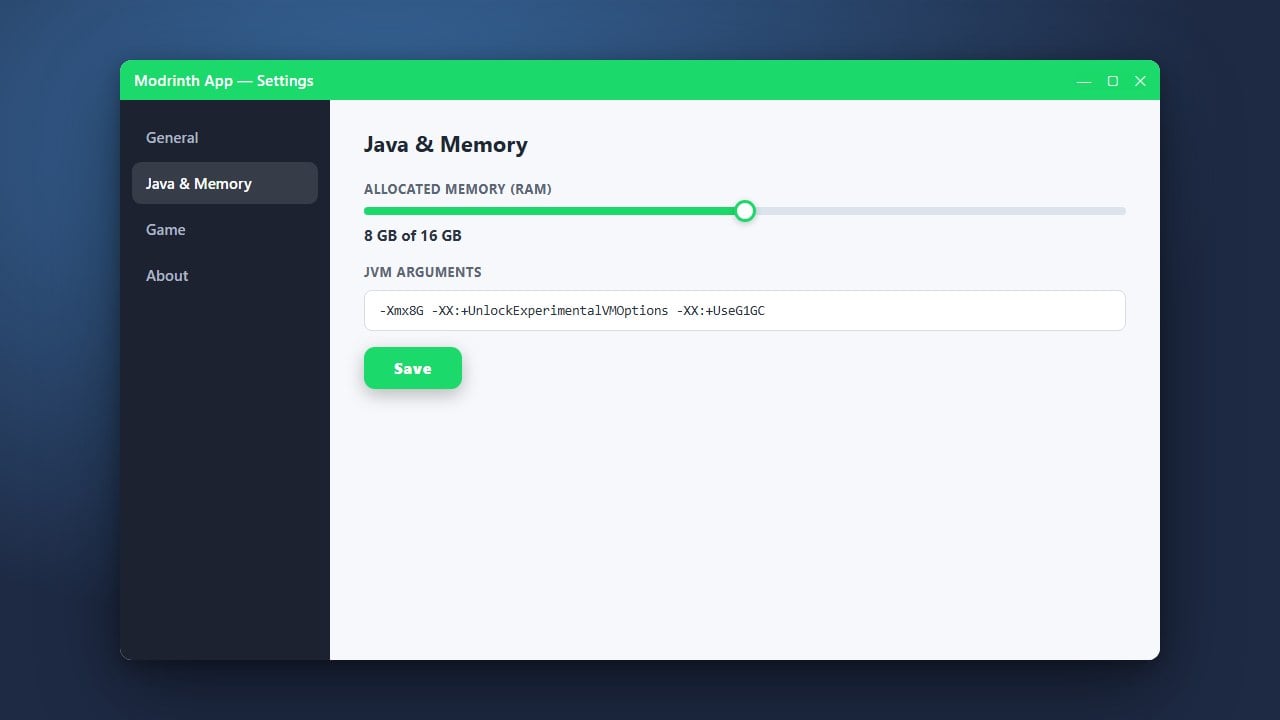
If your game starts lagging or crashing due to heavy content, you can easily adjust your memory allocation by following our guide on How to Allocate More RAM in Modrinth App.
Always download launchers from their official domains to protect your personal data, privacy, and Microsoft account credentials from malicious clones or adware.
Download and Open the Modrinth App
First, head over to the official Modrinth website to download the installer for your operating system (Windows, macOS, or Linux). Run the installer and launch the application once the installation process finishes.
Log In with Your Minecraft Account
When you open the app for the first time, you will need to sign in using your official Microsoft account that owns Minecraft Java Edition. Please note that third-party launchers require a legitimate account; always purchase the official game from minecraft.net to ensure account security and access to online servers.
Create a New Profile
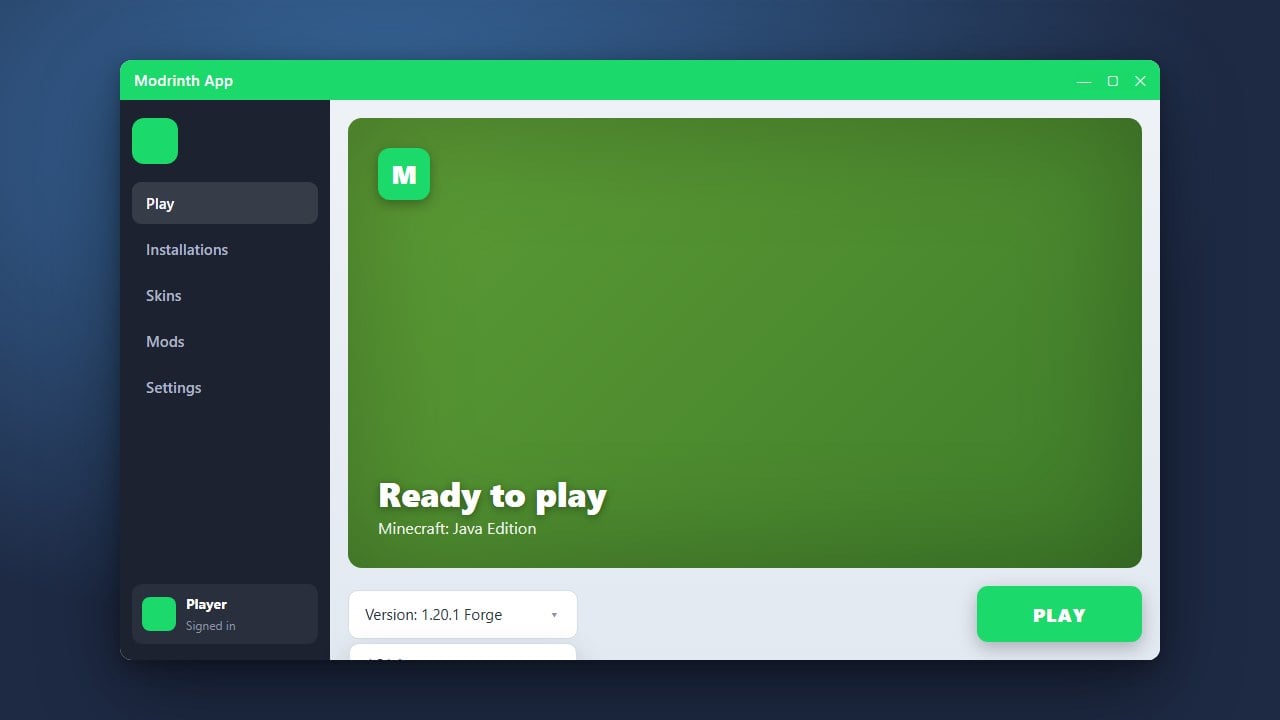
Navigate to the Library tab inside the app and click the Create Profile button. Give your mod pack or instance a custom name, select your preferred Minecraft version, and choose your mod loader such as Fabric or Forge.
Search and Add Mods
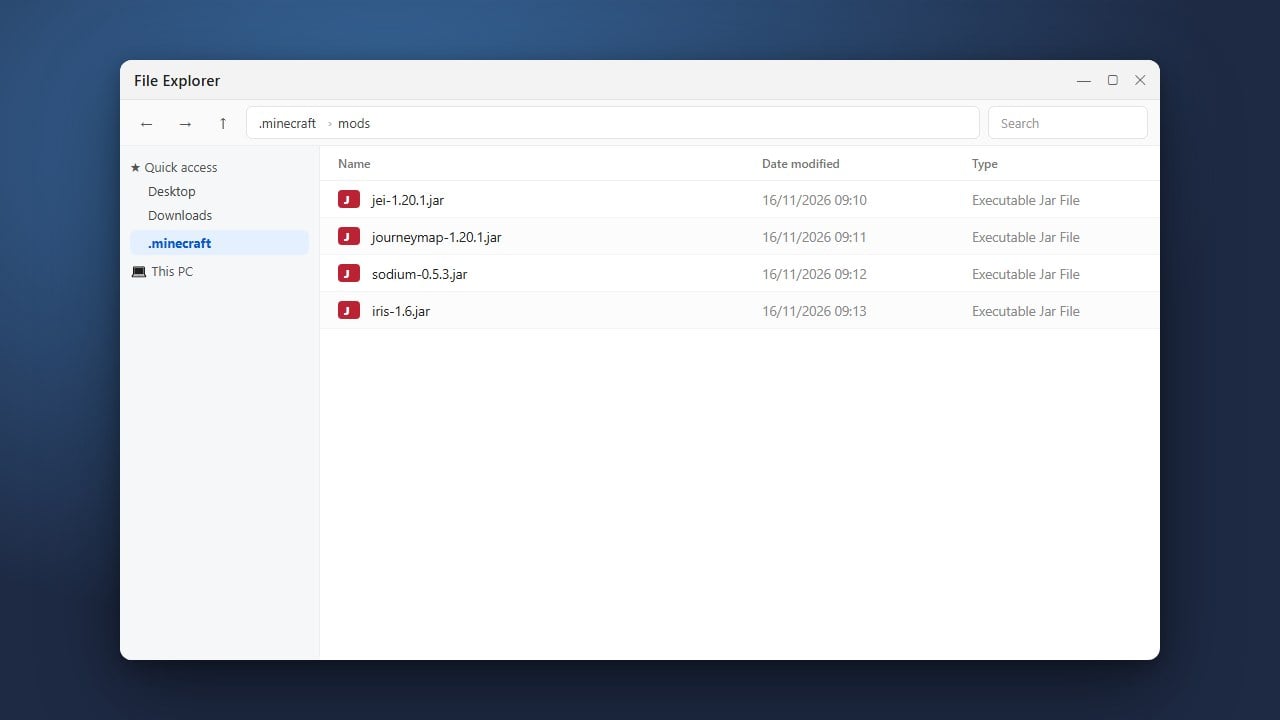
Click on your newly created profile and select the Add Content or browse tab to open the built-in repository. Type the name of the mod you want into the search bar, click install, and the app will automatically handle any necessary dependencies.
Launch the Game
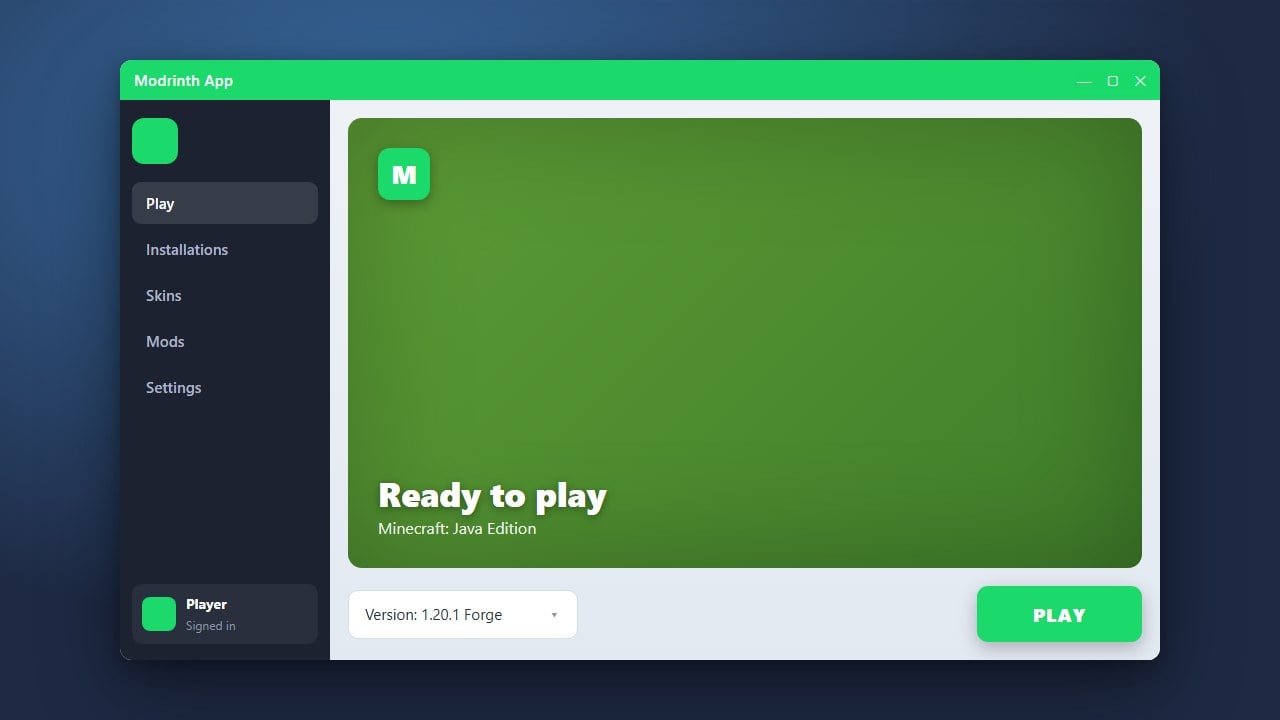
Once you have added all your desired modifications, return to your profile overview and click the Play button. The Modrinth App will securely boot up your customized Minecraft Java Edition instance with all mods loaded properly.
Frequently Asked Questions
Is the Modrinth App free to use?
Yes, the Modrinth App is completely free, open-source software. However, you still need to own a legal, paid copy of Minecraft Java Edition to play.
Can I install Fabric and Forge mods together?
Generally, Fabric mods require the Fabric loader and Forge mods require the Forge loader. You must create separate profiles for each mod loader type.