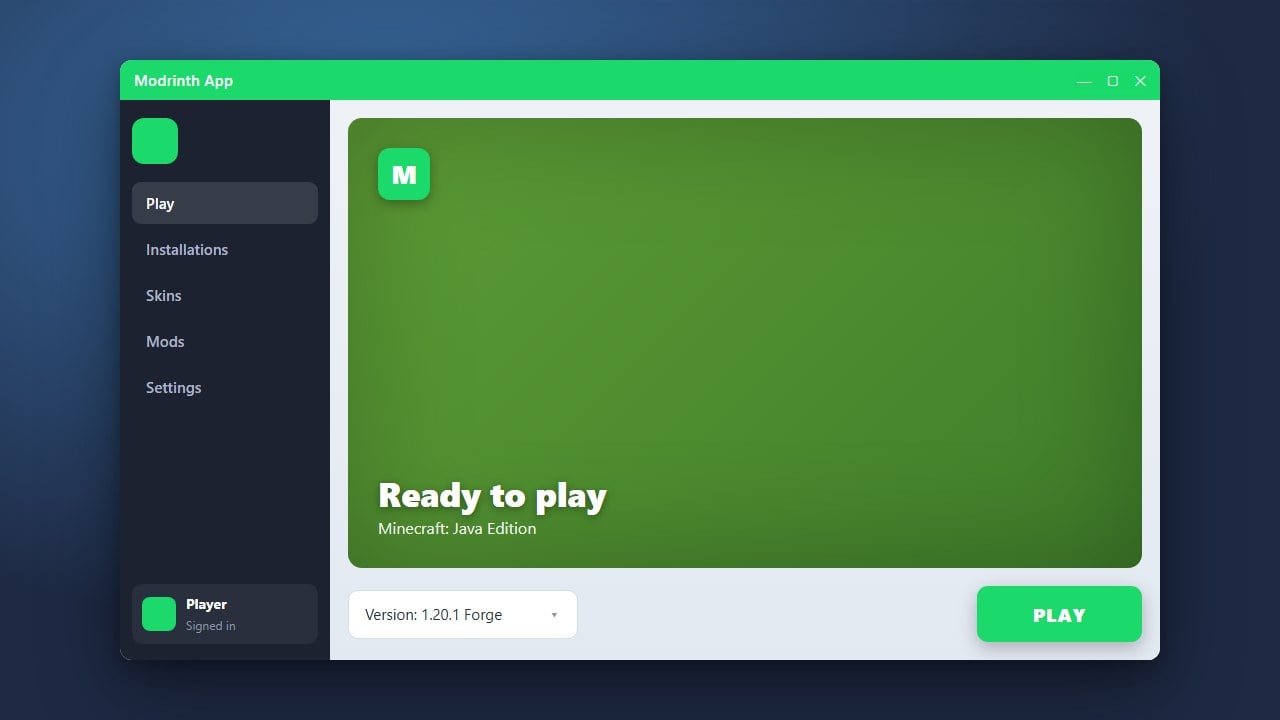
The Modrinth App is a fast, open-source, and user-friendly launcher designed for Minecraft Java Edition that lets you discover and install mods, plugins, and modpacks with a single click. This guide will walk you through downloading, installing, and setting up the launcher on your computer.
Never download Minecraft launchers from unverified third-party file-sharing sites, as they often contain adware, malware, or credential-stealing trojans.
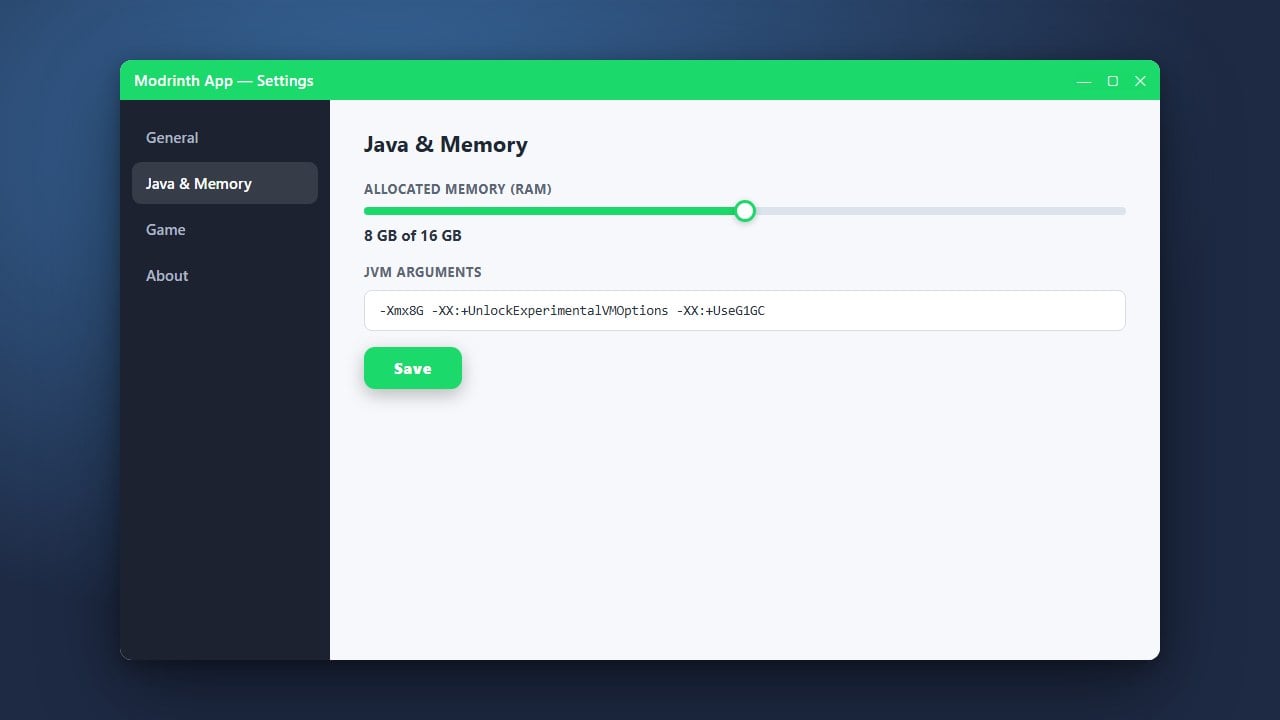
If your modded game runs out of memory or lags, you can easily adjust your memory allocation by checking out How to Allocate More RAM in Modrinth App.
Visit the Official Website
Open your preferred web browser and navigate to the official Modrinth website at modrinth.com/app. Always download third-party launchers from their verified official source to protect your computer and personal information from malicious imitations.
Download the Installer for Your Operating System
On the download page, click the download button suited for your operating system. The Modrinth App supports Windows, macOS, and Linux. The installer package will download directly to your computer's designated downloads folder.
Run the Installer
Locate the downloaded installer file and double-click it to begin the setup process. Follow the on-screen prompts to complete the installation. Windows users may see a standard SmartScreen prompt; click More info and then Run anyway to proceed.
Sign In With Your Minecraft Account
Launch the Modrinth App after installation finishes. You will be prompted to log in using your official Microsoft account that owns Minecraft Java Edition. Please note that youmust purchase the legitimate game from minecraft.net to play online and connect properly through third-party launchers.
Create Your First Profile
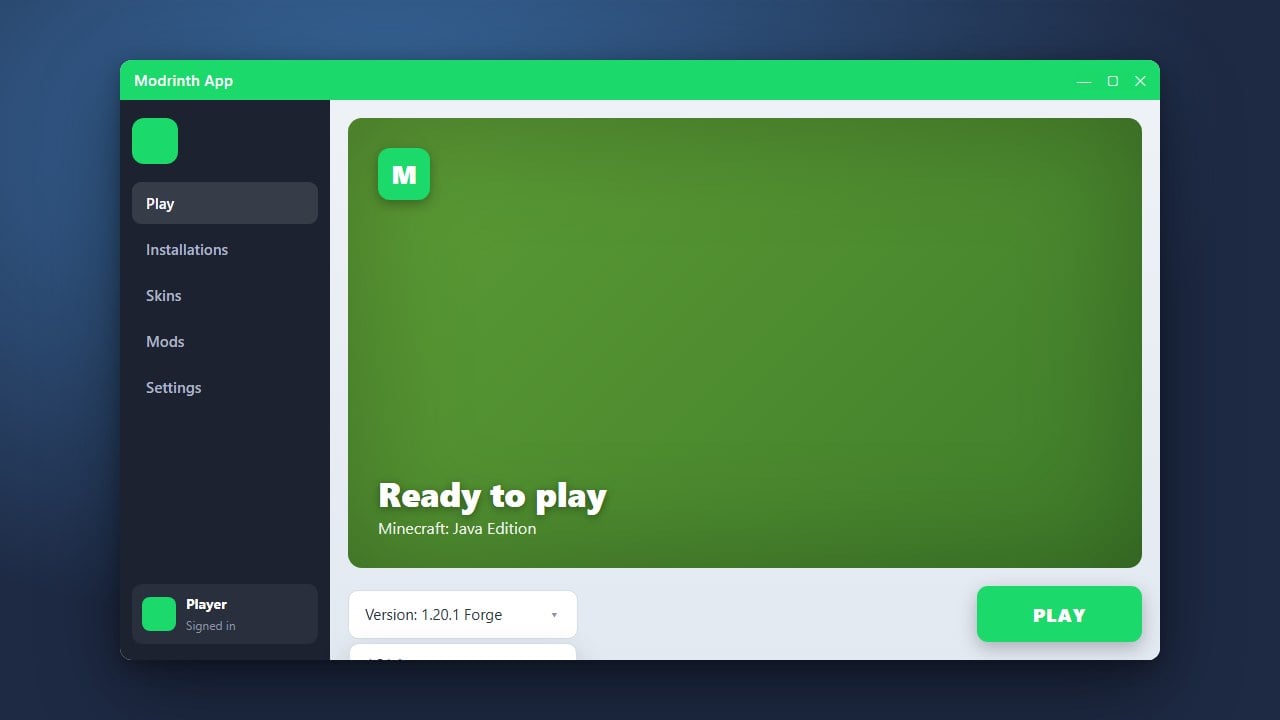
Once logged in, click the create profile button to set up your first game instance. You can choose your preferred Minecraft version, select mod loaders like Fabric or Forge, and easily browse for content using guides like How to Install Forge and Fabric with Modrinth App.
Frequently Asked Questions
Is the Modrinth App free to use?
Yes, the Modrinth App is 100% free and open-source. However, you still need to own a legitimate, paid copy of Minecraft Java Edition to play the game.
Can I play Bedrock Edition using the Modrinth App?
No, the Modrinth App is strictly built for Minecraft Java Edition. Bedrock Edition is not supported by this launcher.