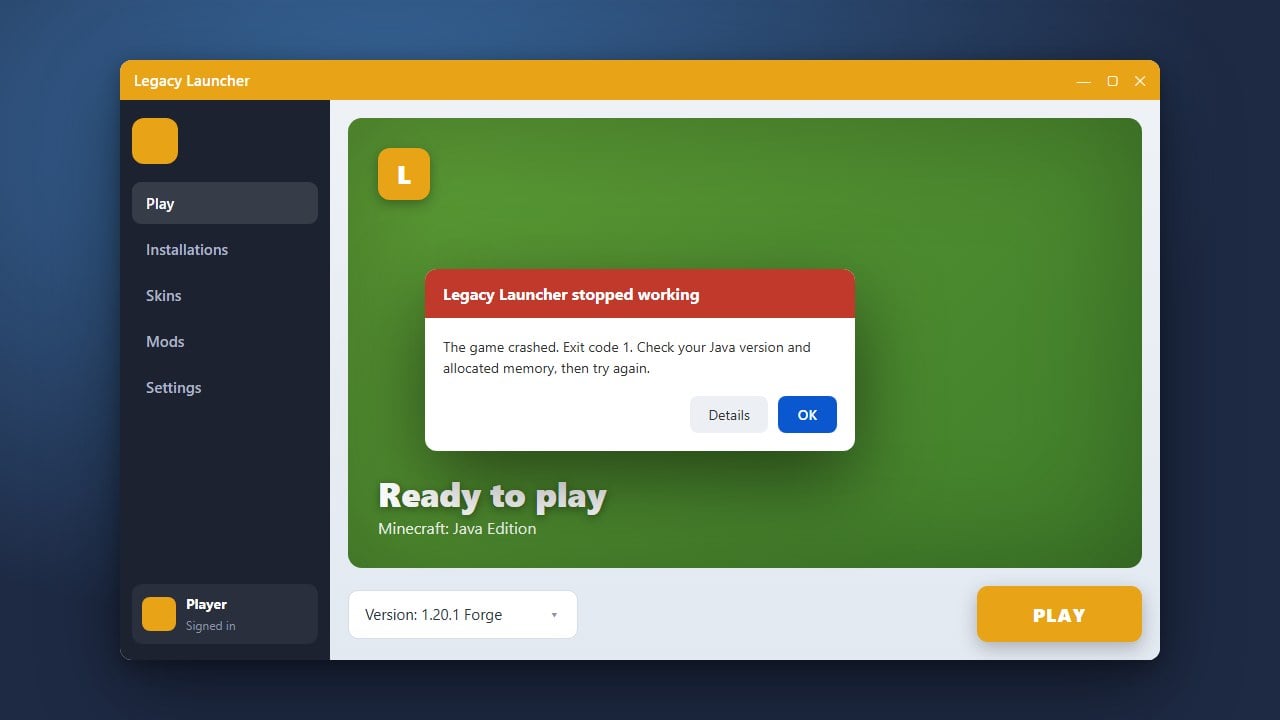
Legacy Launcher is an alternative third-party launcher for Minecraft Java Edition that allows players to manage game versions and profiles. Before getting started, we strongly recommend purchasing the official game from minecraft.net to support the developers and ensure full online account safety.
Download and Install the Launcher
Go to the official Legacy Launcher website and download the installer for your operating system (Windows, macOS, or Linux). Run the installer file and follow the on-screen instructions to complete the setup on your computer.
Set Up Your Account
Open Legacy Launcher once the installation finishes. You can log in using your official Microsoft and Minecraft account credentials. If you are exploring related setup options, you can also check out our guide on How to Download and Install Legacy Launcher for more details.
Select Your Minecraft Version
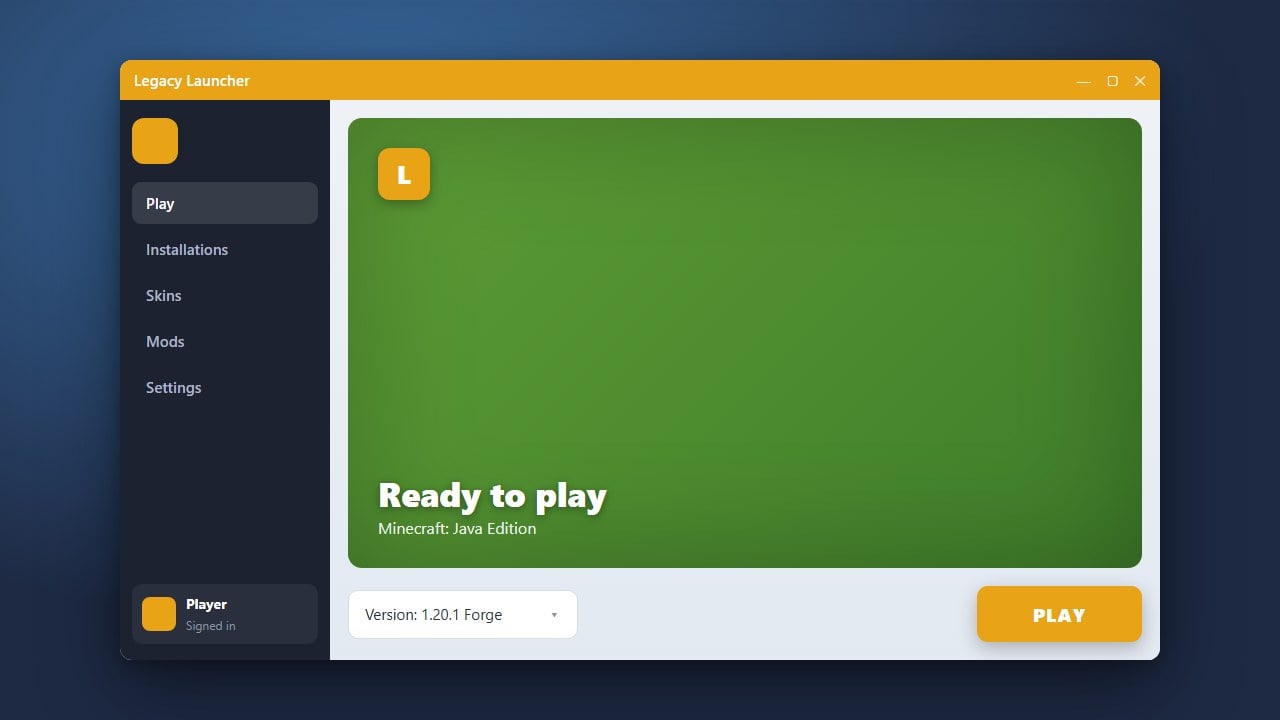
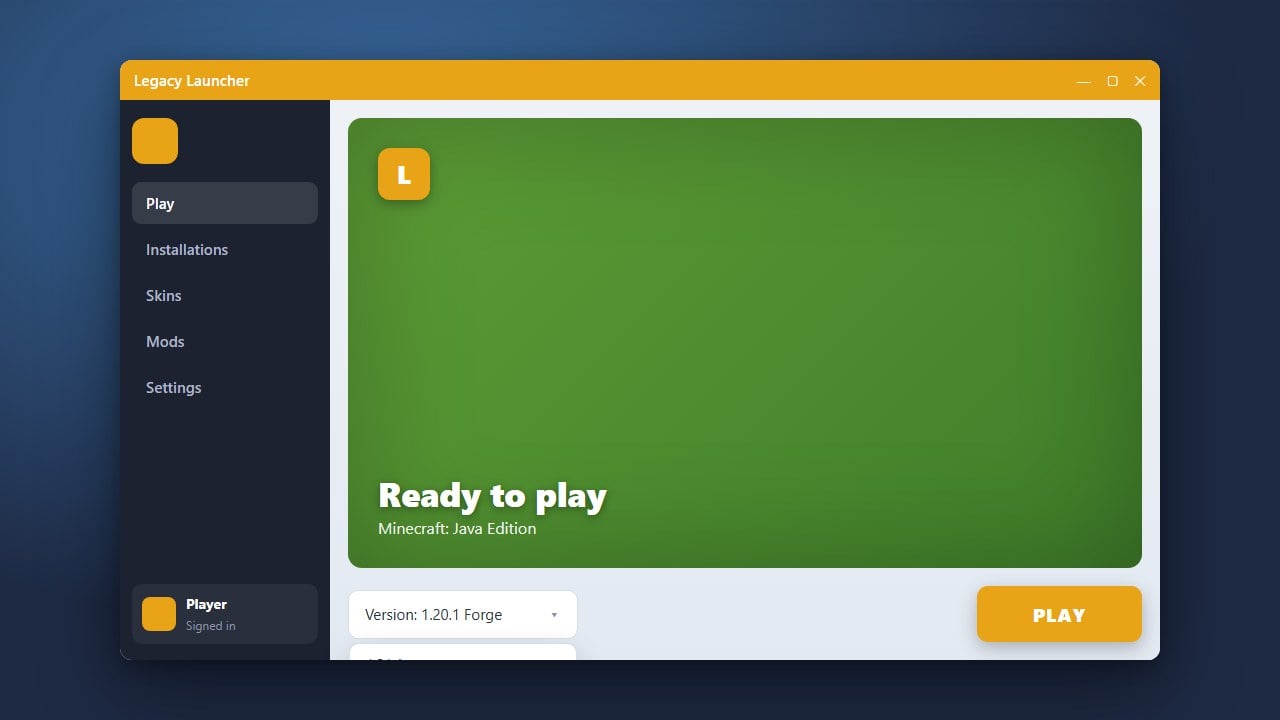
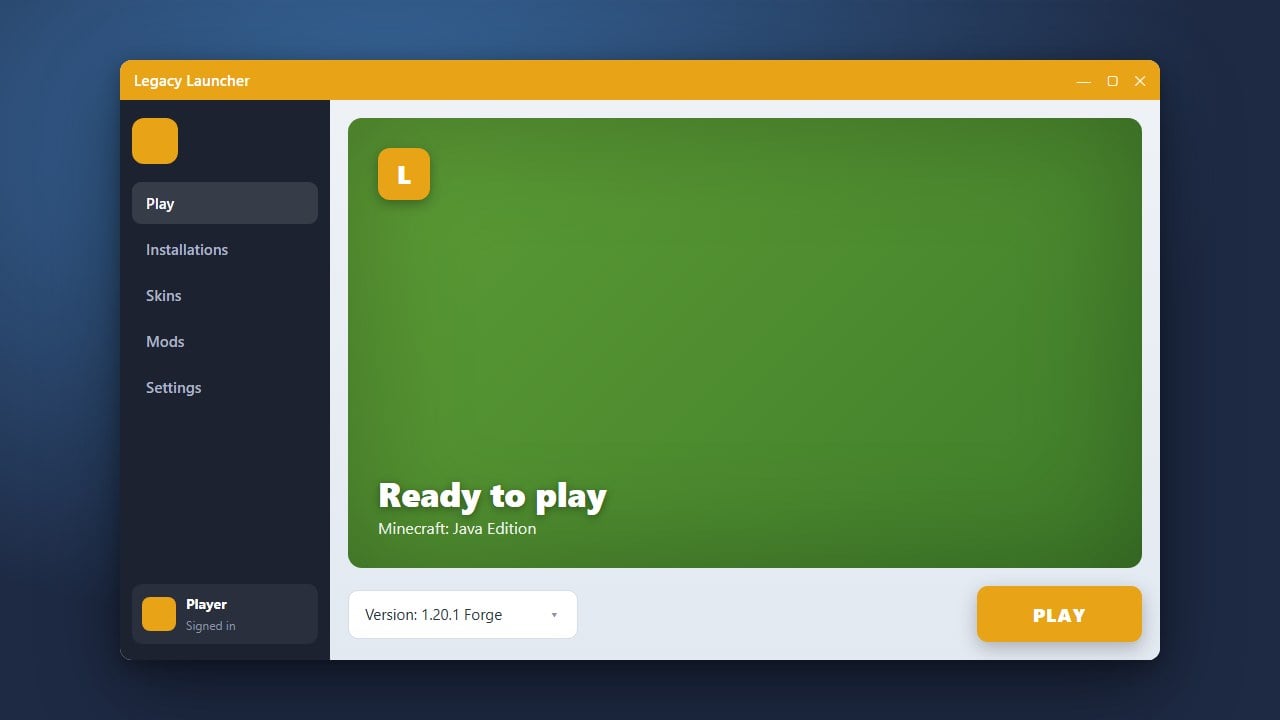
Navigate to the version selection dropdown menu on the main dashboard. Choose the specific Minecraft Java Edition release, snapshot, or modded profile you wish to play. If you need help managing this, refer to our guide on How to Change the Minecraft Version in Legacy Launcher.
Launch the Game
Click the large Play button to start Minecraft. The launcher will automatically download any necessary game assets or libraries required for your chosen version and open the game window.
Frequently Asked Questions
Is Legacy Launcher free to use?
Yes, the launcher itself is free to download and use, but playing online multiplayer requires a legitimate, paid Minecraft Java Edition account.
Can I install mods using Legacy Launcher?
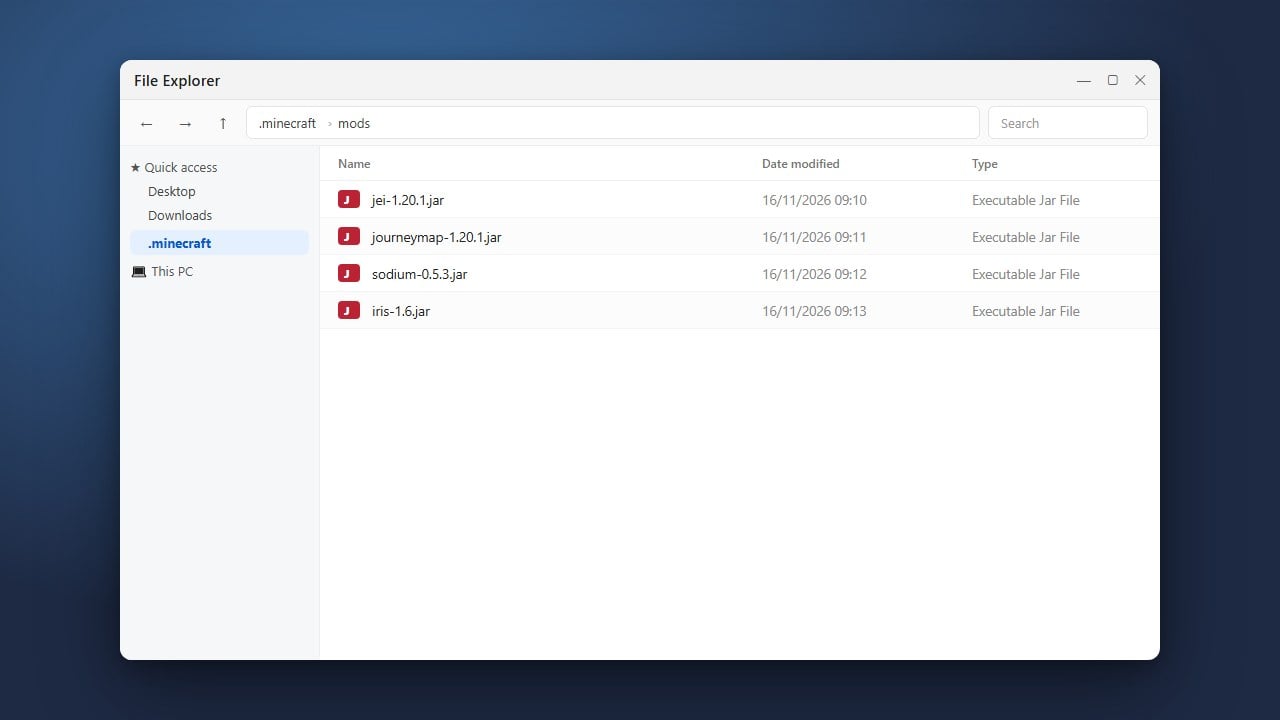
Yes, you can install mod loaders like Forge and Fabric. For step-by-step instructions, see our guide on How to Install Forge and Fabric with Legacy Launcher.