Installing mod loaders like Forge and Fabric is simple when using custom launchers. If you are new to third-party tools, you can also review How to Download and Install Legacy Launcher before getting started. Always remember to purchase the official game from minecraft.net to support the developers and ensure account security.
Open Legacy Launcher
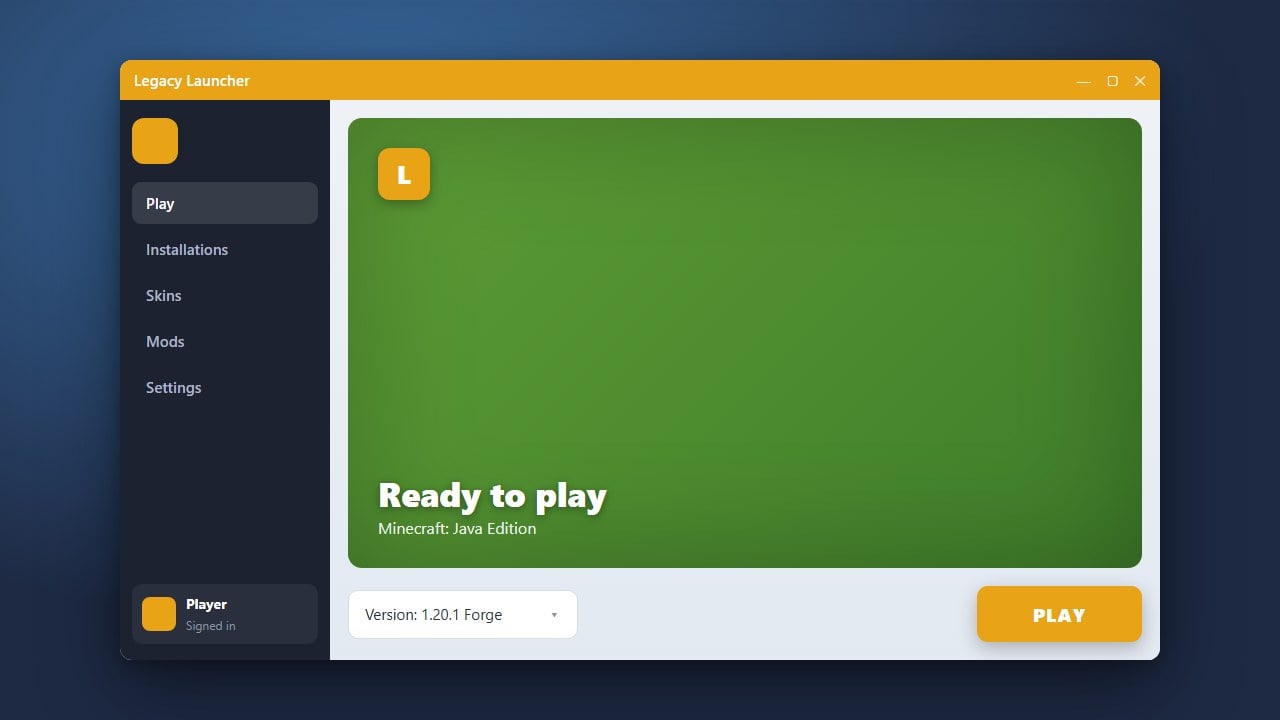
Start by launching the Legacy Launcher on your computer. Make sure you are logged into your account and that your preferred Minecraft Java Edition version is selected in the version dropdown menu.
Navigate to the Version Manager
Look toward the bottom of the launcher interface near the version selection area and click on the icon or button that opens the version manager or installation list. This section lets you manage modded profiles.
Select and Install Forge
Find the option to install a custom version, then choose Forge alongside your desired Minecraft version. Click the install or confirmation button and wait for the launcher to automatically download all necessary files.
Select and Install Fabric
Return to the version creation menu and this time select Fabric loader for your target version. Confirm the installation so the launcher downloads the Fabric API and core loader components.
Launch Your Modded Profile
Once both installations finish, switch back to the main launcher screen. Select your newly created Forge or Fabric profile from the dropdown list and click Play to start the game.
Frequently Asked Questions
Can I run Forge and Fabric mods at the same time?
No, Forge and Fabric use different modding architectures, so you must run them as separate profiles within your launcher.
Where do I put my mods after installing these loaders?
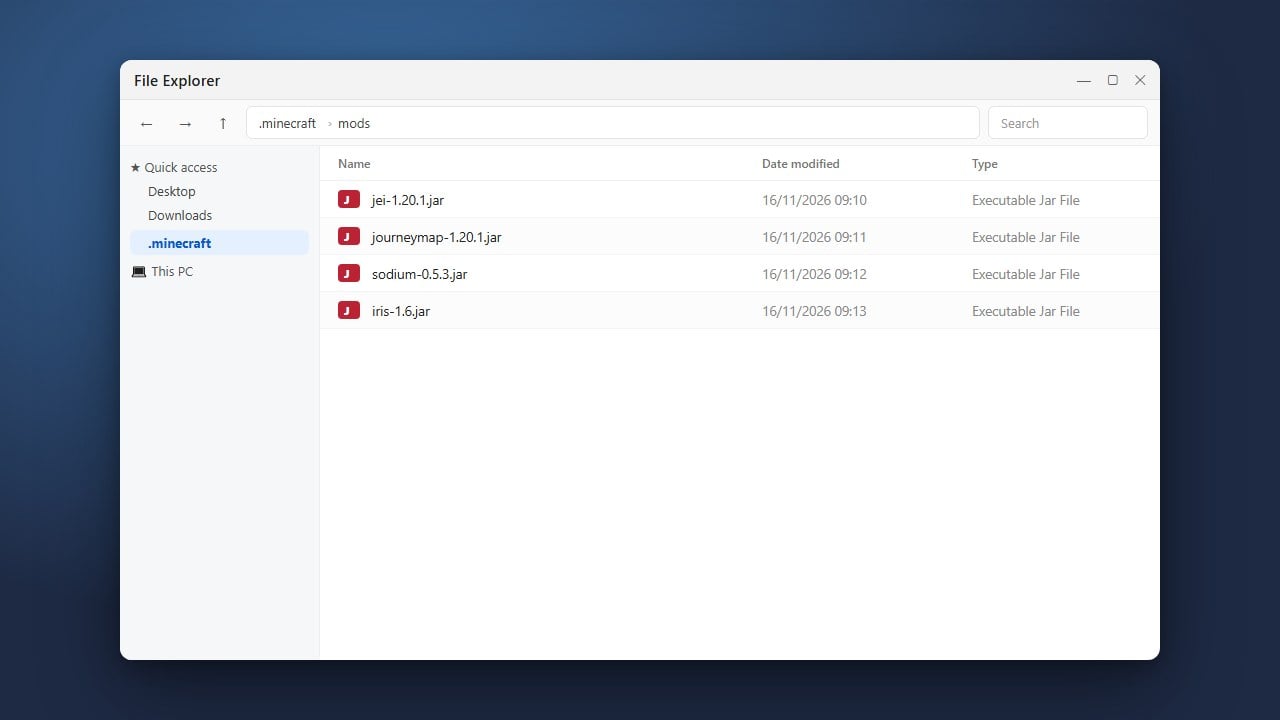
You need to place your downloaded mod .jar files into the mods folder located inside your Minecraft directory.