Adding mods to your Java Edition game via Legacy Launcher is a great way to customize your gameplay. Before proceeding, we always recommend purchasing and supporting the official game directly from minecraft.net to ensure full feature updates and secure account safety. Third-party launchers can sometimes carry privacy concerns or security risks, so always download files from trusted sources.
Always double-check that your downloaded mods match your specific mod loader. Putting a Fabric-only mod into a Forge profile will cause the game to crash on startup.
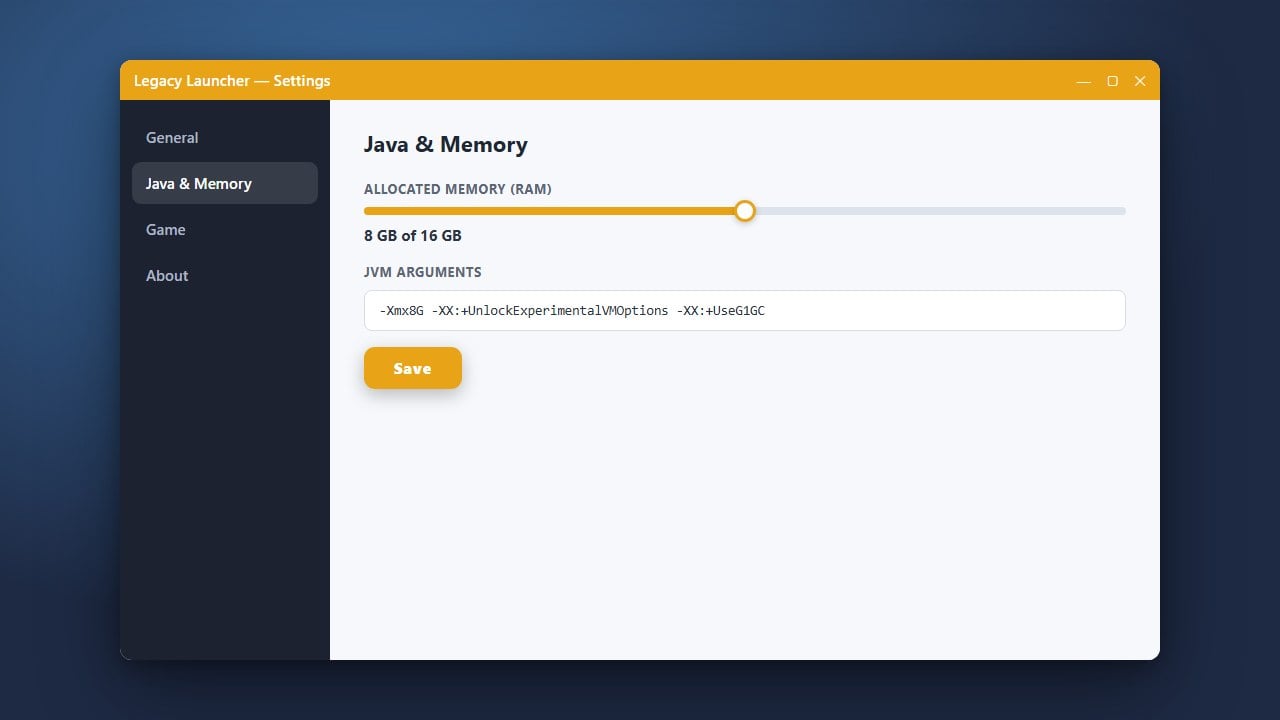
If your game runs out of memory or lags with too many mods, consider adjusting your memory allocation by reading How to Allocate More RAM in Legacy Launcher.
1. Install Mod Support
Before adding individual mod files, ensure your chosen Minecraft version has a mod loader like Forge or Fabric installed. You can follow How to Install Forge and Fabric with Legacy Launcher to get your profile ready.
2. Download Your Desired Mods
Find the mods you want to play from reputable sites like CurseForge or Modrinth. Make sure the mod file matches your exact Minecraft version and your installed mod loader (Forge or Fabric).
3. Open the Mods Folder
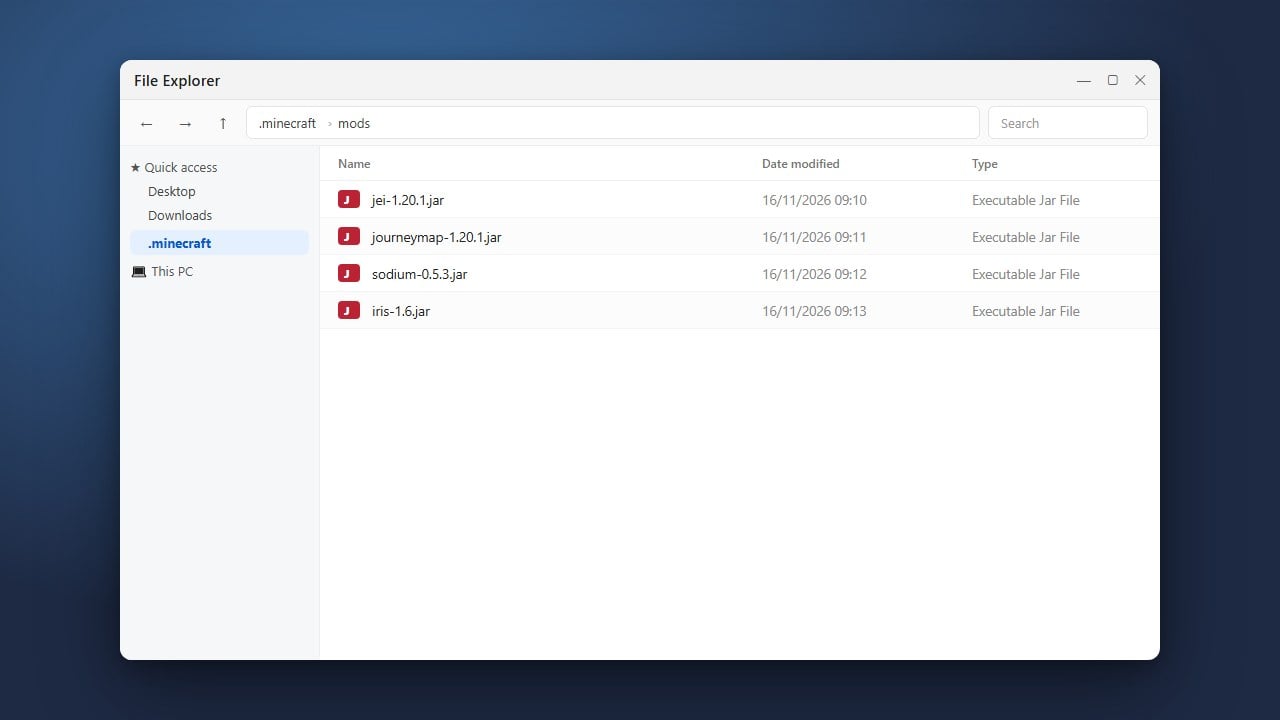
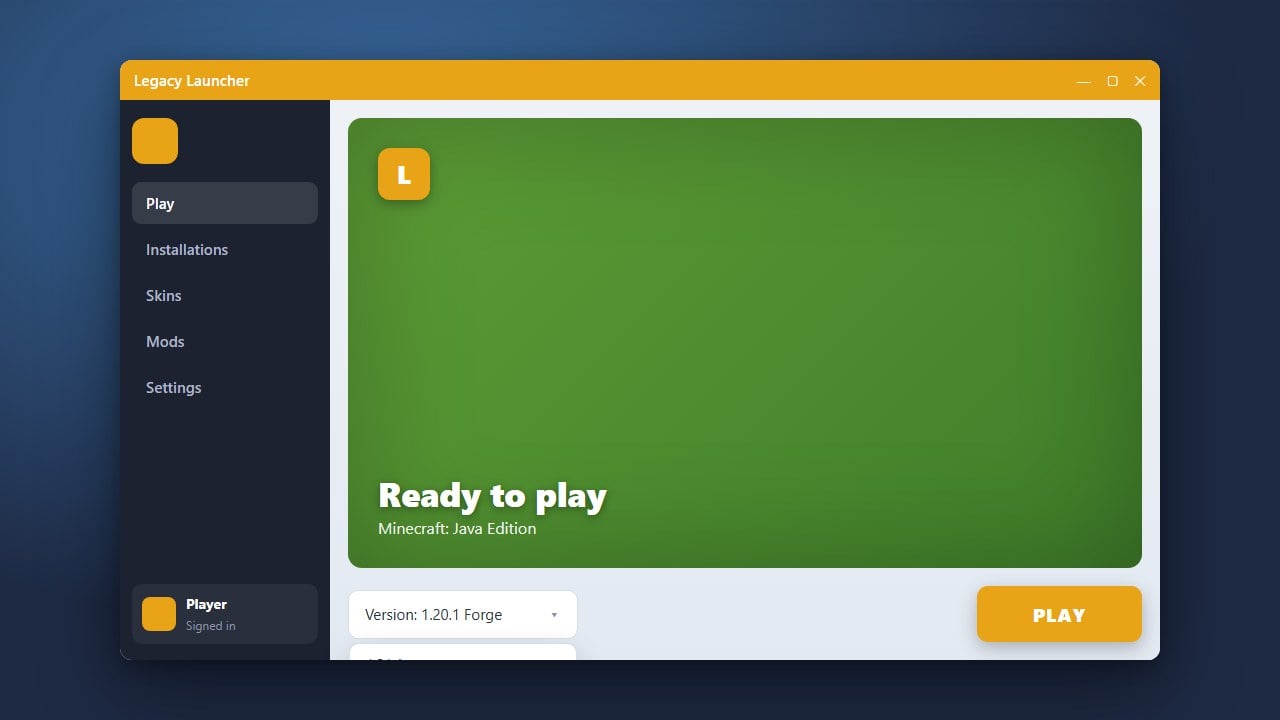
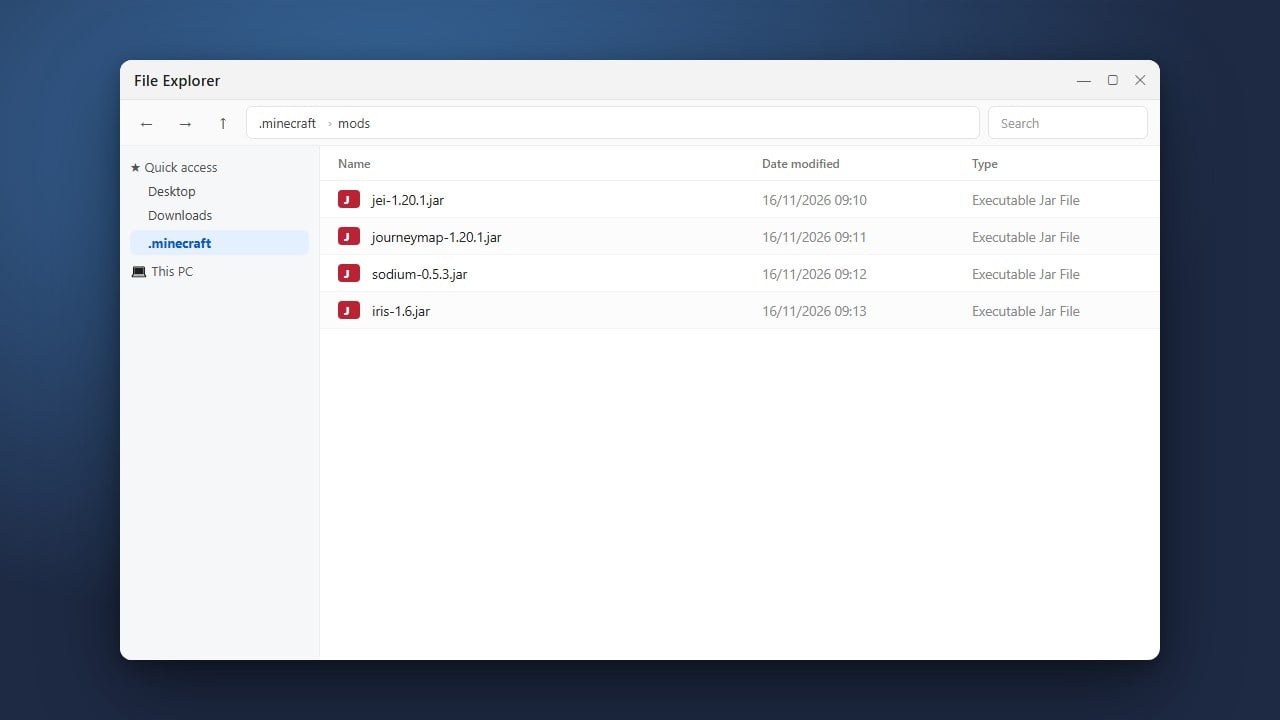
Launch Legacy Launcher, select your modded version profile, and click on the folder icon near the version selection to open the game directory. Inside, locate or create a folder named mods.
4. Place Mod Files into the Folder
Drag and drop your downloaded .jar mod files directly into the mods folder. Do not extract or unzip the files; Java needs them in their original compressed format to read them properly.
5. Launch the Game
Return to Legacy Launcher and click Play on your modded profile. Once the game loads to the main menu, click the Mods button to verify that your newly added modifications are successfully recognized.
Frequently Asked Questions
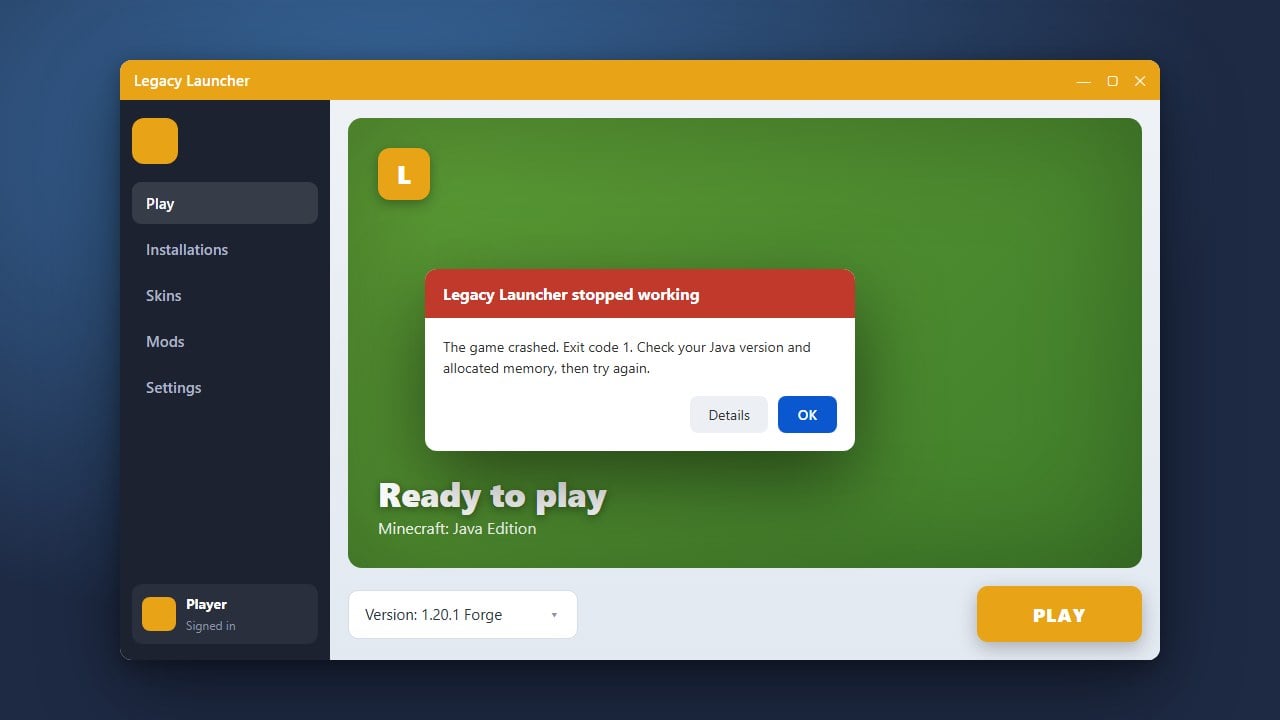
Why does my game crash when I start it with mods?
Crashes usually happen because a mod is outdated, missing a dependency library, or built for a different mod loader (like trying to run a Forge mod on Fabric).
Where should I put the mod files?
All .jar mod files must go strictly inside the mods folder located within your specific Minecraft profile directory.