Installing shaders in Legacy Launcher for Minecraft Java Edition transforms your game with realistic lighting, shadows, and water effects. Before proceeding, please remember that we strongly recommend buying the official game from minecraft.net to support the developers and ensure account safety, as third-party launchers can sometimes carry privacy risks or security concerns.
Install a Shader-Compatible Mod Loader
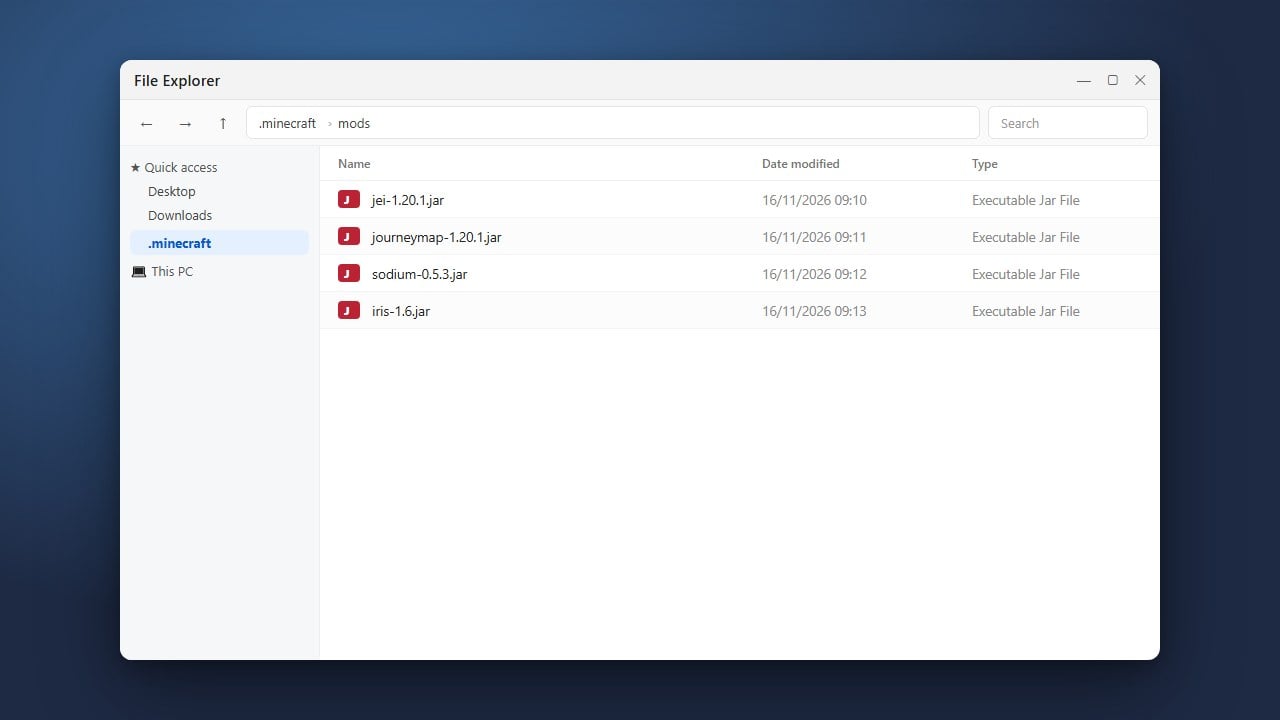
To use shaders in modern Java Edition versions like 1.21, you need a rendering mod such as Iris (which requires Fabric) or OptiFine. You can easily set up your loader by following How to Install Forge and Fabric with Legacy Launcher.
Make sure your chosen version profile is fully installed and working inside the launcher before moving on to the next step.
Download Your Favorite Shader Pack
Find and download a shader pack compatible with your Minecraft version, such as Complementary Shaders or BSL Shaders. Shader packs usually download as a .zip file.
Do not extract or unzip the downloaded file; Minecraft needs the compressed archive to read the shader properly.
Open the Shaderpacks Folder
Launch your game using your Iris or OptiFine profile. From the main menu, click on Options, then select Video Settings (or Shader Options if using Iris).
Click the Shaders button to open the shader selection screen, then click the Open Shaderpack Folder button in the bottom left corner to open the correct directory on your computer.
Move the Shader Pack into the Folder
Drag and drop your downloaded .zip shader pack file directly into the shaderpacks folder that you just opened.
Close the folder window and return to your game; the shader pack should automatically appear in your in-game shader list.
Activate and Configure Your Shaders
Click on the name of your shader pack inside the game's shader menu to activate it. Click Done to apply the changes.
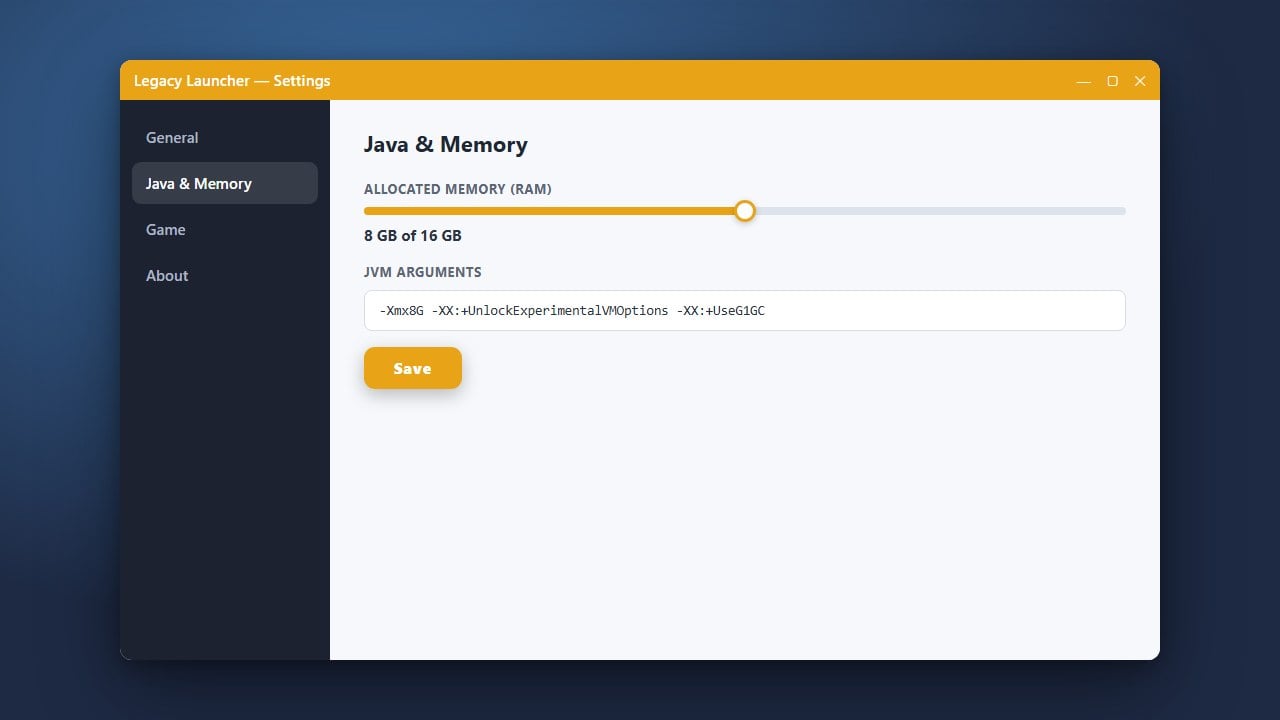
You can adjust individual shader settings or performance options if your game experiences lag. If you need better performance, you may also want to check out How to Allocate More RAM in Legacy Launcher to ensure your game has enough memory.
Frequently Asked Questions
Why aren't my shaders showing up in the menu?
Ensure you installed a mod loader that supports shaders, such as Iris with Fabric or OptiFine. Standard vanilla Minecraft and basic Forge profiles cannot run modern shaders without additional optimization mods.
Can I use multiple shader packs at the same time?
No, Minecraft can only load one active shader pack at a time. However, you can keep as many .zip files as you want inside your shaderpacks folder and switch between them dynamically from the in-game video settings menu.