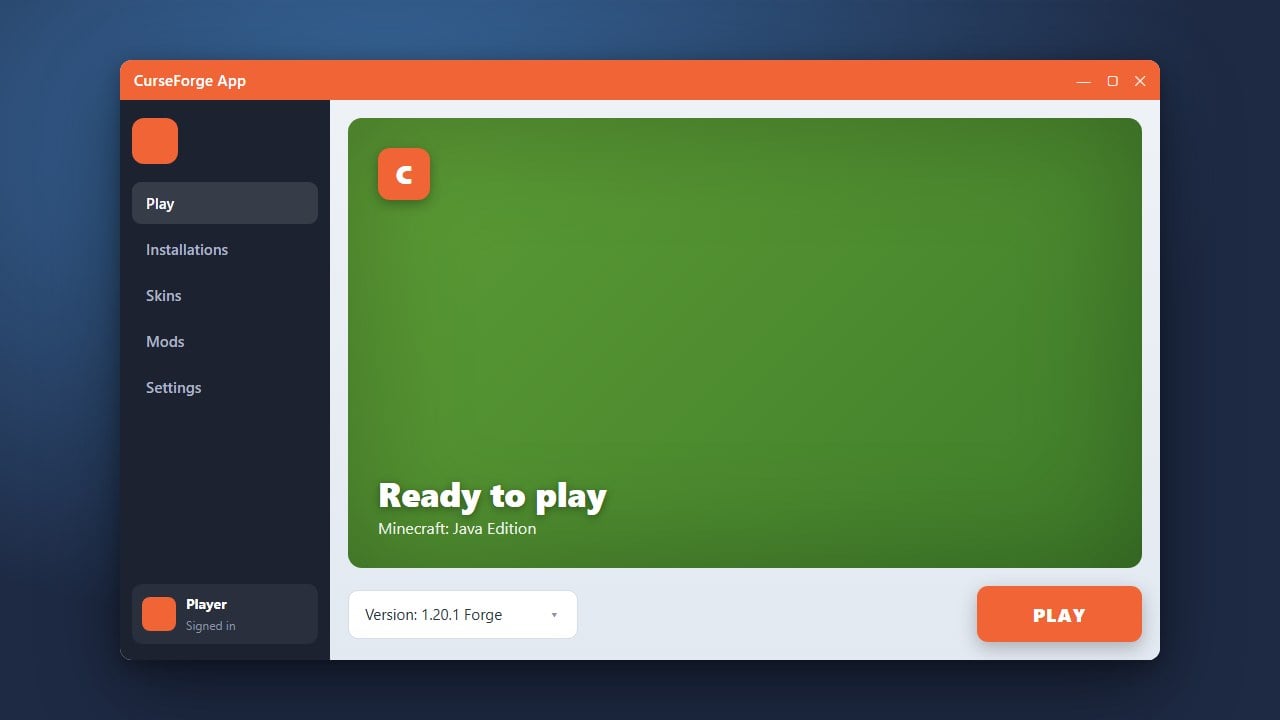
Welcome to our comprehensive guide on how to use the CurseForge App for Minecraft Java Edition! Whether you want to explore massive modpacks or build your own custom adventure using Forge or Fabric, this app makes managing your game files simple and organized.
The CurseForge App is entirely safe and requires a legitimate, purchased copy of Minecraft Java Edition from minecraft.net to play.
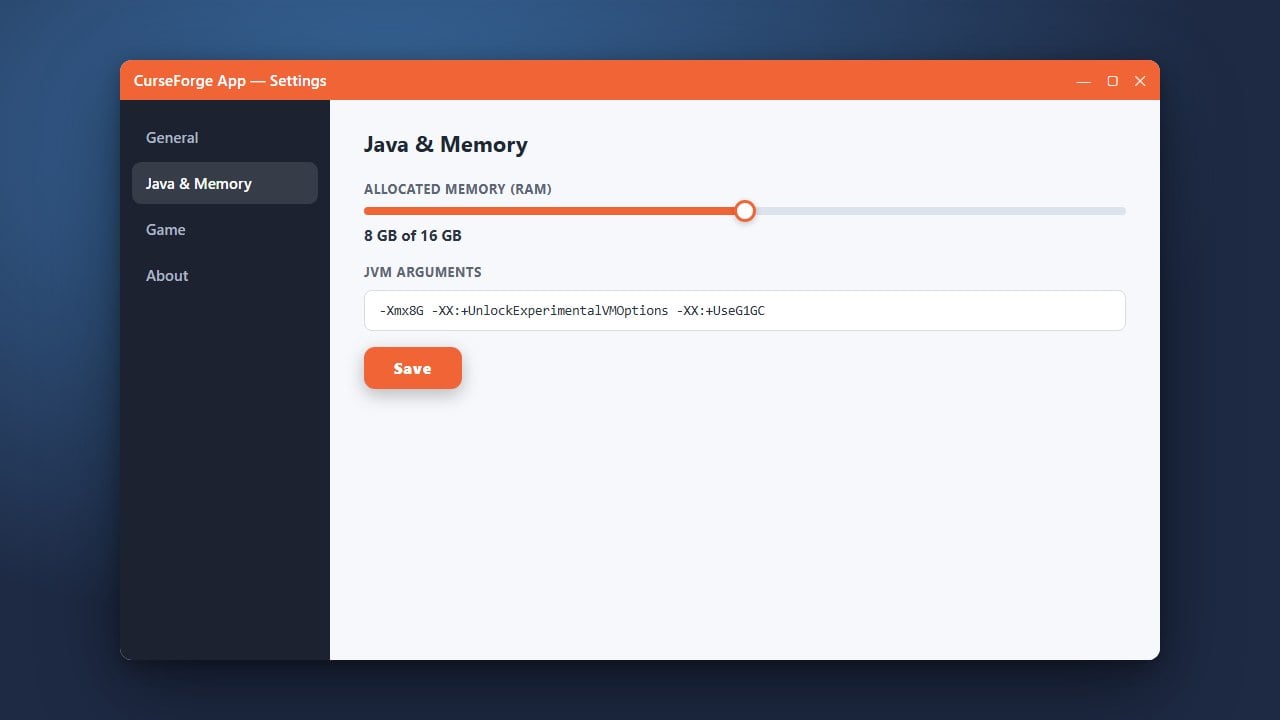
If your game experiences lag or stuttering with large modpacks, you can easily assign more memory by following our guide on How to Allocate More RAM in CurseForge App.
Download and Install the App
To get started, head over to the official CurseForge website and download the installer for your operating system (Windows or macOS). Run the installer and follow the on-screen instructions to complete the setup. If you are looking for alternative ways to install and manage modded profiles, you might also want to check out our guide on How to Download and Install Modrinth App.
Select Minecraft and Log In
Once the CurseForge App is open, click on the Minecraft tab on your dashboard. The app will automatically detect if Minecraft Java Edition is installed on your computer. You will need to log in with your official Microsoft/Minecraft account to verify ownership and launch the game successfully.
Create a Custom Profile or Modpack
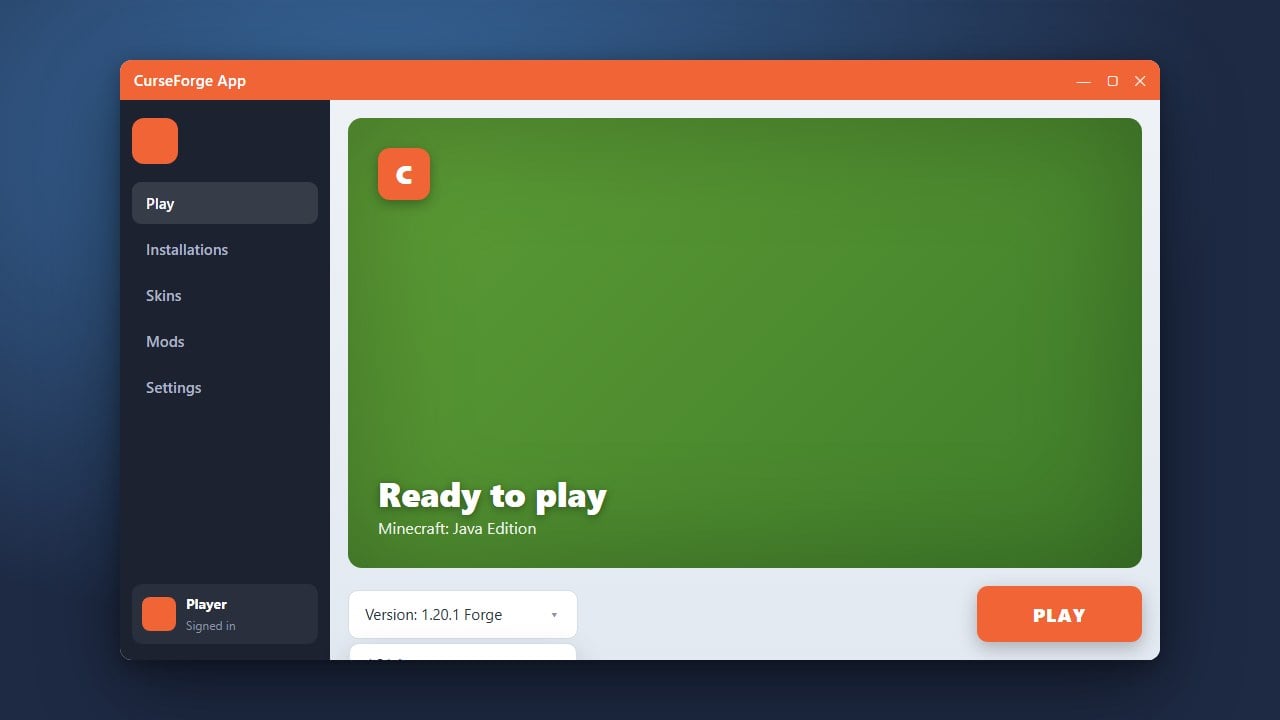
Click on the Minecraft tab, then select the Create Custom Profile button in the top right corner. Here, you can name your profile, choose your preferred Minecraft version (such as 1.21), and select a mod loader like Forge or Fabric. If you need help changing versions later, refer to How to Change the Minecraft Version in CurseForge App.
Add Mods to Your Profile
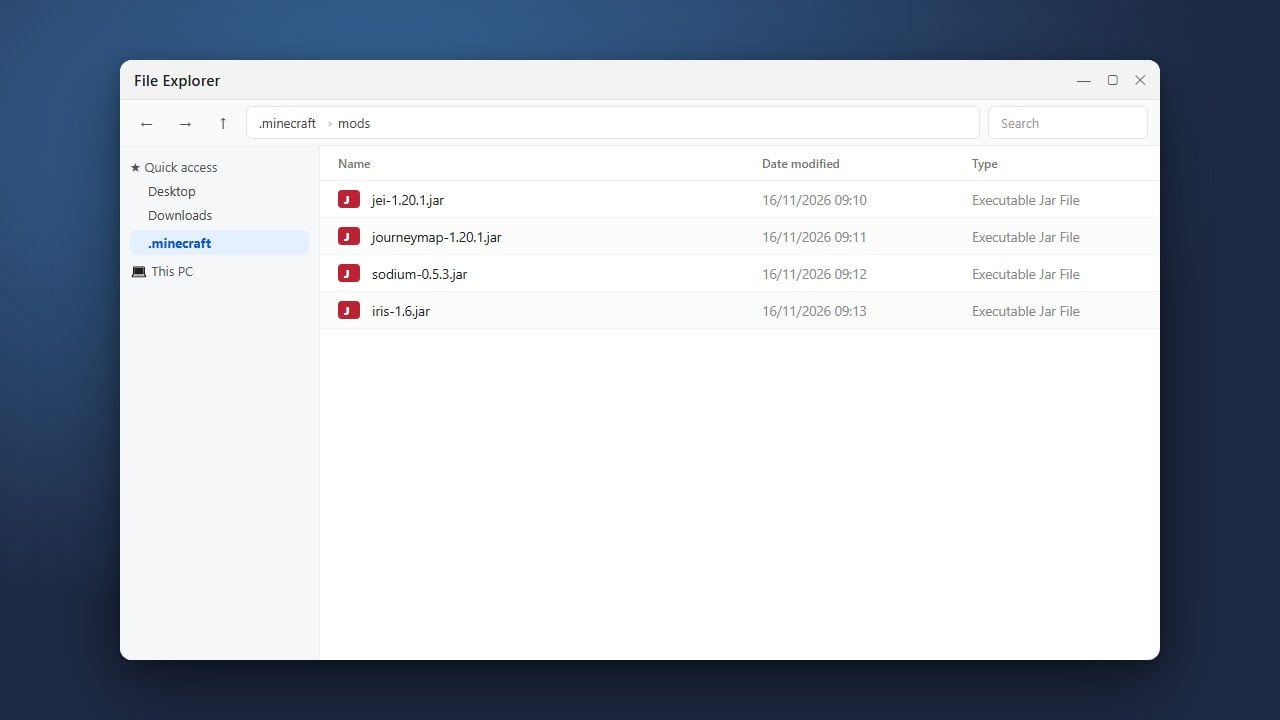
Click on your newly created profile to open its details page, then click Add More Content to browse thousands of available mods and resource packs directly inside the application. Click Install on any mod you like, and CurseForge will automatically handle dependencies and place the files into the correct folder.
Launch the Game
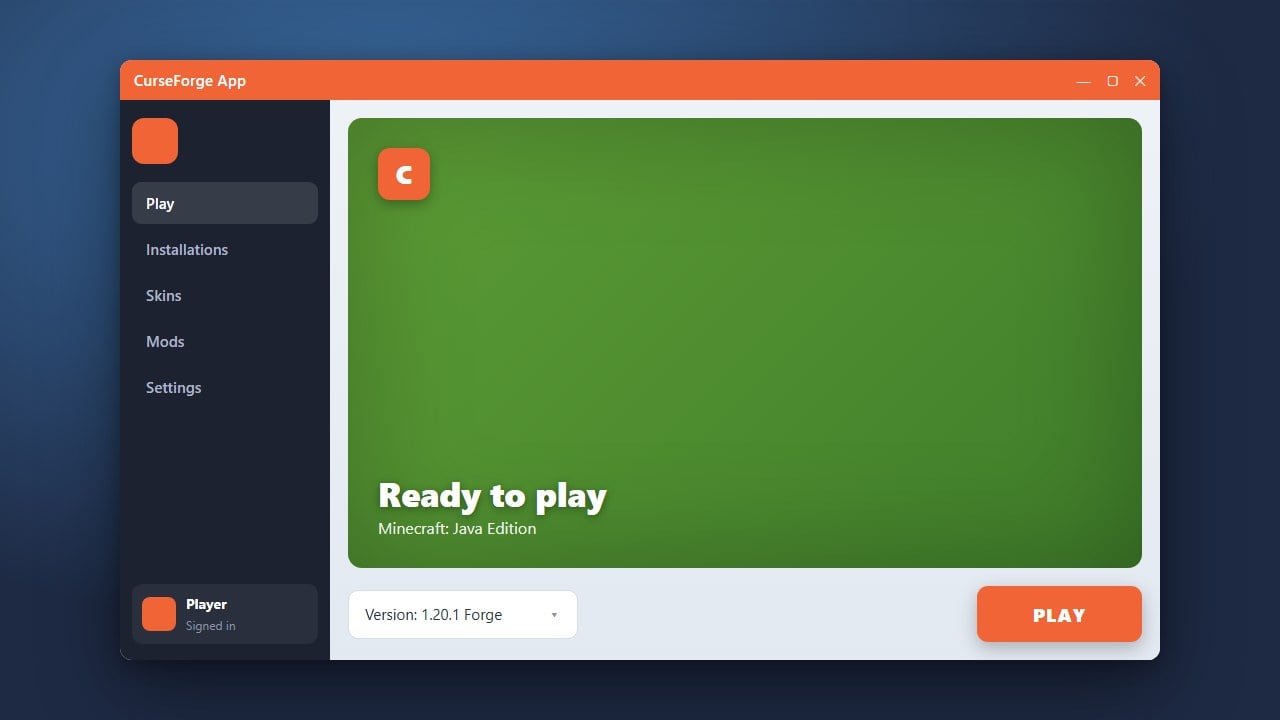
Once you have added all your desired mods and tweaks, simply click the Play button on your profile card. This action will spin up the modified instance safely through your official Minecraft credentials, letting you enjoy your custom setup right away!
Frequently Asked Questions
Is the CurseForge App free to use?
Yes, the CurseForge App is completely free to download and use for managing your Minecraft Java Edition mods and modpacks.
Do I need to own Minecraft to use CurseForge?
Yes, you must own a legitimate copy of Minecraft Java Edition. The CurseForge App requires you to log in with your official Microsoft account to launch the game.