Using the CurseForge App is one of the simplest ways to manage modded Minecraft Java Edition. Whether you want to play mods built for Forge or experience lightweight Fabric performance, the CurseForge App handles the mod loader installation automatically when you create a custom profile.
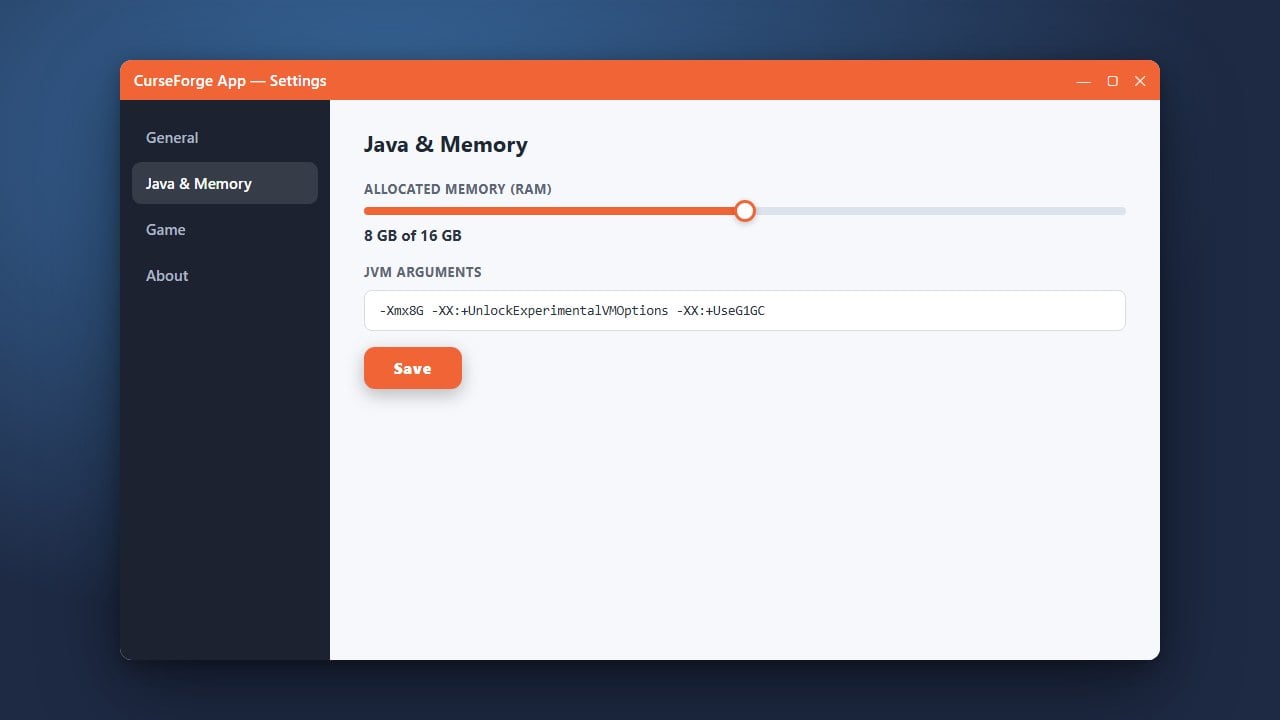
You can check our guide on How to Allocate More RAM in CurseForge App to ensure your heavy Forge modpacks run smoothly without lag.
Always download the CurseForge App from its official verified website to avoid bundled adware or modified installer files that could compromise your computer or Microsoft account safety.
Download and Open the CurseForge App
First, make sure you legally own Minecraft Java Edition by purchasing the official game from minecraft.net. Head over to the official CurseForge website to download and install the CurseForge App on your Windows, macOS, or Linux computer.
Navigate to the Minecraft Tab
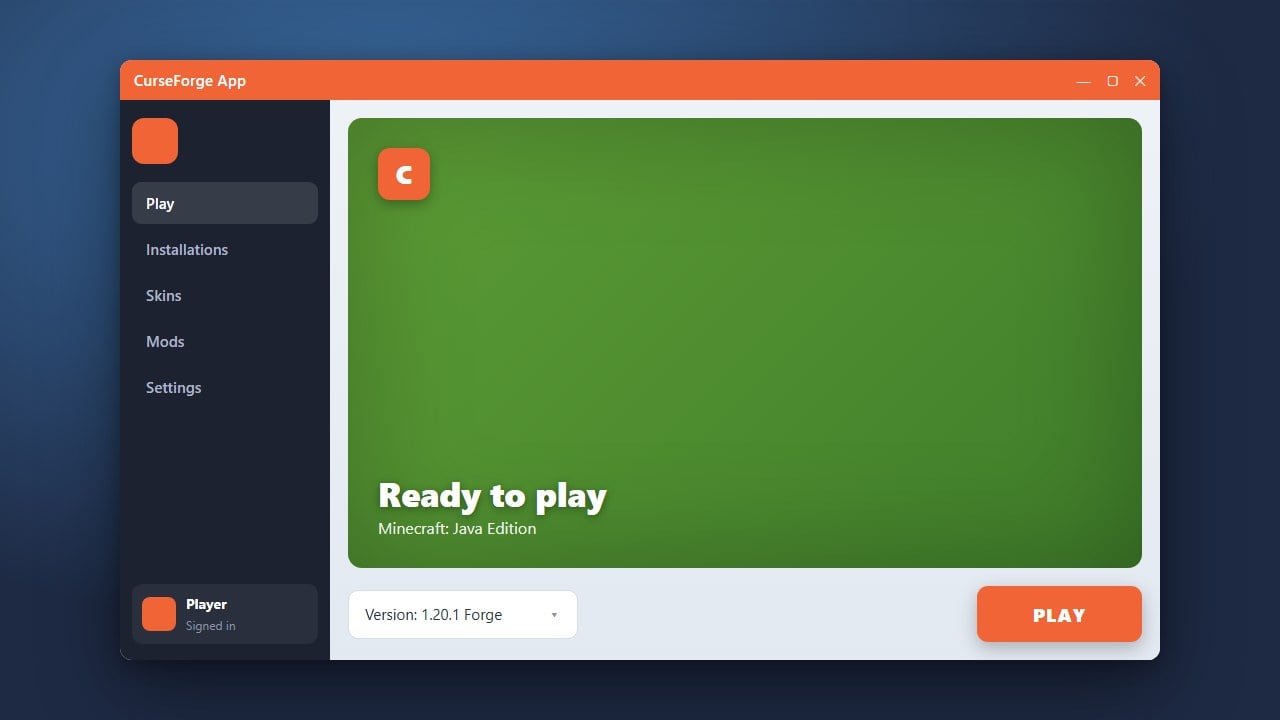
Launch the CurseForge application after installation finishes. On the main dashboard, look for and click on the Minecraft game icon to open the Minecraft-specific manager view.
Create a Custom Profile
At the top right of the Minecraft screen, click on the Create Custom Profile button. This opens a configuration menu where you can name your new modded instance and select your preferred Minecraft version.
Select Your Mod Loader (Forge or Fabric)
In the creation menu, you will see dropdown options for game version and mod loader. Choose whether you want to install Forge or Fabric, select the matching version number for that loader, and click Create.
Play and Add Mods
Once your profile is generated, click on it to open its dedicated page. You can click Add More Content to browse and install hundreds of compatible mods directly into your newly created Forge or Fabric profile, then click Play to launch the game.
Frequently Asked Questions
Can I use Forge and Fabric mods in the same profile?
No, Forge and Fabric are separate mod loaders and cannot be loaded together in the same profile. You must create a dedicated CurseForge profile for Forge mods and a separate profile for Fabric mods.
Do I need the official Minecraft launcher installed?
The CurseForge App interacts with your official Minecraft account to authenticate and launch the game, but it manages the game files and mod loaders inside its own custom directories.