Installing shaders in Minecraft Java Edition completely transforms your world with dynamic lighting, moving leaves, and beautiful water reflections. If you use the official CurseForge App to manage your game, you can easily add shader support by including modern performance mods like Iris Shaders or Oculus. Always make sure you own a legitimate copy of the game by purchasing Minecraft from minecraft.net to keep your account safe and secure.
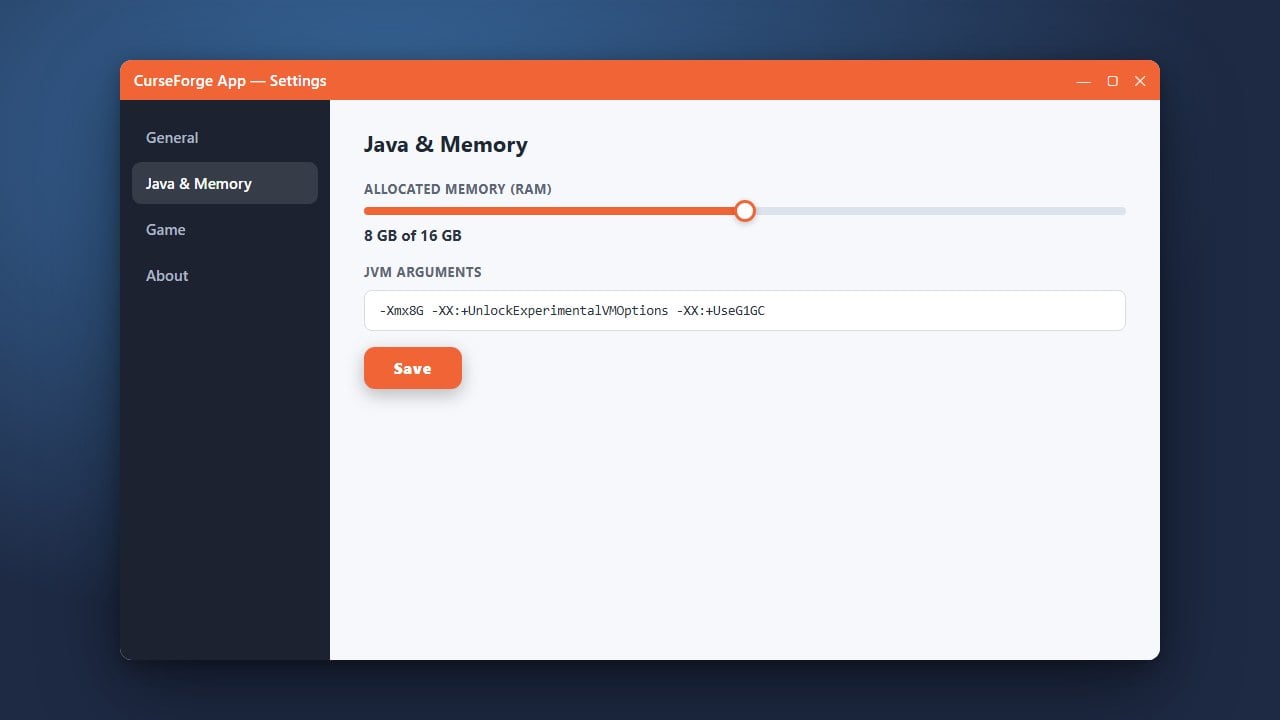
Shader packs are very demanding on your computer hardware. If you experience low frame rates, consider tweaking your RAM settings using How to Allocate More RAM in CurseForge App.
Only download shader packs and mods from official sites like Modrinth or CurseForge to protect your PC from malicious software.
Open the CurseForge App
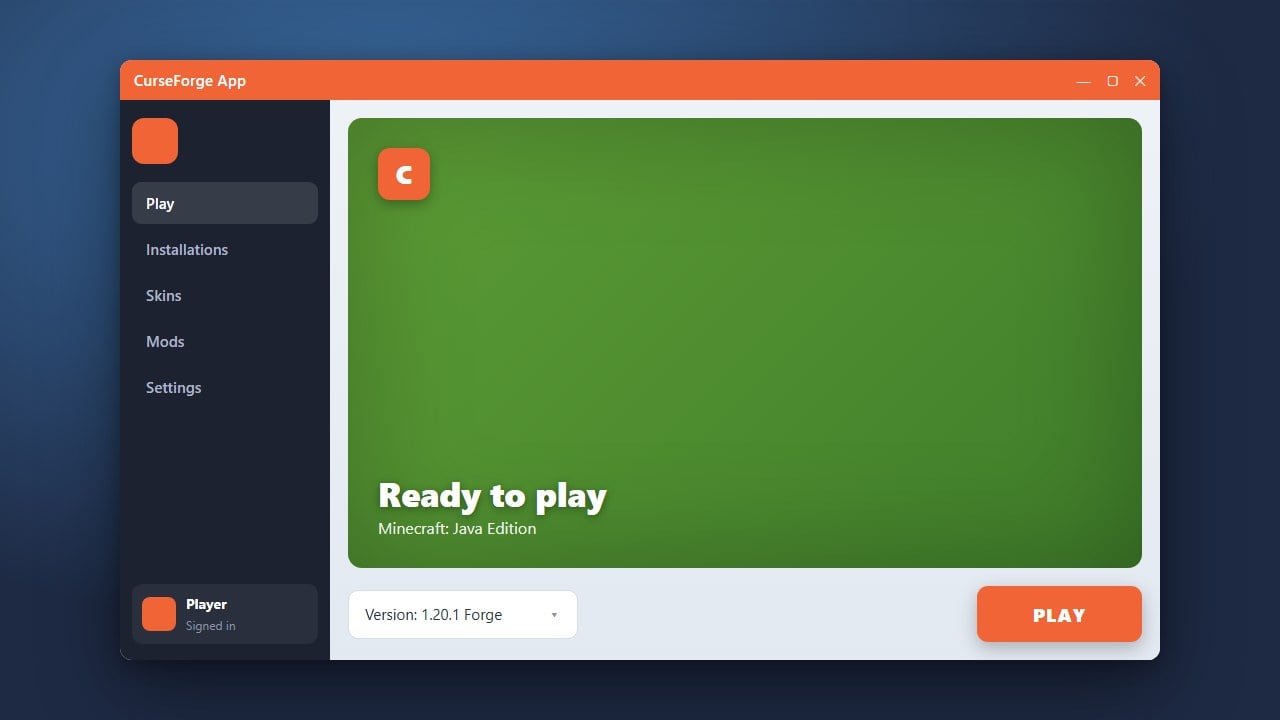
Launch the CurseForge desktop application on your computer. Navigate to the Minecraft tab on your dashboard to view your existing profiles and modpacks.
Select Your Profile
Click on the specific Minecraft profile or modpack where you want to install shaders. If you need help setting up your instance first, check out How to Download and Install CurseForge App for guidance.
Install a Shader Mod
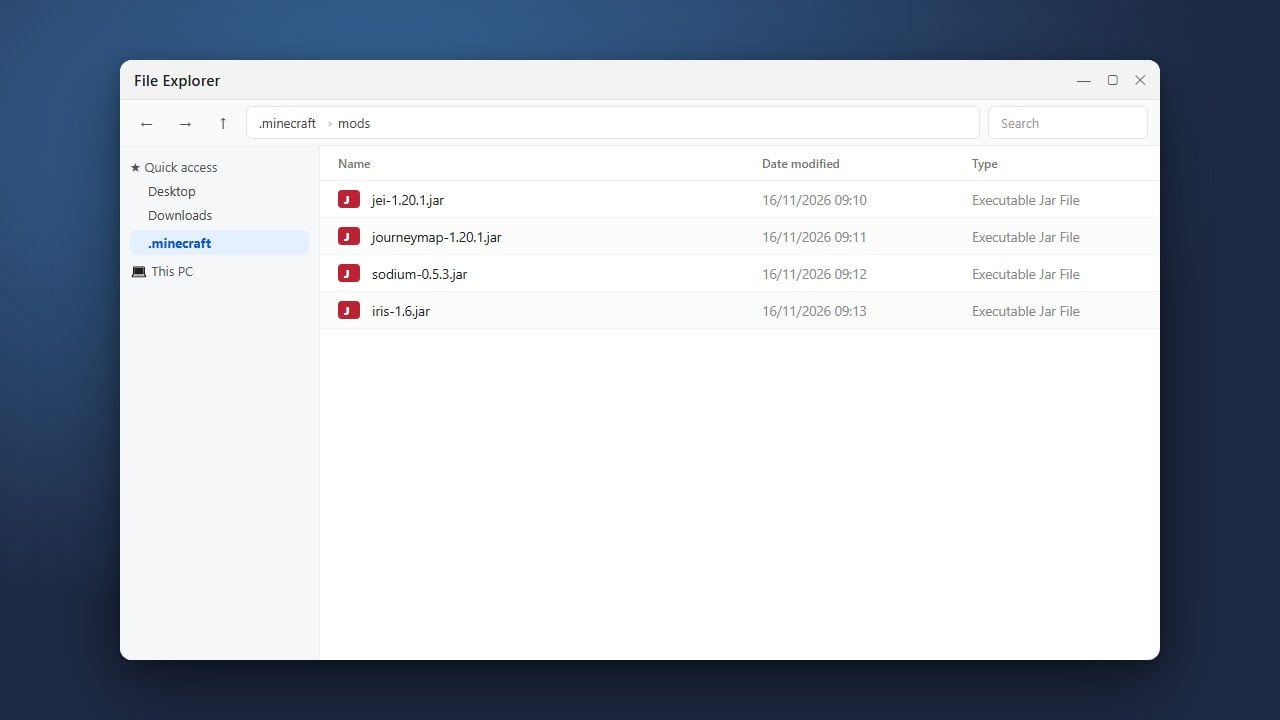
Click on the three dots or the Add More Content button within your profile page to search for mods. Search for Iris Shaders (for Fabric) or Oculus (for Forge), then click Install to add it to your profile.
Download Your Favorite Shader Packs
Download a compatible shader pack (such as Complementary or BSL) as a .zip file from a trusted source. Do not extract the zip file; keep it exactly as it downloaded.
Open the Shaderpacks Folder
Launch your Minecraft game from the CurseForge App. Once you reach the main menu, click on Options, then Video Settings (or Shader Packs if Iris/Oculus is active), and click the Open Shader Pack Folder button.
Drop and Activate Your Shaders
Drag and drop your downloaded shader pack .zip file directly into the folder that just opened. Return to Minecraft, select your shader pack from the in-game list, and click Done to enjoy your new visuals!
Frequently Asked Questions
Do I need Optifine to run shaders in CurseForge?
No. For modern versions of Minecraft Java Edition (1.16 through 1.21+), performance mods like Iris and Oculus offer much better compatibility and performance than Optifine.
Why aren't my shaders showing up in the game menu?
Ensure you installed a loader-compatible shader mod (like Iris for Fabric or Oculus for Forge) into your CurseForge profile, and verify that your shader pack remains zipped inside the shaderpacks folder.