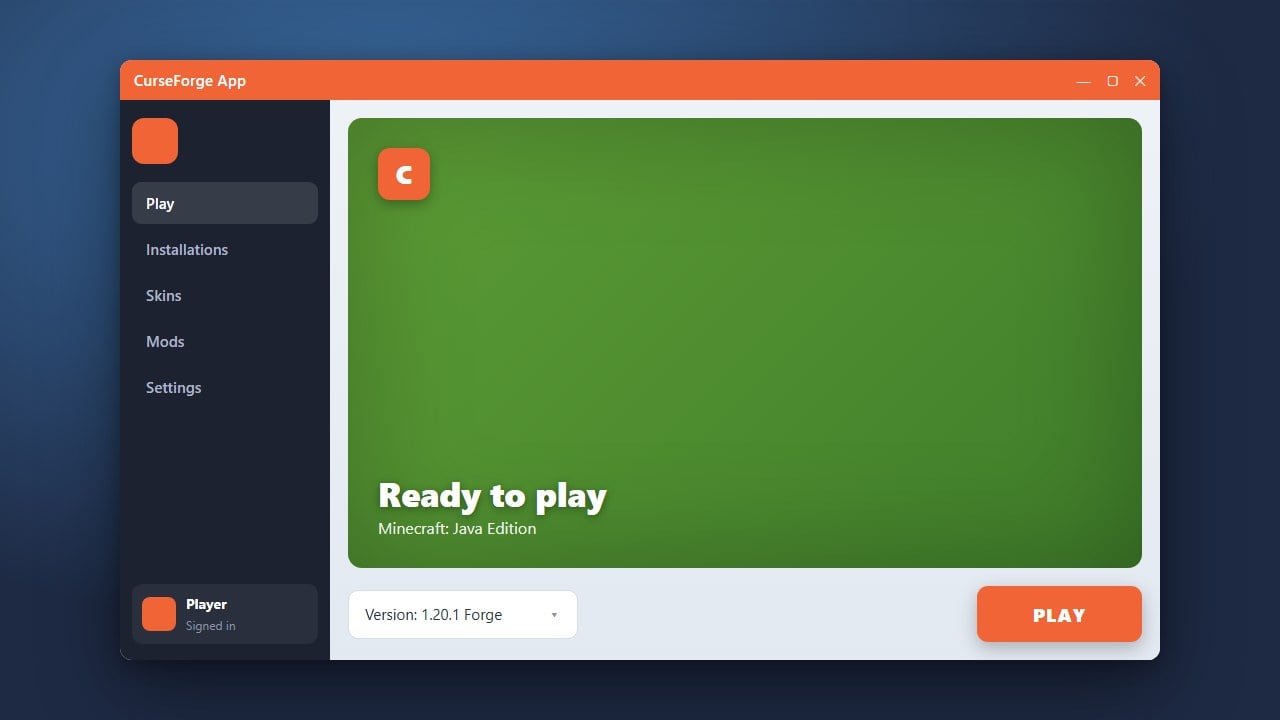
The CurseForge App is one of the most popular desktop clients for managing and playing Minecraft Java Edition modpacks. Before you begin, make sure you have purchased and own the official game from minecraft.net, as third-party launchers require a legitimate account to play online and verify ownership.
Always download the CurseForge App directly from the official website to avoid modified installers that may contain adware or PUPs (potentially unwanted programs).
Visit the Official Website
Open your web browser and navigate to the official CurseForge website at curseforge.com. Be careful to avoid unofficial mirror sites or pop-up ads that might bundle unwanted software.
Download the Installer
Click on the Download button for your operating system (Windows or macOS). The installer file will download to your default downloads folder.
Run the Installation Wizard
Locate the downloaded installation file and double-click it to start the setup wizard. Follow the on-screen prompts to complete the installation on your computer.
Select Minecraft as Your Game
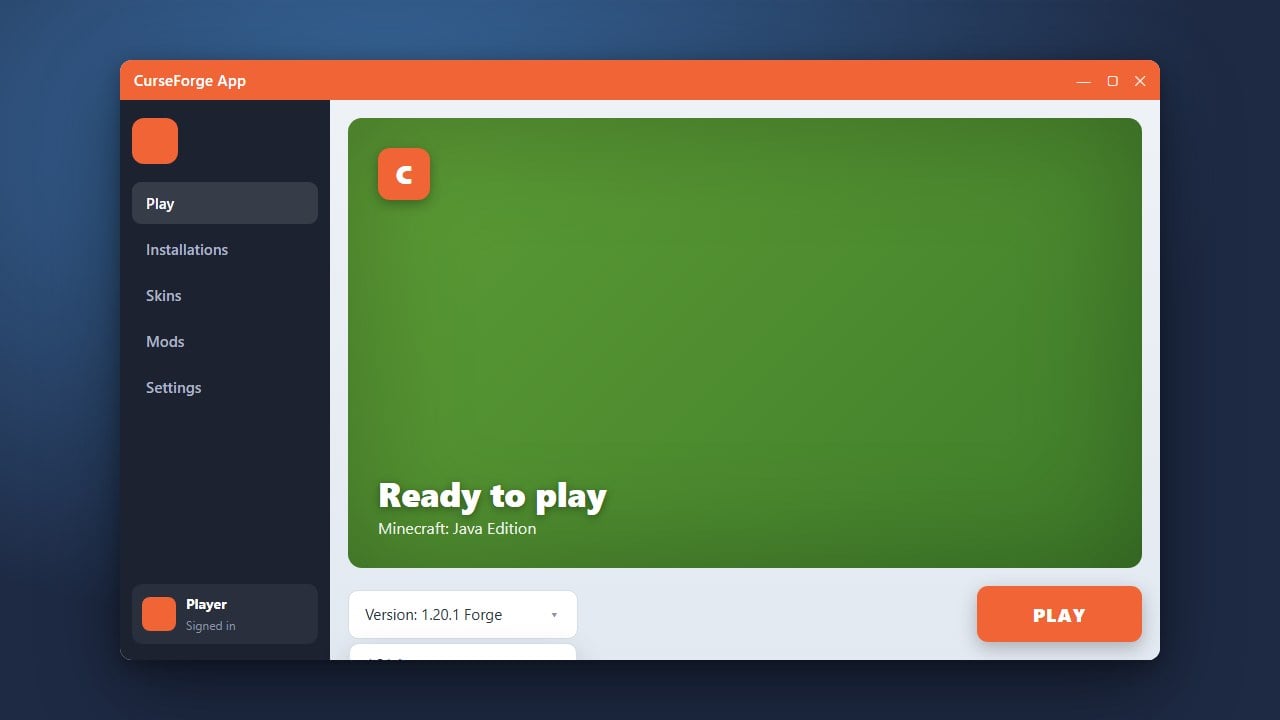
Open the newly installed CurseForge application. On the main dashboard, you will see a list of supported games; click on the Minecraft tile to set up your modding environment.
Sign In with Your Microsoft Account
Navigate to the Minecraft section within the app and log in using your official Microsoft account credentials that own Minecraft Java Edition. This authenticates your game ownership safely through official channels.
Start Managing Mods and Modpacks
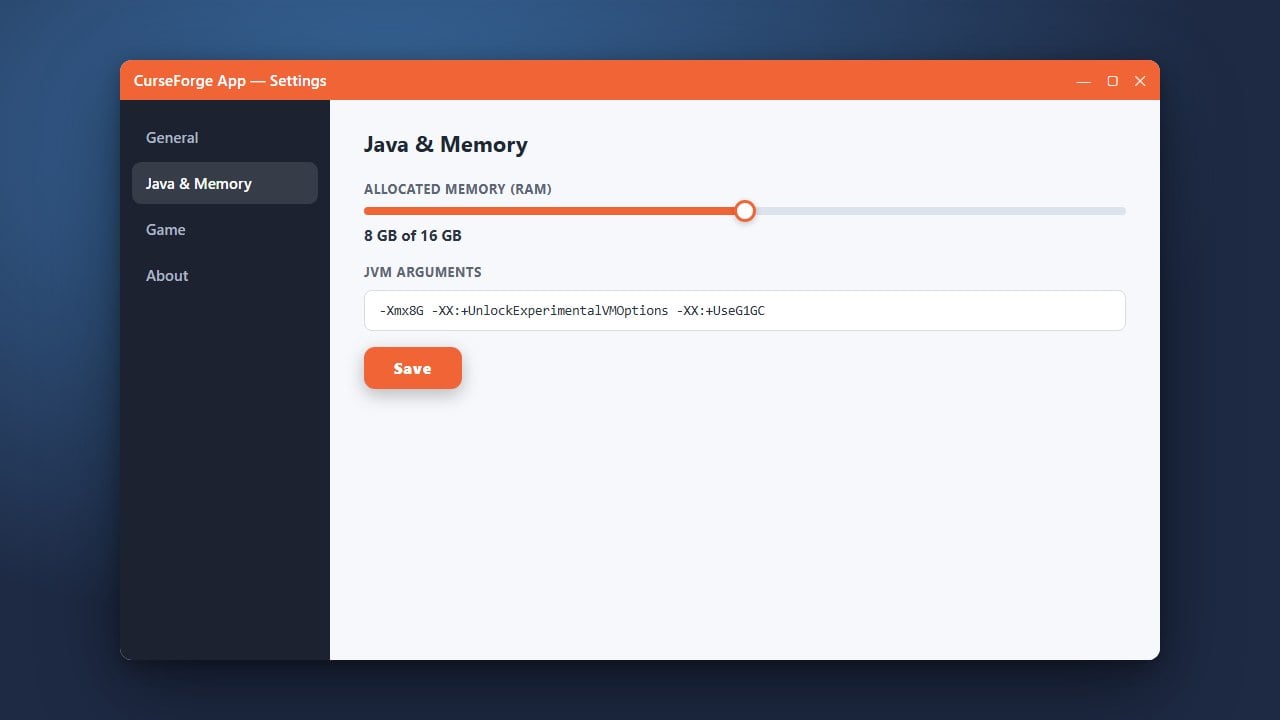
You are now ready to explore and install thousands of community-made modpacks. Once you have set up your custom profiles, you can also learn How to Install Forge and Fabric with CurseForge App or optimize your gameplay by reading How to Allocate More RAM in CurseForge App.
Frequently Asked Questions
Is the CurseForge App free to download?
Yes, the CurseForge desktop application is completely free to download and use for managing your Minecraft mods and modpacks.
Do I need to own Minecraft Java Edition to use CurseForge?
Yes, you must own a legitimate copy of Minecraft Java Edition purchased from minecraft.net to log in and launch games through the CurseForge App.