Welcome to our complete guide on how to use Boardwalk! If you want to run and manage your Minecraft Bedrock Edition setup on mobile platforms, this launcher provides a handy interface. Always make sure you purchase the official game legally from minecraft.net to support the developers and ensure account security.
Download and Install Boardwalk
To begin, you need to get the application files. Check out our detailed guide on How to Download and Install Boardwalk to grab the official, trusted installation package for your Android device.
Once downloaded, open the APK file and follow the on-screen prompts to complete the installation process on your device.
Configure Your Version
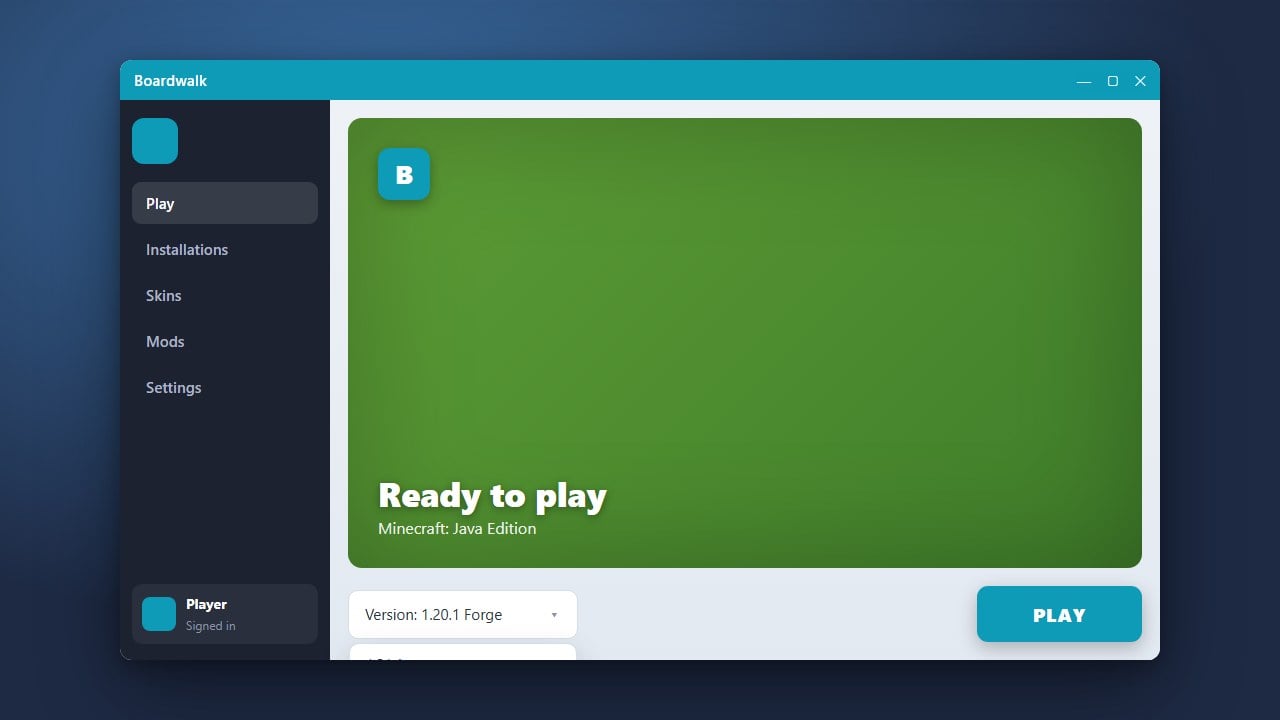
After launching the app, you will need to select your desired game version. For more detailed instructions on changing game versions, take a look at How to Change the Minecraft Version in Boardwalk to ensure you match your preferred server or world requirements.
Select the version from the available list within the main dashboard before proceeding to the next setup stage.
Adjust Resource Settings
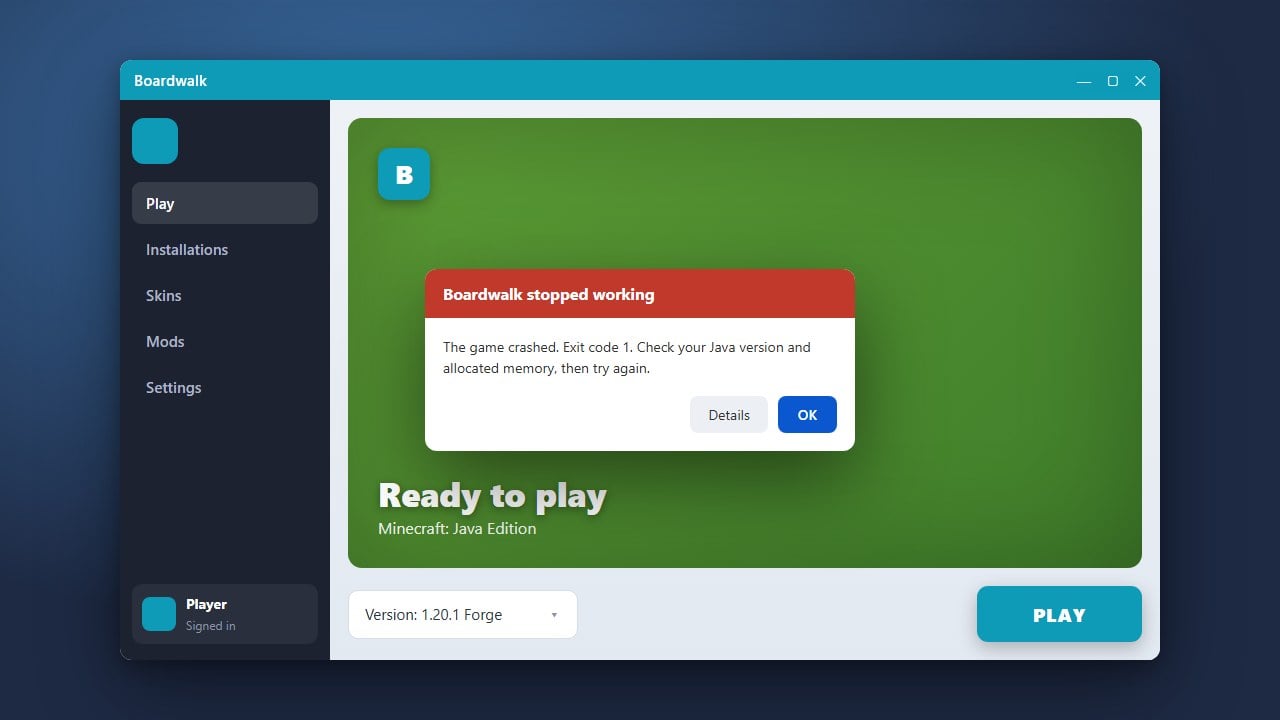
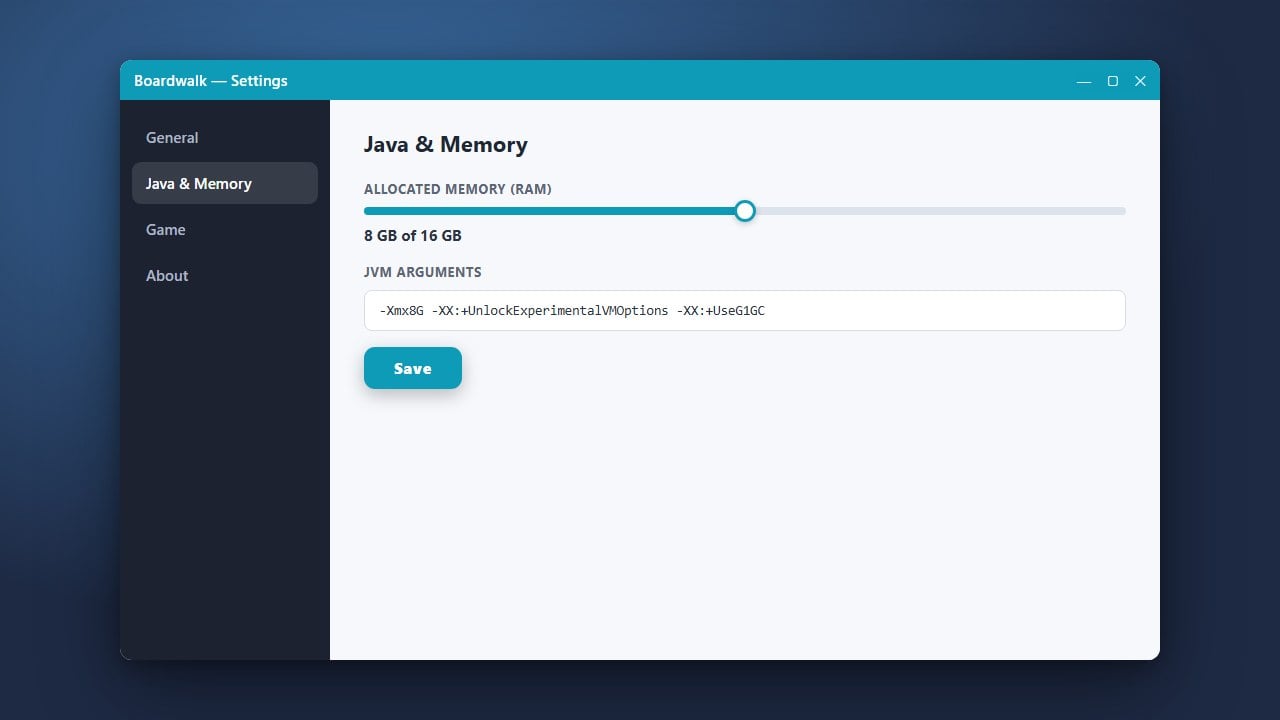
Performance can vary greatly depending on your mobile hardware. If your game lags or crashes during startup, you should visit our guide on How to Allocate More RAM in Boardwalk to optimize your memory settings.
Slide the RAM allocation bar to a safe level that leaves enough memory for your mobile operating system to run smoothly.
Add Mods and Customizations
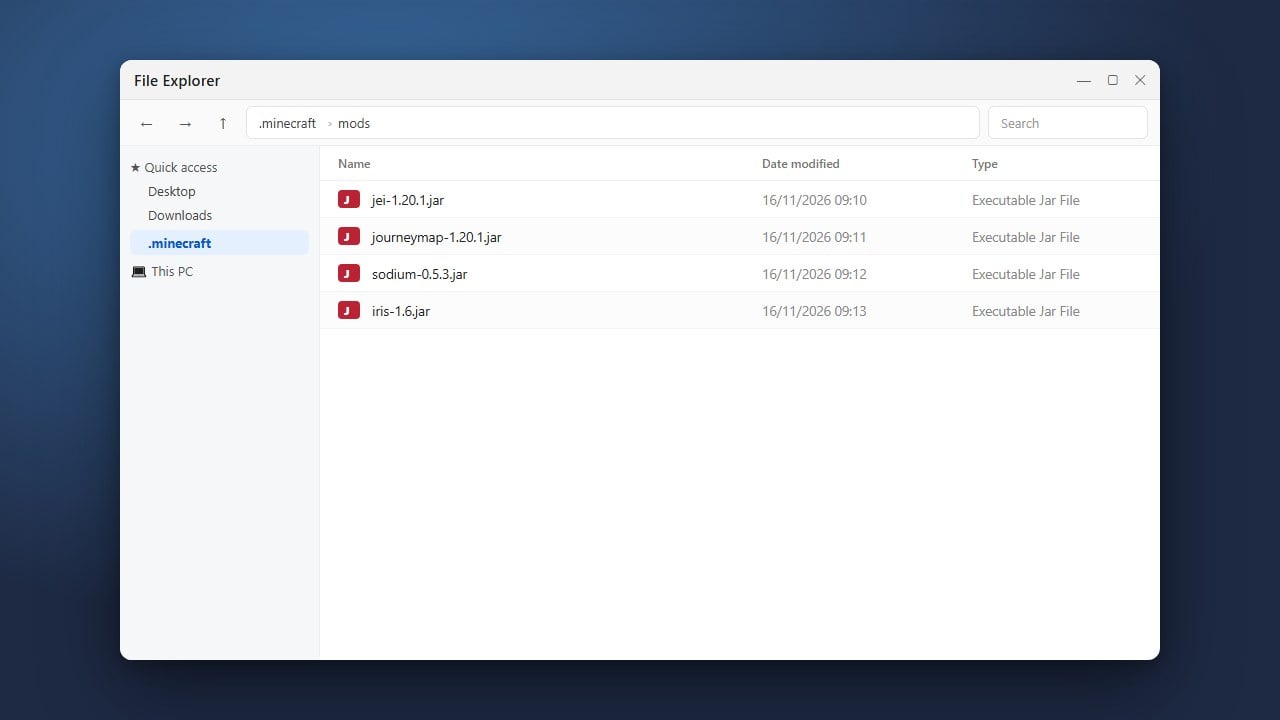
If you enjoy playing with community content, you can expand your gameplay. Follow our walkthrough on How to Install Forge and Fabric with Boardwalk if you are experimenting with compatible loader setups.
Make sure any external files you download match your target game version to avoid compatibility errors upon booting.
Launch the Game
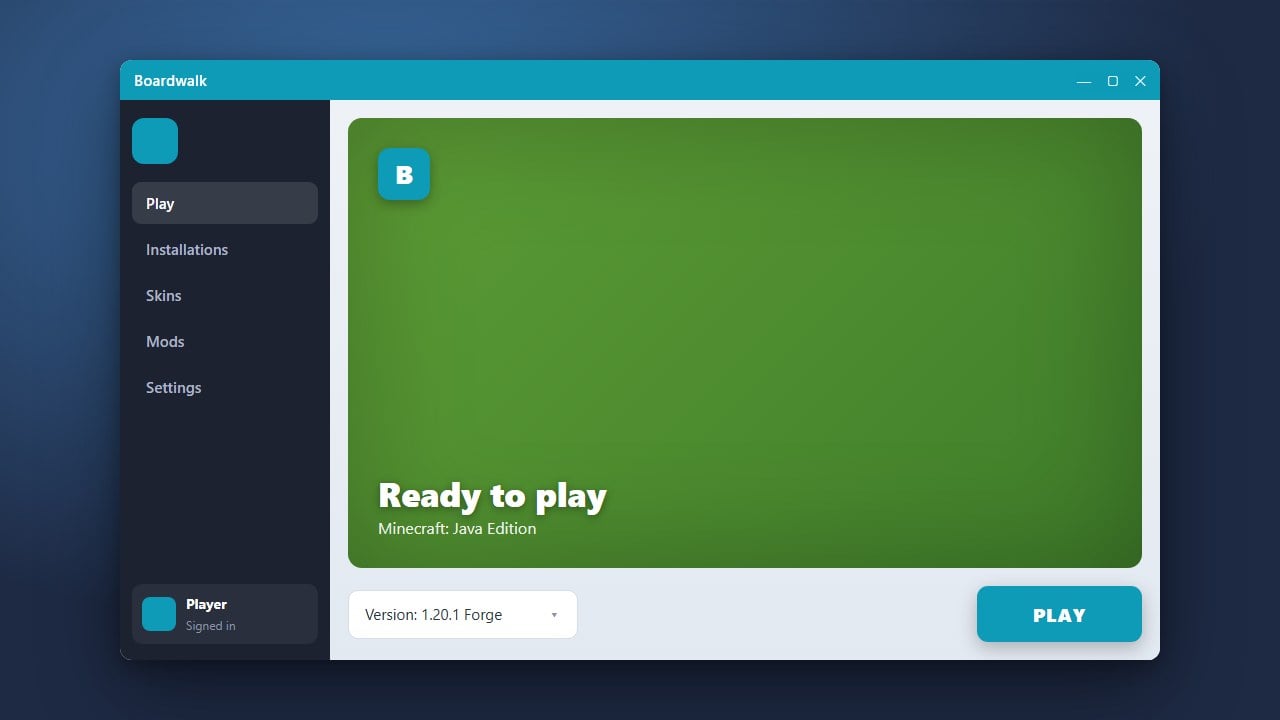
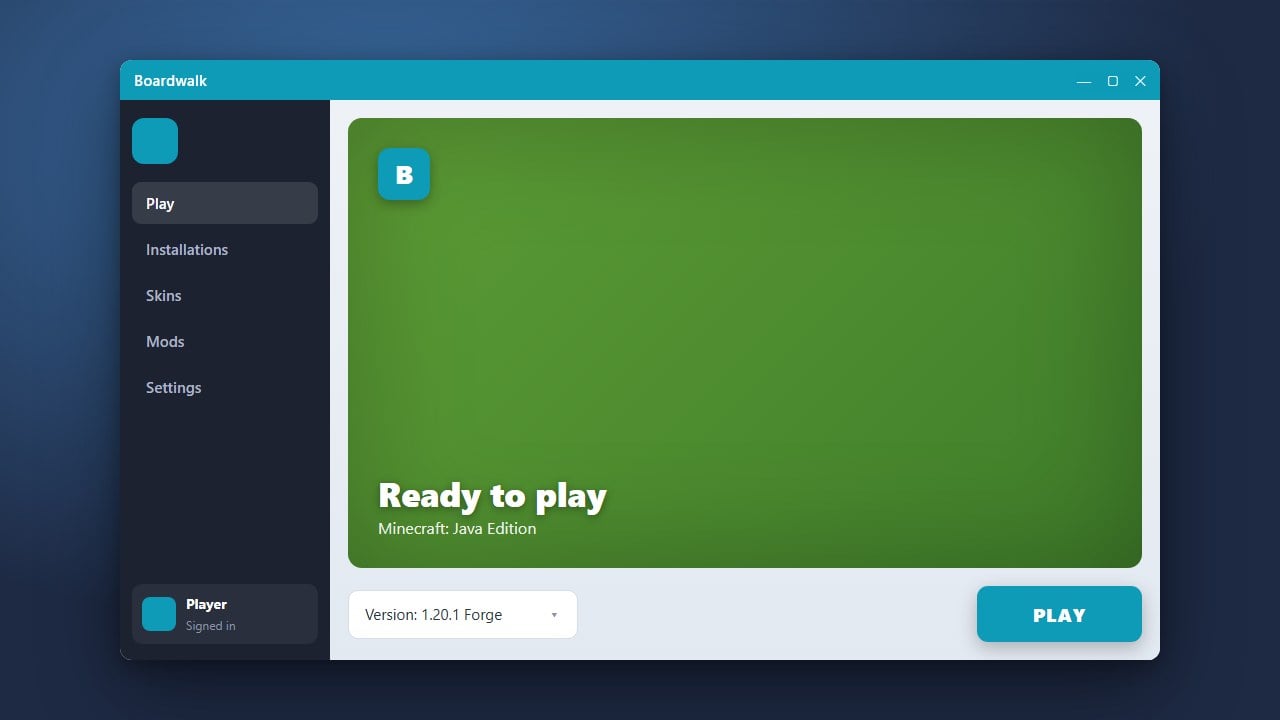
With all your settings, versions, and performance tweaks successfully configured, tap the main play button inside the Boardwalk dashboard.
Allow a few moments for the application to initialize your profile and boot up the main game menu safely.
Frequently Asked Questions
Is Boardwalk safe to use?
Yes, as long as you download it from official and verified community sources. Always avoid modified versions from untrusted third-party websites to keep your device secure.
Can I play multiplayer with Boardwalk?
Yes, once you successfully launch the game and log into a legitimate account, you can access standard servers and LAN worlds supported by your game version.