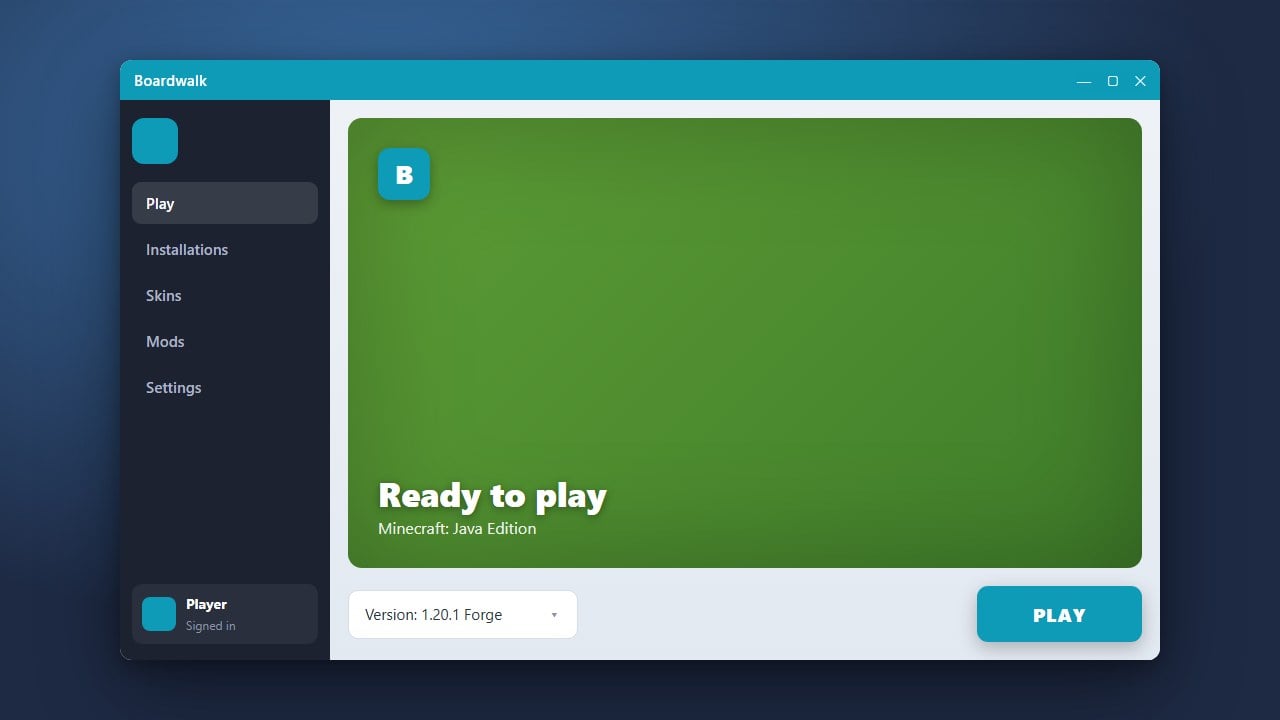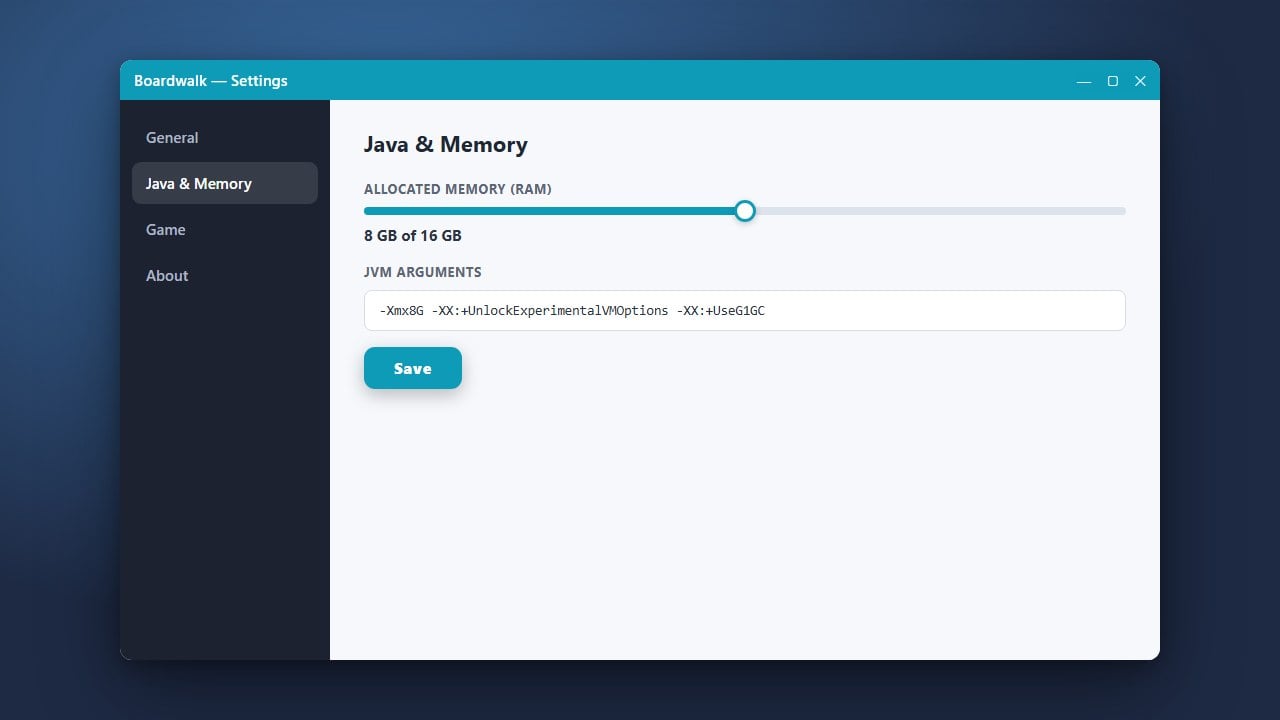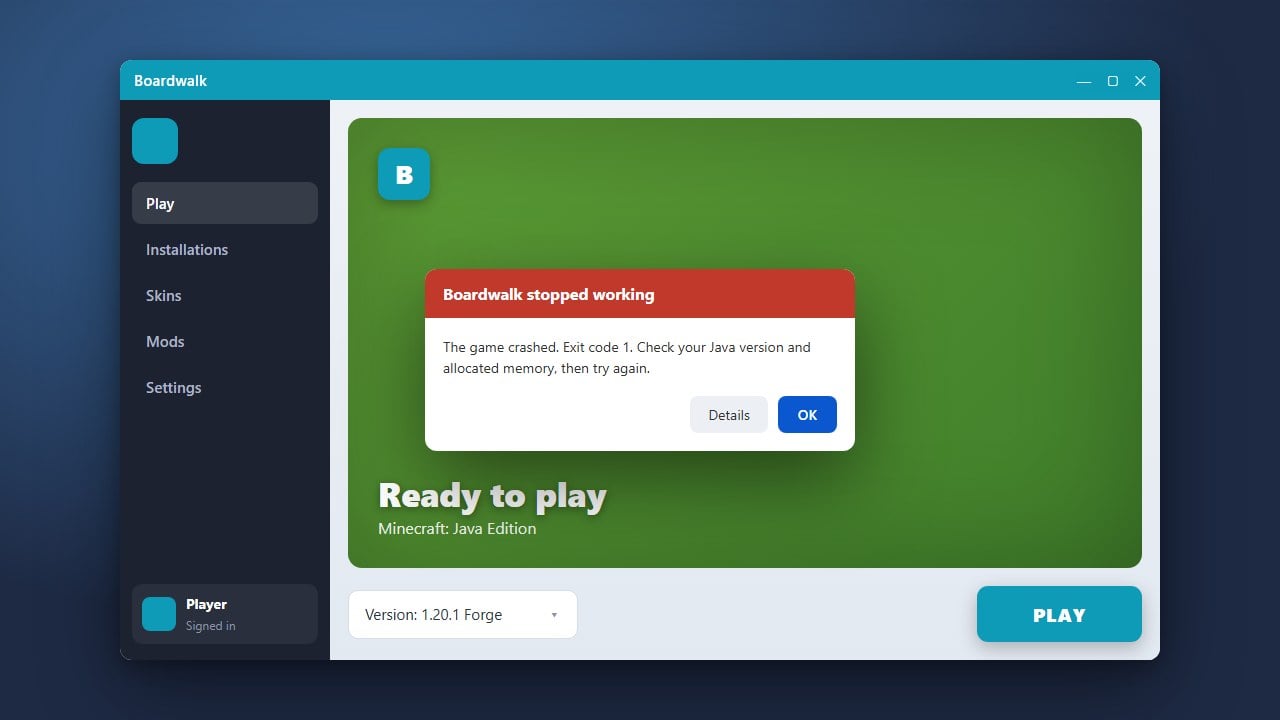
If Boardwalk is refusing to open or crashing on launch when trying to run Minecraft Bedrock Edition, it can be frustrating. This guide will walk you through troubleshooting steps to get Boardwalk working smoothly again.
Be cautious when downloading third-party launchers from unverified sources, as they can sometimes pose security or privacy risks to your device and account.
Check Device Compatibility and Permissions
Ensure your device meets the minimum operating system requirements for Boardwalk. On Android devices, go to your system settings and make sure Boardwalk has all required permissions, such as storage access, to function correctly.
Clear App Cache and Temporary Data
Corrupted temporary files often prevent custom launchers from starting. Open your device settings, navigate to your applications list, find Boardwalk, and select the option to clear its cache. Avoid clearing all data unless you are ready to setup your profile again.
Reinstall Boardwalk Completely
If the application files are damaged, a fresh installation is often the fastest remedy. Uninstall Boardwalk from your device, restart your system, and download the latest verified version to ensure all core components are intact.
Verify Official Game Ownership
Unofficial tools and third-party projects like Boardwalk require a legitimate copy of the game. Always make sure you purchase the official game from minecraft.net to support the developers and avoid security risks associated with modified or pirated software distributions.
Frequently Asked Questions
Why does Boardwalk crash immediately upon opening?
This is usually caused by corrupted cache files, insufficient device memory, or an outdated app version that needs to be updated or reinstalled.
Do I need a purchased Minecraft account to use Boardwalk?
Yes. You should always buy the official game from minecraft.net. Unofficial tools do not bypass the need for a legitimate account and can expose you to security risks.