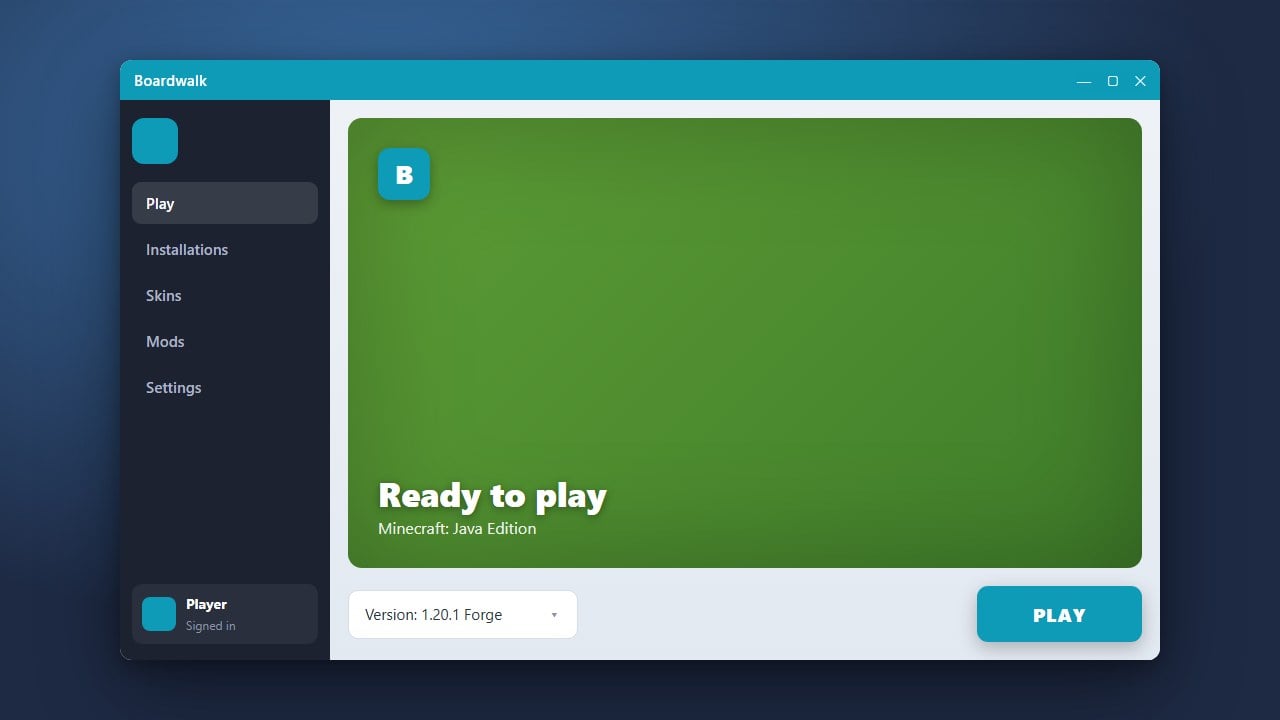
Welcome to our easy-to-follow guide on how to download and install Boardwalk! This launcher is commonly used by players on mobile and alternative platforms. If you are looking to enjoy the full, official experience, we always recommend purchasing the game directly from minecraft.net to ensure complete security, official updates, and full support.
Be cautious when downloading third-party launchers from unverified websites, as they can sometimes pose privacy risks or contain adware.
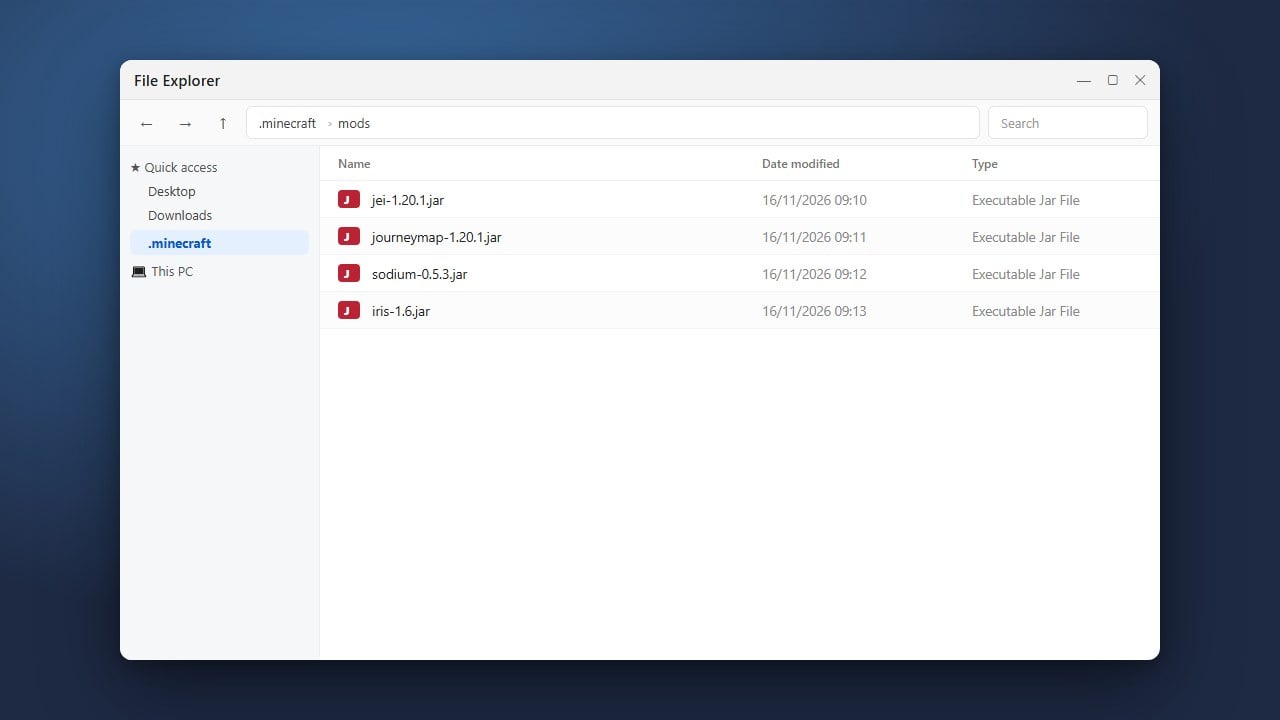
If you want to use mods later on, check out How to Install Forge and Fabric with Boardwalk for detailed instructions.
Check Device Compatibility
Before downloading Boardwalk, ensure that your mobile or target device meets the necessary operating system requirements. Boardwalk is primarily designed for Android devices to help run Java Edition or specific launcher environments, so double-check your system version first.
Download the Official APK or Installer
Navigate to a trusted, official source or repository for Boardwalk to download the latest installer file (usually an APK for Android). Always exercise caution when downloading third-party launchers to protect your personal data and device security.
Enable Unknown Sources
On your Android device, open your settings and navigate to security or privacy options. Enable the permission to install applications from unknown sources so your device can process the Boardwalk installer.
Install and Open Boardwalk
Locate the downloaded Boardwalk file in your device's file manager and tap it to begin the installation. Once the process finishes, open the application from your app drawer to set up your profile preferences.
Configure Your Settings and Play
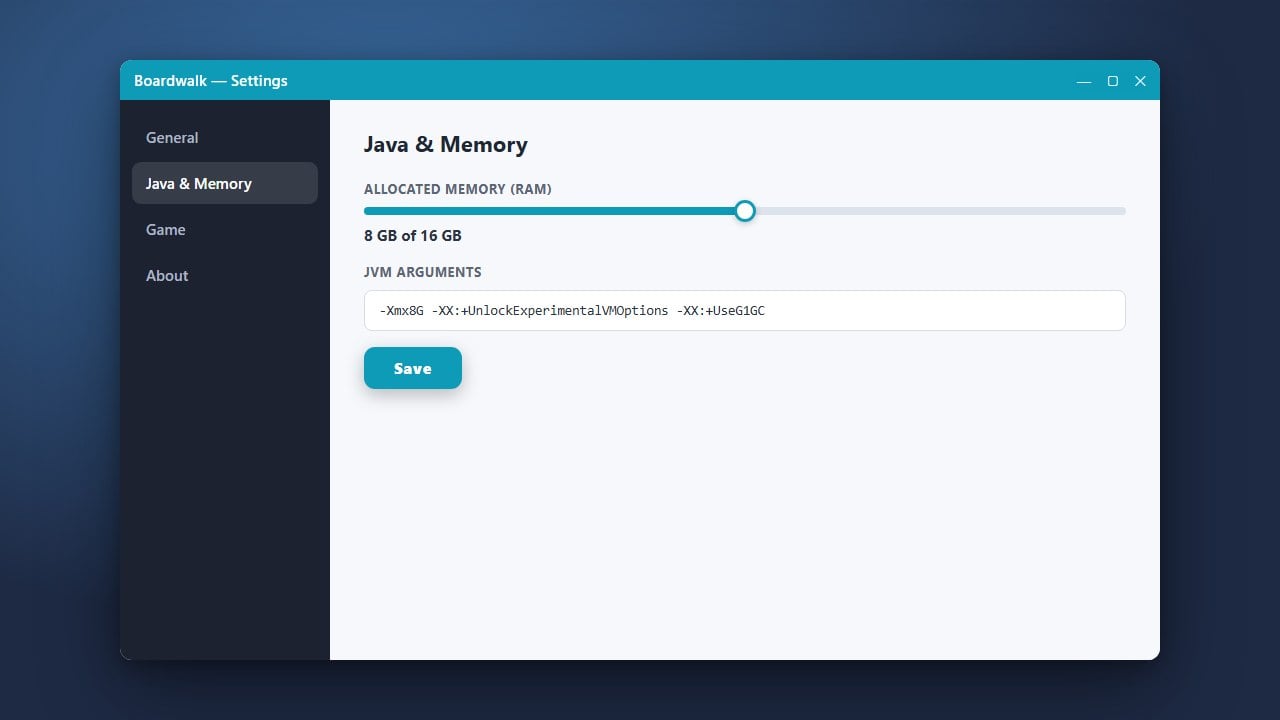
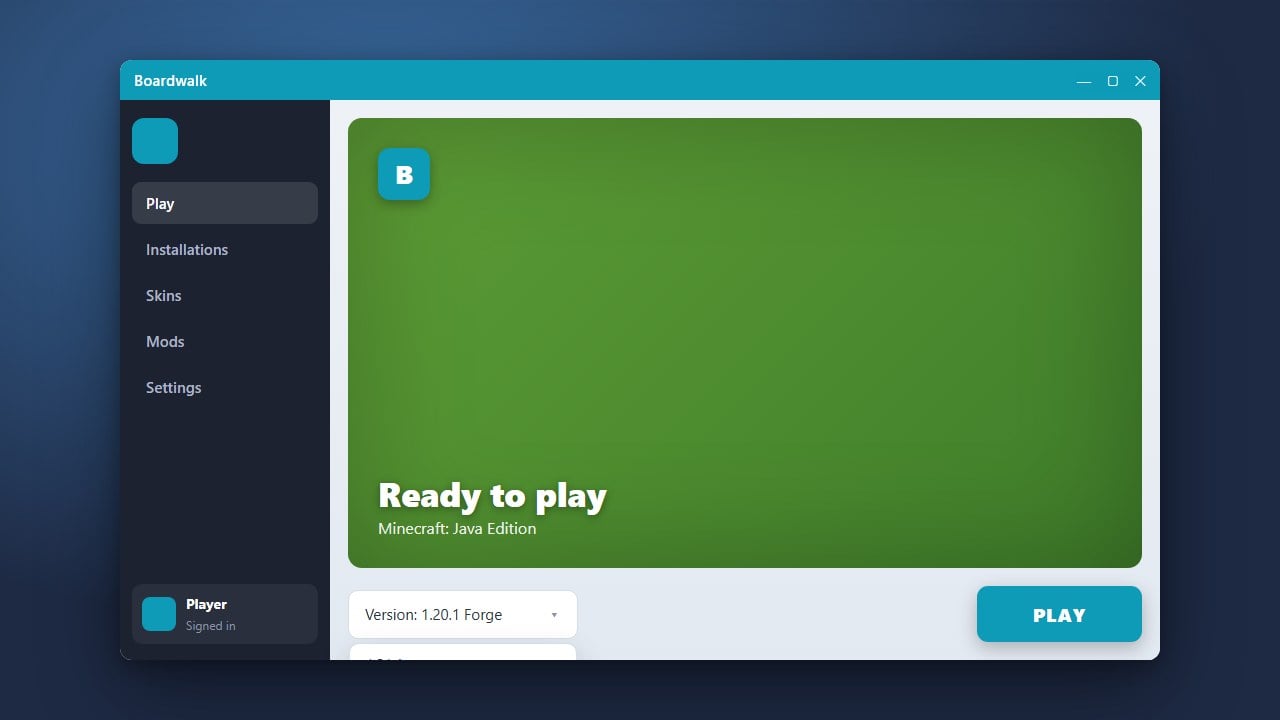
After launching the application, you can adjust your runtime parameters or check out guides like How to Allocate More RAM in Boardwalk and How to Change the Minecraft Version in Boardwalk to optimize your gameplay experience.
Frequently Asked Questions
Is Boardwalk safe to use?
Boardwalk should only be downloaded from trusted community repositories. Always scan downloaded APK files with reliable mobile security software to guard against potential malware or privacy risks.
What should I do if Boardwalk fails to open?
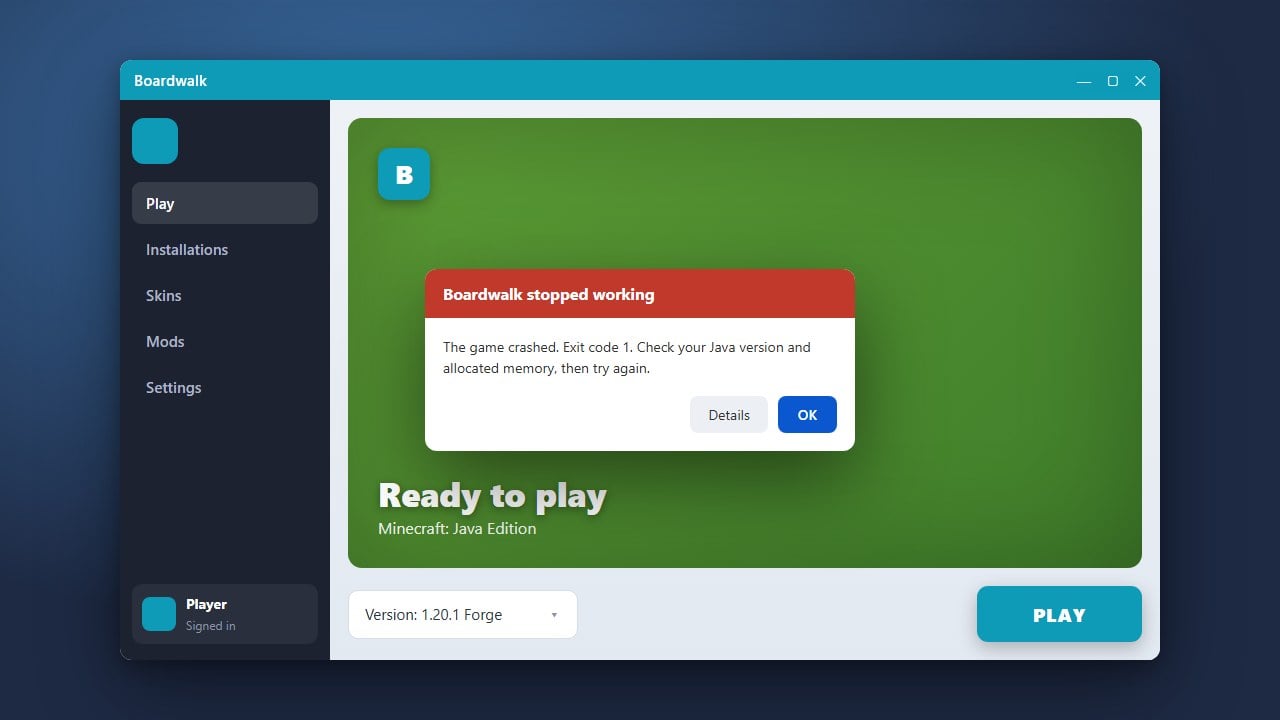
If the application crashes on startup, verify that your device operating system is fully up to date and check out How to Fix Boardwalk Not Launching for troubleshooting steps.