Learn how to install and configure both Forge and Fabric mod loaders within Boardwalk on Android devices. Please note that Boardwalk is an unofficial third-party Android launcher; we strongly recommend purchasing the official game through minecraft.net. Always exercise caution when using third-party launchers due to potential account security risks and unverified source distributions.
Boardwalk runs Java Edition on Android via emulation, which can consume significant battery life and cause device heating. Monitor your device temperature during extended play sessions.
Remember that Forge and Fabric mods are generally not interchangeable in the same instance. You must select the correct profile depending on the specific mods you wish to run.
Download and Set Up Boardwalk
First, make sure you have the Boardwalk app installed correctly on your Android device. You can follow the initial setup steps by checking out our guide on How to Download and Install Boardwalk.
Open the app once installed and log in securely with your legitimate Minecraft Java Edition account credentials.
Select Your Target Minecraft Version
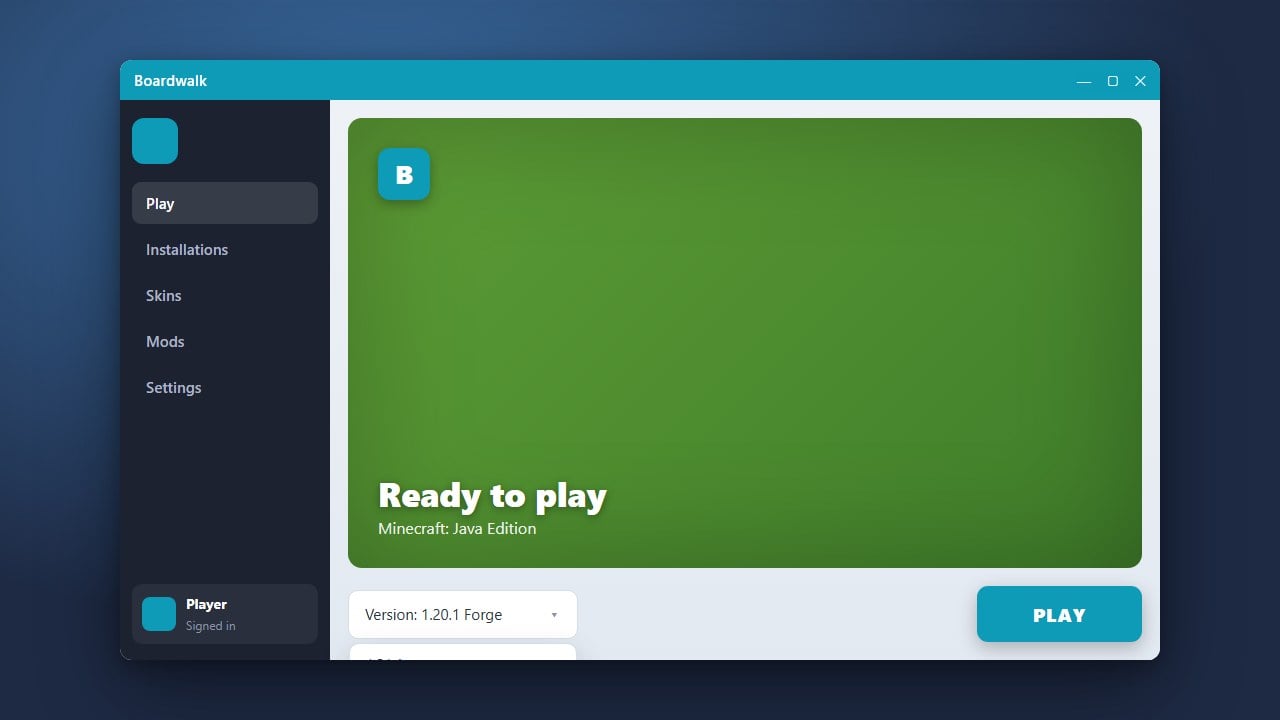
Before installing any mod loaders, you need to choose the game version you want to play. For detailed instructions on changing versions, take a look at How to Change the Minecraft Version in Boardwalk.
Select a matching release version for Java Edition 1.21 or whichever target version your intended mods require.
Install the Fabric Loader Profile
Navigate to the profile or mod management section within Boardwalk. Locate the option to install the Fabric Loader for your chosen game version.
Confirm the installation prompt and let Boardwalk download the necessary Fabric libraries and profile files automatically.
Install the Forge Loader Profile
Return to the profile creation menu and look for the Forge loader installer option. Choose the corresponding game version to match your setup.
Run the installer component inside Boardwalk to generate a separate Forge profile alongside your Fabric installation.
Configure RAM and Performance Settings
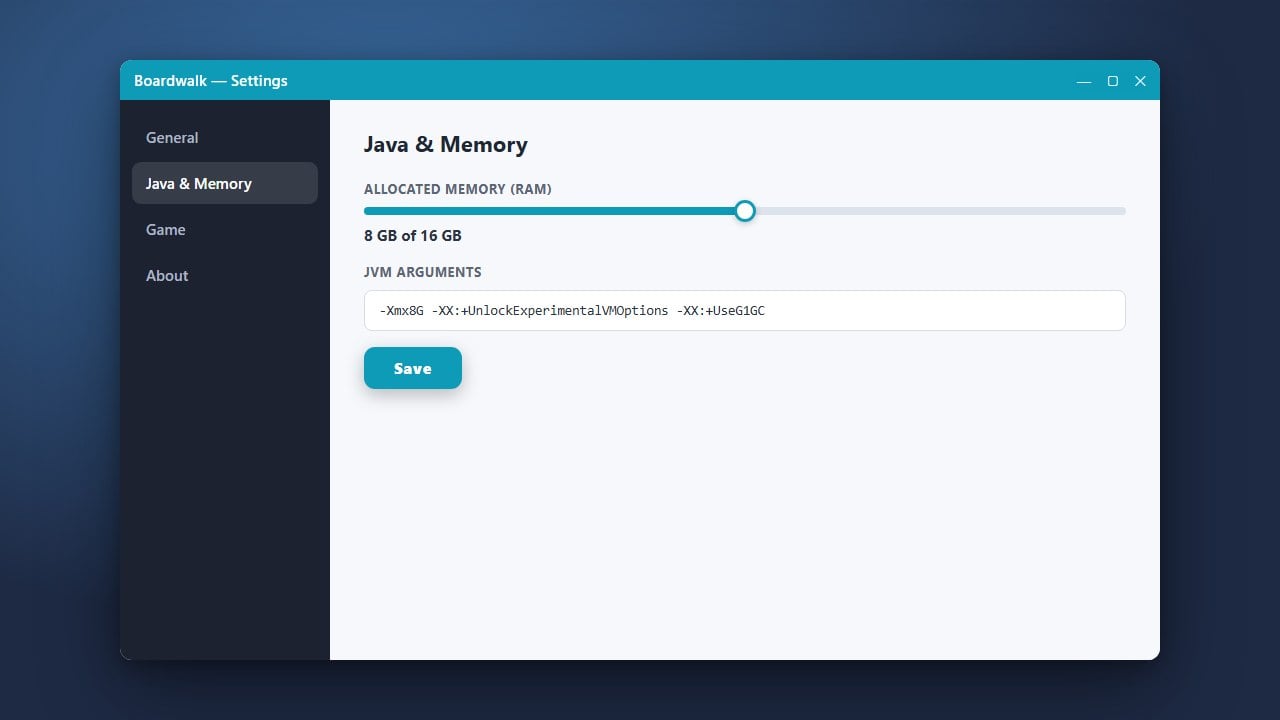
Running mod loaders on mobile devices requires careful memory allocation to avoid crashes. To optimize your performance, read through How to Allocate More RAM in Boardwalk to assign an appropriate amount of memory.
Save your profile settings before attempting to launch either modded environment.
Launch and Verify Your Mod Loaders
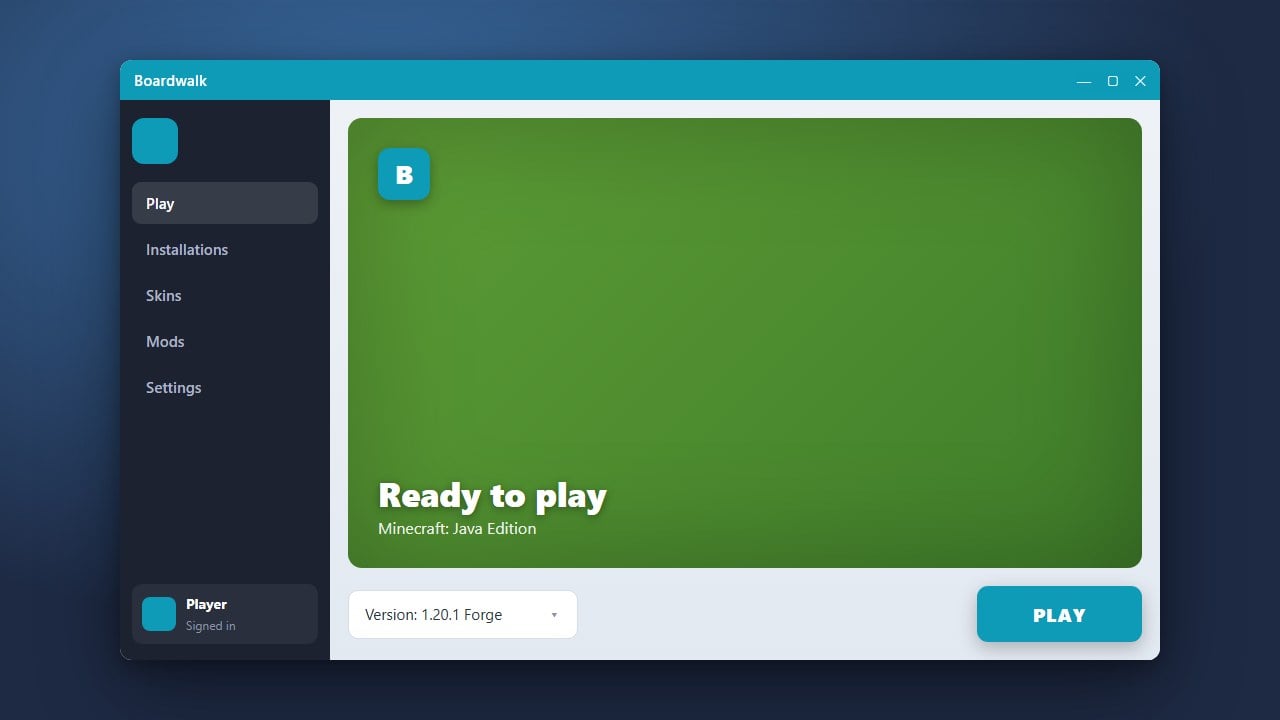
Choose your newly created Fabric or Forge profile from the Boardwalk main menu and tap play. Verify that the game boots up successfully to the main menu with the respective loader text visible.
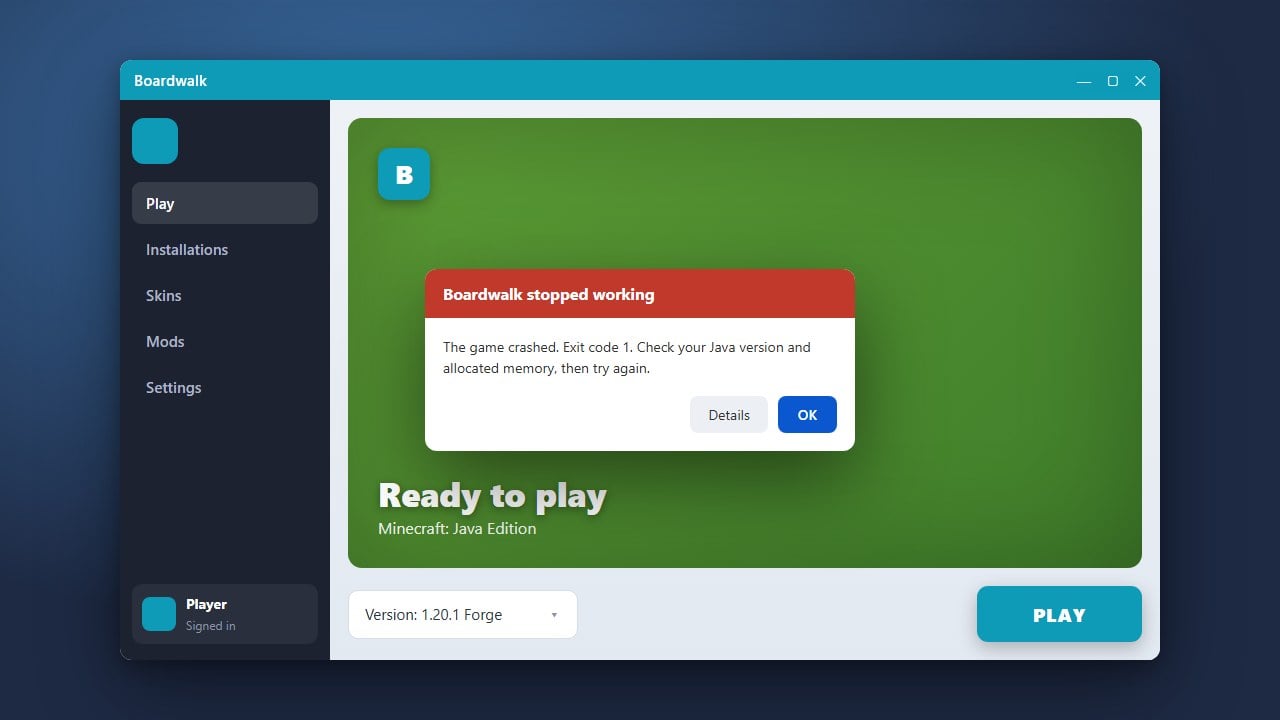
If you encounter any unexpected closure errors during startup, consult our troubleshooting steps for How to Fix Boardwalk Not Launching.
Frequently Asked Questions
Can I run Forge and Fabric mods together at the same time?
No, Forge and Fabric use entirely different modding architectures and cannot be loaded simultaneously in the same game instance. You must switch between separate profiles in Boardwalk.
Is Boardwalk safe to use with my Minecraft account?
Third-party launchers carry inherent privacy risks because they handle your login tokens outside of official channels. Always download launcher APKs from trusted community sources and protect your account.