Boardwalk is a legacy Android launcher designed to run Java Edition Minecraft on mobile devices. Because unofficial launchers carry security and account safety risks, we always recommend purchasing the official game from minecraft.net and using secure, modern tools when possible. Follow this guide to properly add and run compatible Java mods using Boardwalk.
Prepare Your Boardwalk Installation
Before installing any mods, make sure you have successfully completed How to Download and Install Boardwalk and that the base Java Edition game boots correctly on your Android device.
Verify that your storage permissions are enabled so the launcher can access downloaded files on your phone or tablet.
Download Compatible Java Mods
Find and download the Java Edition mods you want to use. Keep in mind that Boardwalk is an older project, so it typically supports older Java versions rather than modern 1.21+ releases.
Make sure you download the exact mod version that matches your chosen game profile version.
Set Up Mod Loaders
Most Java mods require a mod loader like Forge or Fabric to function properly. You can learn how to set this up by reading How to Install Forge and Fabric with Boardwalk.
Ensure the mod loader profile is fully installed and working in Boardwalk before proceeding further.
Locate the Mods Folder
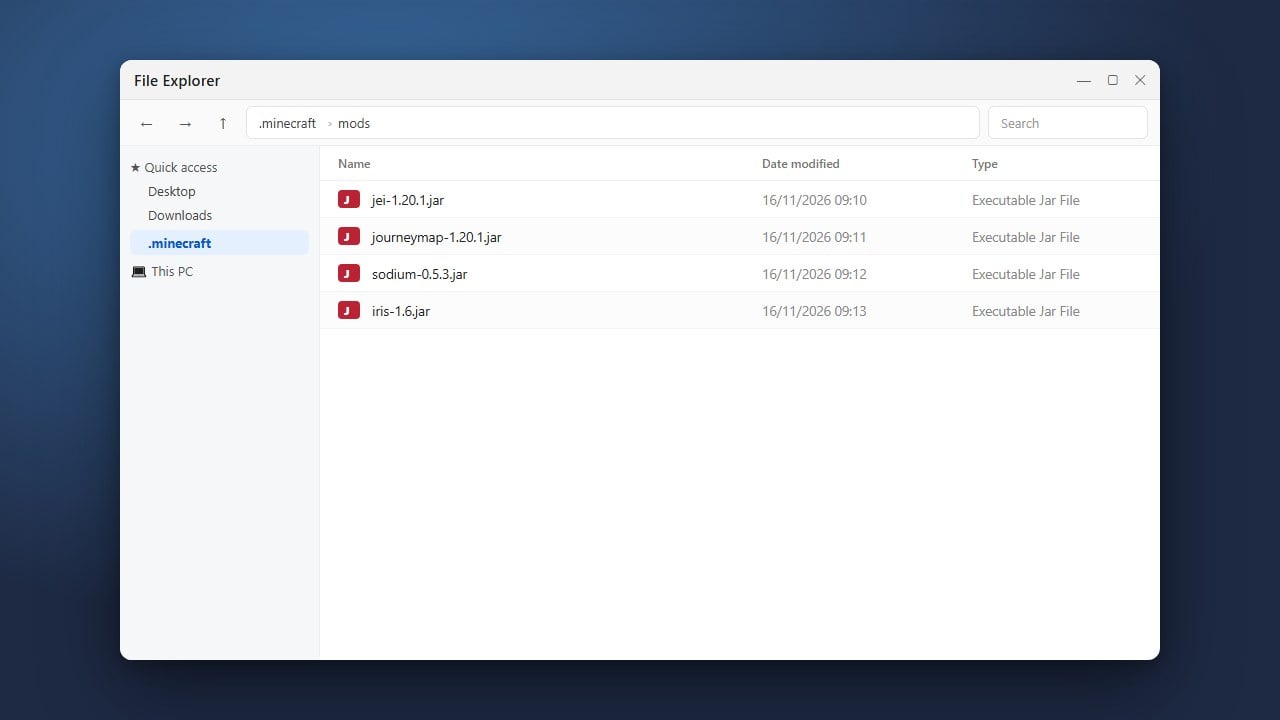
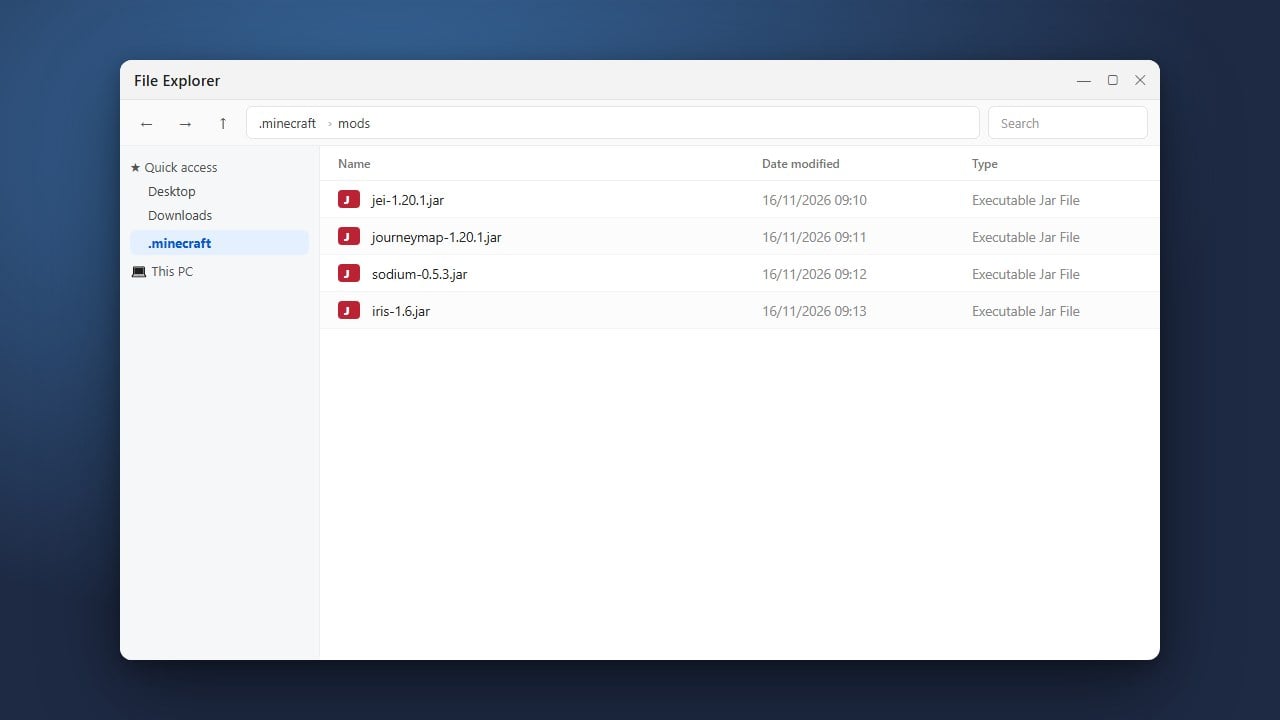
Open your file manager app and navigate to the directory where Boardwalk stores its game files, usually located inside your device's internal storage under the application data or custom Boardwalk folder.
Inside the game directory, locate or create a folder named mods.
Move Your Mod Files
Copy your downloaded .jar mod files from your downloads folder and paste them directly into the Boardwalk mods folder.
Double-check that the files are placed directly inside the folder and not left in a zipped or compressed archive format.
Launch the Game with Mods
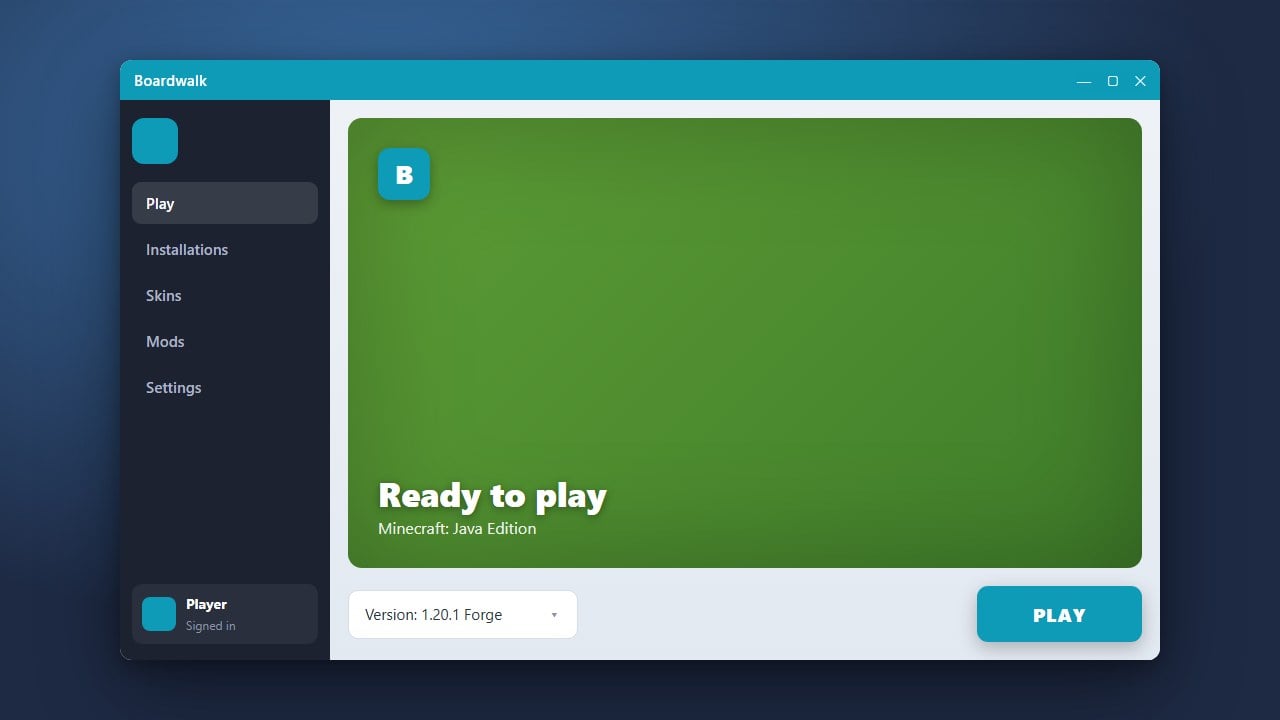
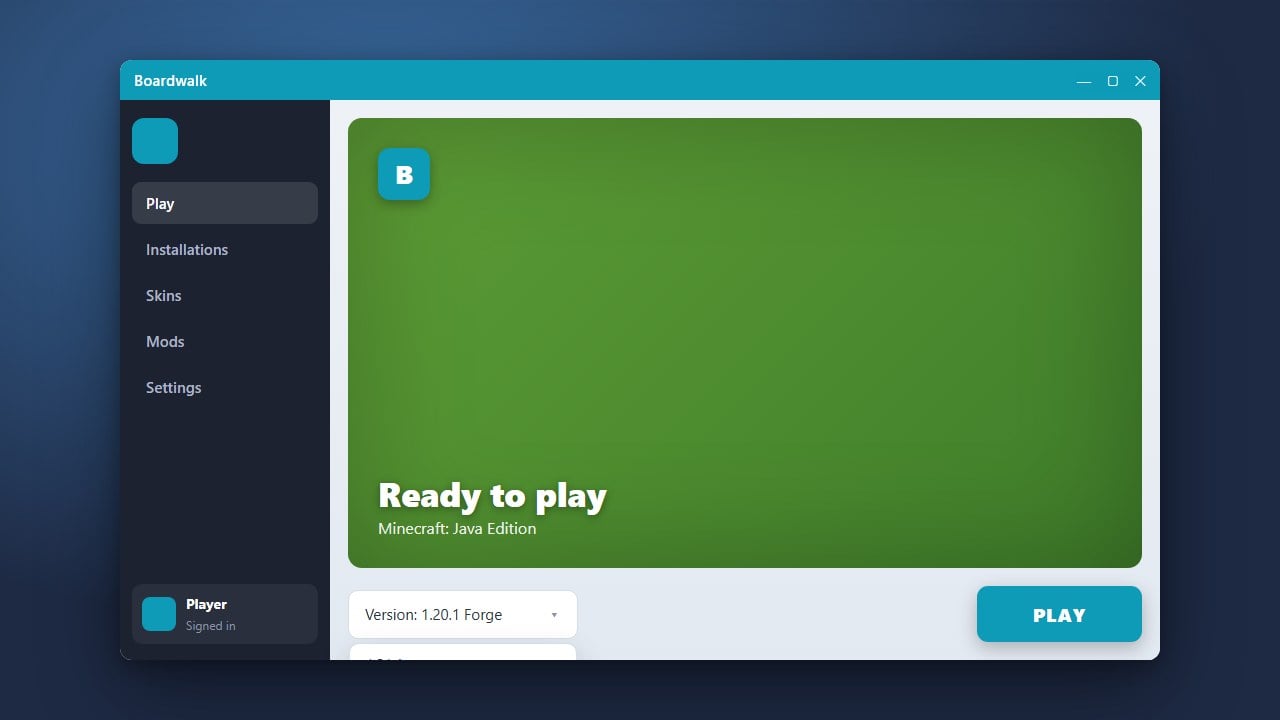
Open the Boardwalk launcher on your Android device and select your modded profile (such as your Forge or Fabric profile).
Tap play to start Minecraft. Check the main menu mods button or test inside a world to verify that your modifications loaded successfully.
Frequently Asked Questions
Can I use Bedrock add-ons with Boardwalk?
No. Boardwalk is designed exclusively to run Java Edition on Android. Bedrock resource packs and behavior packs are not compatible with this launcher.
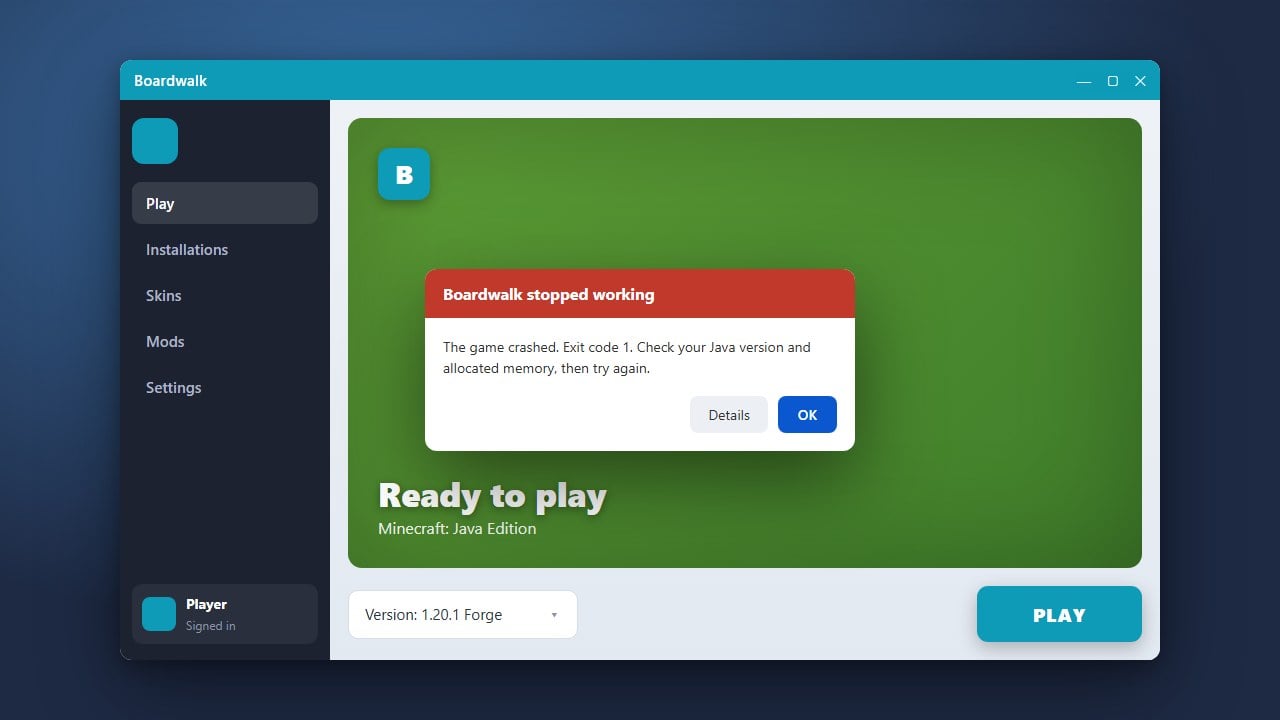
Why is my game crashing on startup after adding mods?
Crashes usually happen because a mod is incompatible with your version of Minecraft, missing a required mod loader, or conflicting with another installed mod. Remove recently added mods one by one to find the culprit.