Enhance your Minecraft worlds with custom lighting, shadows, and reflections by installing shaders in Boardwalk. Before you begin, always ensure you purchase and play through the official game from minecraft.net to support the developers and protect your account from security risks associated with unofficial third-party launchers.
Prepare Your Boardwalk Installation
Start by making sure your launcher is fully set up and updated. If you are new to this client, you can follow the steps in How to Download and Install Boardwalk to get your environment ready.
Launch the client and log in with your account to ensure your game files and directory structures are correctly generated on your device.
Download Compatible Shader Packs
Find and download your favorite shader packs online, making sure they match your game version. Shader packs typically come as .zip files.
Do not extract the zip file; keep it zipped so the game can read the shader archive properly when you place it into your shader folder.
Locate the Boardwalk Resource or Shader Folder
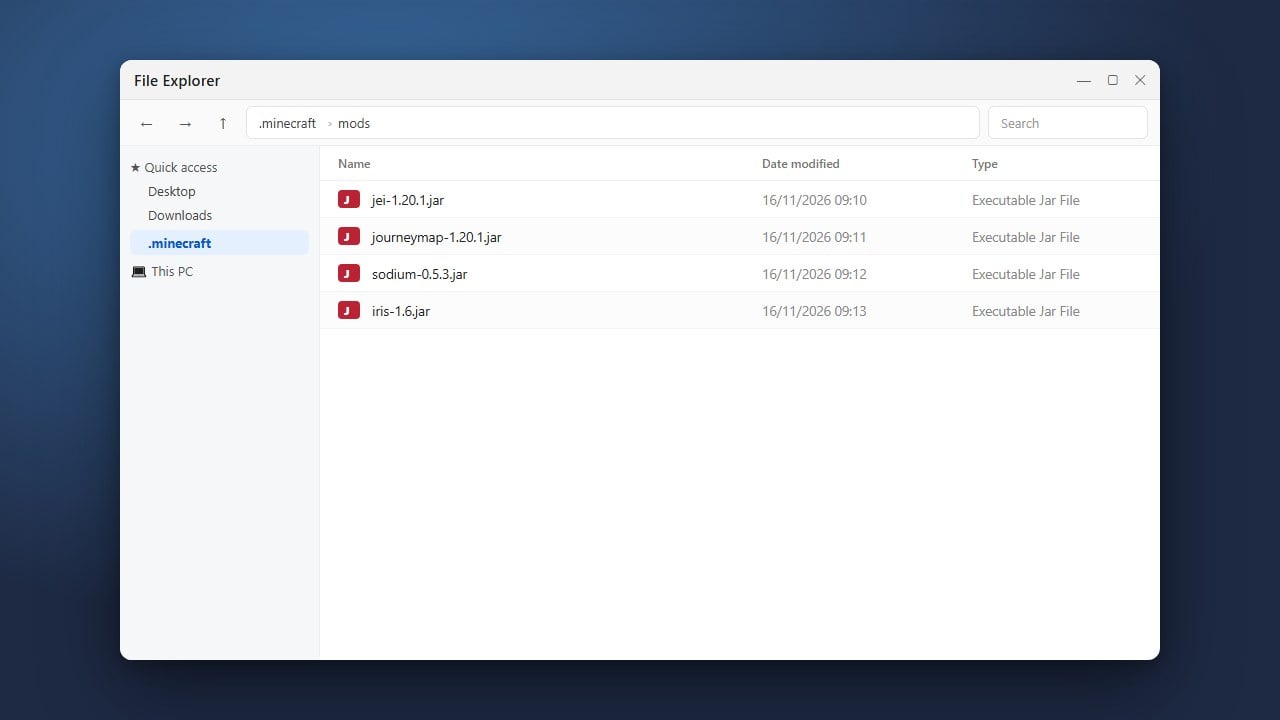
Open your file manager or use the built-in directory options within Boardwalk to find your Minecraft game directory.
Look for a folder named shaderpacks. If this folder does not exist inside your game directory, you can create a new folder and name it exactly shaderpacks.
Move the Shader Pack into the Folder
Copy your downloaded shader .zip file and paste it directly into the shaderpacks folder you located or created in the previous step.
Ensure the file remains zipped and that there are no extra nested folders inside the archive that would prevent the game from reading the configuration.
Enable and Configure Shaders in-Game
Launch Minecraft through Boardwalk and navigate to your video settings or graphics options menu where shader support is integrated.
Select your newly added shader pack from the list, apply the changes, and join a singleplayer or multiplayer world to enjoy your enhanced graphics.
Frequently Asked Questions
Where do I put shader files in Boardwalk?
You need to place the zipped shader pack directly into the shaderpacks folder located within your active Minecraft game directory.
Why aren't my shaders showing up in the game settings?
Ensure your shader pack is kept as a .zip file and that you are using a renderer or mod version that fully supports shader loading.