Keeping Boardwalk updated ensures you have the latest bug fixes and performance improvements. Boardwalk is a third-party tool used to run Minecraft Java Edition on Android devices. Because third-party launchers can pose security, privacy, or account safety risks, we strongly recommend purchasing and playing the official game through minecraft.net using supported platforms.
Back Up Your World Saves
Before performing any update, it is crucial to back up your existing Minecraft worlds to prevent accidental data loss. Use a file manager app on your Android device to navigate to the Boardwalk directory and copy your saves folder to a secure location on your device or cloud storage.
Check for the Latest Version
Open your trusted source or community page where you originally downloaded Boardwalk to see if a newer version is available. Always verify that download links come from reputable community developers to avoid downloading modified files containing malware or adware.
Download the Updated APK
Download the latest Boardwalk APK file directly to your Android device. Depending on your browser settings, your device may prompt you to allow installations from unknown sources before you can proceed with downloading or opening the file.
Install the Update Over the Existing App
Locate the downloaded APK file in your file manager or notification shade and tap it to begin installation. In most cases, Android will recognize that you are updating an existing application and will overwrite the old version while keeping your configuration files intact.
Launch and Verify Your Setup
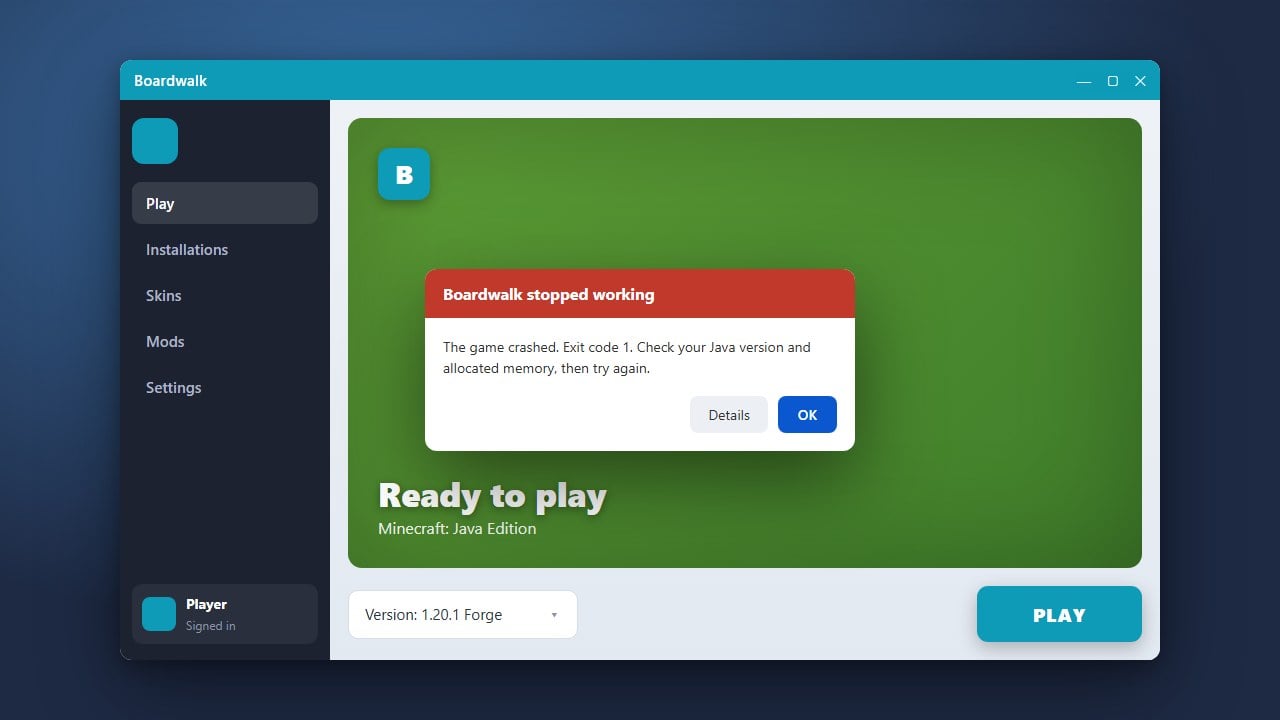
Open Boardwalk and check that your settings, Java runtime options, and world saves are still recognized properly. If you encounter any unexpected errors after updating, you may need to consult guides such as How to Fix Boardwalk Not Launching for troubleshooting steps.
Frequently Asked Questions
Will updating Boardwalk delete my Minecraft worlds?
Normally, installing an updated APK over the old version preserves your internal application data, including world saves. However, you should always create a manual backup of your saves folder before updating just in case.
Can I play Minecraft Bedrock Edition using Boardwalk?
No. Boardwalk is designed strictly for running Minecraft Java Edition on Android devices, not the Bedrock Edition.