Salwyrr Launcher is a popular custom client for Minecraft Java Edition designed to provide built-in performance optimization and cosmetics. If you want to customize your gameplay experience further, follow this guide to learn how to add and install mods successfully.
Third-party launchers that bypass standard authentication can pose serious security and privacy risks to your Microsoft account. Always exercise caution and protect your login credentials.
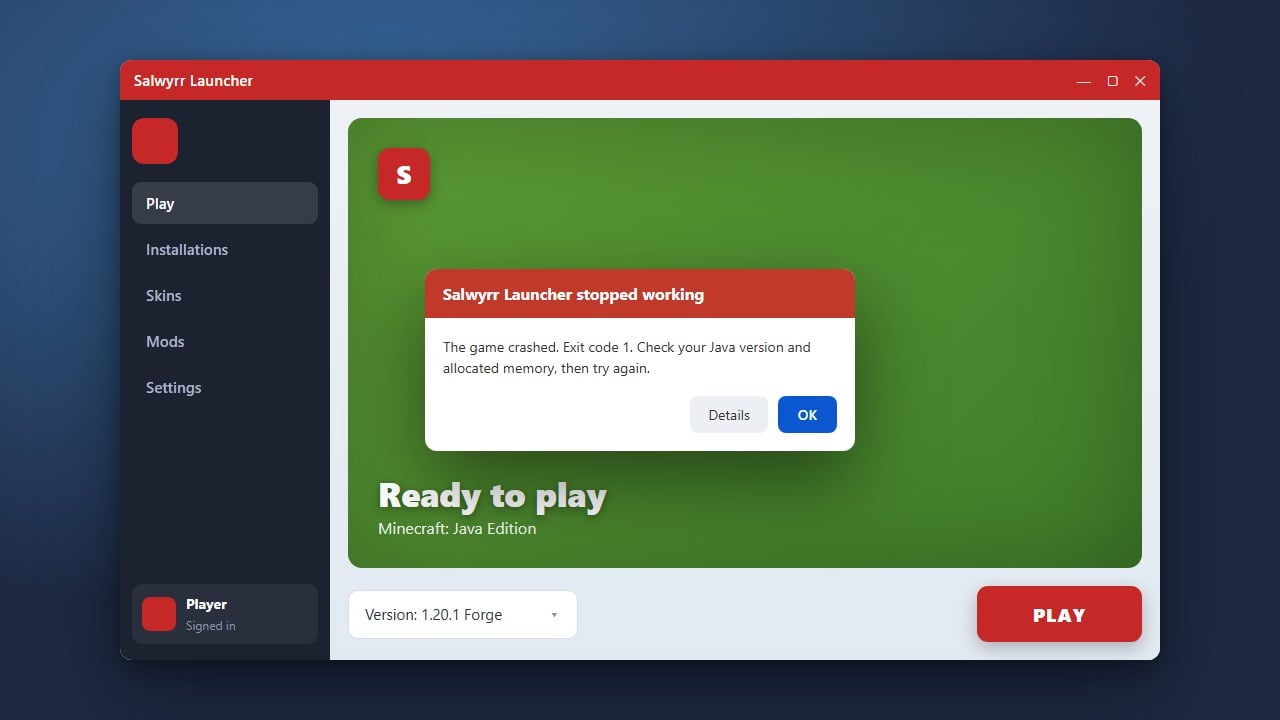
If your game crashes on startup, check your logs to ensure all installed mods are compatible with each other and your current Minecraft version.
Download and Install Salwyrr Launcher
First, make sure you have downloaded the official client from the trusted source. If you are exploring alternative launchers, we always recommend purchasing and using the official game from minecraft.net to guarantee full account security and support.
Run the installer and follow the on-screen prompts to complete the setup on your Windows or macOS computer.
Open the Launcher and Select Your Version
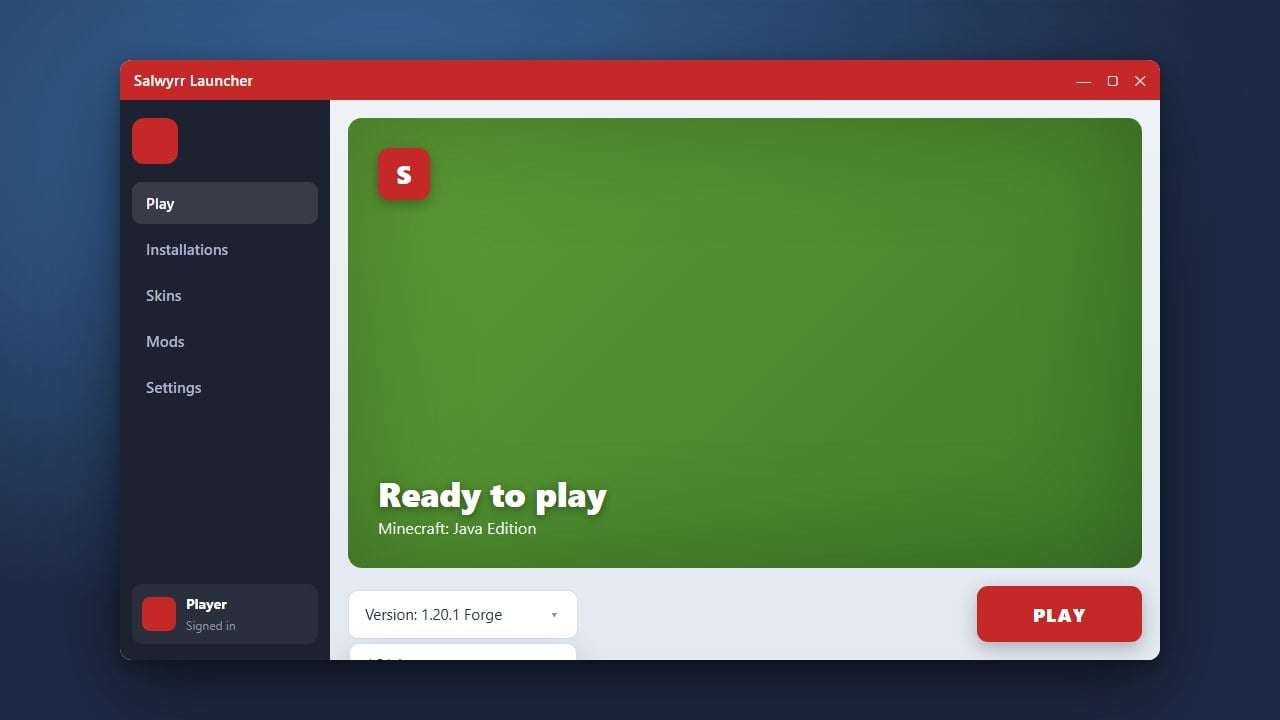
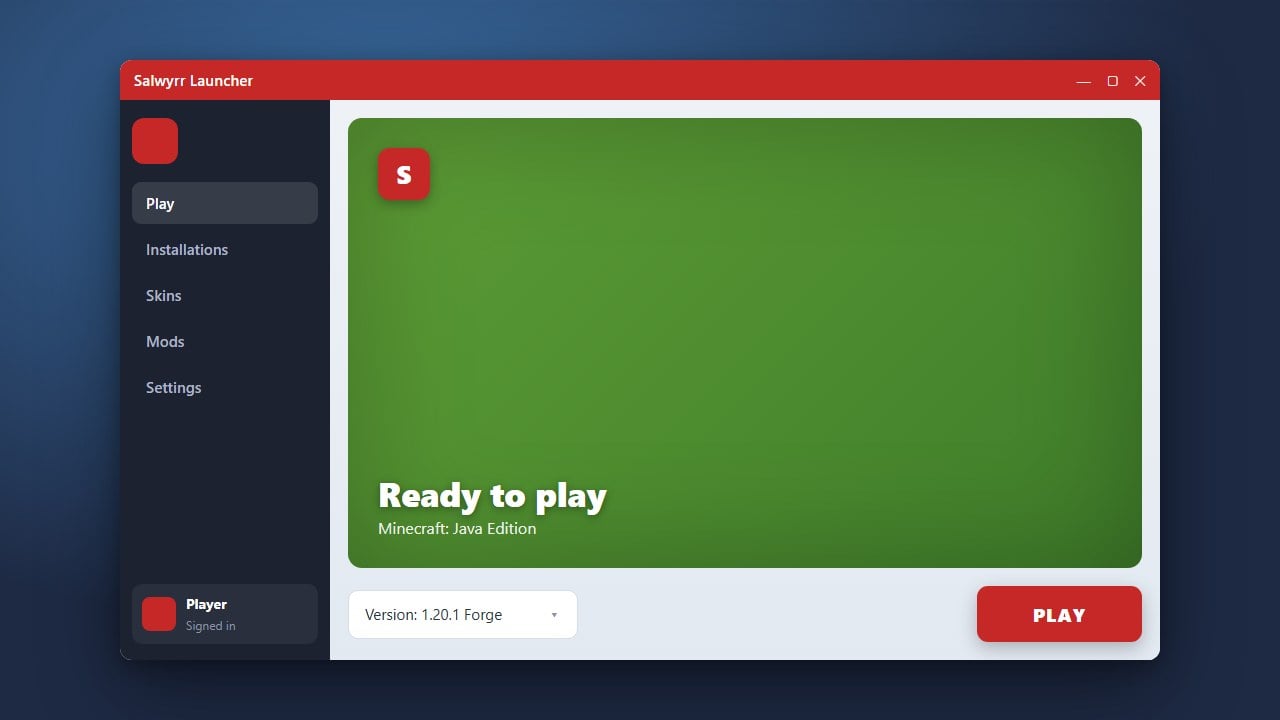
Launch Salwyrr from your desktop or applications folder. Choose your preferred Minecraft Java Edition version from the launcher menu before proceeding to mod configuration.
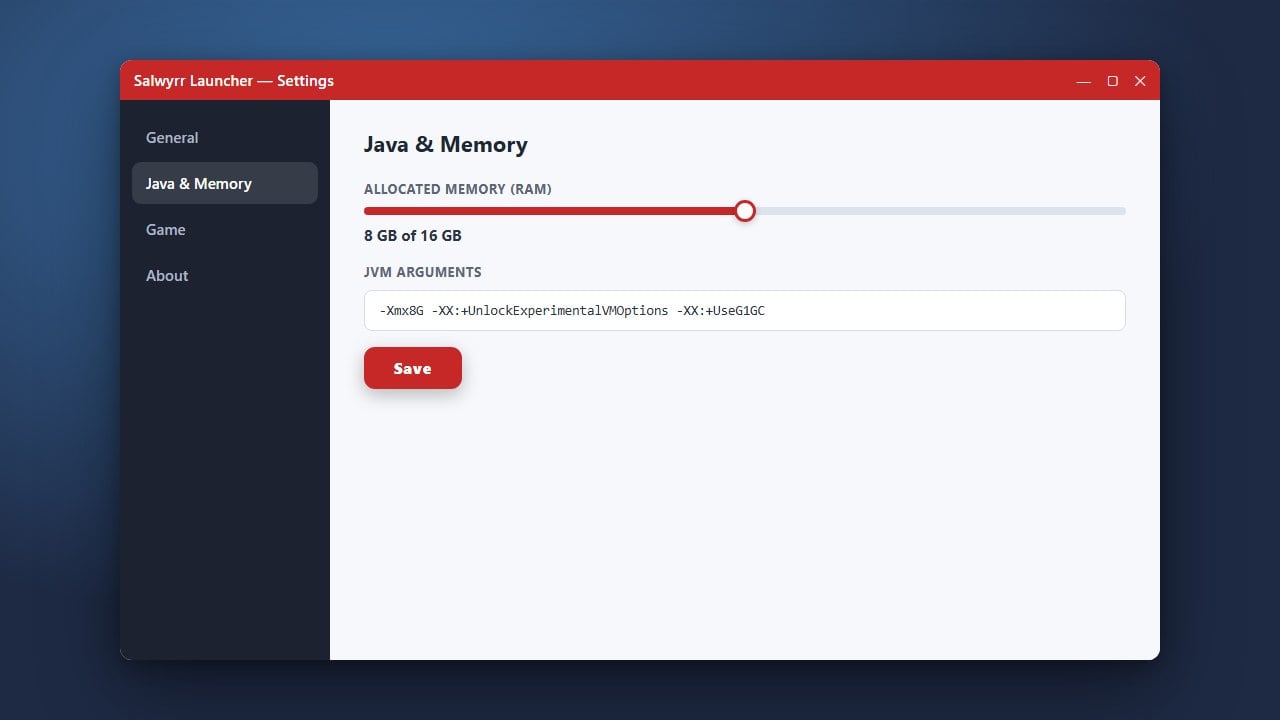
If you need assistance setting up your environment or adjusting performance options, you can check out How to Allocate More RAM in Salwyrr Launcher to ensure your game runs smoothly.
Locate the Mods Folder
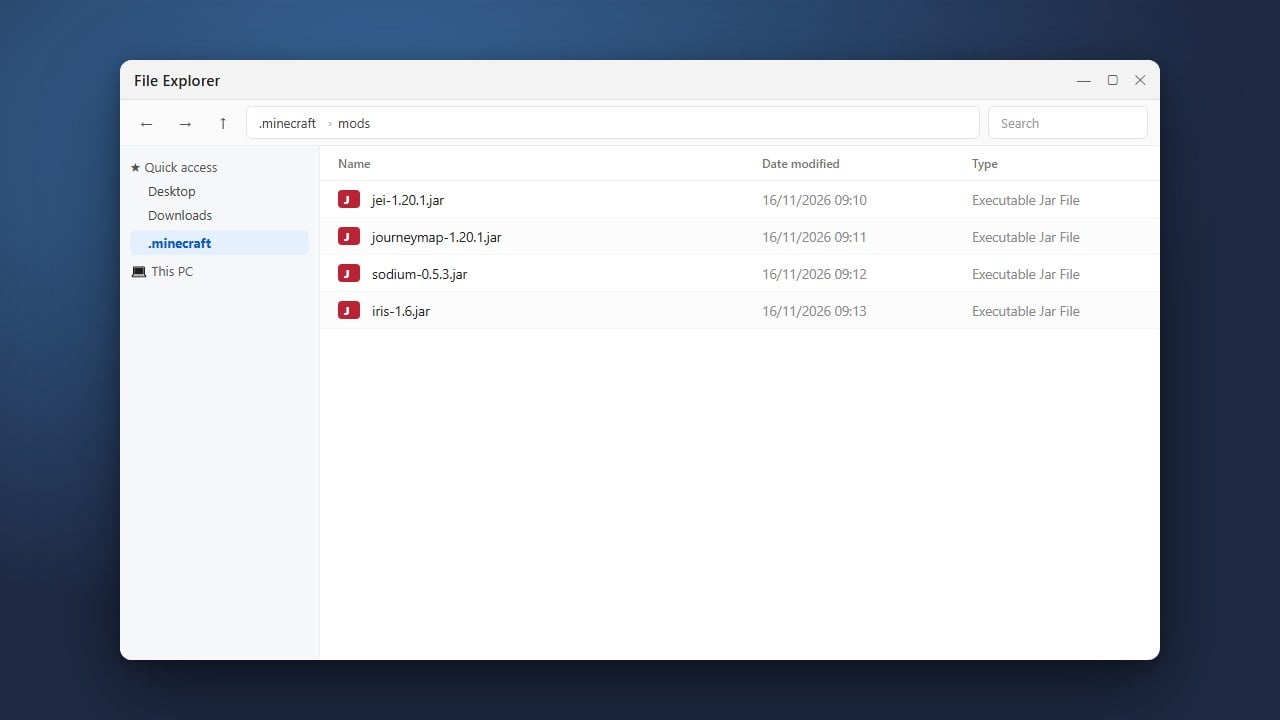
Navigate to the settings or profile directory within Salwyrr to find your game files. Inside the profile directory, locate the mods folder where all modification files must be placed.
If the folder does not exist yet, you can create a new folder and name it mods entirely in lowercase letters.
Download Compatible Mod Files
Download the .jar files for the mods you want to play. Always ensure that your downloaded mods match your exact Minecraft Java Edition version and the mod loader supported by your client setup.
Be cautious when downloading files from unverified third-party websites to protect your system from adware and malicious software.
Move Mods Into the Folder and Launch
Drag and drop your downloaded mod .jar files directly into the mods folder you opened earlier. Close the folder, return to Salwyrr Launcher, and start the game to load your new modifications.
Frequently Asked Questions
Can I use Forge or Fabric mods with Salwyrr Launcher?
Salwyrr comes with its own built-in client architecture, meaning standard Forge or Fabric loader mods might not always be fully compatible out of the box. Check the launcher's specific documentation for supported modification types.
Is Salwyrr Launcher safe to use?
While many players use custom clients for performance boosts, unofficial launchers carry inherent account and privacy risks. We strongly recommend using the official Minecraft launcher for maximum safety.