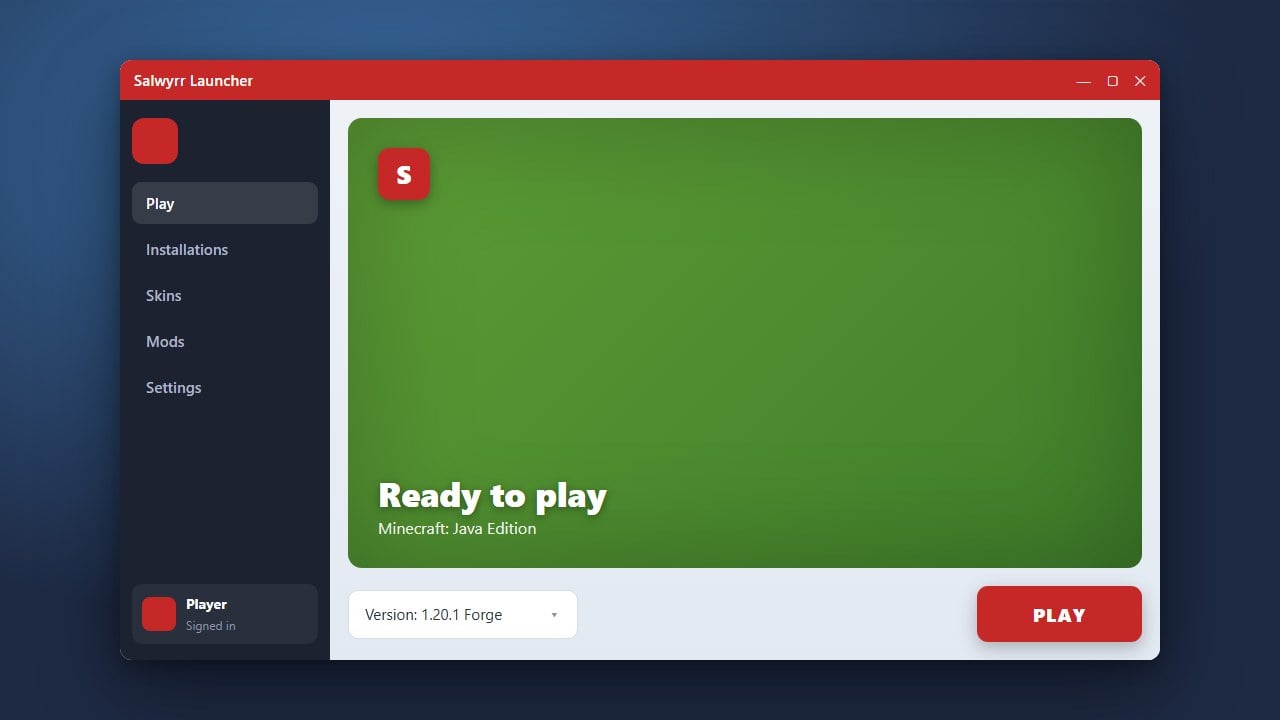
Salwyrr Launcher is a popular custom client designed for Minecraft Java Edition that comes pre-packaged with performance enhancements, mods, and cosmetics. Before using any third-party launcher, we strongly recommend purchasing the official game directly from minecraft.net to support the developers and ensure account security.
Download and Install the Launcher
Go to the official Salwyrr website and download the installer compatible with your operating system. Run the installer file and follow the on-screen instructions to complete the setup on your computer.
Log Into Your Account
Open the Salwyrr Launcher from your desktop or applications menu. Log in using your legitimate Minecraft account credentials to link your profile and access online servers securely.
Select Your Game Version
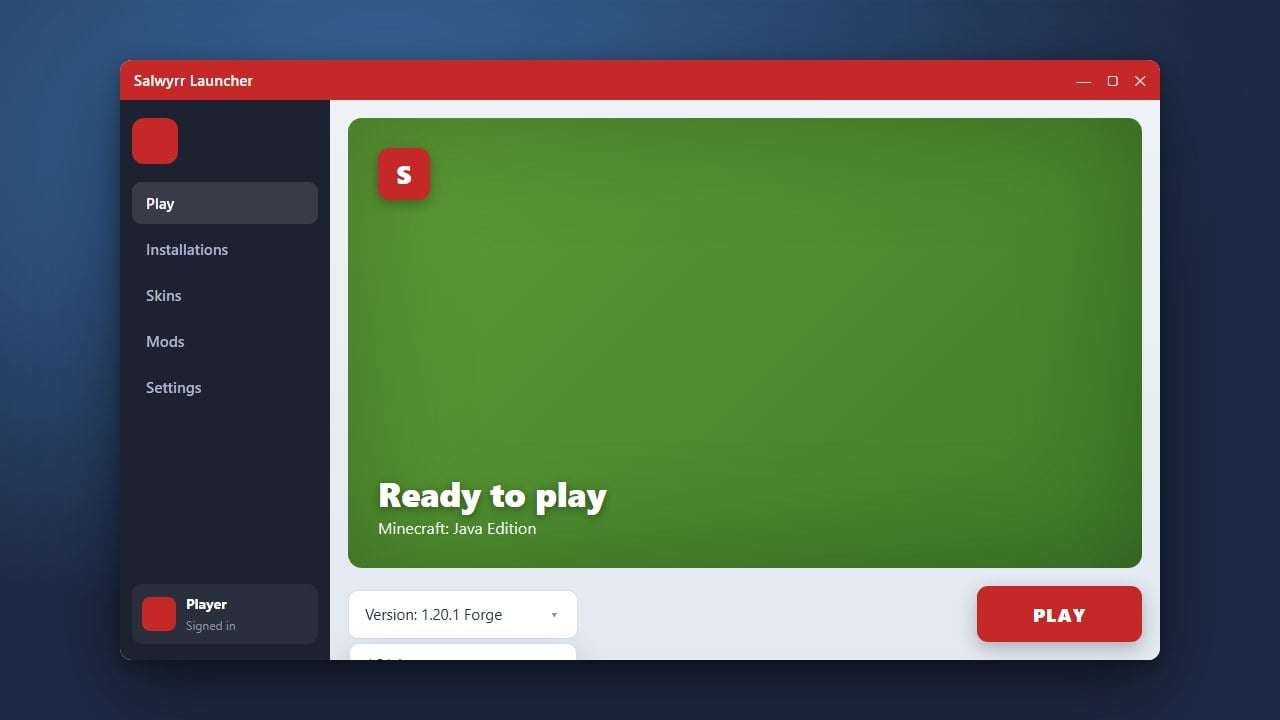
Navigate to the version selection menu within the launcher interface. Choose your preferred Minecraft version, keeping in mind that Salwyrr primarily focuses on optimized PvP versions like 1.8.9.
Configure Performance Settings
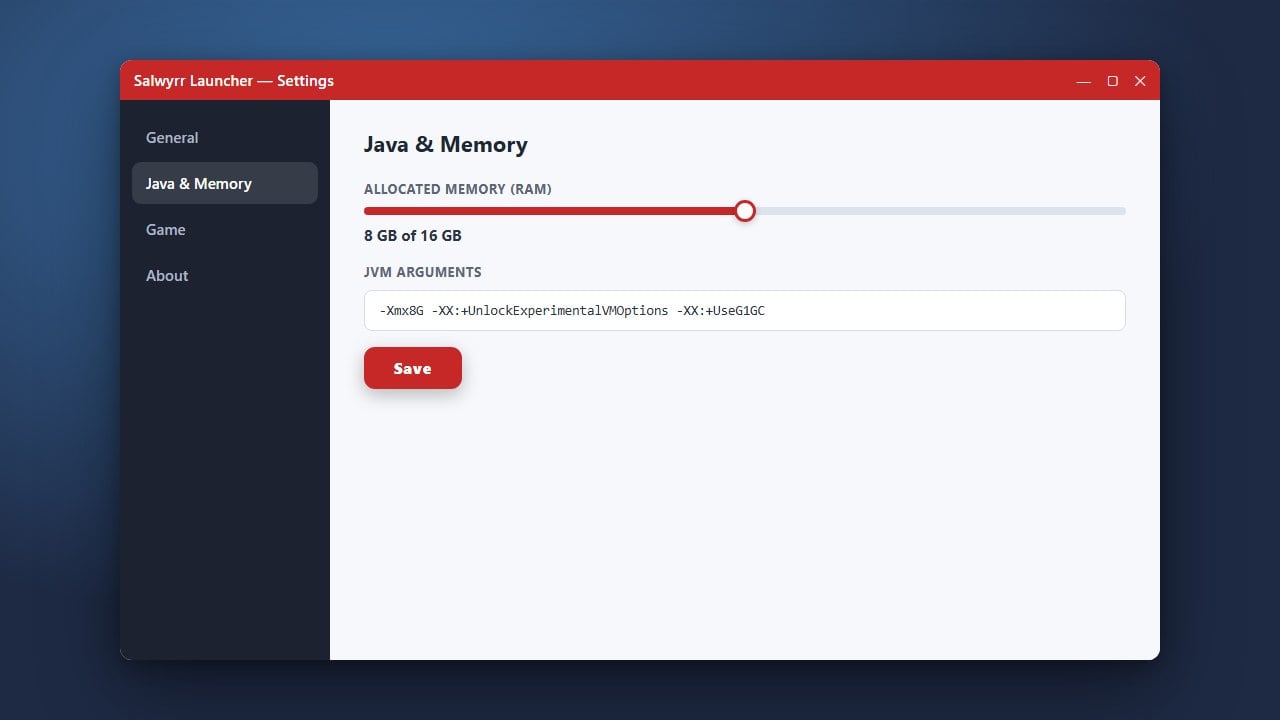
Before launching the game, open the settings panel to adjust your memory allocation and graphical preferences. If you need help with this step, check out our guide on How to Allocate More RAM in Salwyrr Launcher.
Launch and Play Minecraft
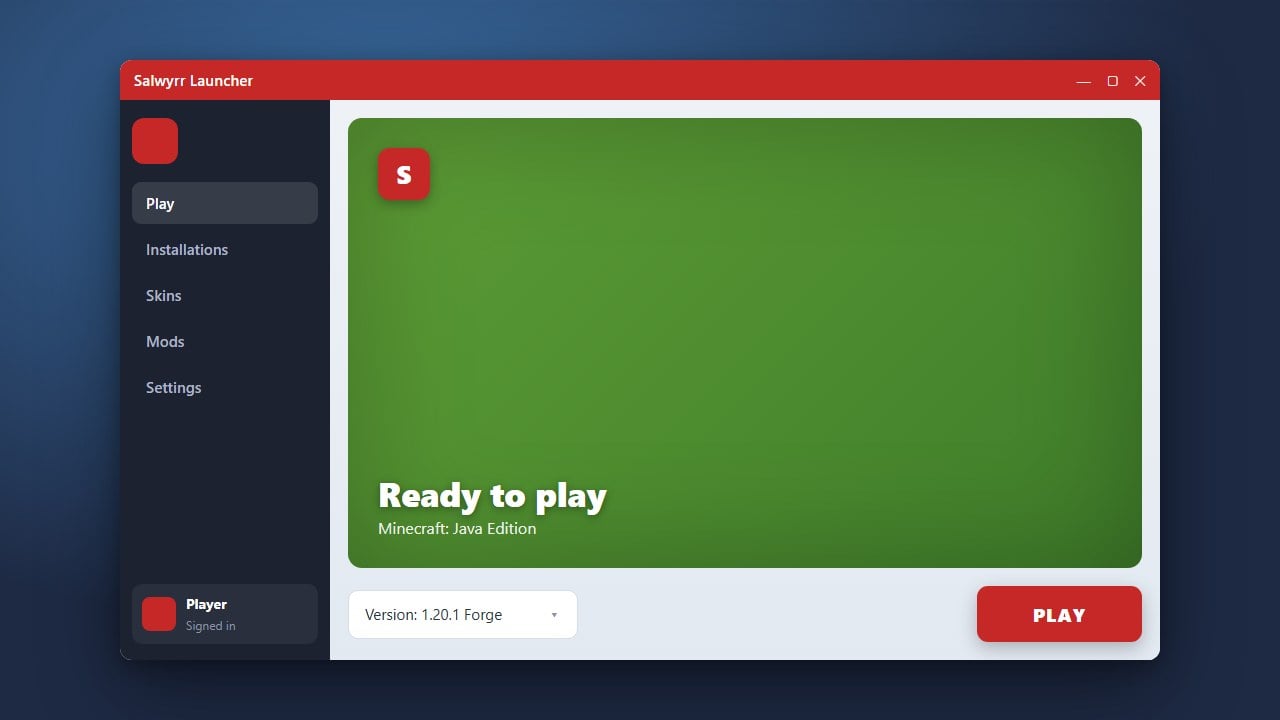
Click the large Play button to start your game session with the Salwyrr client loaded. You can now join your favorite multiplayer servers or singleplayer worlds with built-in mods and performance boosts enabled.
Frequently Asked Questions
Is Salwyrr Launcher free to use?
Yes, the launcher itself is free to download and use, but you still need a legitimate, paid Minecraft Java Edition account to play online.
Can I use Salwyrr Launcher on Mac or Linux?
Salwyrr primarily supports Windows systems. Check their official download page for current compatibility updates regarding macOS and Linux availability.