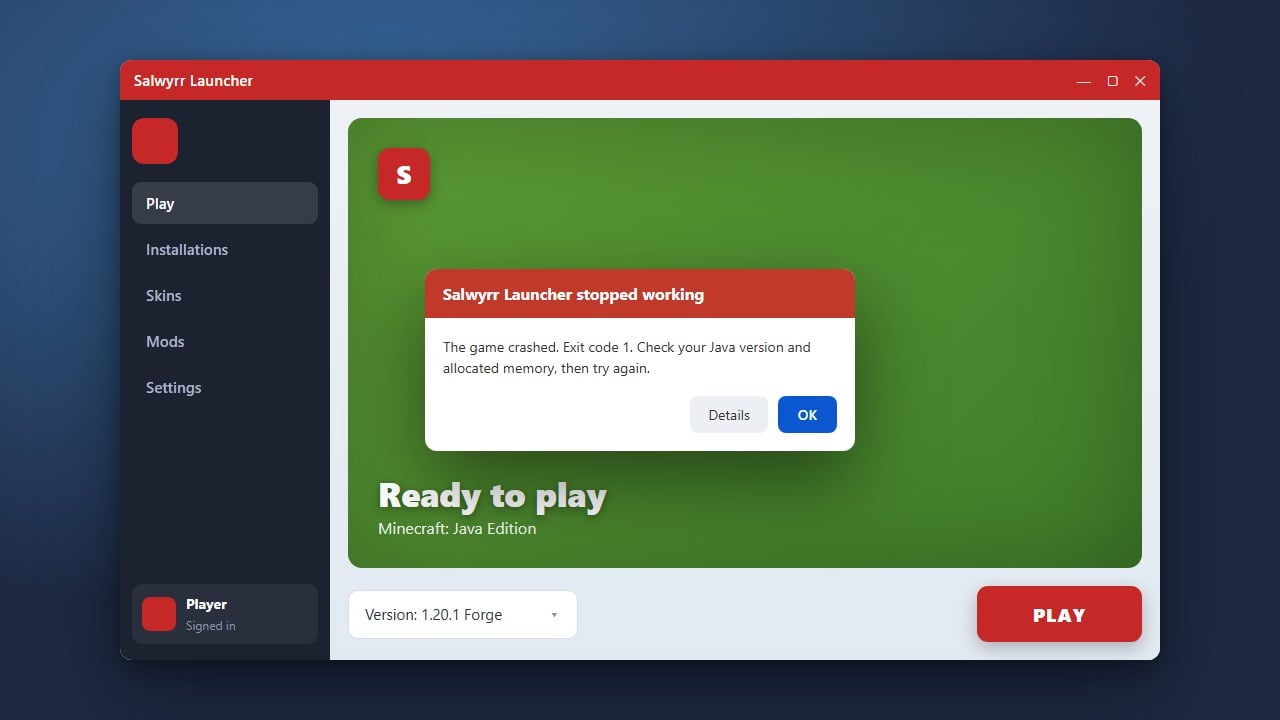
If your Salwyrr Launcher is refusing to open or crashing upon startup, you are not alone. This troubleshooting guide for Minecraft Java Edition will walk you through the most effective steps to get the client working properly again, ensuring you can return to your favorite servers and game modes without hassle.
Check Your Java Installation
Salwyrr Launcher relies heavily on Java to run correctly on your computer. Make sure you have the correct version of Java installed for modern Minecraft Java Edition releases.
If your Java runtime is outdated, missing, or corrupted, the launcher may fail silently or throw an error. Download and install the latest Java Development Kit (JDK) matching your system architecture.
Run the Launcher as Administrator
Permission issues can often prevent custom launchers from accessing necessary system files or writing configuration data. Right-click the Salwyrr Launcher shortcut on your desktop and select Run as administrator.
If Windows prompts you for confirmation, click Yes. Should this resolve the issue, you can configure the launcher shortcut properties to always run with administrative privileges automatically.
Clear Corrupted Cache and Temporary Files
Corrupted cache data within the launcher directory can trap the application in a freeze or crash loop. Press Windows Key + R, type %appdata%, and press Enter to open your roaming folder.
Locate the Salwyrr folder, back up any important screenshots or configurations, and safely delete the temporary cache subfolders. Restart the launcher so it can rebuild the necessary fresh files.
Temporarily Disable Antivirus Interference
Overzealous antivirus software or Windows Defender sometimes falsely flag custom launchers as suspicious and block them from launching. Check your antivirus quarantine or protection history.
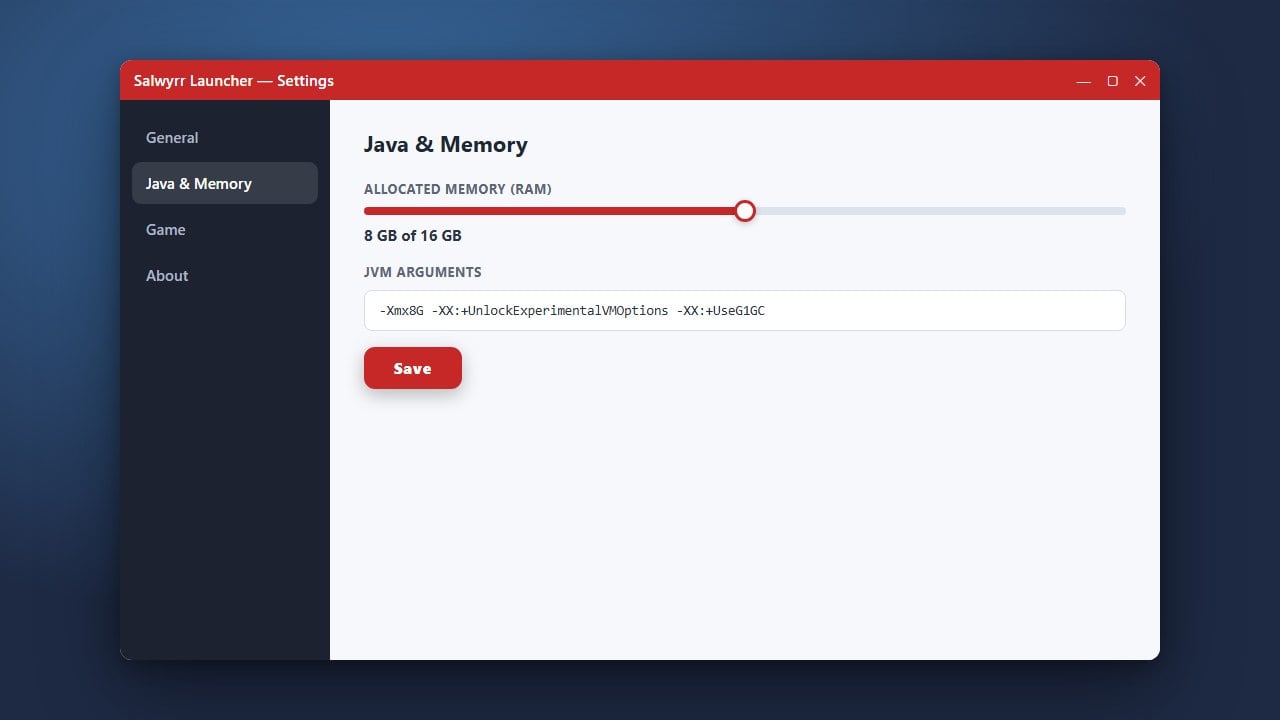
If Salwyrr was blocked, add an exclusion for the launcher executable within your security settings. For memory allocation or performance tweaks, you can also review guides like How to Allocate More RAM in Salwyrr Launcher once it boots up.
Reinstall Salwyrr Launcher Cleanly
If the application files are severely damaged, a standard restart won't be enough. Uninstall Salwyrr through your Windows settings, then manually clean out any leftover directories.
Download the latest official installer package to ensure you are running an uncorrupted version. Always ensure you purchase and support the official game via minecraft.net for legitimate, secure access to Minecraft Java Edition.
Frequently Asked Questions
Why is Salwyrr Launcher stuck on the loading screen?
This is usually caused by network connection blocks preventing the launcher from downloading necessary assets, or by an outdated Java version. Check your firewall settings and ensure your internet connection is stable.
Is Salwyrr Launcher safe to use?
While many players use custom clients for optimization, third-party launchers can carry privacy and security risks. We strongly recommend using the official Minecraft launcher purchased through minecraft.net to keep your account safe.