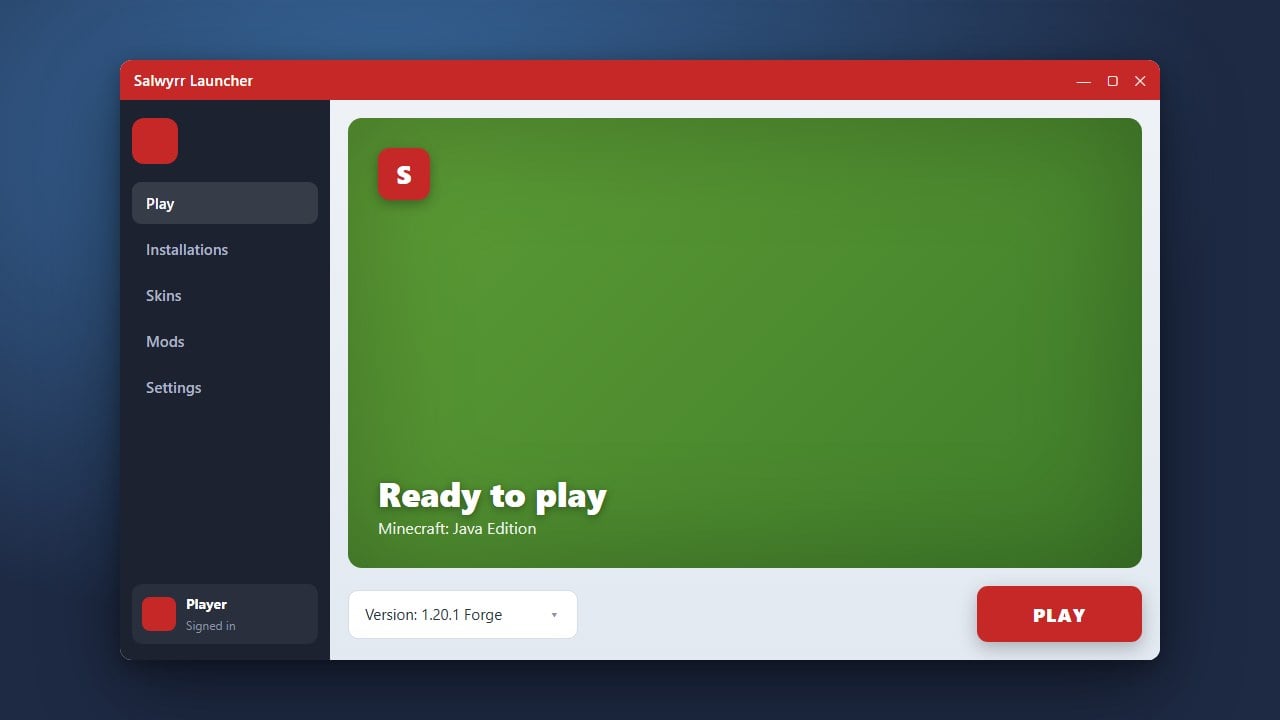
Keeping your client up to date ensures you have access to the newest features, security patches, and bug fixes. This guide walks you through updating the Salwyrr Launcher for Minecraft Java Edition. Please note that while alternative launchers are popular, we always recommend purchasing the official game from minecraft.net to ensure full account security and official support.
Open Salwyrr Launcher
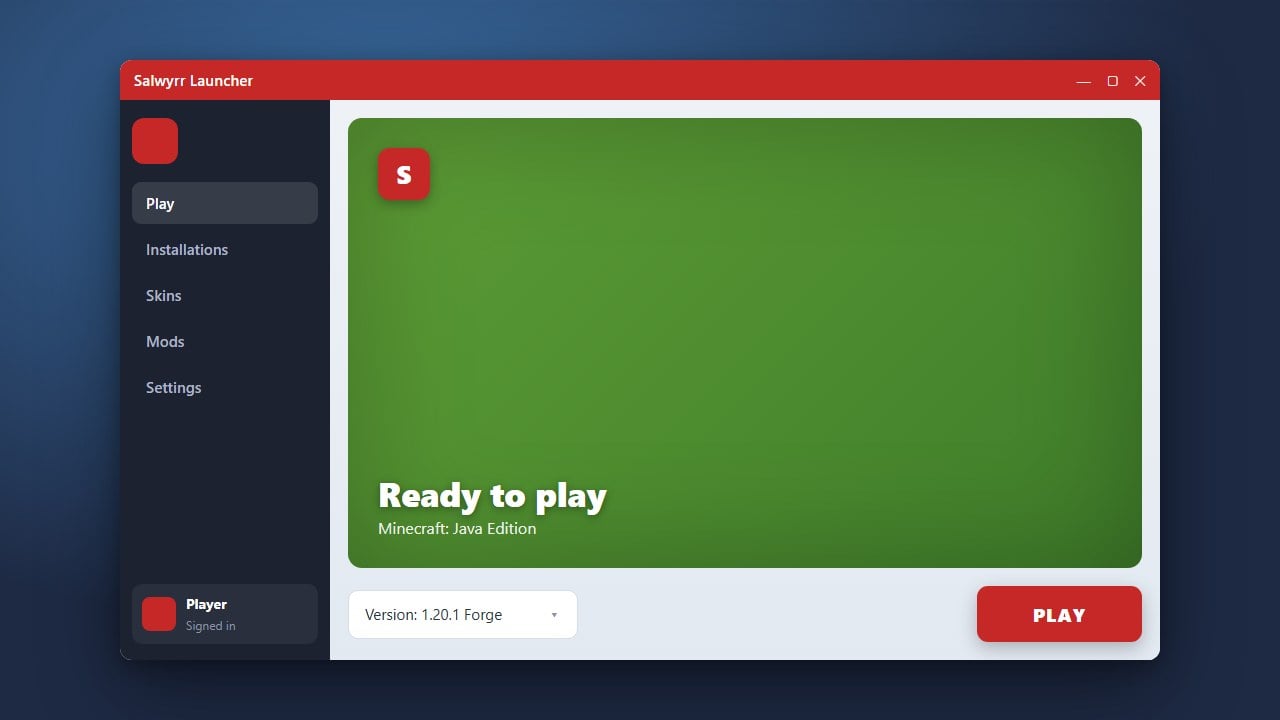
Start by launching the Salwyrr Launcher on your desktop or application menu. Make sure your computer is connected to the internet so the client can check for available update packages.
Check for Available Updates
Most modern game launchers automatically check for updates upon startup. Look for a notification prompt or an update icon within the dashboard interface indicating that a newer version of the launcher is ready for download.
Download the Latest Version
If an update prompt appears, click the download or update button. If automatic updates are disabled or fail, you can visit the official Salwyrr website to manually download and install the newest installer package over your current installation.
Restart and Verify
Once the download completes, close and reopen the Salwyrr Launcher to apply the changes successfully. Check the settings or the bottom corner of the launcher window to confirm that you are now running the latest version.