Welcome to our guide on how to download and install Salwyrr Launcher for Minecraft Java Edition. Salwyrr is a popular custom launcher designed to enhance your gameplay with built-in mods and performance boosts.
Always purchase a legal copy of Minecraft from minecraft.net to support the developers and ensure full online multiplayer access.
If you want to customize your client further, you might also be interested in learning How to Change the Minecraft Version in Salwyrr Launcher.
Visit the Official Website
Open your web browser and navigate to the official Salwyrr Launcher website. Always ensure you are downloading files from trusted official sources to keep your computer safe from malware.
Download the Installer
Locate the download section on the website and select the correct installer for your operating system (Windows, macOS, or Linux). Click the download button to save the installation file to your computer.
Run the Setup Wizard
Once the download is complete, locate the installer file in your downloads folder and double-click it to run the setup wizard. Follow the on-screen prompts to complete the installation process on your system.
Launch and Configure
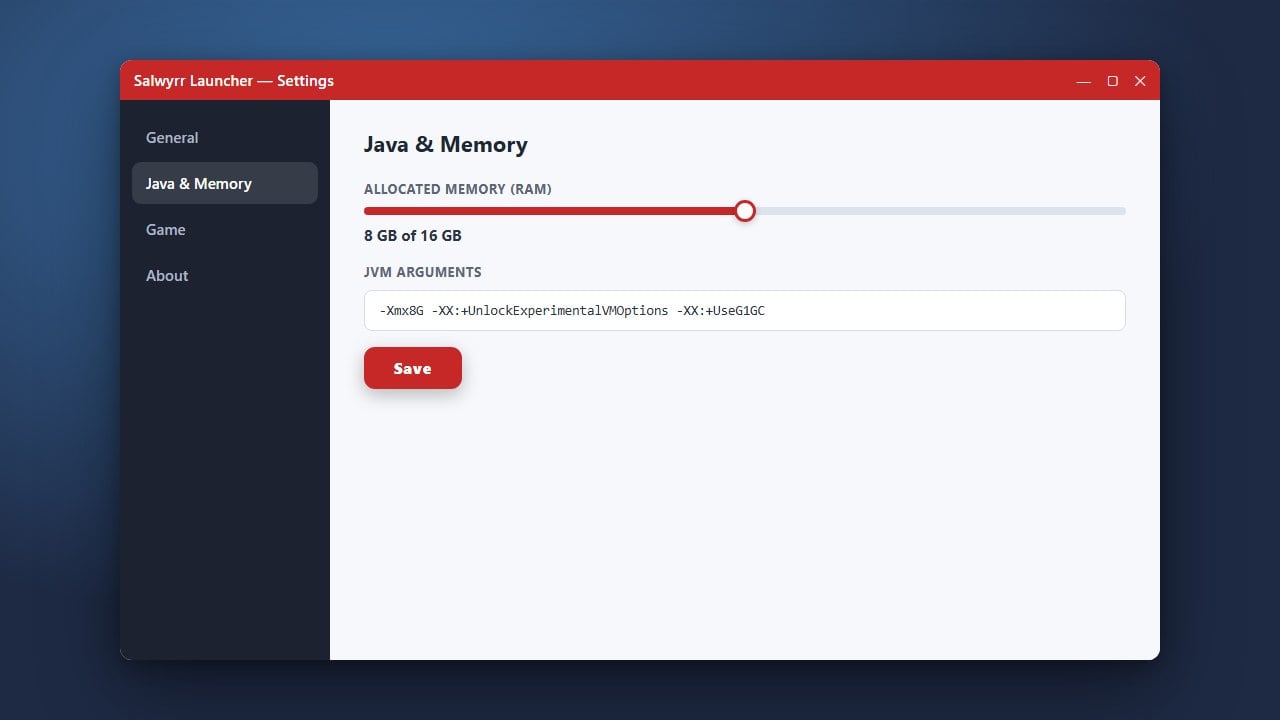
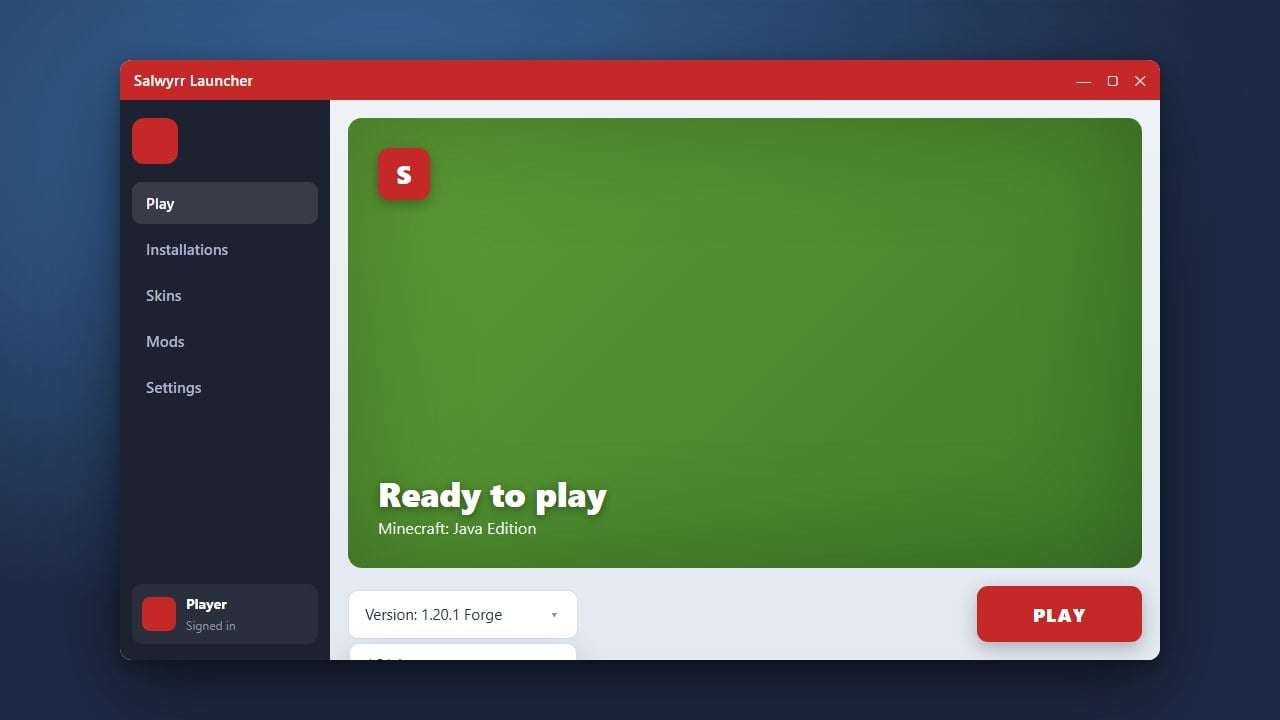
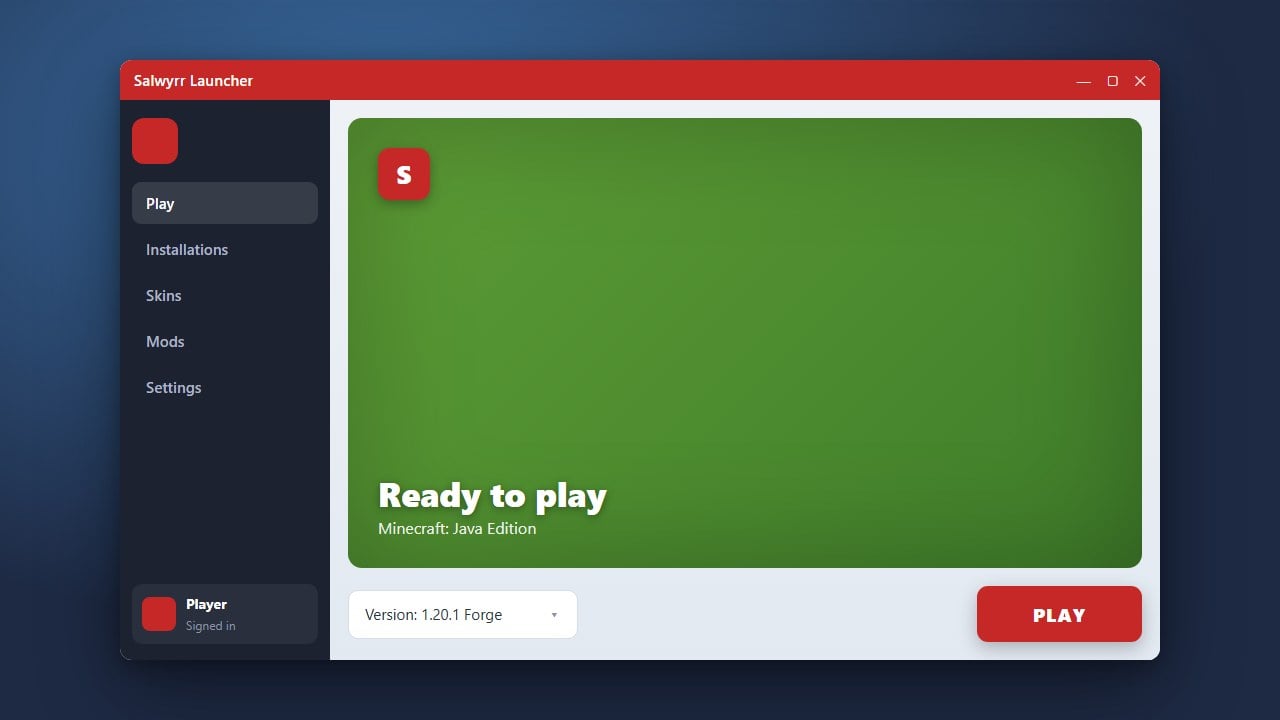
Open Salwyrr Launcher from your desktop shortcut or applications folder. Log in with your official Minecraft account credentials, and check out guides like How to Allocate More RAM in Salwyrr Launcher to optimize your performance before playing.
Frequently Asked Questions
Is Salwyrr Launcher free to download?
Yes, the launcher application itself is free to download and use, though you still need a paid Minecraft Java Edition account to play online.
What should I do if Salwyrr Launcher fails to open?
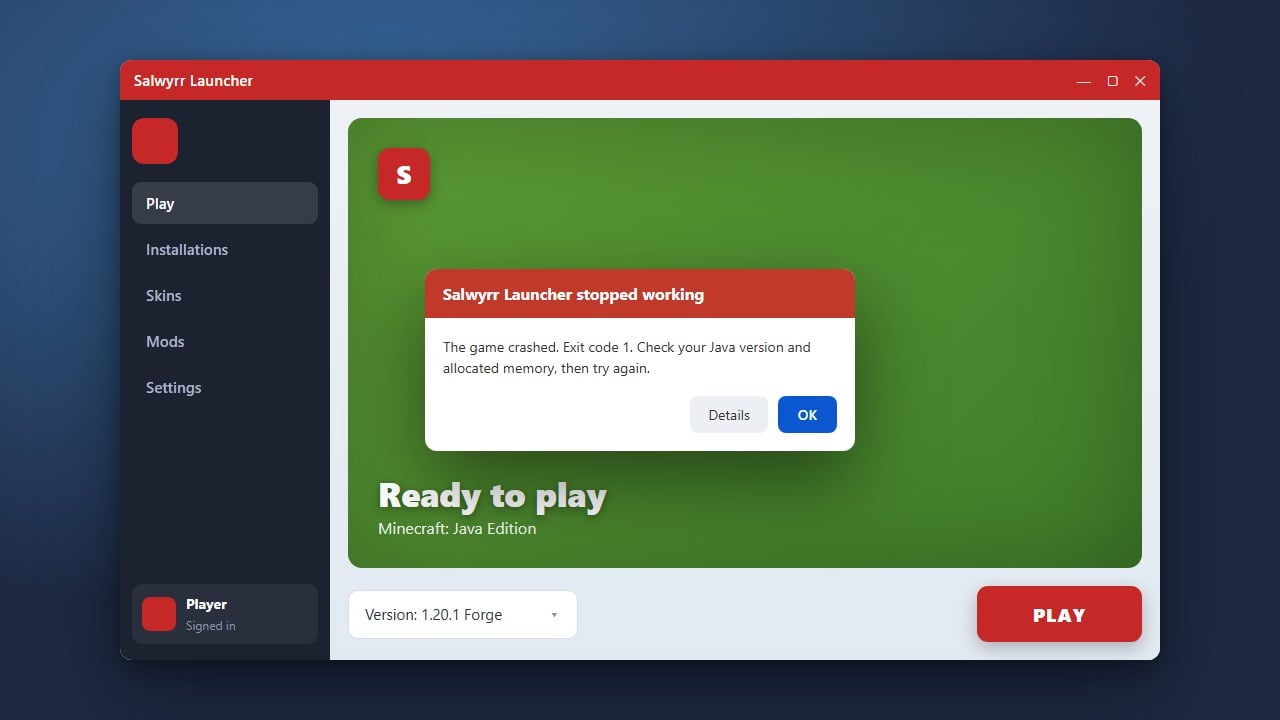
If you encounter startup issues, check out How to Fix Salwyrr Launcher Not Launching for troubleshooting steps.