Salwyrr Launcher is a popular client-based launcher for Minecraft Java Edition that allows players to easily manage different versions and mod loaders. If you are looking to set up modded gameplay, follow this guide to get both Forge and Fabric running smoothly. Always remember to purchase official game access from minecraft.net to support the developers and keep your account secure, as third-party launchers can sometimes present security or privacy risks.
Open Salwyrr Launcher
Start by launching Salwyrr Launcher on your desktop or application menu. Make sure you are logged into your account and connected to the internet so the launcher can fetch the latest profile and mod loader data.
Navigate to Version Settings
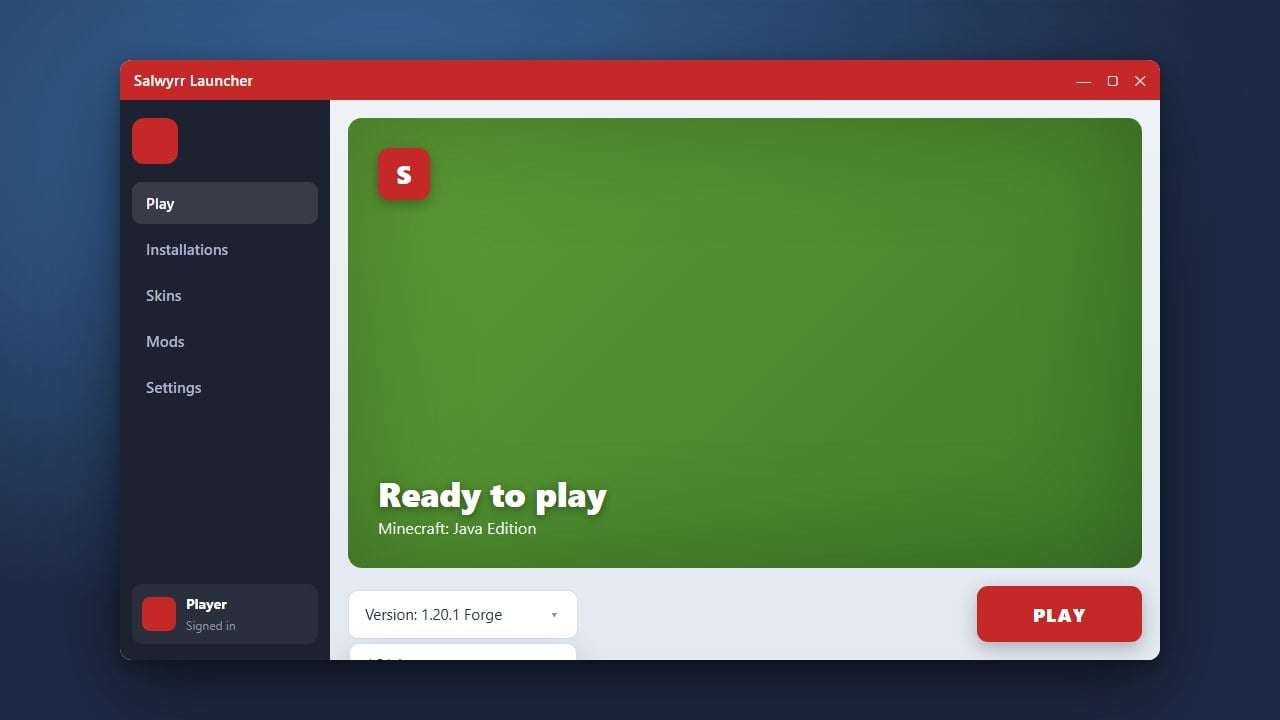
Look for the version selection or profile settings menu within the Salwyrr interface. This is where you can choose which mod loader and Minecraft Java Edition version you want to configure for your game session.
Select and Install Forge
Locate the option to install Forge, choose your preferred Minecraft version, and click the install button. The launcher will automatically download and set up all required library files. If you need inspiration for other clients, you can also check out our guide on How to Download and Install Salwyrr Launcher for a refresher.
Select and Install Fabric
Next, switch your loader option to Fabric if you want to use lightweight Fabric-exclusive mods. Select your target Minecraft version and proceed with the installation process so the launcher downloads the Fabric API and loader files.
Launch and Play
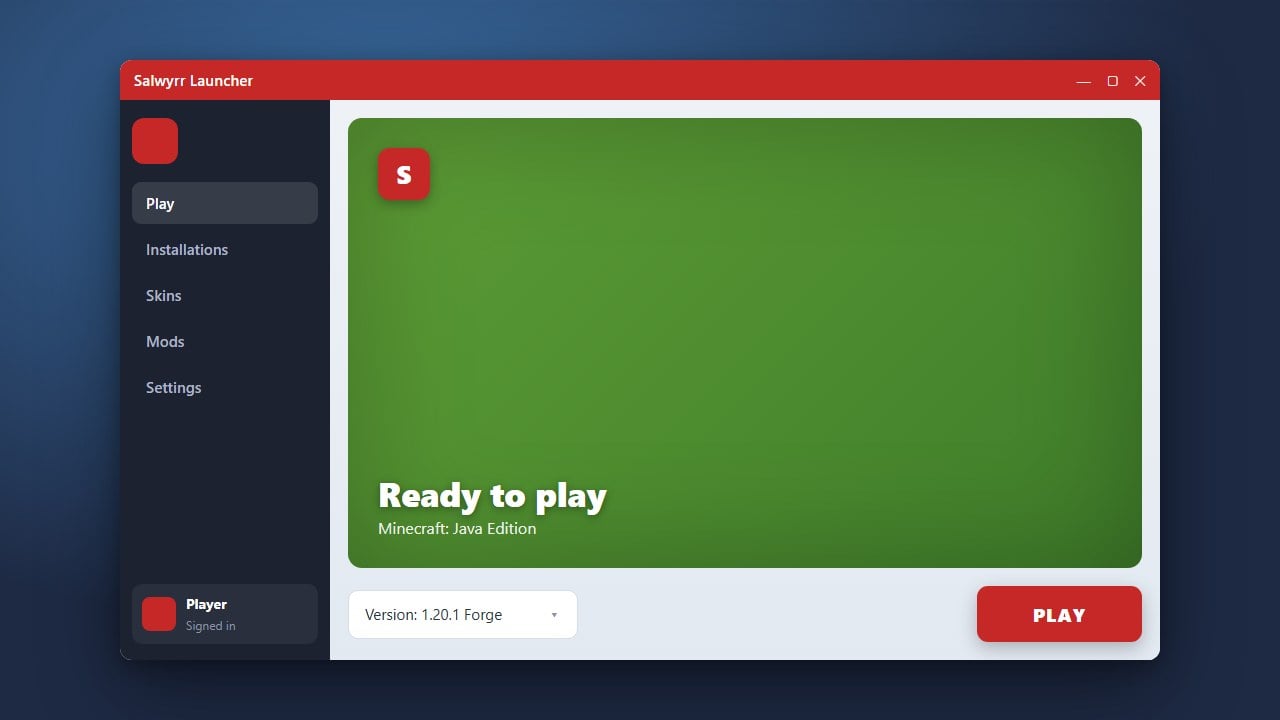
Once both loaders are successfully installed, select your configured Forge or Fabric profile from the main menu and hit the Play button to start your modded Minecraft adventure.
Frequently Asked Questions
Can I run Forge and Fabric at the same time in Salwyrr?
No, Minecraft can only run one mod loader (like Forge or Fabric) per game instance. You will need to switch between different profiles in the launcher depending on which mods you want to play with.
Is Salwyrr Launcher free to use?
Yes, the launcher itself is free, but you still need a legitimate, paid Minecraft Java Edition account to play online on official servers.