Adding shaders to Minecraft Java Edition transforms your graphics with stunning lighting, shadows, and water reflections. This guide walks you through setting up shaders using the Salwyrr Launcher. If you haven't already, make sure you know How to Download and Install Salwyrr Launcher before proceeding. Note that third-party launchers can sometimes present security, account, or privacy risks, so we always recommend purchasing and playing through the official client at minecraft.net.
Shaders are extremely demanding on computer hardware. If you experience heavy lag or low framerates, consider lowering your render distance or trying a performance-friendly shader pack.
Open Salwyrr Launcher and Select Your Version
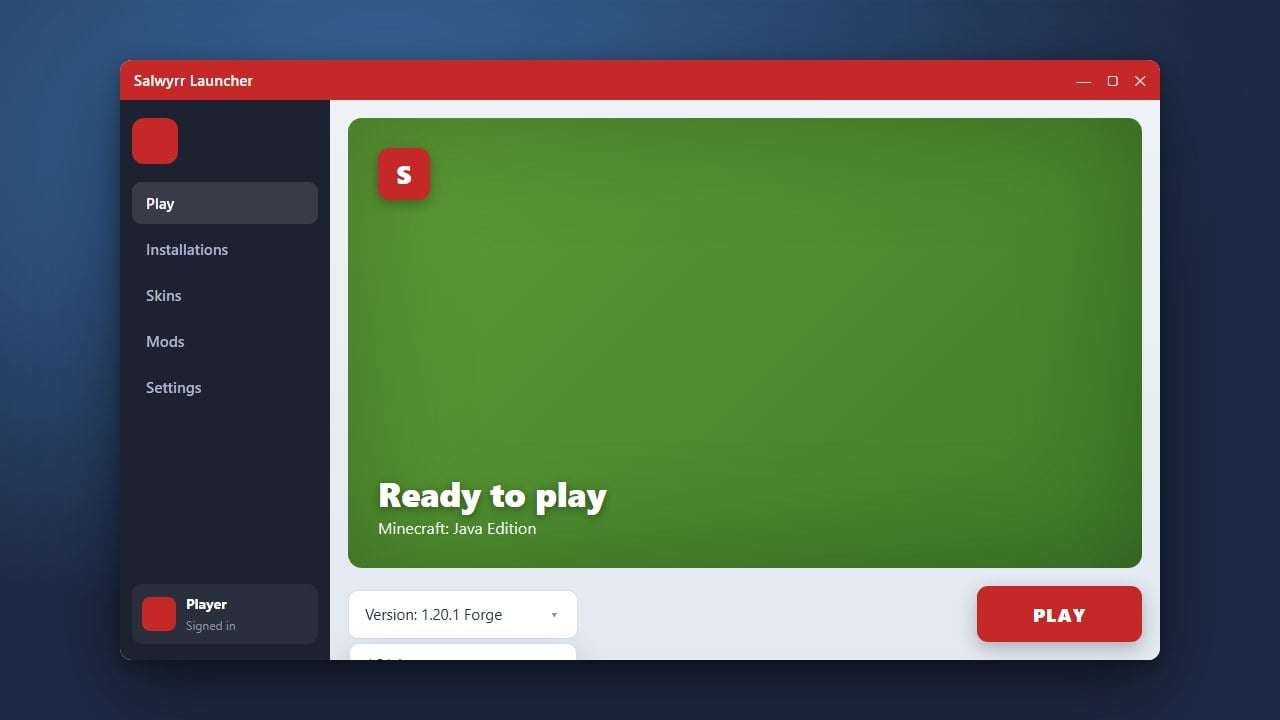
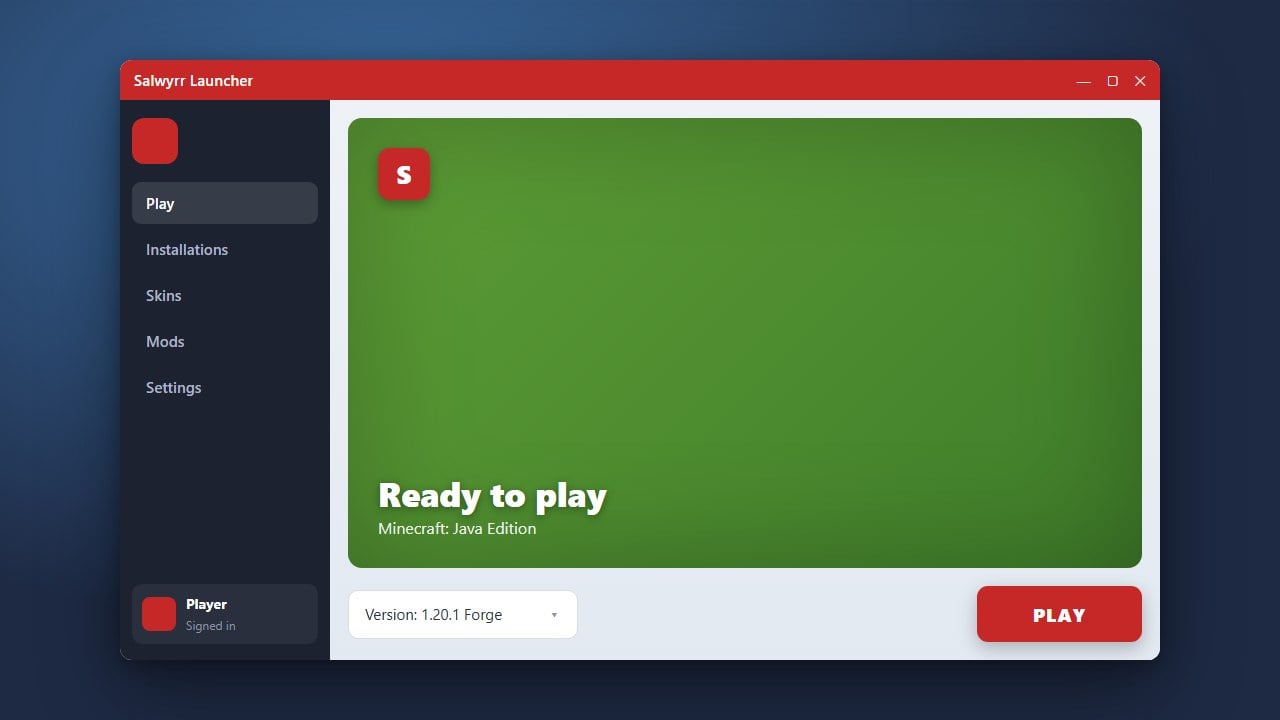
Launch Salwyrr on your computer and log into your account. Navigate to the game version tab and select a Minecraft version that supports shader mods (such as versions running Iris or OptiFine).
Download a Compatible Shader Pack
Go to a trusted community resource like Modrinth or CurseForge to download a shader pack (.zip file) compatible with your game version, such as Complementary Shaders or BSL Shaders.
Open the Shaderpacks Folder
Start the game through Salwyrr, go to the Video Settings menu, and click on the Shaders button. From that menu, click the Shaders Folder button to open the designated directory on your computer.
Move Your Shader Pack File
Drag and drop your downloaded shader pack .zip file directly into the shaderpacks folder that just opened. Do not extract or unzip the file; keep it as a compressed archive.
Enable Your Shaders In-Game
Return to Minecraft's Shaders menu, where your newly added shader pack should now appear in the list. Click on its name to select it, apply your changes, and load into a single-player or multiplayer world to enjoy your new visuals!
Frequently Asked Questions
Do I need to extract the shader zip file?
No! Always keep your shader packs as .zip files and place them directly into the shaderpacks folder without unzipping them.
Why aren't my shaders showing up in the menu?
Make sure you are launching a profile that includes a rendering mod like OptiFine or Iris, and ensure the zip file is placed in the correct folder.