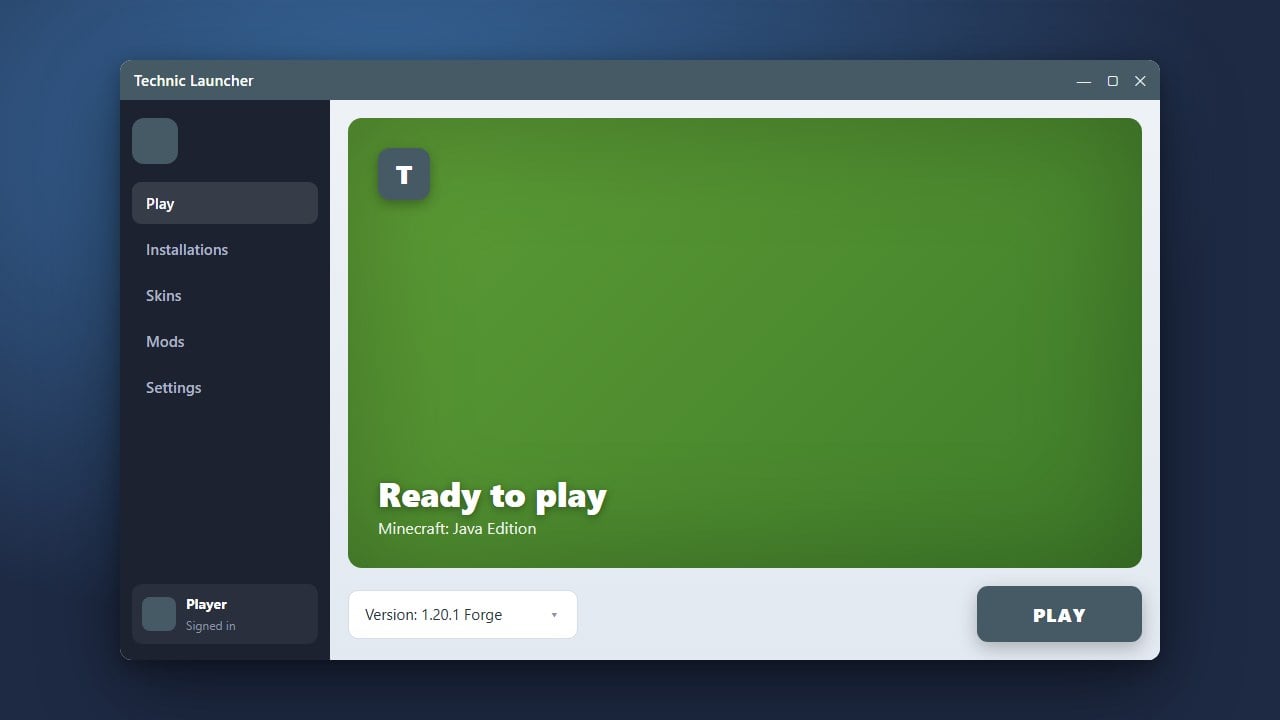
The Technic Launcher is widely recognized for hosting large modpacks, but you can also use it to set up custom Java Edition instances featuring your favorite mod loaders. Before you begin, always make sure you have purchased the official game from minecraft.net to ensure full access and account safety. If you are new to this launcher, you can also check out our guide on How to Download and Install Technic Launcher to get started.
Open Technic Launcher and Sign In
Launch the Technic Launcher on your computer and log in using your official Minecraft Java Edition account credentials.
Ensure your account is properly authenticated so the launcher can download the necessary game assets and libraries from official Mojang servers.
Navigate to the Modpacks Tab
Once you are on the main dashboard, click on the Modpacks tab at the top of the window.
This section allows you to browse public packs as well as create and manage your own custom modded instances.
Create a New Modpack
Click the Add New Pack button or the search bar area where you can input a custom modpack URL or create a blank instance. Select the option to build a blank or custom modpack.
Name your new creation, then select your desired Minecraft version from the dropdown menu to match the mod loader version you plan to install.
Configure Forge or Fabric
Technic Launcher primarily manages pre-configured modpacks through its platform repository, but you can configure local build files by accessing the pack's directory. Click on Modpack Options and select Open Directory.
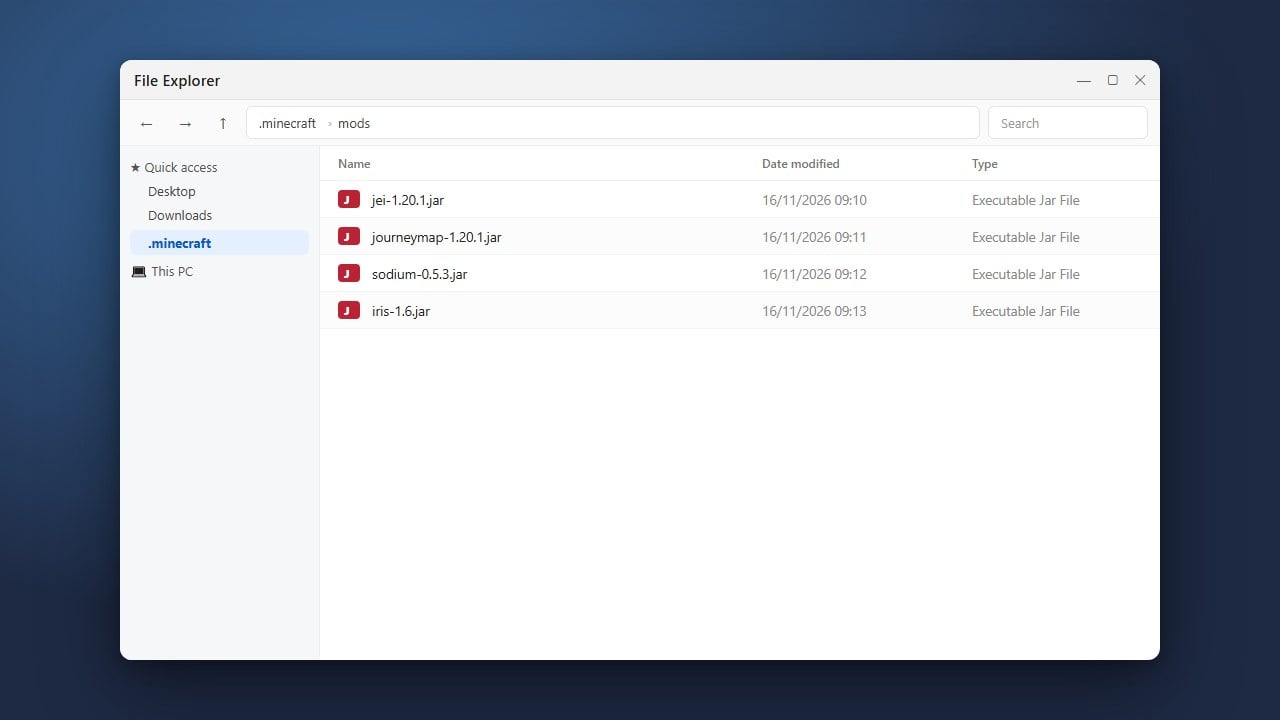
Drop your downloaded Forge or Fabric universal installer files or configure the bin directory appropriately depending on whether you are adding Forge or Fabric libraries to your custom profile.
Save and Play
Close the folder, return to the Technic Launcher, and click Play to initialize your customized game instance.
The launcher will automatically compile your selected version files, install the chosen loaders, and open Minecraft with your mods ready to go.
Frequently Asked Questions
Can I run Forge and Fabric mods together in the same instance?
No, Forge and Fabric use completely different mod architectures and cannot run simultaneously in the same Minecraft instance without third-party compatibility translation layers like Sinytra Connector.
Is Technic Launcher free to use?
Yes, the launcher itself is free to download and use, but it requires a legitimate, paid Minecraft Java Edition account to play the game online.