The Technic Launcher is a popular tool for downloading, managing, and playing custom Minecraft modpacks. This guide will walk you through downloading and setting up the launcher safely on Minecraft Java Edition.
Always purchase your copy of Minecraft directly from the official website. Avoid third-party tools that promise free access to the full game, as they often compromise your account security.
Visit the Official Technic Website
Open your preferred web browser and go to the official TechnicPack website. Always make sure you are downloading software from the legitimate creator to protect your computer from malicious copycat sites.
Download the Installer for Your Operating System
Locate the download section on the website and choose the correct installer for your operating system, whether you are using Windows, macOS, or Linux. Click the download button to save the installation file to your computer.
Run the Installer File
Navigate to your downloads folder and double-click the downloaded Technic Launcher file to begin the setup wizard. Follow any on-screen prompts provided by your operating system to complete the installation process.
Log In with Your Minecraft Account
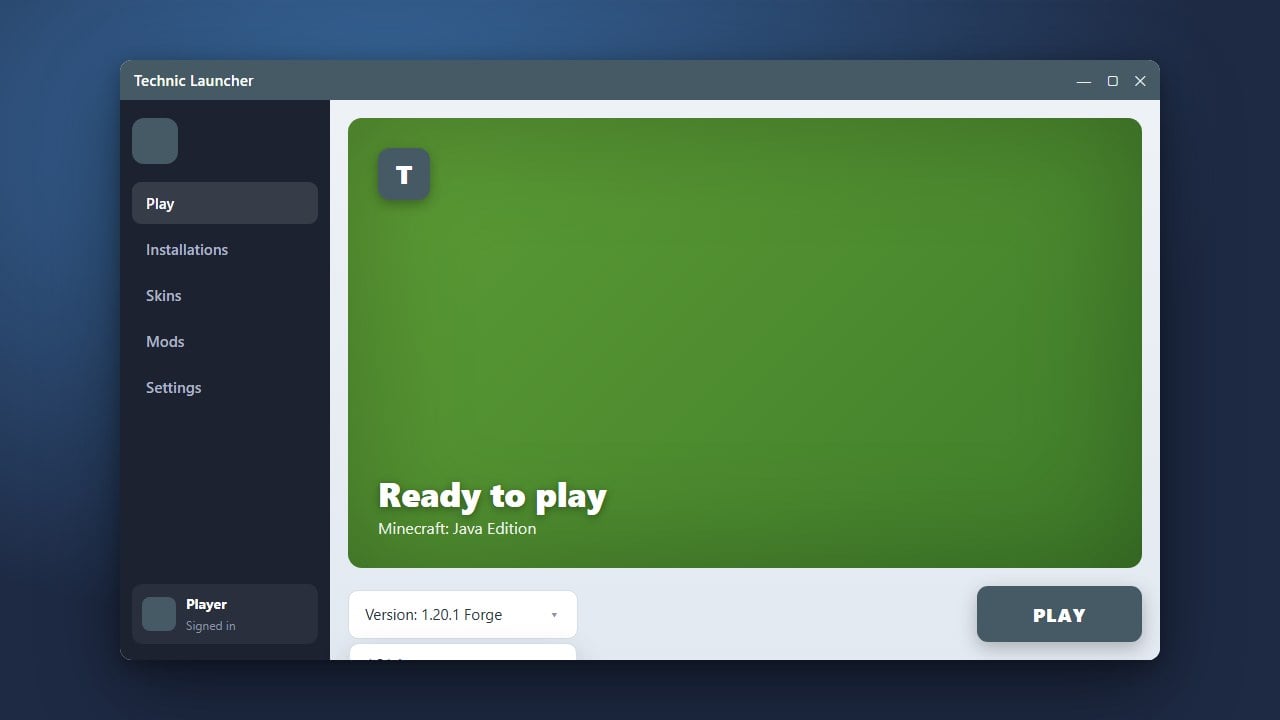
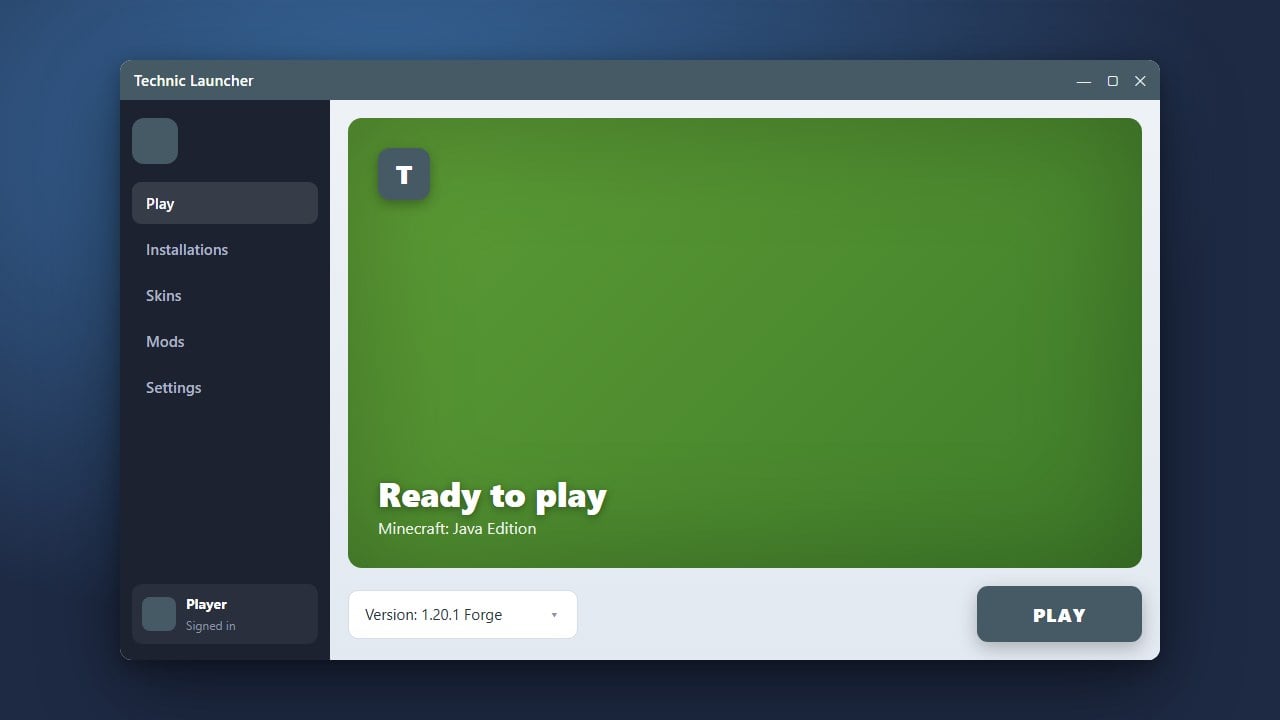
Open the newly installed Technic Launcher and sign in using your official Minecraft Java Edition credentials. Please note that you must own a legitimate copy of the game purchased from minecraft.net to play online and authenticate correctly.
Explore and Play Modpacks
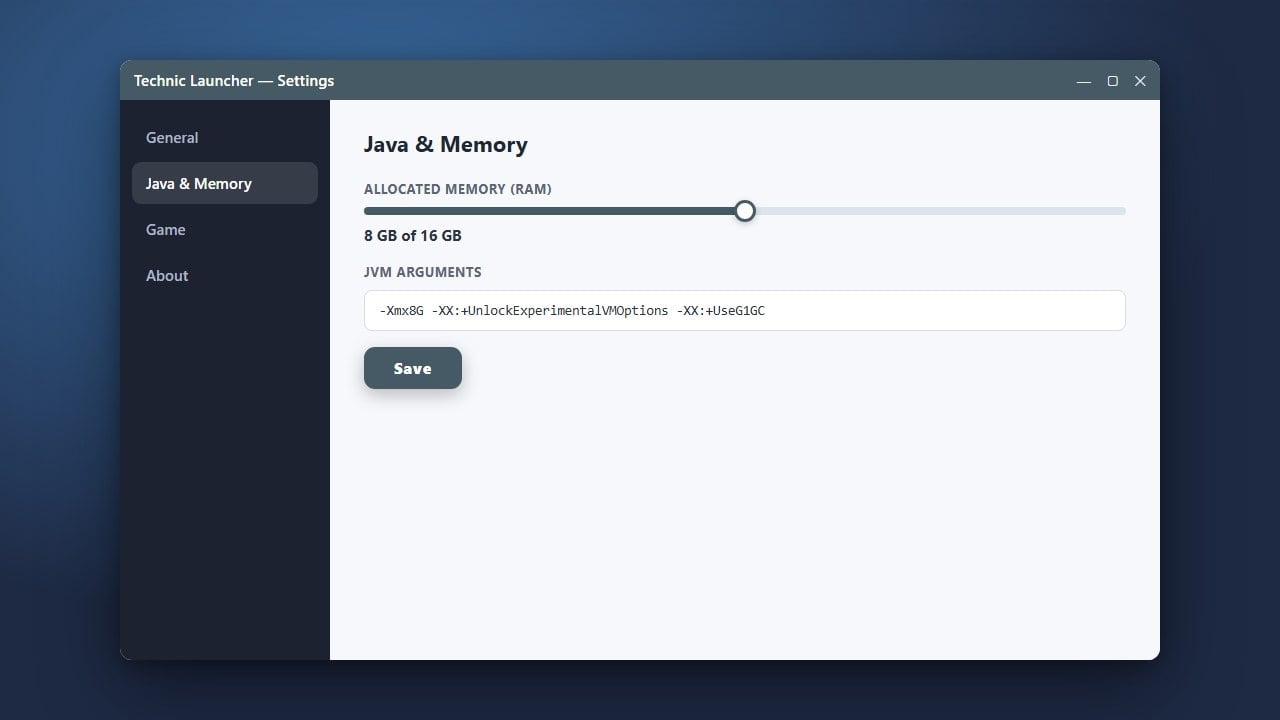
Once logged in, navigate to the Modpacks tab to browse, search, and install your favorite community creations. You can also check out our guide on How to Allocate More RAM in Technic Launcher to ensure your heavy modpacks run smoothly without lag.
Frequently Asked Questions
Is the Technic Launcher free to use?
Yes, the launcher software itself is completely free to download and use. However, you still need to own a genuine, paid Minecraft Java Edition account to log in and play.
Can I use the Technic Launcher for Minecraft Bedrock Edition?
No, the Technic Launcher is designed exclusively for Minecraft Java Edition and does not support Bedrock Edition.