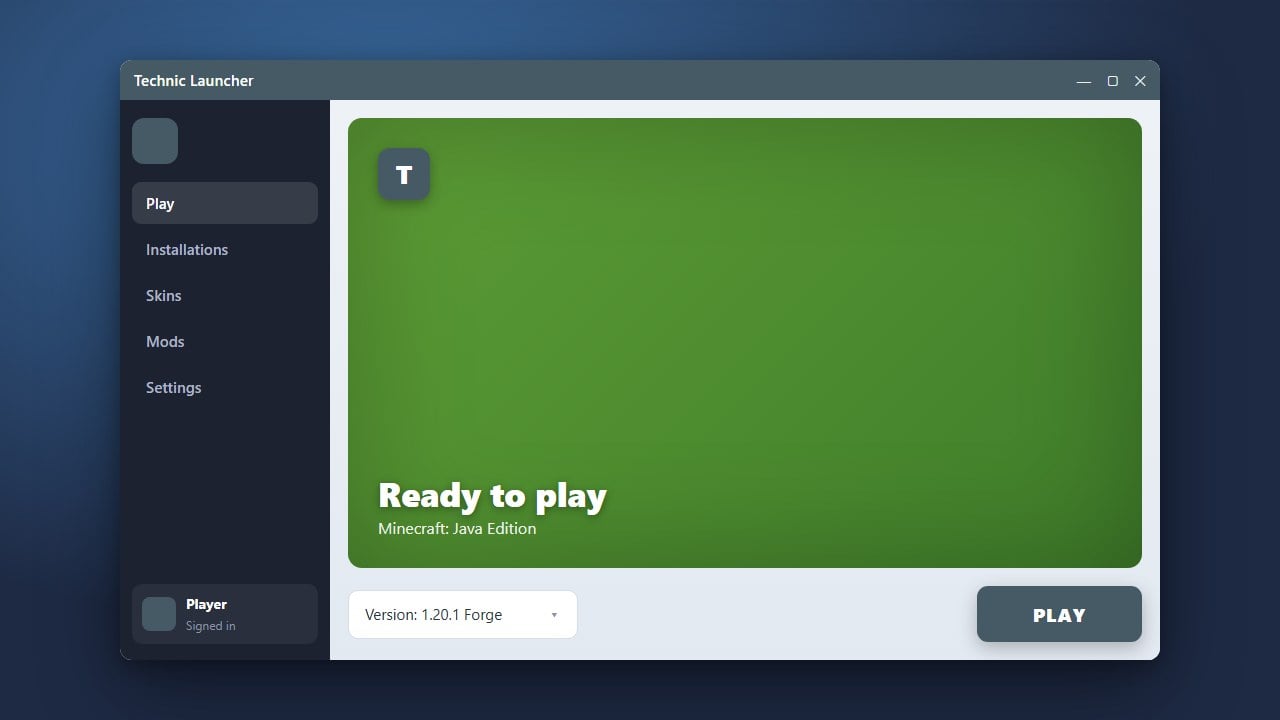
Adding shaders to Minecraft Java Edition transforms your graphics with dynamic lighting, shadows, and water effects. If you use the Technic Launcher for modpacks, you can easily install performance mods like Iris or OptiFine to render your favorite shader packs.
Always remember to purchase the official game from minecraft.net to support Mojang and ensure your account remains safe and secure.
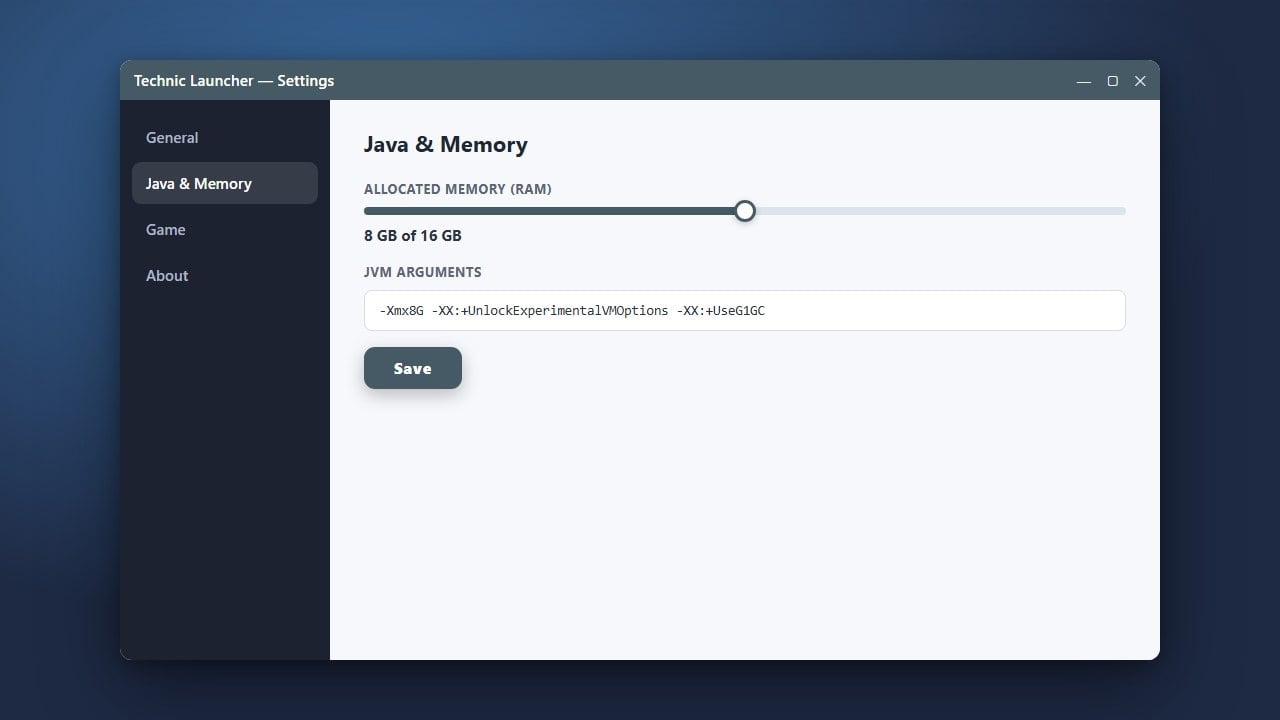
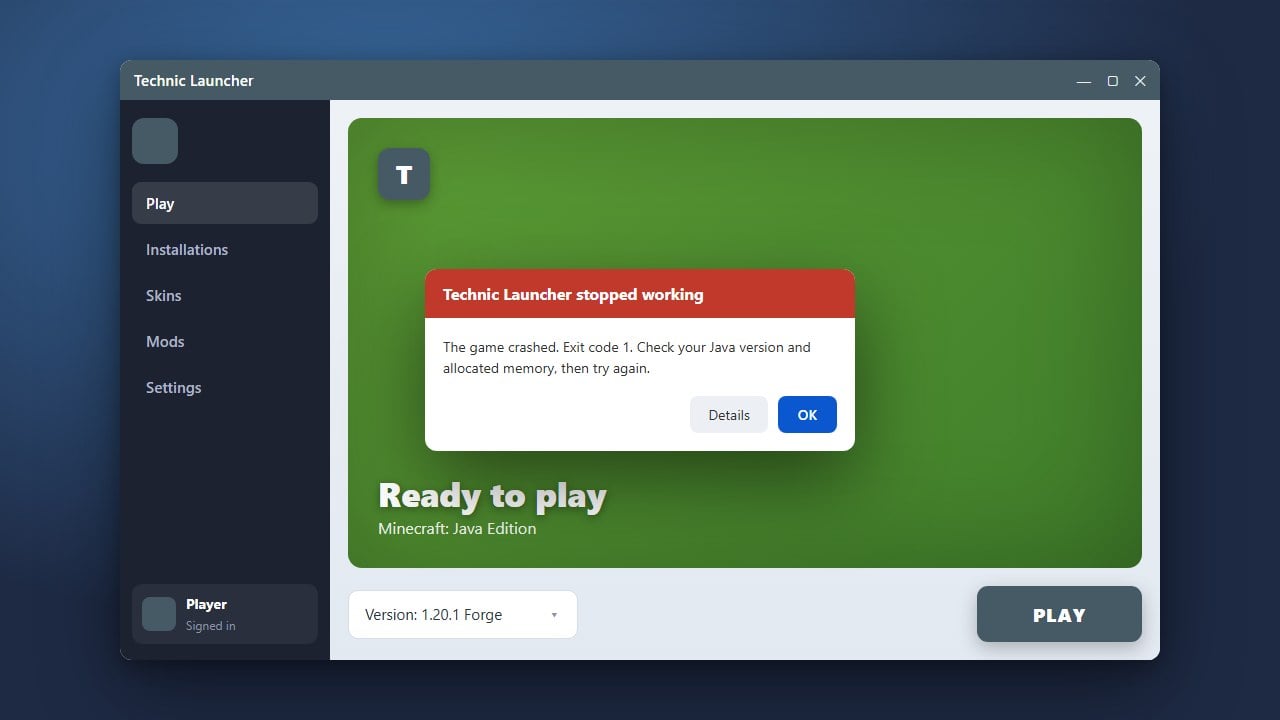
If your game lags after enabling shaders, you may need to allocate more RAM in Technic Launcher to give your computer enough memory.
Open Your Modpack Directory
Start by opening the Technic Launcher and navigating to your modpacks library. Click on the modpack where you want to add shaders, then click the Modpack Options or gear icon in the top right corner.
Click the Directory link to open the modpack folder directly in your operating system's file explorer.
Download a Shader Mod
For modern versions of Minecraft Java Edition (such as 1.21+), you will need a rendering mod like Iris Shaders for Fabric packs, or OptiFine if your pack runs on Forge. Download the appropriate mod file matching your modpack's Minecraft version.
Place the Mod into the Mods Folder
Inside your modpack's directory folder, look for a folder named mods. If you do not see one, you may need to run the modpack once first so it generates. Drag and drop your downloaded Iris or OptiFine file directly into this mods folder.
Download Your Favorite Shader Packs
Next, find and download shader packs (such as Complementary or Bliss) as .zip files from trusted sources like Modrinth or CurseForge. Do not extract these zip archives; they need to remain zipped.
Add Shaders to the Shaderpacks Folder
Return to your modpack directory. Look for a folder named shaderpacks. If it is not there, you can create a new folder and name it exactly shaderpacks in lowercase. Move your downloaded shader pack zip files directly inside this folder.
Launch and Select Your Shaders
Launch your modpack from the Technic Launcher. Once the game menu appears, go to Options and then Video Settings (or the Shaders menu provided by Iris/OptiFine). Select your preferred shader pack from the list to apply it and enjoy your upgraded visuals!
Frequently Asked Questions
Where do I put shader files in Technic Launcher?
You should place your shader zip files inside the shaderpacks folder located within your specific modpack's directory folder.
Can I use shaders with any Technic modpack?
Yes, as long as you install a compatible rendering mod like Iris or OptiFine into the pack's mods folder first.