Learn how to set up your Java Edition game files and manage modded profiles smoothly by following this guide on installing Forge and Fabric with HMCL. Before using third-party launchers, remember to purchase the official game from minecraft.net to support the developers and ensure account security.
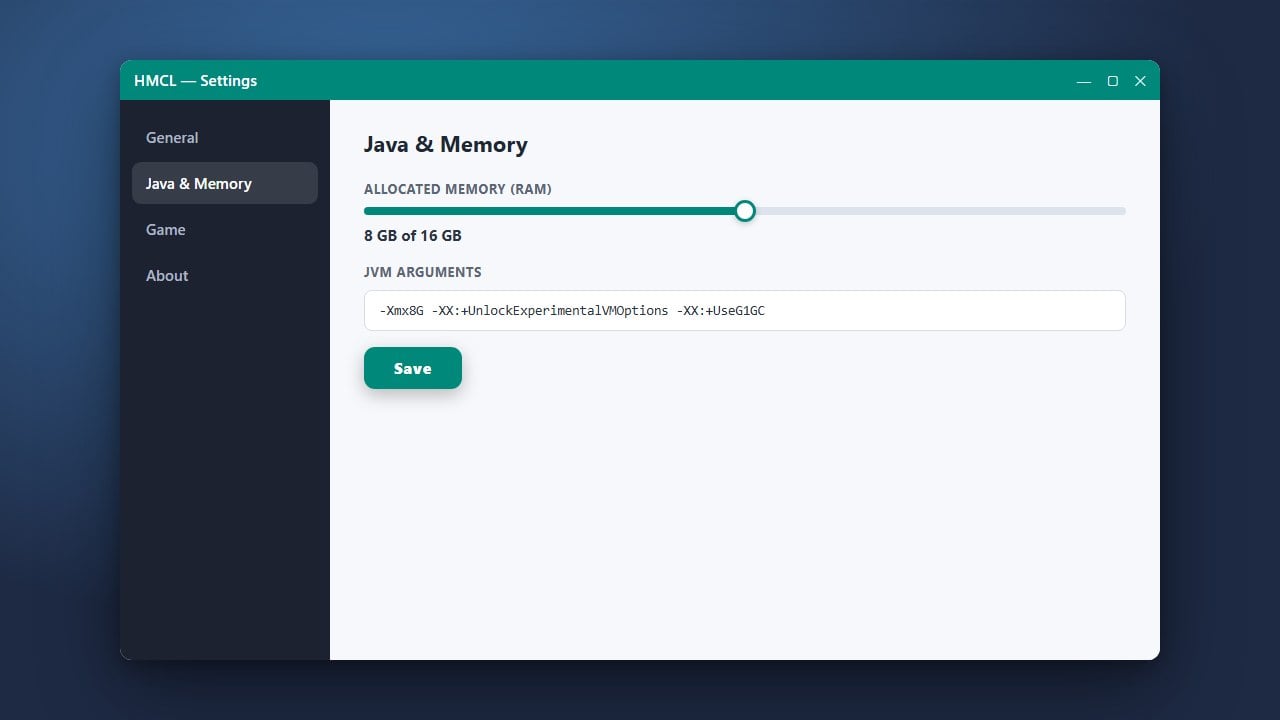
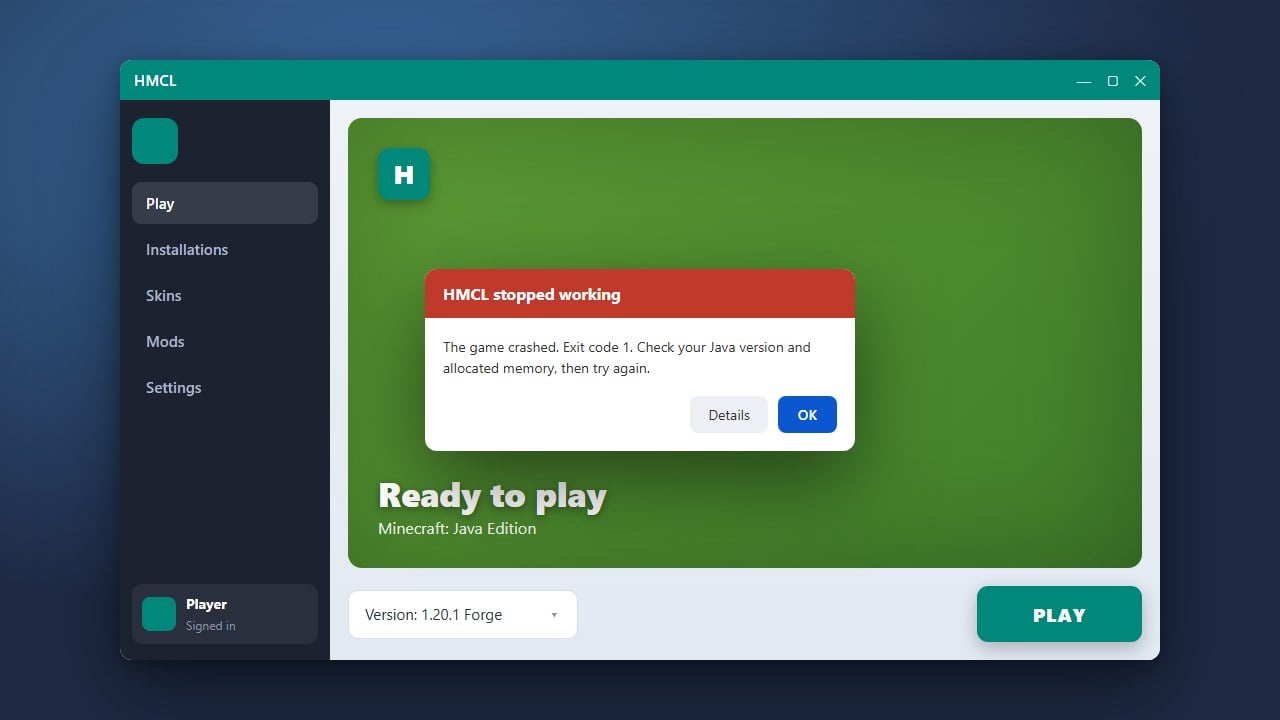
If your game crashes or runs out of memory when loading heavy modpacks, make sure to check out How to Allocate More RAM in HMCL to optimize your performance.
Always download HMCL from its official repository to avoid modified executable files that could compromise your login credentials or privacy.
Open HMCL and Select Your Version Management
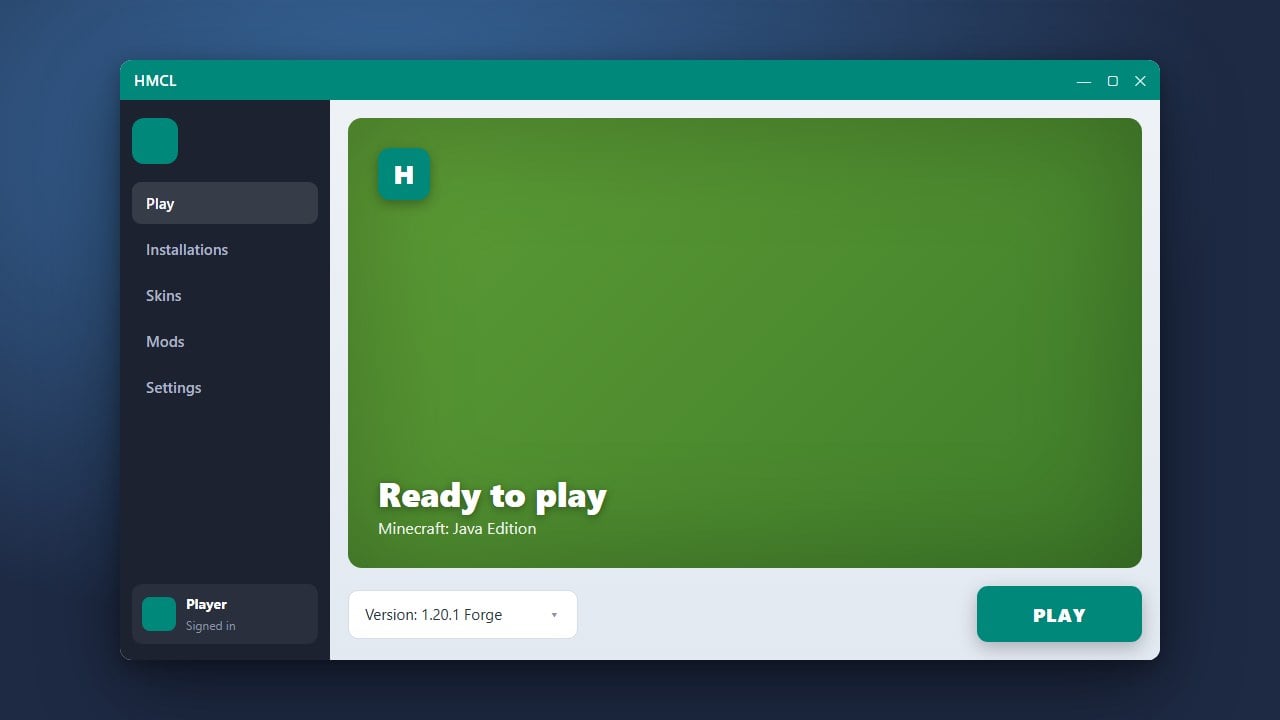
Launch HMCL on your computer and make sure you are logged into your legitimate Minecraft account. Navigate to the game management or versions tab on the left sidebar where your installed Minecraft versions are listed.
Create a New Game Version Profile
Click on the add or create version button (usually represented by a plus icon). Choose your desired Minecraft version from the dropdown menu, such as the latest Java Edition release.
Install the Fabric Mod Loader
Under the version modification options for your new profile, look for the mod loader installation section. Select Fabric, choose the latest stable loader version, and click install to automatically download and configure the required libraries.
Install the Forge Mod Loader
Similarly, if you want a Forge profile, create another version or select an existing one. Navigate to the mod loader section, choose Forge, pick your preferred version, and click the install button to let HMCL handle the setup.
Launch and Play
Return to the main dashboard, select your newly created Forge or Fabric profile from the version list, and click the launch button. HMCL will boot up the game with your chosen mod loader active and ready for mods.
Frequently Asked Questions
Can I run Forge and Fabric at the same time?
No, Minecraft can only run one mod loader per instance. You must create separate profiles in HMCL for Forge mods and Fabric mods respectively.
Do I need the official Minecraft launcher installed?
HMCL operates as an independent custom launcher for Java Edition, so you do not need the official launcher running, but you do need a valid paid Microsoft or Minecraft account to log in.