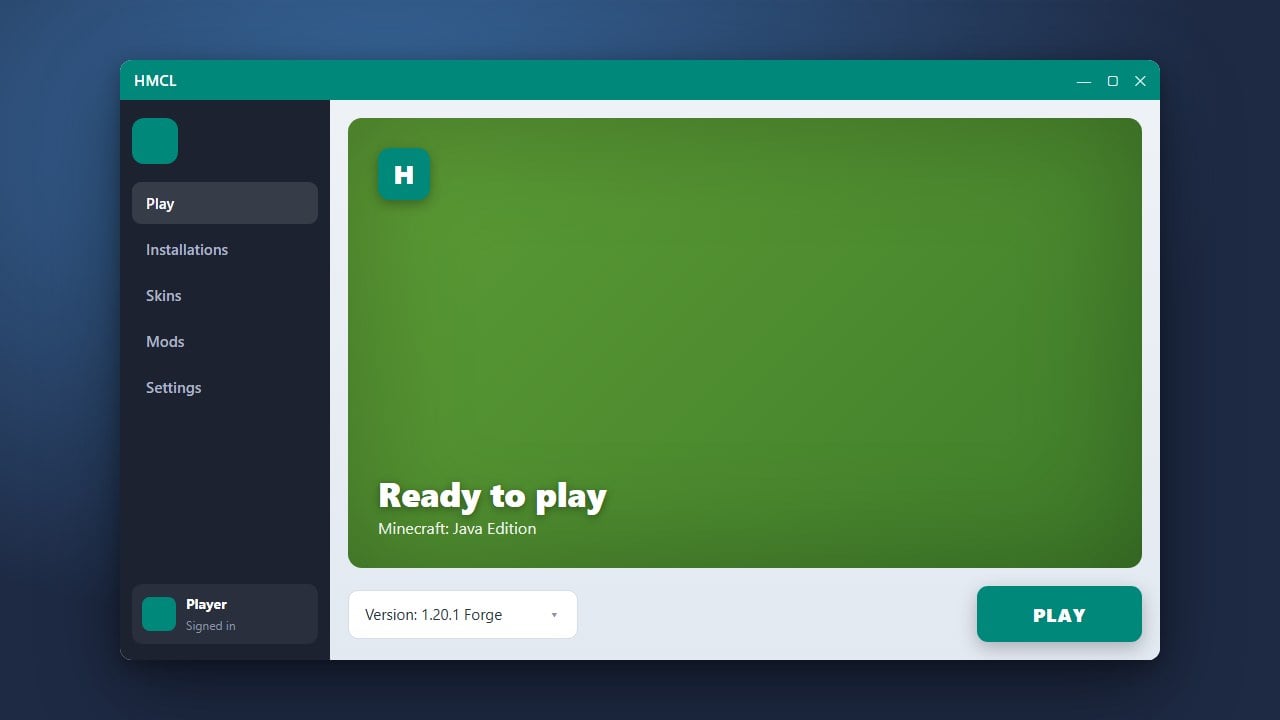
HMCL (Hello Minecraft! Launcher) is a feature-rich, open-source custom launcher for Minecraft Java Edition that makes managing multiple game versions, mods, and accounts simple. This guide will walk you through downloading and setting up HMCL properly on your computer.
Always download HMCL directly from its official GitHub repository or official site to avoid modified files that could compromise your Microsoft account security.
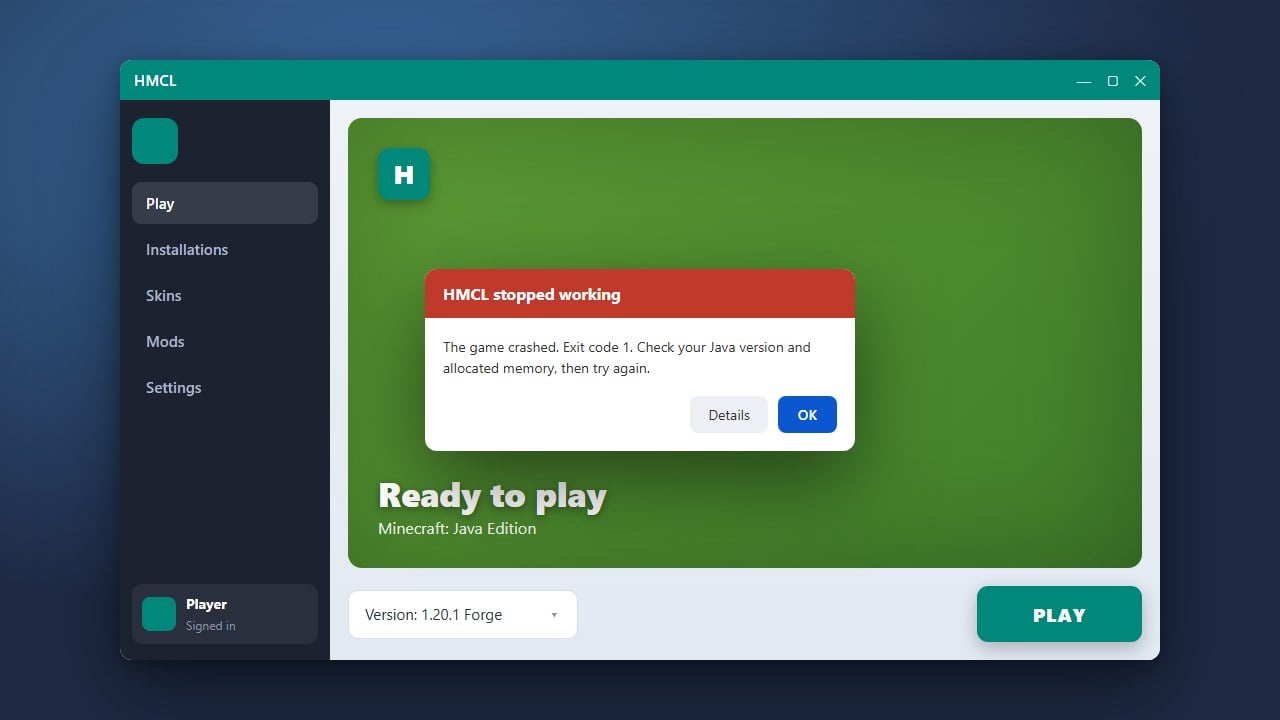
If you ever run into startup problems, you may want to read How to Fix HMCL Not Launching for quick troubleshooting steps.
Ensure Java is Installed
Because HMCL is built using Java, your computer needs a compatible Java runtime environment installed to run the application file. For Minecraft Java Edition 1.17 and newer, ensure you have Java 17 or Java 21 installed depending on the specific game version you wish to play.
Download the HMCL Executable
Navigate to the official HMCL website or its verified GitHub repository to download the latest stable release. Look for the .exe file if you are using Windows, or the universal .jar file if you are running macOS or Linux.
Run and Launch HMCL
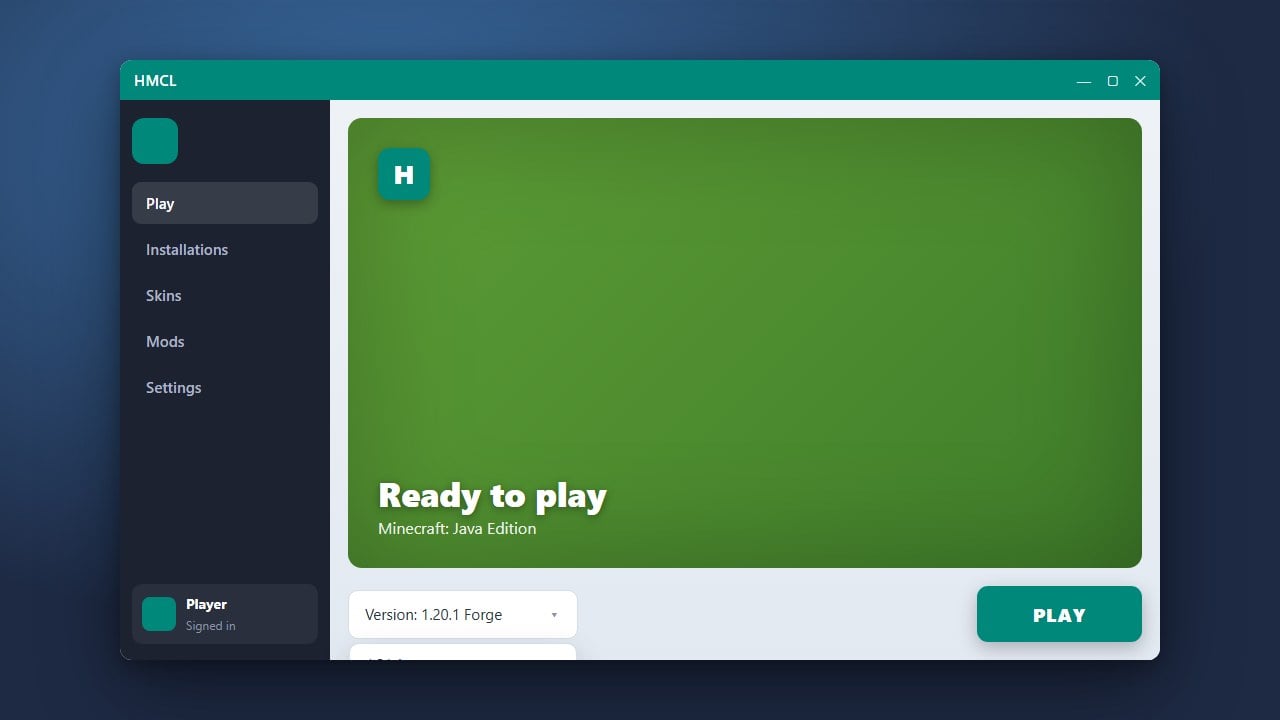
Once the download is complete, double-click the downloaded file to start the launcher. If you downloaded the .jar file and it fails to open automatically, make sure Java is set up to execute Java archive files on your operating system.
Add Your Minecraft Account
When HMCL opens for the first time, you will be prompted to log in. Always purchase the official game from minecraft.net to support the developers. You can securely log in using your genuine Microsoft account credentials to access your legal copy of Minecraft.
Configure Your Game Settings
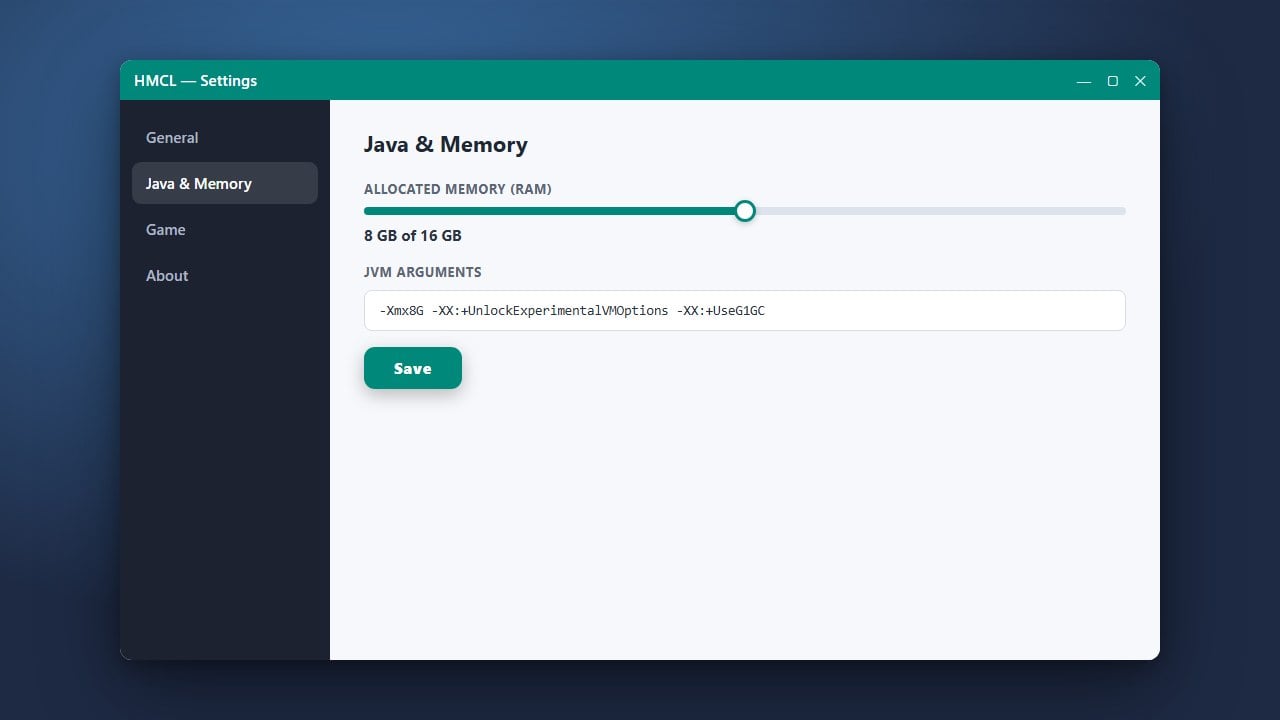
Before jumping into a world, take a moment to set up your game directory, choose your preferred Java version, and allocate appropriate system resources. If you want to optimize performance or add modifications later, you can check out guides like How to Allocate More RAM in HMCL and How to Install Forge and Fabric with HMCL.
Frequently Asked Questions
Is HMCL free to use?
Yes, HMCL is a completely free, open-source launcher. However, you still need a paid, legitimate Minecraft Java Edition account from minecraft.net to play online and access official servers.
Can I install mods using HMCL?
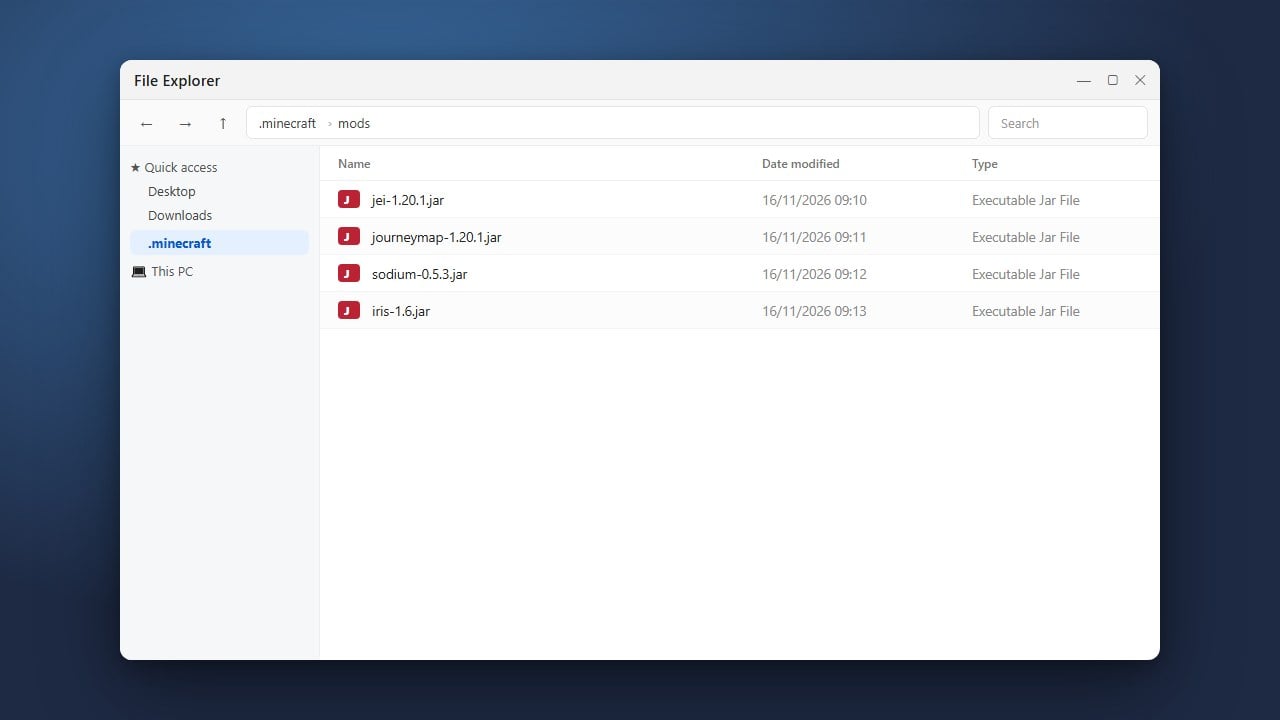
Definitely! HMCL has built-in support for installing mod loaders like Forge, Fabric, and Quilt directly, making modded gameplay very convenient.