Want to make your Minecraft world look breathtaking with realistic lighting, shadows, and water reflections? This step-by-step guide will show you how to install and use shader packs inside the HMCL (Hello Minecraft! Launcher) for Java Edition. Note: HMCL is a third-party launcher; always remember to purchase and use an official Minecraft account from minecraft.net to ensure game safety and security.
Set Up Fabric or OptiFine
To run shaders in modern versions of Minecraft Java Edition, you first need a performance and rendering mod loader installed on your HMCL profile. The most popular and recommended method for modern versions is using the Fabric loader alongside the Iris Shaders mod, though traditional OptiFine is also an option.
If you need help getting your mod loader set up first, check out our guide on How to Install Forge and Fabric with HMCL to get your game instance ready.
Install Iris Shaders or OptiFine Mod
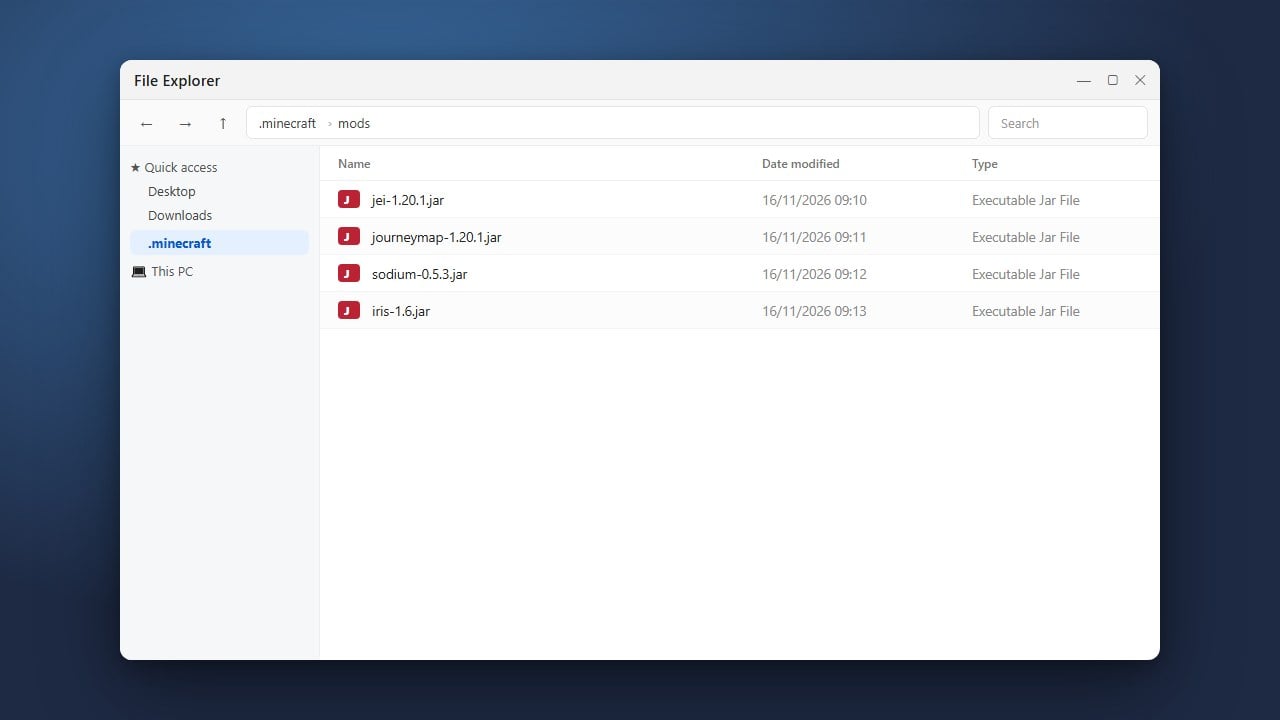
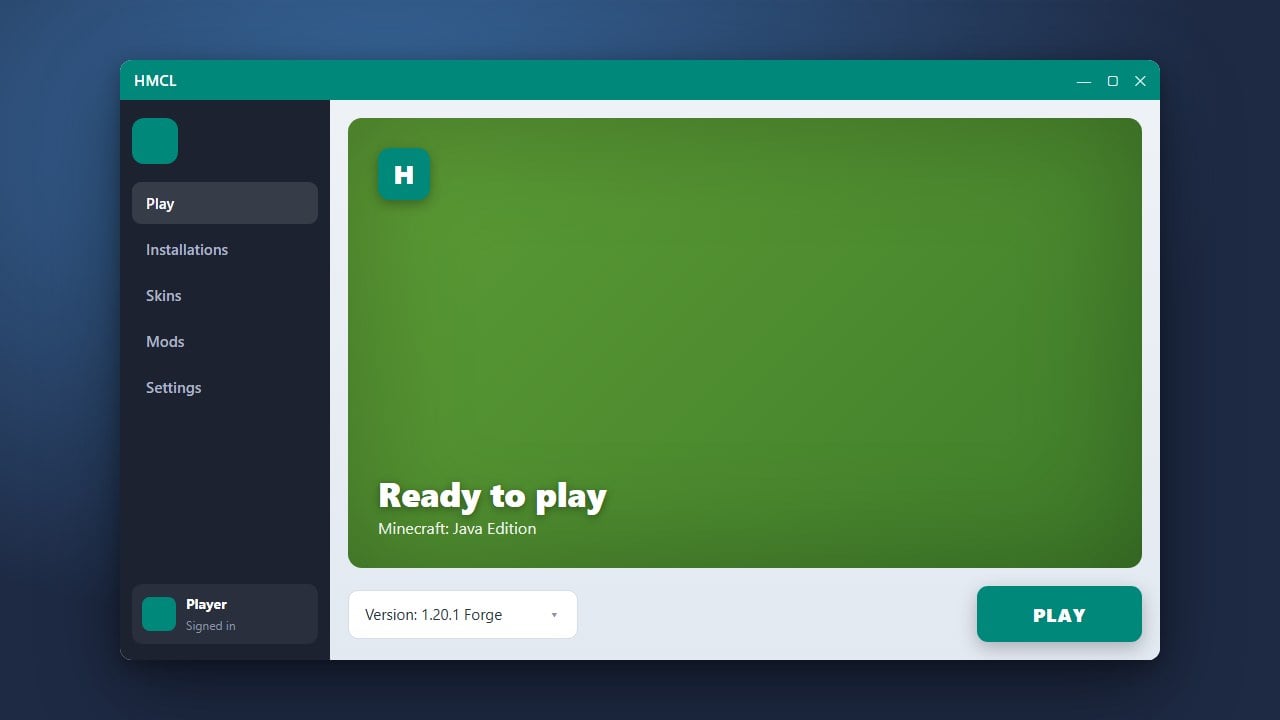
Open HMCL, navigate to your game version management tab, and ensure you have either the Iris mod (plus Sodium for performance) or OptiFine installed into your game profile. HMCL makes this easy by allowing you to download and install game versions and mod loaders directly from the launcher interface.
Download Your Favorite Shader Packs
Next, visit a trusted community source like Modrinth or CurseForge to download compatible .zip shader files (such as Complementary, BSL, or Photon) tailored to your Minecraft version. Do not extract the zip file; keep it zipped exactly as it downloads.
Locate and Open the Shaderpacks Folder
Launch your game instance through HMCL. Once you reach the main menu, click on Options, then select Video Settings (if using OptiFine) or click the Shaders button directly (if using Iris). Click the Open Shader Folder button to open the directory where your shader zip files need to go.
Place Your Shader Packs into the Folder
Drag and drop your downloaded shader pack .zip files directly into the shaderpacks folder that just popped up on your screen. Close the folder window and return back to your Minecraft game screen.
Activate Your Shaders in-Game
Back inside the Minecraft Shaders menu, you should now see your newly added shader packs listed on the screen. Click on the shader pack you want to use to highlight it, click apply, and enjoy your newly upgraded visual experience!
Frequently Asked Questions
Can I use shaders without OptiFine?
Yes! In modern Minecraft versions, using the Iris Shaders mod paired with Sodium offers superior performance, better compatibility with other mods, and faster updates than traditional OptiFine.
Why aren't my shaders showing up in the menu?
Make sure you placed the shader pack .zip file directly inside the shaderpacks folder without unzipping it. Also, verify that your profile actually has a shader-compatible mod loader like Iris or OptiFine successfully installed.