HMCL (Hello Minecraft! Launcher) is a popular, feature-rich custom launcher for Minecraft Java Edition. Before getting started, remember that while third-party launchers offer advanced customization, you should always buy the official game from minecraft.net to support the developers and ensure account security. Follow this guide to learn how to add your favorite modifications.
Always download mods from trusted sources like CurseForge or Modrinth to protect your PC from malicious files disguised as mods.
If you ever want to change your game version or update your client settings, refer to How to Change the Minecraft Version in HMCL.
Open Your HMCL Profile
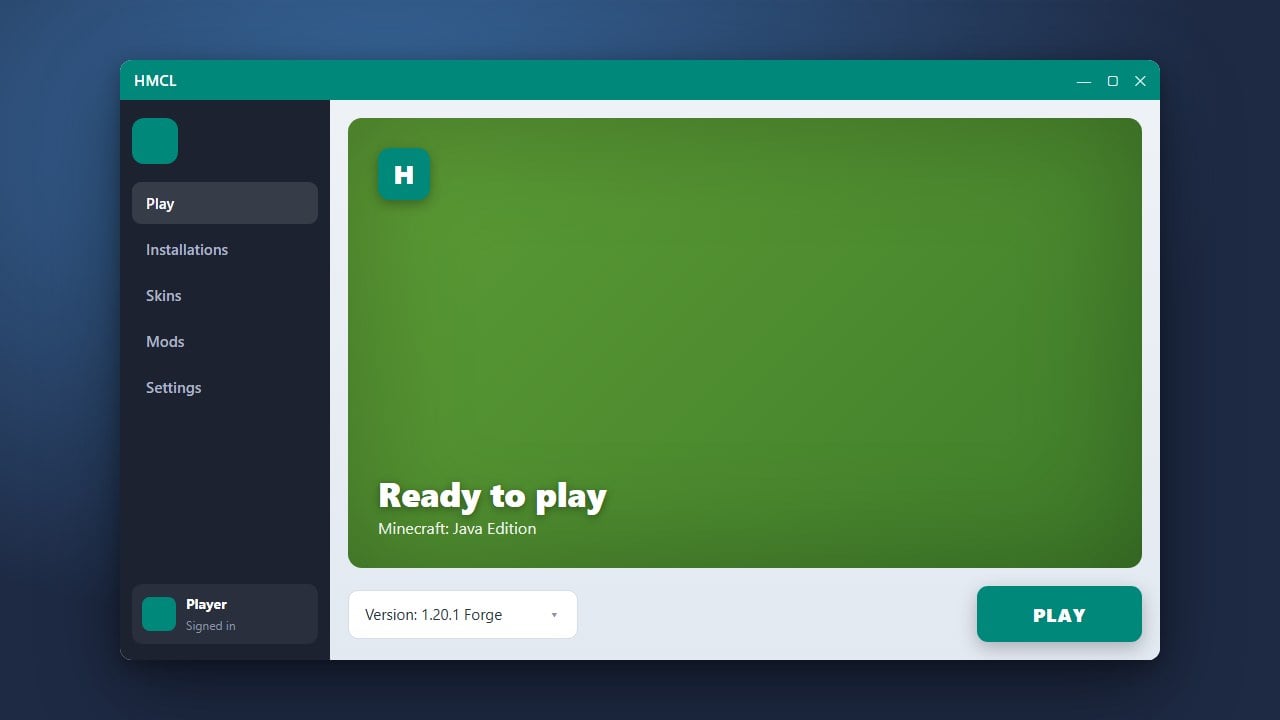
Launch HMCL and select the game version profile where you want to add your mods. Ensure you have already set up a mod loader like Forge or Fabric for your version. If you need help with this step, check out the guide on How to Install Forge and Fabric with HMCL.
Navigate to Version Management
Click on your selected version tab in the launcher sidebar, then click on the Version Settings or Mod Management option depending on your current HMCL interface layout.
Open the Mods Folder
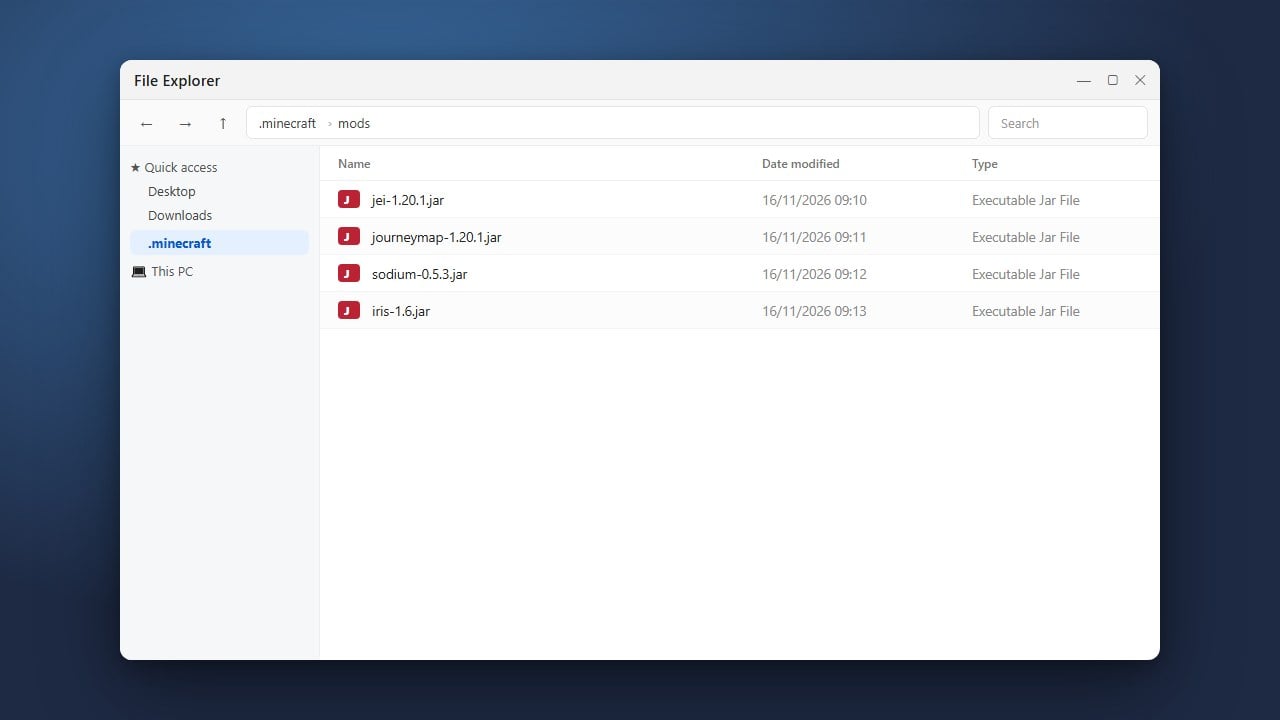
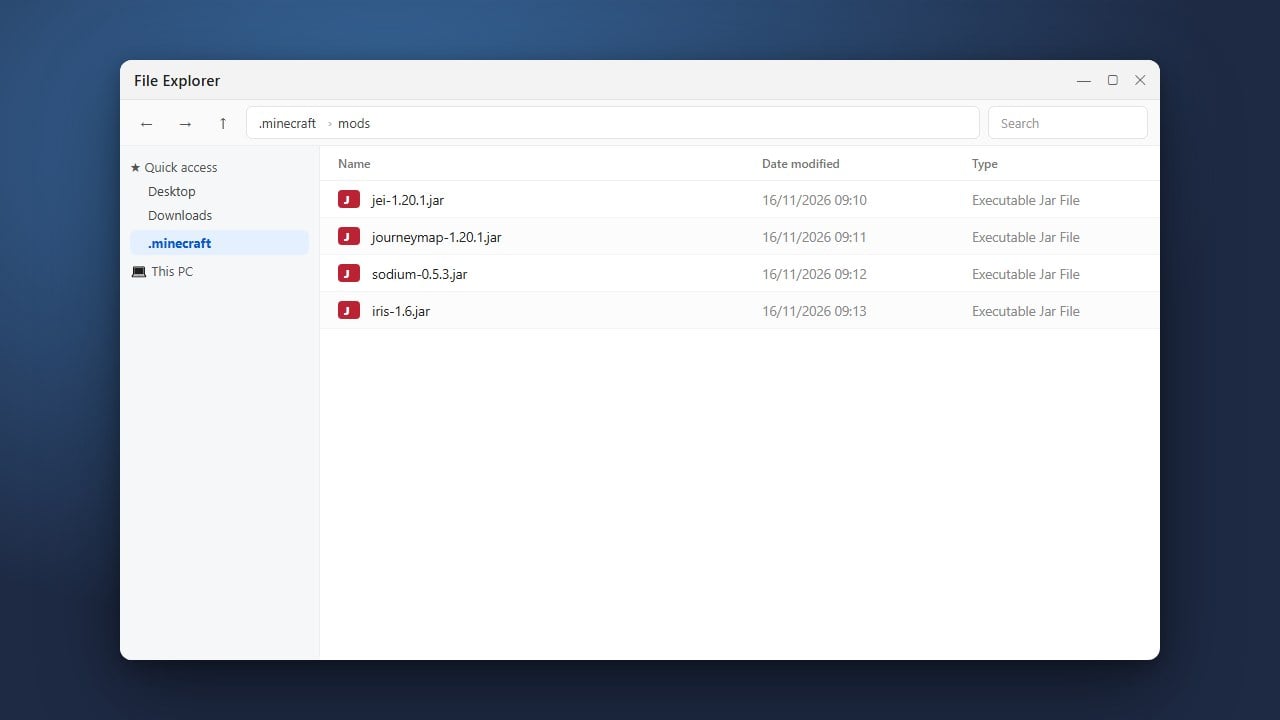
Look for the Mods sub-menu within your game version settings. Click the folder icon or the button that says Open Folder to open the dedicated mods directory for that specific profile in your file explorer.
Add Your Mod Files
Download your desired .jar mod files compatible with your Minecraft version and mod loader (such as Fabric or Forge). Drag and drop these files directly into the mods folder you opened in the previous step.
Launch the Game
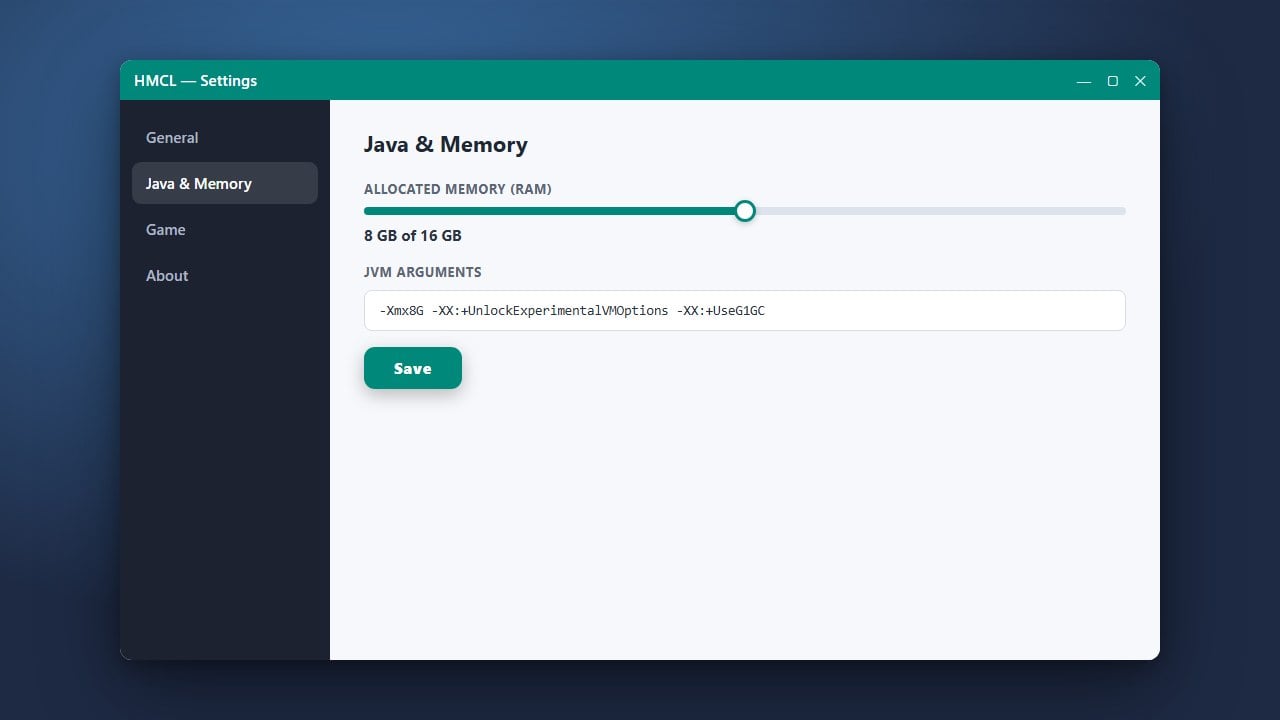
Return to HMCL, make sure your RAM allocation is properly configured by visiting How to Allocate More RAM in HMCL if you plan to run large modpacks, and click Launch to start playing with your new mods.
Frequently Asked Questions
Can I use HMCL for Bedrock Edition?
No, HMCL is strictly designed for Minecraft Java Edition. Bedrock Edition mods are installed differently through resource and behavior packs.
Why won't my game launch after adding a mod?
This is usually caused by an incompatible mod version, a missing dependency (like a required API mod), or mixing up Fabric and Forge mods. Check your crash logs for details.