Struggling with low frame rates or stuttering while playing Minecraft Java Edition? LabyMod comes packed with built-in performance features, optimization addons, and graphical tweaks that can significantly improve your gameplay experience. If you haven't set up the client yet, check out our guide on How to Download and Install LabyMod to get started.
Disabling high-resolution player skins and world animations inside the LabyMod settings can give your older hardware a noticeable FPS boost.
Launch Minecraft with LabyMod
Open your Minecraft Launcher, select the LabyMod profile for your desired game version, and click Play. Once the game loads to the main menu, you will be ready to access the specialized client configuration screens.
Open the LabyMod Settings Menu
Press the Esc key on your keyboard to open the in-game menu, then click on LabyMod Settings. This opens up the central hub where you can manage your installed addons, cosmetics, and performance tweaks.
Enable Performance Addons
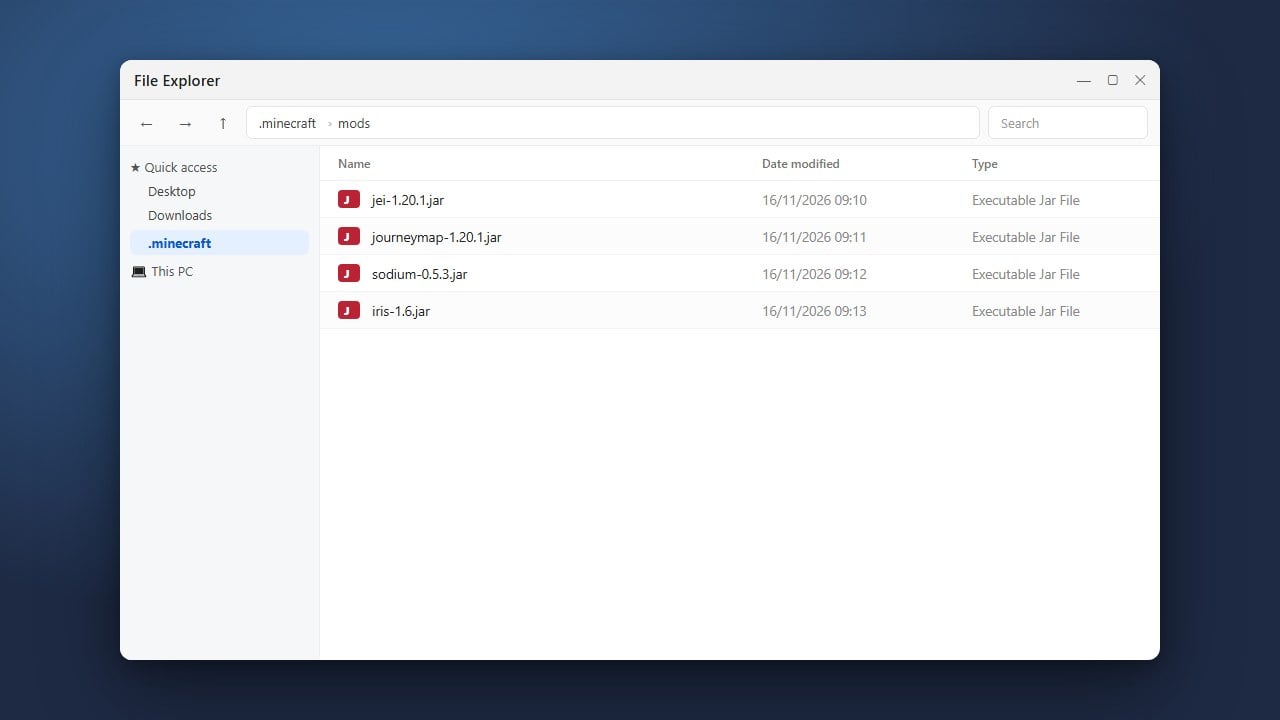
Navigate to the Addons section within LabyMod. Make sure to download and enable performance-enhancing addons like Sodium or optimization modules if available for your version, which help drastically reduce rendering lag. You can also refer to How to Add Mods to LabyMod if you want to integrate external optimization mods.
Adjust Graphics and Animation Options
Go into the LabyMod graphics and visual settings to turn off heavy animations, custom capes, or high-definition particle effects that strain your hardware. Lowering these unnecessary visual elements frees up valuable system resources for a smoother frame rate.
Fine-Tune Video Settings
Open standard Minecraft video settings through LabyMod and lower demanding settings like render distance, smooth lighting, and particle details. Setting your graphics to Fast and limiting your maximum frame rate to match your monitor's refresh rate will stabilize overall performance.
Frequently Asked Questions
Does LabyMod increase FPS by default?
LabyMod includes built-in optimizations and supports performance mods, but you may need to manually lower some graphical settings and enable optimization addons to see a major frame rate boost.
Can I use Optifine with LabyMod?
Yes, LabyMod supports various performance loaders depending on your Minecraft version. Check your addon menu to see compatible performance tools for your installation.