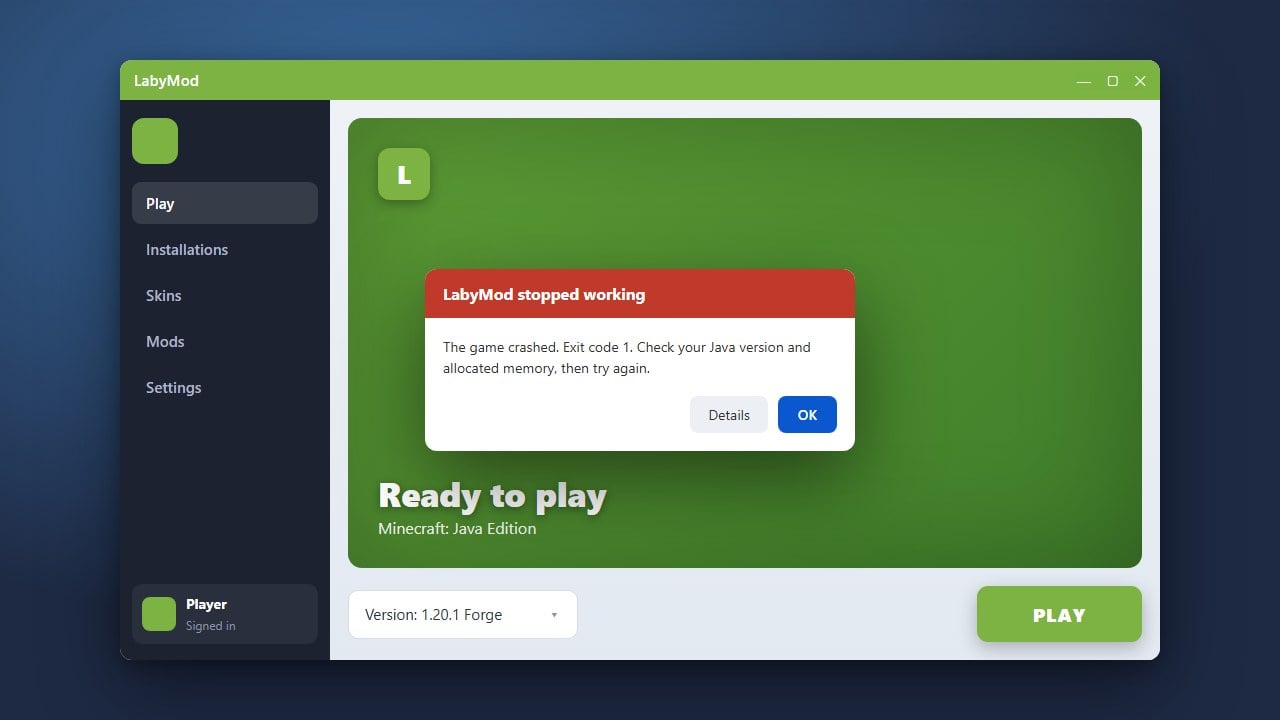
If LabyMod is failing to launch, crashing on startup, or acting up in Minecraft Java Edition, this guide will walk you through the troubleshooting steps to get your favorite client working smoothly again.
Check Your Java Version
LabyMod requires the correct Java runtime environment to function properly depending on the Minecraft version you are playing. Minecraft 1.17 through 1.20.4 require Java 17, while Minecraft 1.20.5 and 1.21 require Java 21.
Ensure your system has the correct version installed and that your LabyMod launcher or official Minecraft launcher is pointing to the proper Java executable path in its installation settings.
Reinstall LabyMod Cleanly
Corrupted installation files are a frequent cause of startup failures. Close your game and launcher, then run the LabyMod installer again to perform a clean reinstallation. You can also review How to Download and Install LabyMod to make sure you followed all setup steps correctly.
Make sure to delete any residual LabyMod folders inside your .minecraft directory before running the fresh installer if problems persist.
Disable Conflicting Mods
LabyMod comes packed with its own internal mod ecosystem and cosmetics system. If you have added external Forge, Fabric, or LiteLoader mods that conflict with LabyMod's core injection, the game may crash instantly.
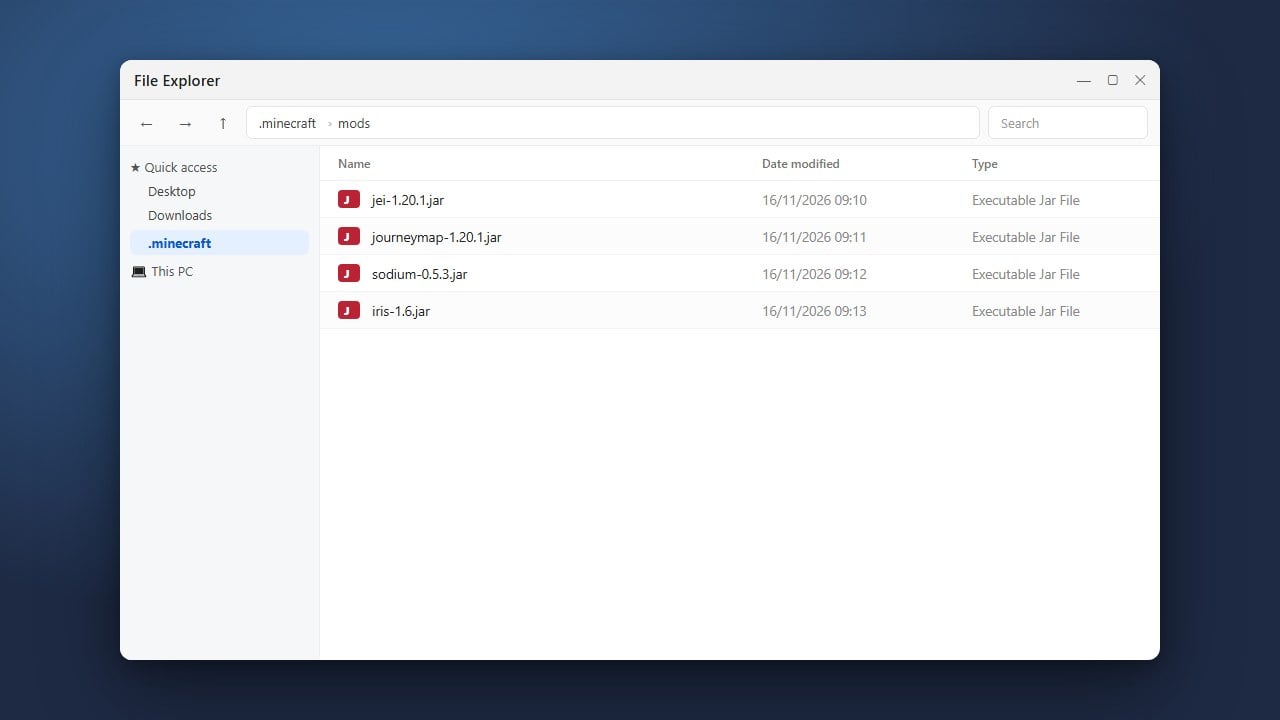
Temporarily remove any additional mods from your mods folder to isolate the issue. If you are trying to manage separate modded instances, you might want to look into alternatives or check out How to Add Mods to LabyMod for guidance on compatible add-ons.
Update Your Graphics Drivers
Outdated GPU drivers often cause OpenGL errors or black screens when launching custom clients like LabyMod. Visit the official website of your graphics card manufacturer (NVIDIA, AMD, or Intel) to download and install the latest drivers.
After updating your drivers, restart your computer completely before attempting to launch Minecraft and LabyMod again.
Verify Your Official Minecraft Account
LabyMod requires a legitimate, purchased Minecraft Java Edition account authenticated through Microsoft to log in properly. Always buy the official game from minecraft.net to protect your personal data and ensure full compatibility with modern clients.
Avoid unofficial cracked launchers or modified third-party launchers that bypass authentication, as they frequently trigger security warnings, account theft risks, and persistent client incompatibility errors.
Frequently Asked Questions
Why does LabyMod crash immediately upon opening Minecraft?
Immediate crashes are usually caused by outdated Java versions, conflicting mods in your directory, or corrupted installation files. Try performing a clean reinstall of the client.
Can I use LabyMod with other mods?
Yes, LabyMod supports its own addons and can run alongside certain Forge or Fabric mods depending on the version, but conflicting rendering or utility mods will cause crashes.