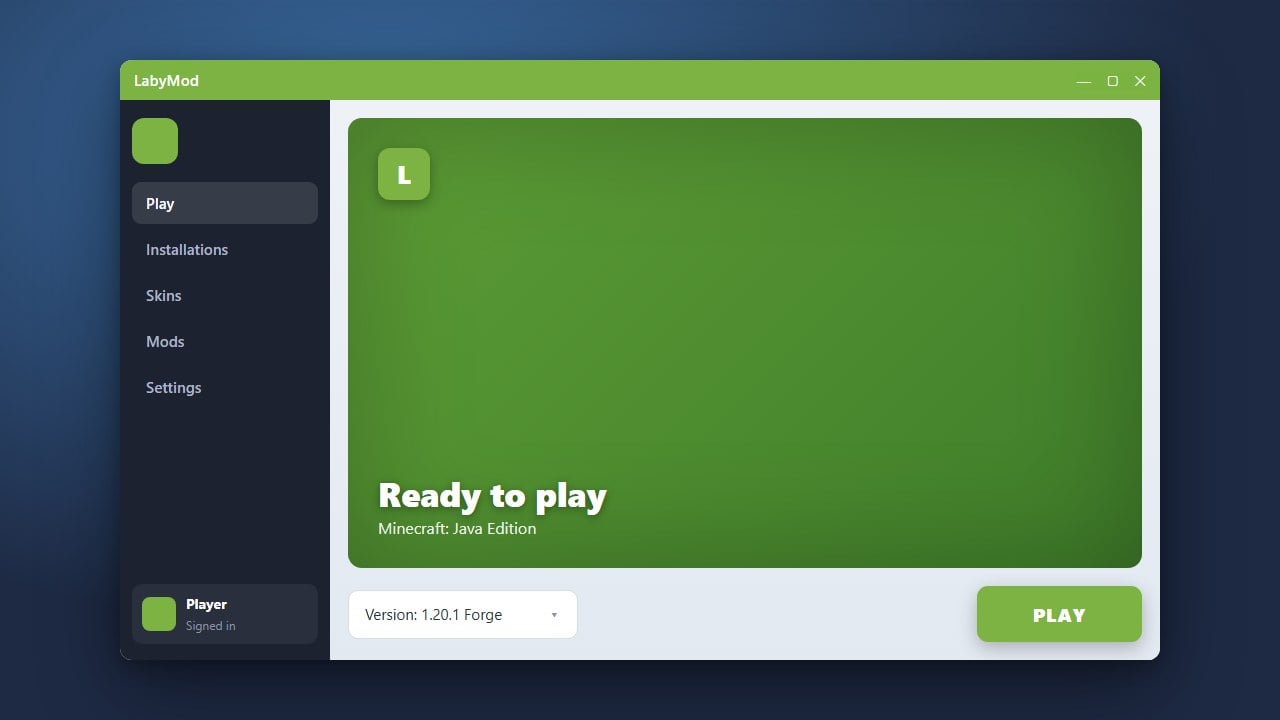
If you no longer want to use LabyMod or need to troubleshoot a broken installation, removing it completely is quick and easy. This guide will walk you through cleaning up the client files from your Minecraft Java Edition directory.
Make sure you have purchased a legitimate copy of Minecraft from minecraft.net to ensure full compatibility and security when using official clients and launchers.
Close Minecraft and the LabyMod Installer
Before making any changes to your game files, make sure that Minecraft, any running instances, and the LabyMod installer application are completely closed. This prevents file locking errors while you delete or modify directories.
Open Your Minecraft Directory
Press the Windows Key + R on your keyboard to open the Run dialog box. Type %appdata%\.minecraft into the field and press Enter to open your main Minecraft folder on Windows.
Delete LabyMod Files and Versions
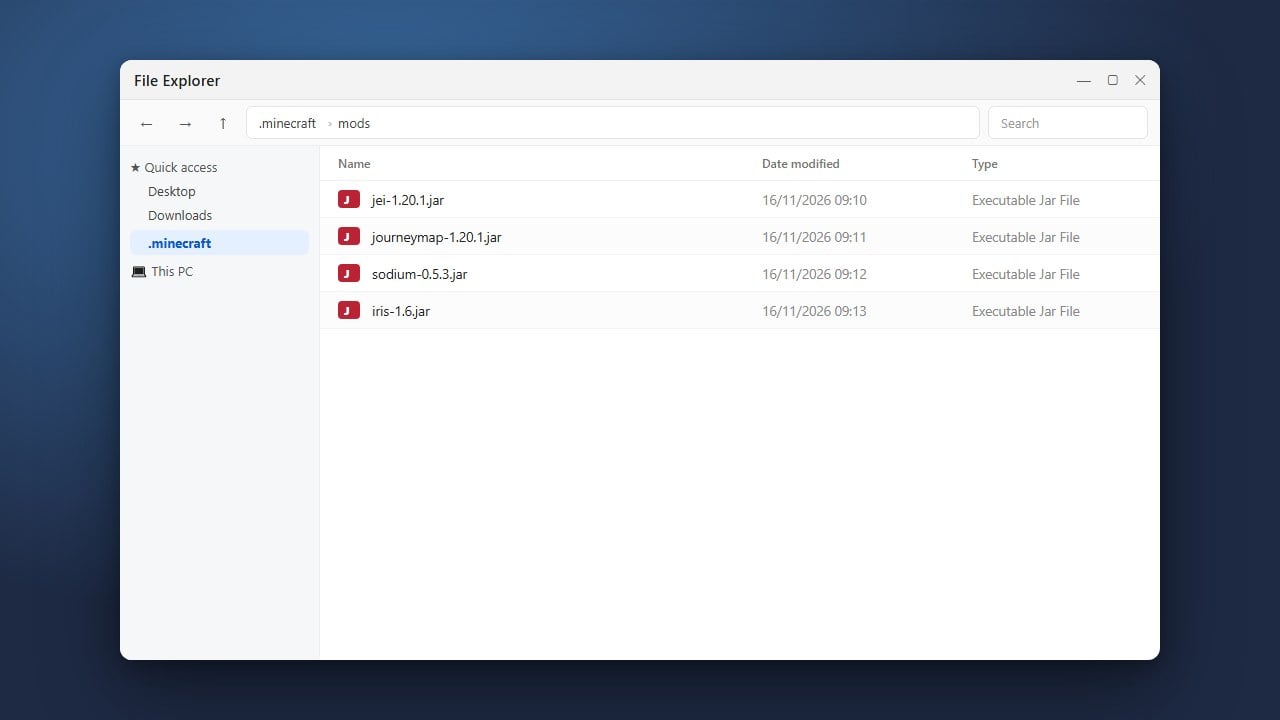
Inside your .minecraft folder, look for any folders or files associated with LabyMod. Navigate to the versions folder and delete the LabyMod profile version directory, and remove the labymod folder from your main directory if present.
If you want to learn more about setting it up again in the future, check out our guide on How to Download and Install LabyMod.
Clean Up the Official Minecraft Launcher
Open the official Minecraft Launcher and go to the Installations tab at the top. Locate the LabyMod profile, hover over it, click the three dots icon, and select Delete to remove it from your launcher list.
If you ever run into issues with your client before deciding to remove it, you can consult our troubleshooting guide for How to Fix LabyMod Not Working.
Frequently Asked Questions
Will uninstalling LabyMod delete my worlds?
No, your single-player worlds are stored in the separate saves folder inside your .minecraft directory and will remain safe unless you manually delete them.
Can I reinstall LabyMod later if I change my mind?
Yes, you can download and install LabyMod again at any time by visiting their official website and running the installer.