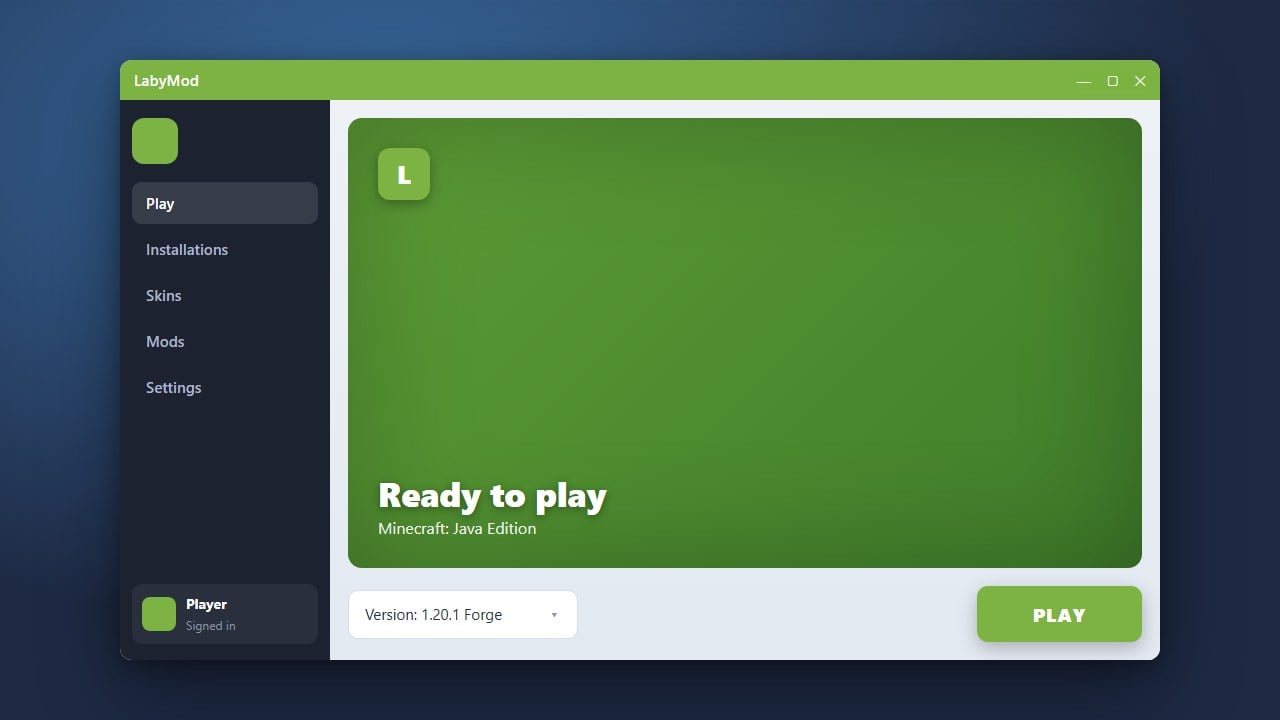
If you are looking to enhance your Minecraft Java Edition experience, you might have come across LabyMod. Wondering if it is safe to use compared to the standard Vanilla game? This guide breaks down everything you need to know about LabyMod's security, features, and how it stacks up against the official Minecraft client.
What is LabyMod?
LabyMod is a popular custom client and mod loader designed specifically for Minecraft Java Edition. Unlike the standard game, LabyMod integrates a wide variety of quality-of-life features directly into your game menu, such as voice chat, custom cosmetics, server integration, and performance boosters.
It acts as a hub that allows you to install and manage modifications easily without needing to manually set up complex mod loaders like Forge or Fabric for every single feature you want.
Is LabyMod Safe to Download and Use?
Yes, LabyMod is generally safe as long as you download it exclusively from the official LabyMod website. Millions of players use it daily, especially within the PvP and minigame communities, without experiencing malware or security issues.
Always remember to purchase your official copy of the game from minecraft.net and log in with your legitimate Microsoft account. Never use third-party modified launchers that promise free game access, as those often carry serious account-stealing risks and malware.
LabyMod vs Vanilla Minecraft: Core Differences
Vanilla Minecraft is the pure, unmodified game provided directly by Mojang Studios. It offers the standard gameplay experience, straightforward updates, and maximum compatibility with standard servers and resource packs.
LabyMod builds upon the Vanilla foundation by adding deep customizability. If you want to learn how to set it up, you can check out our guide on How to Download and Install LabyMod. While Vanilla keeps things simple, LabyMod gives you advanced HUD elements, friend systems, and built-in chat utilities right out of the box.
Performance and FPS Comparison
Vanilla Minecraft has improved its performance significantly over recent updates, but it can still struggle on lower-end PCs, especially when running heavy graphics settings or high render distances.
LabyMod includes built-in performance optimization tools that often result in higher and more stable frame rates than Vanilla Minecraft. If you want to explore other performance-focused clients, you might also be interested in reading How to Boost FPS with LabyMod to get the smoothest gameplay possible.
Account Security and Privacy Considerations
Because LabyMod requires you to log in with your Microsoft account to play online, some players worry about account safety. LabyMod uses official Microsoft authentication protocols, meaning the client itself never sees or stores your actual account password.
However, like any third-party software, you should always review the permissions requested during installation and keep your client updated to the latest secure version to protect your personal data and in-game cosmetics.
Frequently Asked Questions
Can I get banned on multiplayer servers for using LabyMod?
Most majorMinecraft servers allow LabyMod. However, LabyMod features a built-in anti-cheat feature that automatically disables certain modules (like minimaps or radar features) if a strict server does not allow them, keeping you safe from accidental bans.
Is LabyMod free?
Yes, the core LabyMod client and most of its features are entirely free to download and use. They do offer optional cosmetic items and supporter upgrades for purchase, but these are not required to enjoy the client.
Does LabyMod work on Minecraft Bedrock Edition?
No, LabyMod is exclusively built for Minecraft Java Edition on PC. Bedrock Edition on consoles and mobile devices does not support custom clients of this type.