LabyMod is a popular customizable client for Minecraft Java Edition that enhances your gameplay with built-in voice chat, custom cosmetic options, performance boosts, and a handy mod loader. In this guide, we will walk you through the process of downloading and installing LabyMod safely so you can jump right back into your favorite servers.
Always buy the official game from minecraft.net to support Mojang and ensure your account remains secure. Unofficial launchers or cracked clients often pose severe privacy risks, malware concerns, and account theft hazards.
If you enjoy optimizing your gameplay experience, check out our guide on How to Boost FPS with LabyMod to get the best performance possible.
1. Visit the Official Website
Open your web browser and navigate to the official LabyMod website to download the installer. Always ensure you are downloading from the legitimate source to keep your computer and Minecraft account safe from malicious files.
2. Download the Installer
Click on the download button on the homepage and select the version compatible with your operating system, such as Windows or macOS. Save the executable file to an easily accessible location like your desktop or downloads folder.
3. Run the Installer Executable
Double-click the downloaded LabyMod installer file to launch it. If your operating system displays a security warning, ensure the file is verified before proceeding with the installation setup wizard.
4. Select Your Minecraft Version
Inside the installer window, choose your preferred Minecraft Java Edition version and select the game profile you wish to modify. You can also choose whether to install LabyMod alongside Forge or Fabric if you plan to use extra add-ons.
5. Complete the Installation
Click the install button and wait a few moments for the setup process to finish downloading all required assets. Once the success message appears, you can safely close the installer window.
6. Launch Minecraft and Play
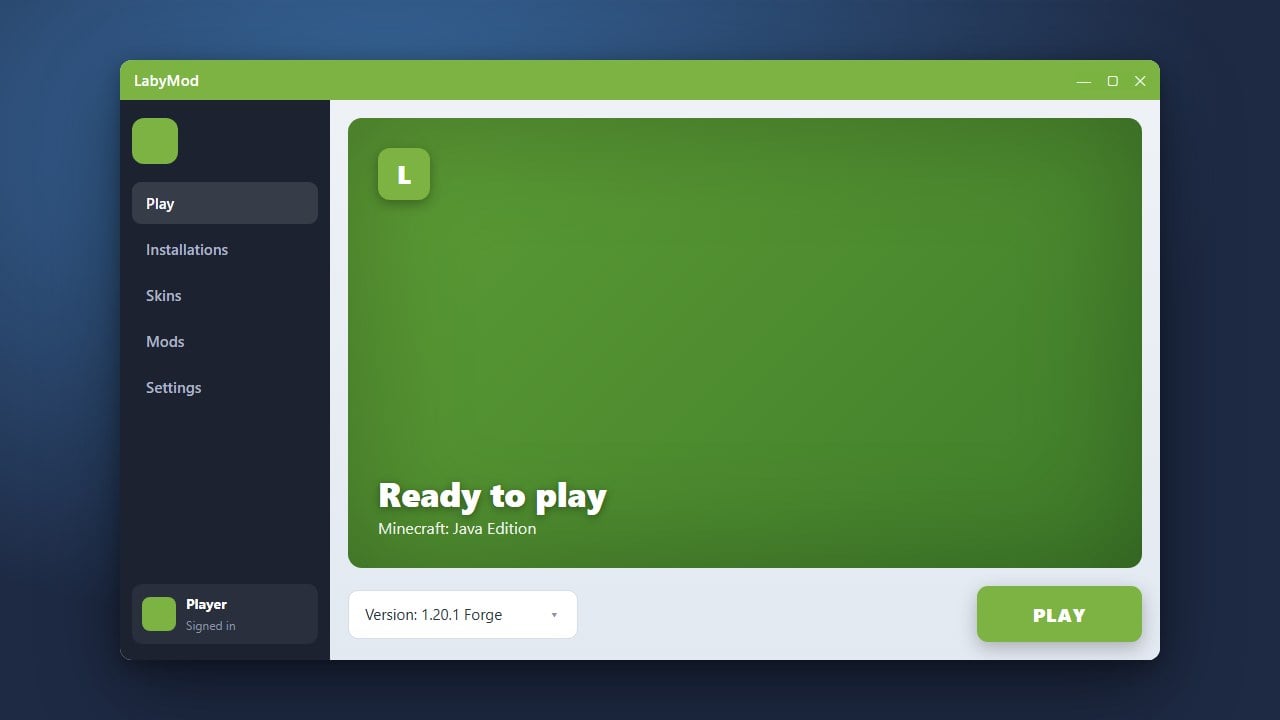
Open your official Minecraft Launcher, locate the newly created LabyMod profile in your dropdown version list, and click play. You are now ready to explore more features or learn How to Add Mods to LabyMod to further customize your experience.
Frequently Asked Questions
Is LabyMod free to download and use?
Yes, LabyMod is completely free to download and use for all legitimate owners of Minecraft Java Edition.
Can I use LabyMod on Minecraft Bedrock Edition?
No, LabyMod is exclusively available for Minecraft Java Edition on PC and is not supported on Bedrock platforms.
What should I do if LabyMod fails to start?
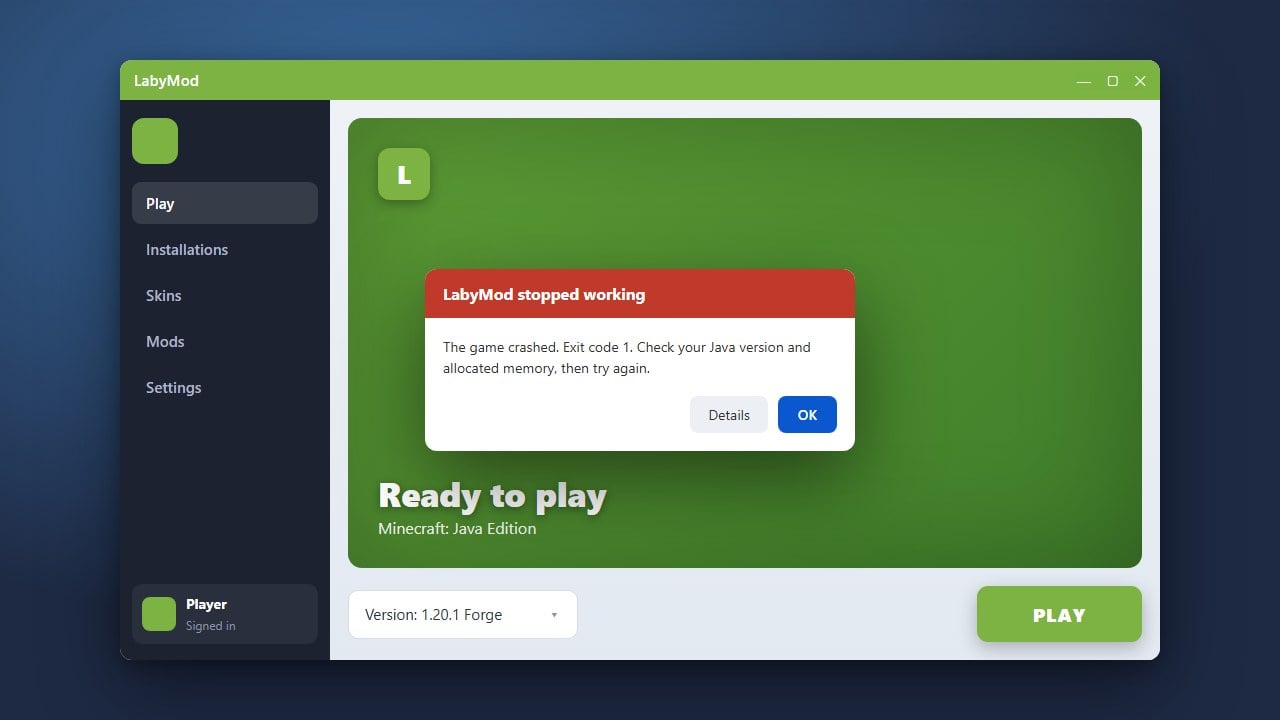
If you encounter startup issues, make sure your Java runtime is up to date, or consult our troubleshooting guide on How to Fix LabyMod Not Working.